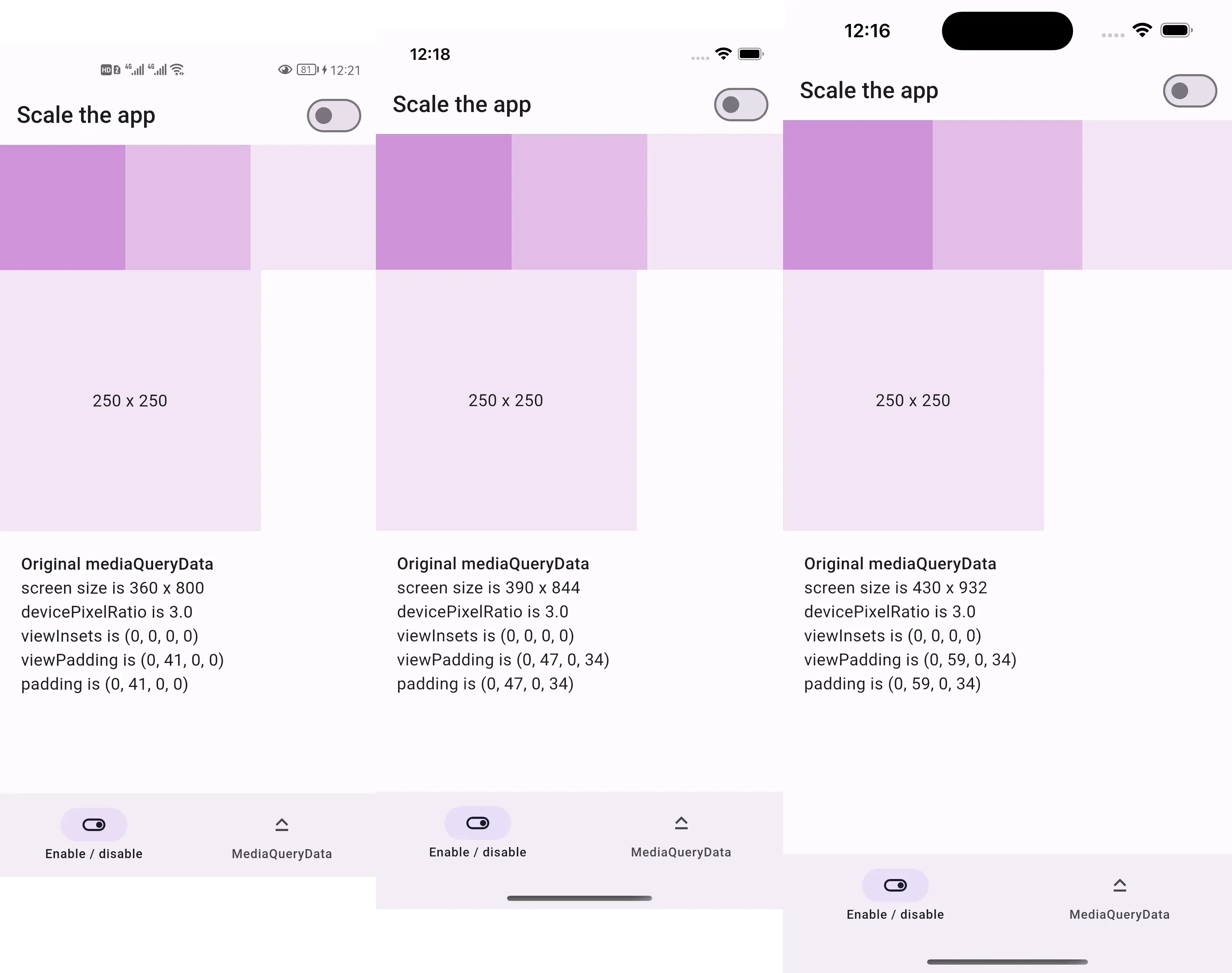
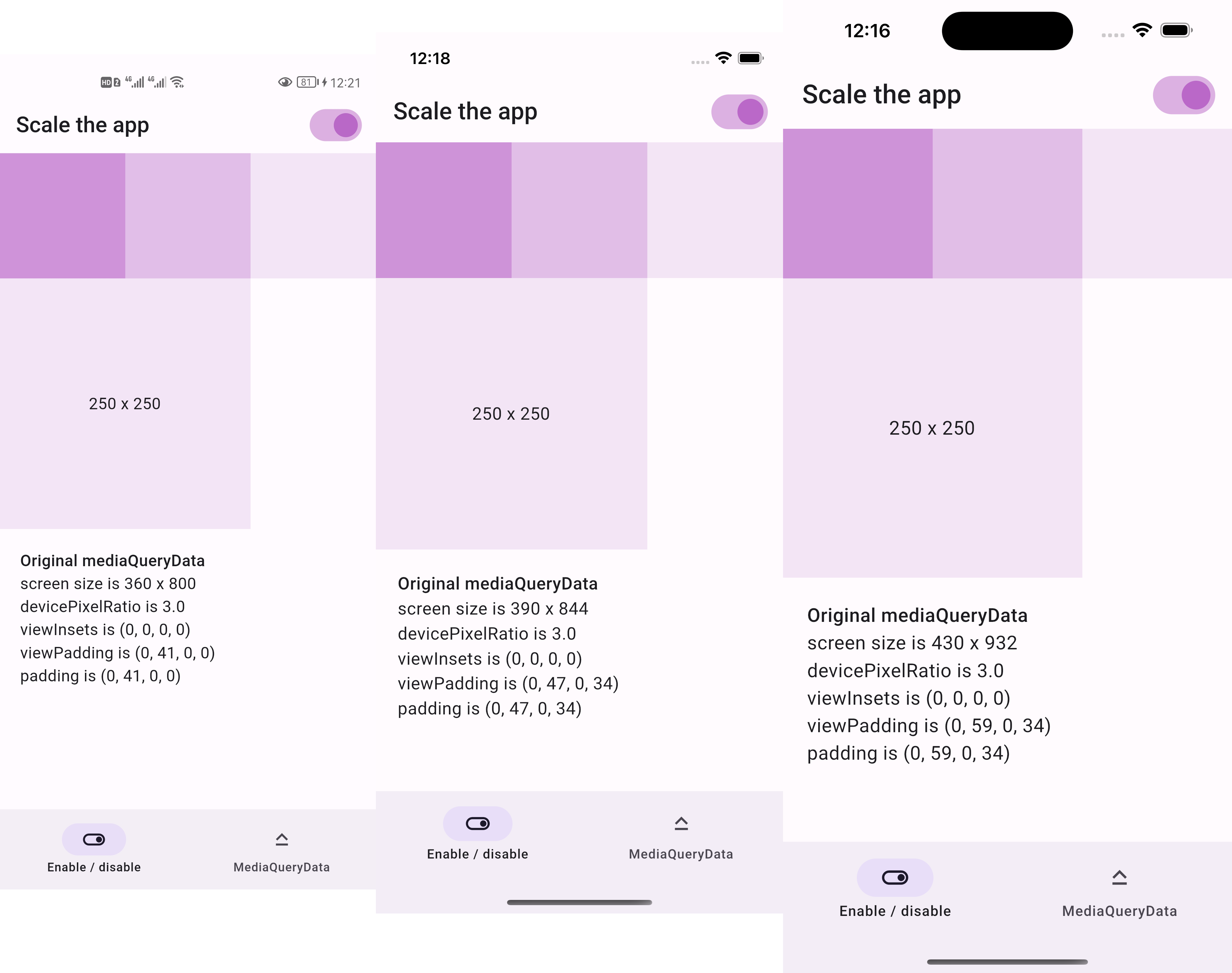
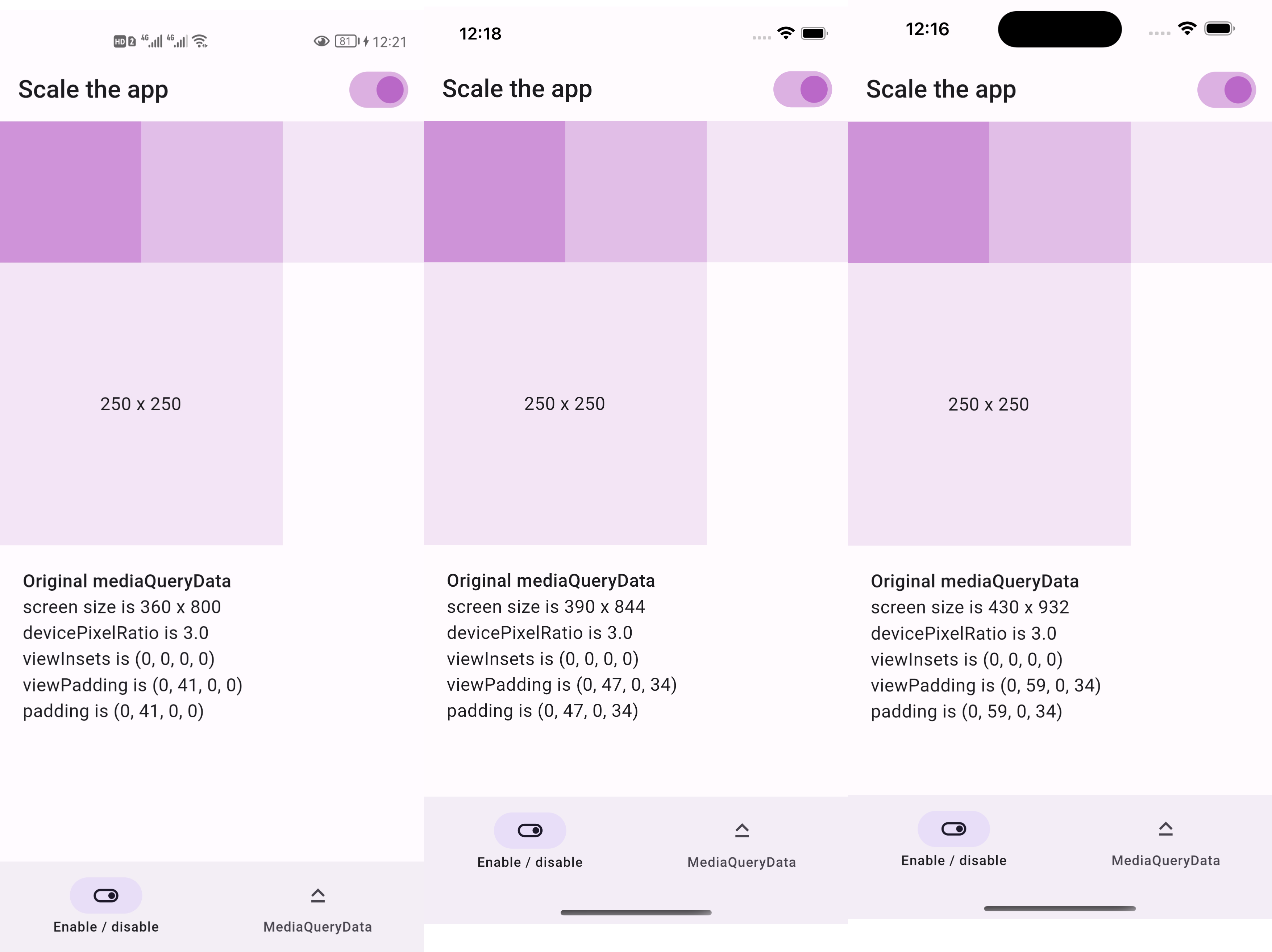
you want to scale the entire UI, not just part of it
Usage
Firstly, replace runApp with runAppScaled
voidmain() {
// 1st way to use this packagerunAppScaled(constMyApp(), scaleFactor: (deviceSize) {
// screen width used in your UI designconstdouble widthOfDesign = 375;
return deviceSize.width / widthOfDesign;
});
}
Or, replace WidgetsFlutterBinding with ScaledWidgetsFlutterBinding
voidmain() {
// 2nd way to use this package// Scaling will be applied based on [scaleFactor] callback.ScaledWidgetsFlutterBinding.ensureInitialized(
scaleFactor: (deviceSize) {
// screen width used in your UI designconstdouble widthOfDesign = 375;
return deviceSize.width / widthOfDesign;
},
);
runApp(constMyApp());
}
Then, use MediaQueryData.scale to scale size, viewInsets, viewPadding, etc.