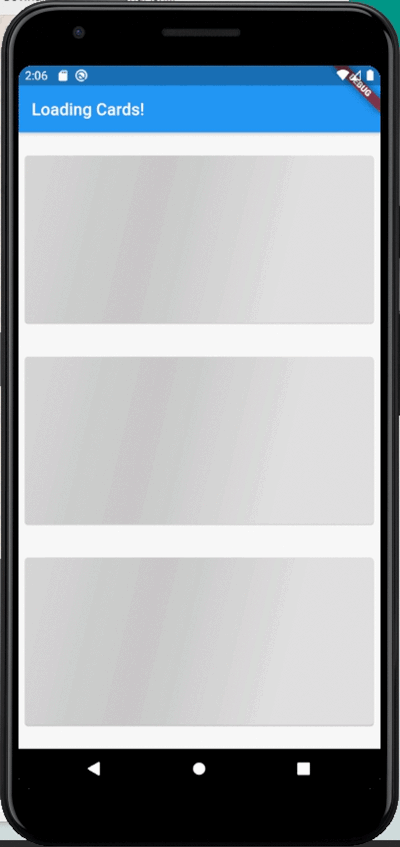
Shimmer Animation



Supports Null Safety
This shimmer animation widget can help you bring simple yet beautiful skeleton loaders to your project with ease.
Shimmer is very widely used as the default animation for skeleton loaders or placeholder widgets throughout the development community.
Therefore, having an easy to use, yet customizable widget ready to use for Android, iOS and Web, gives developers an advantage to focus on their actual functionality, let shimmer make the loading experience smoother.
Examples
An example can be found in the example directory of this repository.
A list of detailed examples can be found in this Examples Repository
| Full Screen |
Loading Widgets |
Loading Buttons |
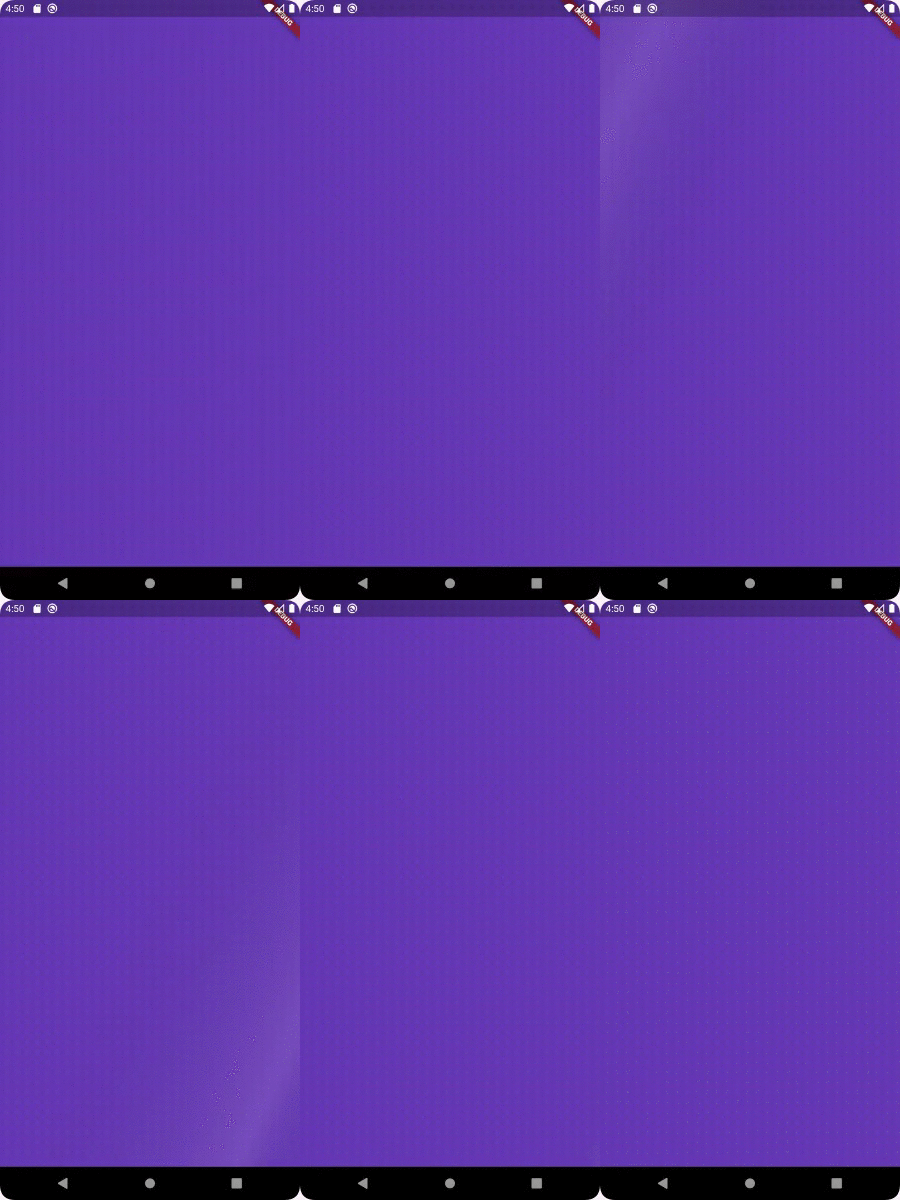 |
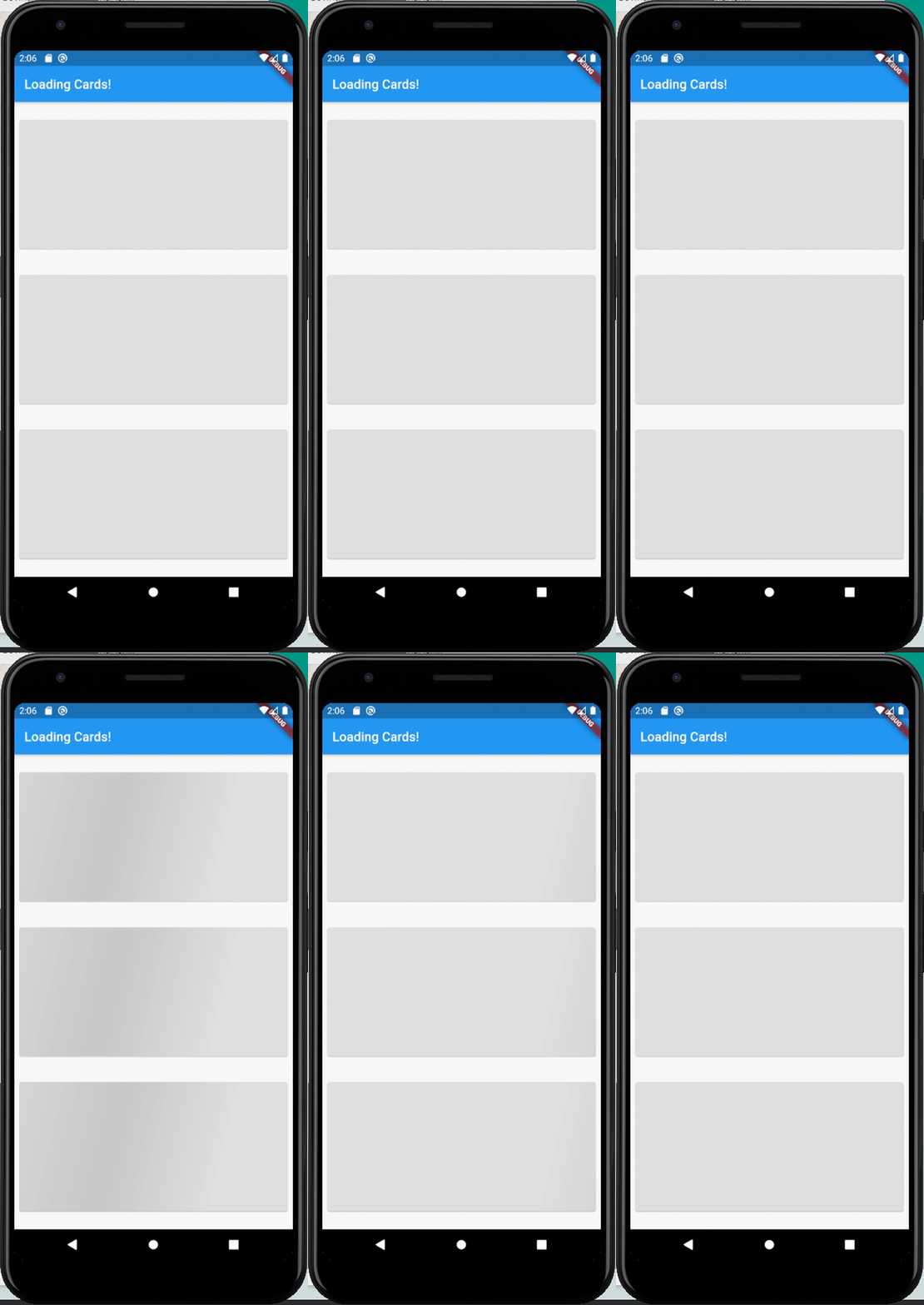 |
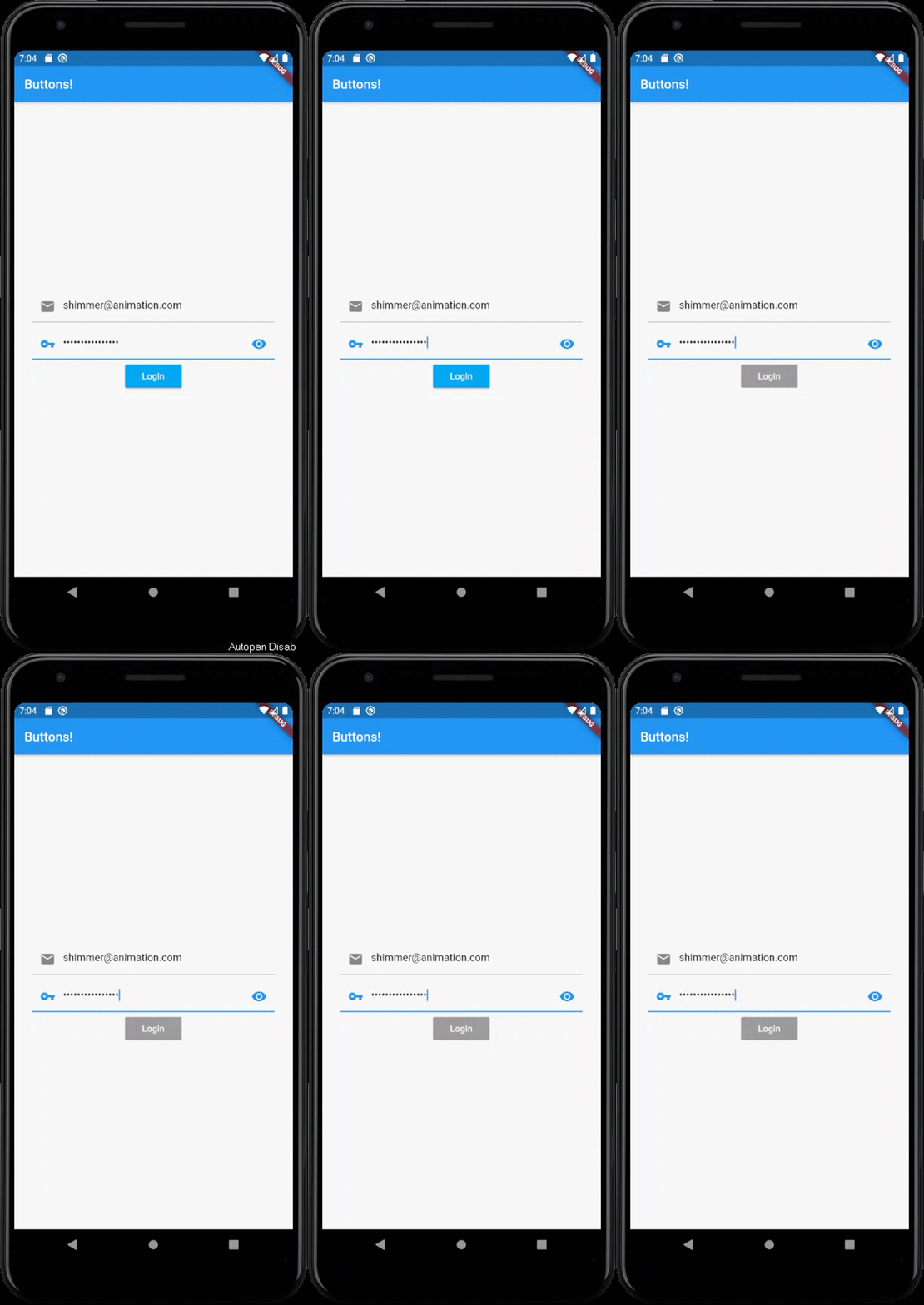 |
How to use
Add shimmer_animation to pubspec.yaml of your project:
dependencies:
  shimmer_animation: ^2.1.0
Import it in your Dart code:
import 'package:shimmer_animation/shimmer_animation.dart';
Wrap any widget with Shimmer() widget to apply animaton:
  Shimmer(
    child: Container(
      color: Colors.deepPurple,
    ),
  ),
A number of parameters can be passed to customise the look and feel of this animation:
Shimmer(
duration: Duration(seconds: 3),
interval: Duration(seconds: 5),
color: Colors.white,
colorOpacity: 0,
enabled: true,
direction: ShimmerDirection.fromLTRB(),
child: Container(
color: Colors.deepPurple,
),
),
Parameters:
- @required child : accepts a child Widget over which the animation is to be displayed
- color : accepts a parameter of type Color and sets the color of the animation overlay. Default value is Colors.white
- color : accepts a parameter of type double and sets the Opacity of the color of the animation overlay. Default value is 0.3
- enabled : accepts a bool which toggles the animation on/off. Default value is true
- duration : accepts a Duration that would be the time period of animation. Default value is Duration(seconds: 3)
- interval : accepts a Duration that would be the interval between the repeating animation. Default value is Duration(seconds: 0) i.e. no interval
- direction : accepts a ShimmerDirection and aligns the animation accordingly. Default value is ShimmerDirection.fromLBRT()
A detailed API Reference can be found here.
License
MIT License.