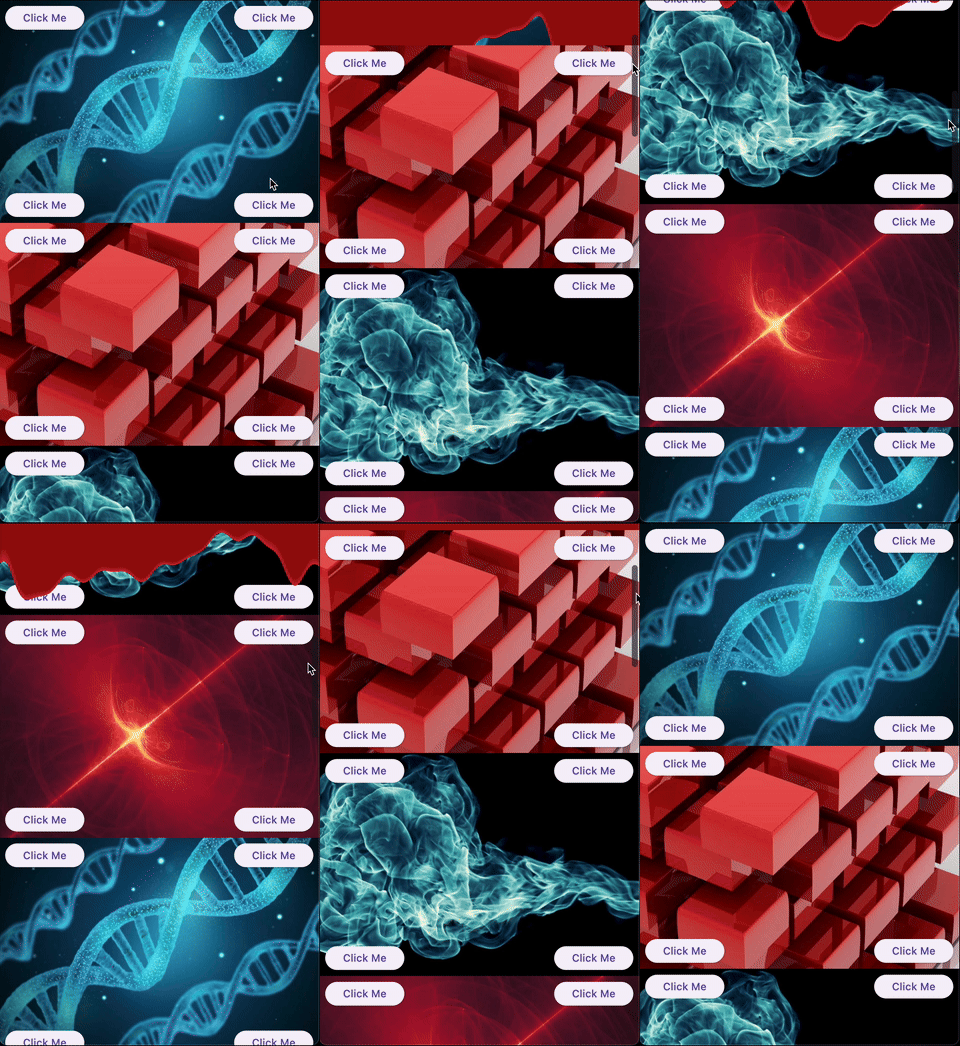
A collection of experimental and creative slivers for Flutter. Extend your scrolling experience beyond the basics.
Gallery
Demo
Overview
Sliver Catalog provides a set of advanced and experimental slivers for Flutter, enabling developers to create unique, visually engaging scroll effects. The package includes basic slivers as a platform for creating effects and specific implementations that provide ready-to-use effects.
Basics
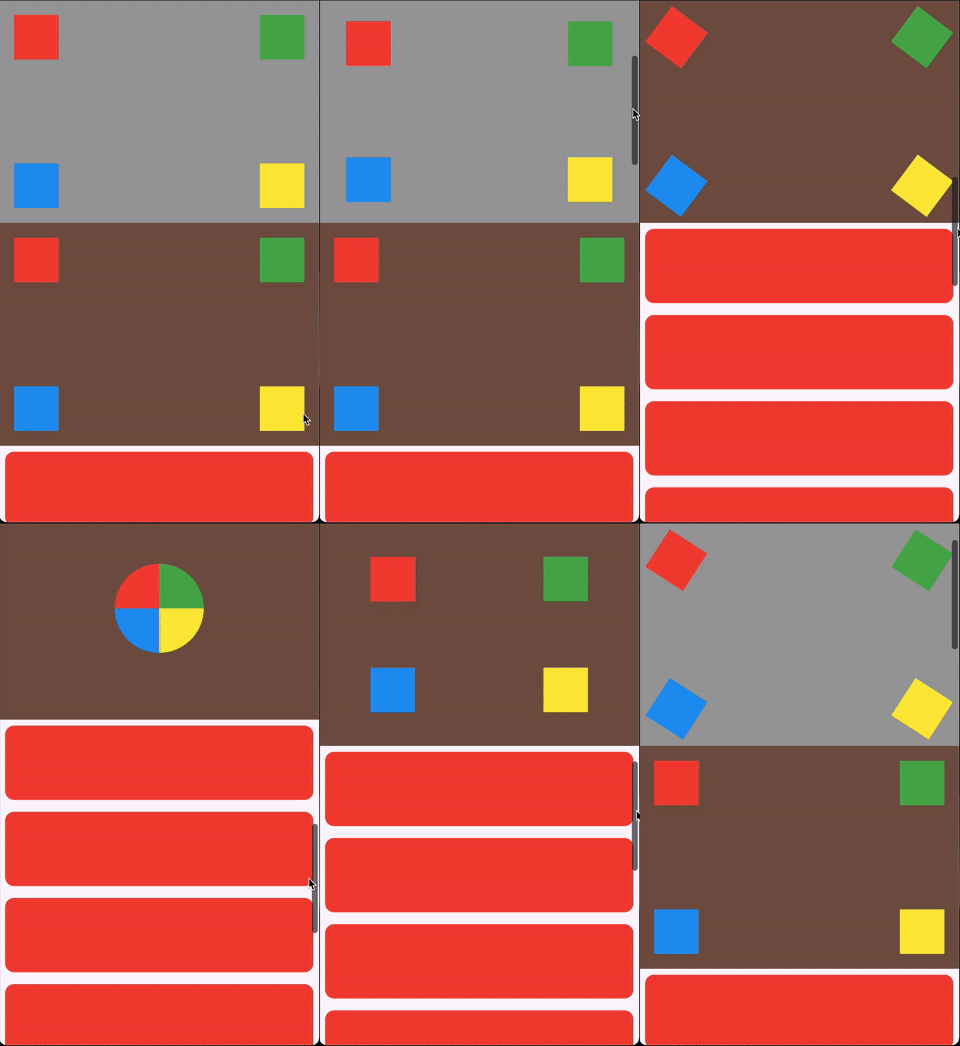
ScrollHijackSliver: A sliver that consumes a specified amount of scrollable space before allowing its child to start scrolling.
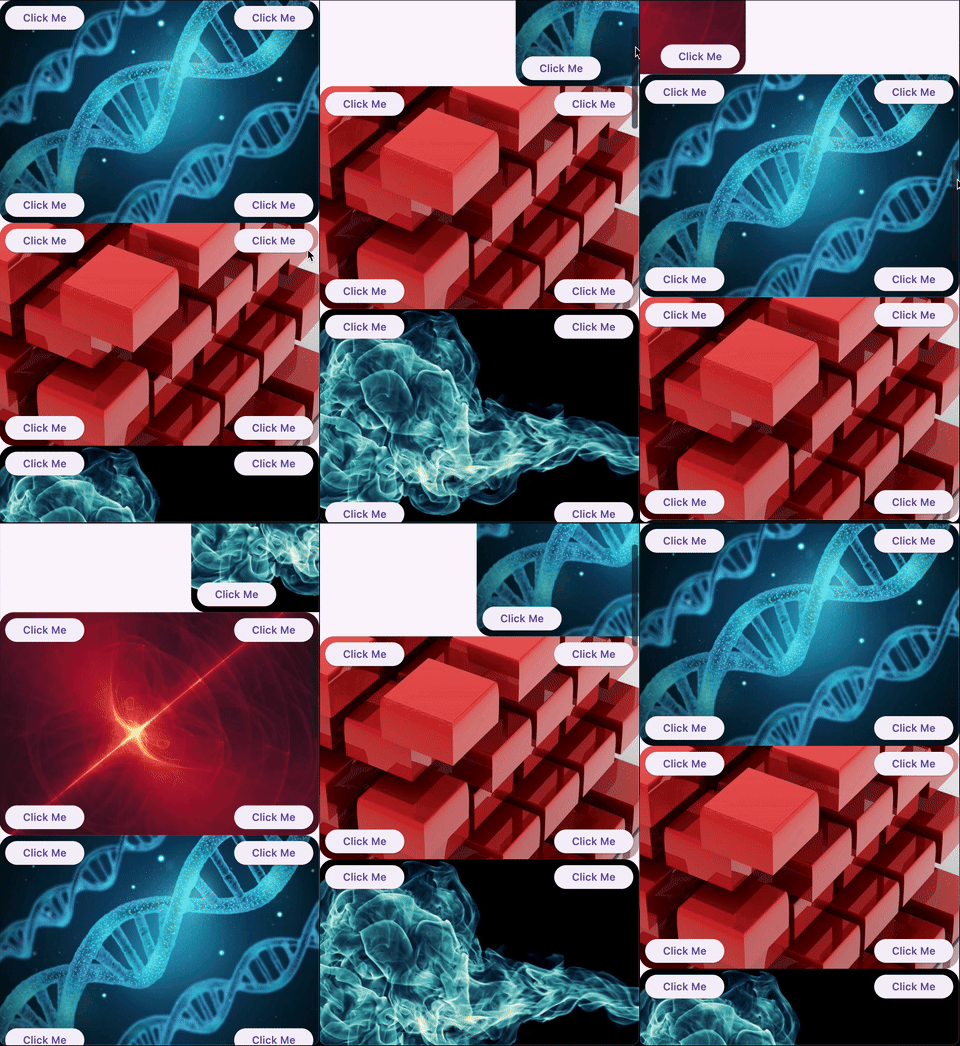
LeavingViewportShaderSliver: Applies a shader on top of the child while it leaves the viewport.
LeavingViewportTransformedRenderSliver: A render object that applies a transformation to the child while it leaves the viewport.
Ready-to-use effects
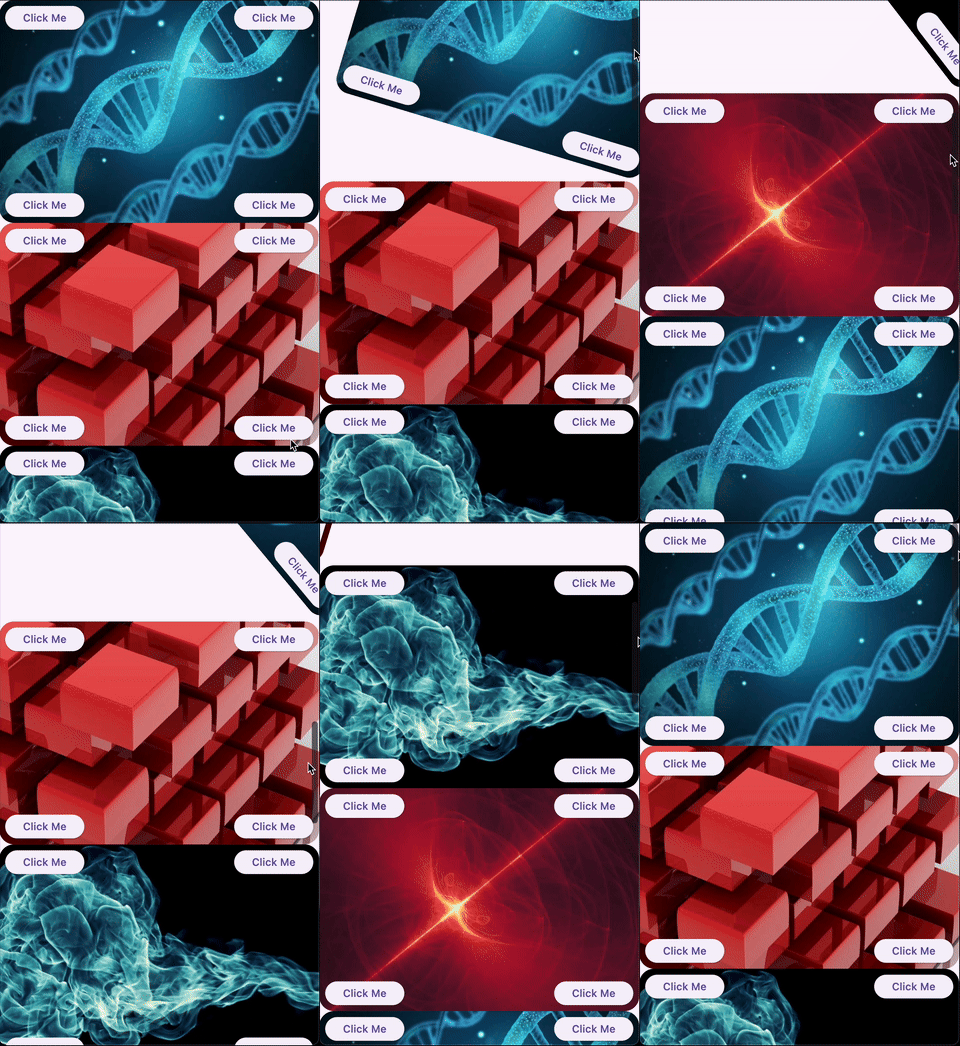
SpinnerSliver: Rotates its child as it leaves the viewport, with configurable anchor and angle.
GliderSliver: Smoothly shifts the child in and out of the viewport.
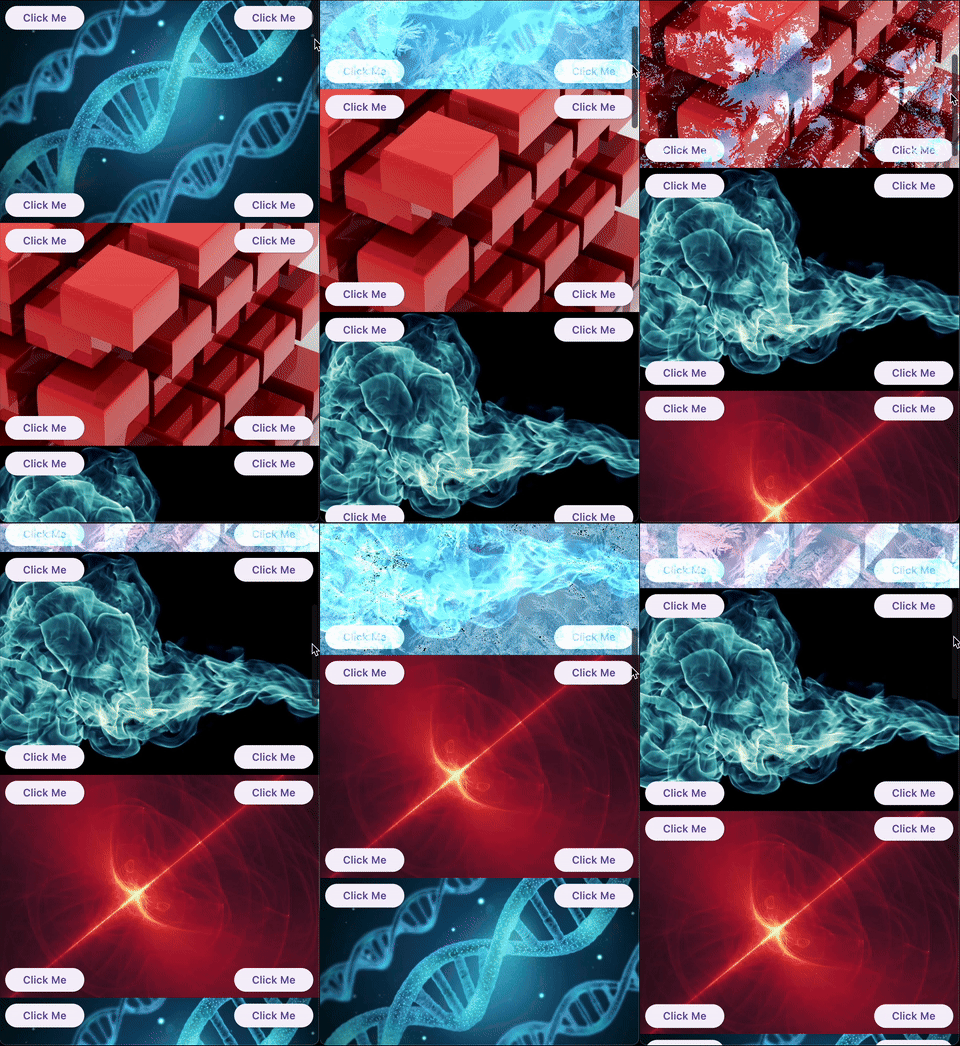
FreezeSliver: Applies a freezing effect to the child while it leaves the viewport.
BloodSliver: Applies a blood covering effect to the child while it leaves the viewport.
Explore the library
ScrollHijackSliver
A sliver that consumes a specified amount of scrollable space before allowing its child to start scrolling. This is useful for creating custom scroll-driven animations and effects.
Key features:
Exposes a ValueListenable<double> progress (0.0–1.0) to the builder, so you can animate your child based on the progress.
Supports different progress calculation behaviors via ScrollHijackProgressBehavior.
A sliver that applies a fragment shader effect to its child as it leaves the viewport. This enables advanced visual effects as the user scrolls.
Key features:
Can operate with a raw FragmentShader that uses a specific order of arguments (size, offset, progress), or with a custom shader wrapper for any uniform order via the LeavingViewportShader interface.
The shader receives the child's size, paint offset, and a progress value (0.0–1.0) indicating how much the child has left the viewport.
Example:
CustomScrollView(
slivers: [
// Using a raw FragmentShader (default uniform order)LeavingViewportShaderSliver.fromFragmentShader(
shader: myFragmentShader,
child: Image.network('https://...'),
),
// Using a custom wrapper for arbitrary uniform orderLeavingViewportShaderSliver(
shader: MyCustomLeavingViewportShader(),
child: Image.network('https://...'),
),
// ... other slivers ...
],
)
There are also two built-in inheritances of LeavingViewportShaderSliver:
FreezeSliver
A sliver that applies a "freezing" shader effect to its child as it leaves the viewport. This effect is built-in and requires no manual shader setup.
Key features:
Uses a predefined freezing shader bundled with the package.
No shader code required—just wrap a content with the sliver.
A sliver that applies a "blood covering" shader effect to its child as it leaves the viewport. This effect is built-in and requires no manual shader setup.
Key features:
Uses a predefined blood shader bundled with the package.
No shader code required—just wrap a content with the sliver.
A base render sliver for creating scroll-driven 3D or 2D transformations as a child leaves the viewport. This class is intended for advanced use, enabling you to define custom transformation effects (such as rotation, scaling, skewing, etc.) based on scroll progress.
Key features:
Exposes a performTransform method to define any transformation matrix based on child size and leaving progress.
Handles all the layout, painting, and hit testing logic for you.
Allows to define a custom hit testing logic if it is necessary.
Usage:
To create a custom effect, extend LeavingViewportTransformedRenderSliver and implement performTransform.
We appreciate any form of support, whether it's a financial donation, a public sharing, or a star on GitHub and a like on Pub. If you want to provide financial support, there are several ways you can do it: