Spinner
This flutter package implements a simple Spinner animation that cycles through any number of fixed size child widgets. Useful for selecting a random word from a list and displaying it to a user.
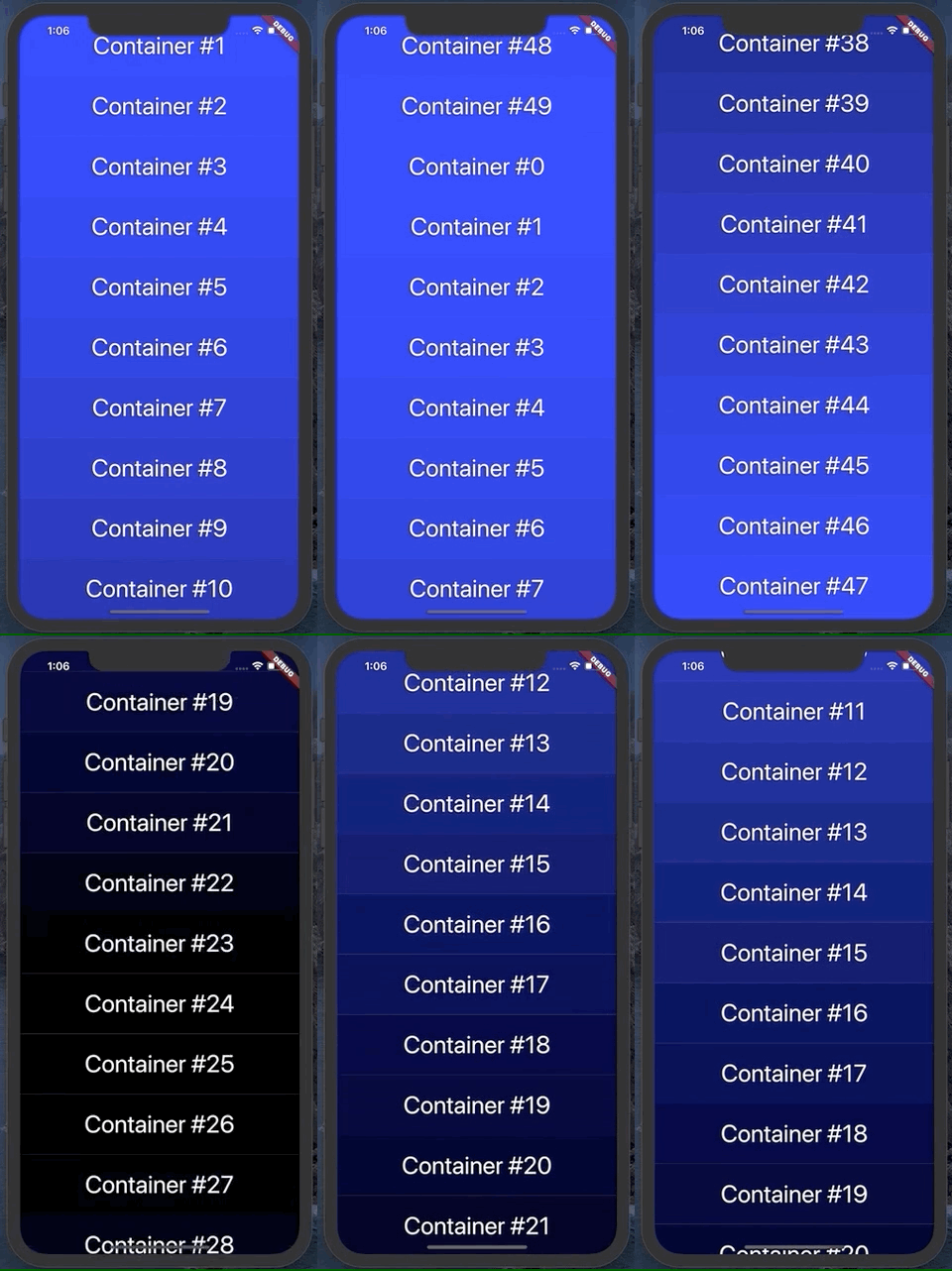
It can animate vertically, up or down:
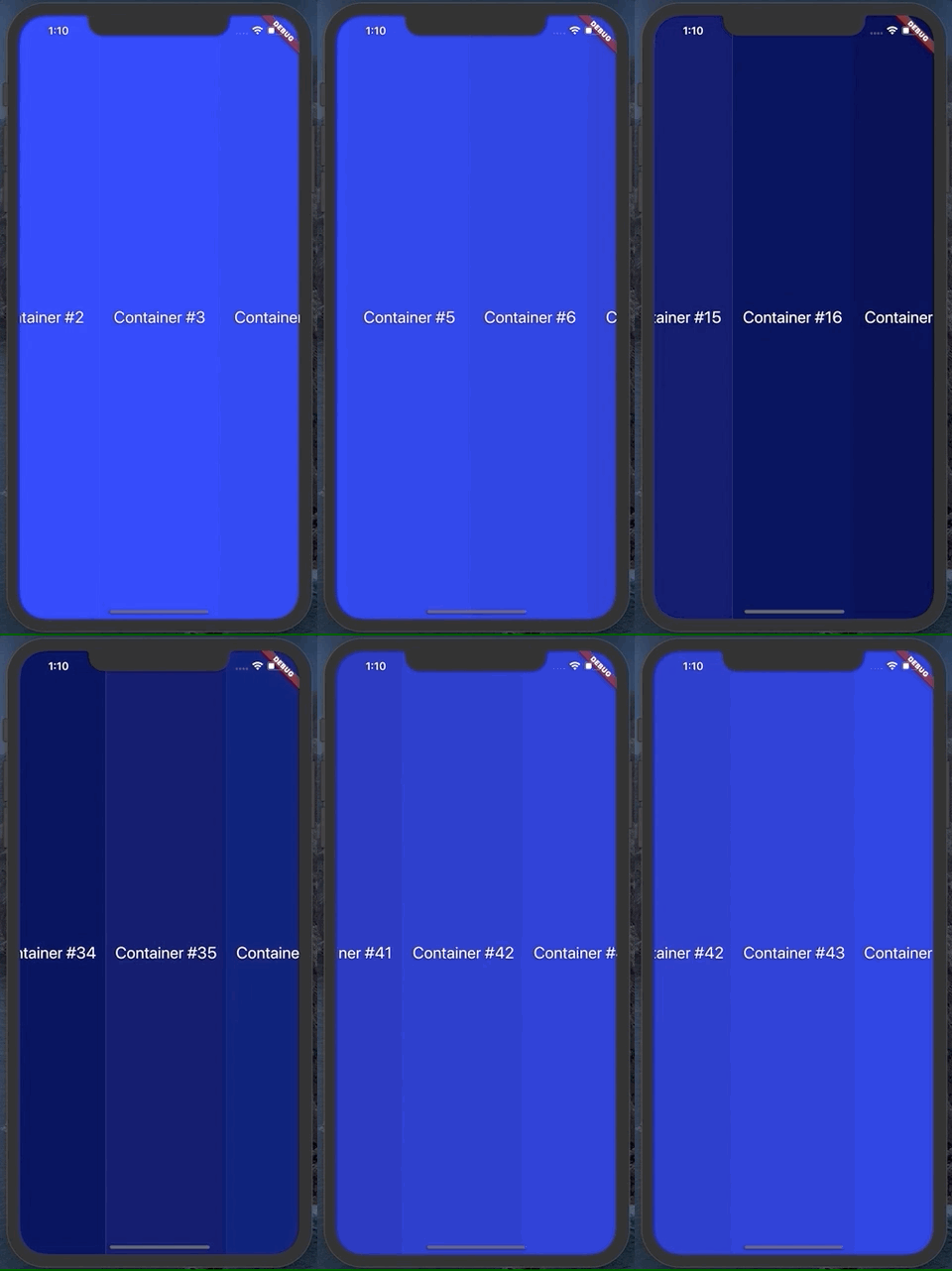
Or horizontally, left or right:
Usage
To use this plugin, add spinner as a dependency in your pubspec.yaml file .
Example
See the example project in the repo for a quick demo
API
Spinner has several useful parameters. You can see them used in the example file
duration: change the duration of the animation
animationSpeed: change how fast the animation moves and what index the animation lands on
spinDirection: change the direction of animation
containerCount: number of containers that should appear on screen
containerSize: for vertical scroll, this is the width of each container produced by the builder function. For horizontal, this is the height
builder: a function that takes in an integer and returns a widget with height/width of containerSize
curve: the curve for the animation to follow. Defaults to easeInOutCubic
callback: a function called when the animation completes
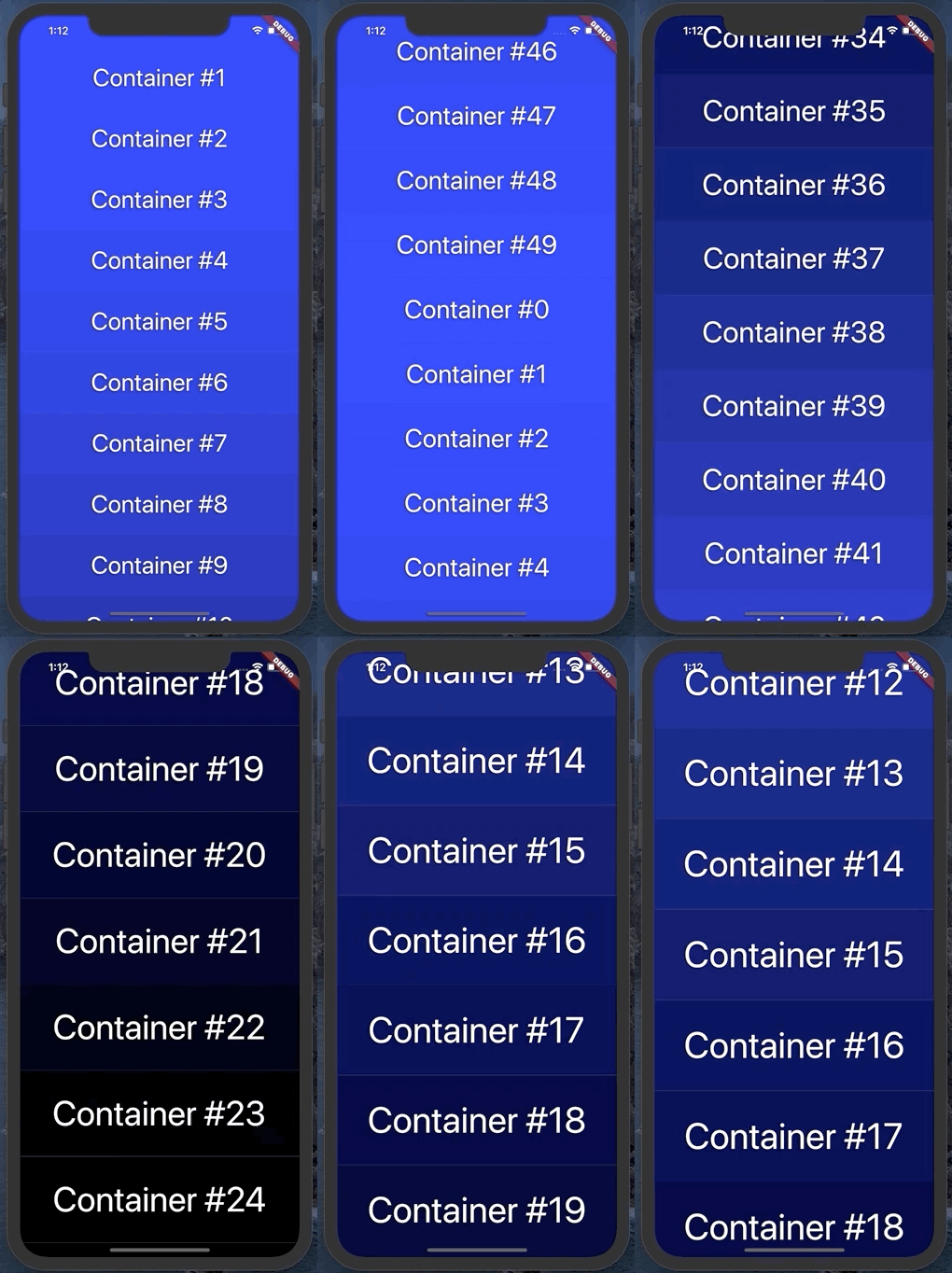
zoomFactor: optional zoom in by this amount during the animation. It looks something like this, with a zoom factor of 1.5: