パッケージ、リポジトリ、アプリカテゴリを検索

パッケージ詳細v1.0.0

stepo

カスタマイズ可能なアニメーション期間、色、サイズに対応するアニメーション単位ステッパー用のFlutterパッケージ。

30日間ダウンロード
14
いいね数
25
Pub ポイント
40

パッケージをインストール

flutter pub add stepo

パッケージ概要

公開情報に基づく選定ガイドです。参考としてご利用ください。

Stepoは、カスタマイズ可能なアニメーション期間、色、サイズを備えたアニメーション単位ステッパー小道具を提供するFlutterパッケージです。数値入力のスムーズで視覚的に魅力的な増減操作を可能にし、ユーザー入力の正確さが重要なフォームや設定に最適です。パッケージは簡単な統合をサポートしており、アプリのテーマに合わせたスタイル設定の柔軟性を提供します。プラットフォーム制限なしで、すべてのFlutter対応プラットフォームで動作します。

用途

  • 正確な数値調整が必要なフォーム入力
  • モバイルアプリにおけるカスタマイズ可能な数値セレクター
  • 視覚フィードバック付きのインタラクティブUIコンポーネント
  • インクリメンタル値を備えた設定パネル
  • eコマースカートにおける向上したユーザー体験

主な機能

  • カスタマイズ可能なアニメーション期間
  • カスタマイズ可能な色とサイズ
  • スムーズでアニメーション付きの遷移
  • Flutter との簡単な統合
  • インクリメントおよびデクリメント操作をサポートしています

適している対象

  • インタラクティブなフォームを構築する開発者
  • デザイン重視のFlutterアプリケーション
  • 洗練された数値入力ウィジェットを必要とするアプリ
  • UI/UXの一貫性を重視するチーム
  • 動的で応答性のあるインターフェースを備えたプロジェクト

注意事項

  • 値の範囲制限を手動で処理する必要があります
  • 数値ステッピング機能に限定
  • 組み込みの検証機能がありません
  • 低価格端末ではアニメーションのパフォーマンスが異なる場合があります
  • 数値でないデータ型には適していません

元の README

関連するソースリポジトリの README 原文のスナップショットです。最新の内容はリポジトリをご覧ください。

stepo

A highly customisable Flutter package for animated unit stepper

Supported Dart Versions

Dart SDK version >= 2.1.0

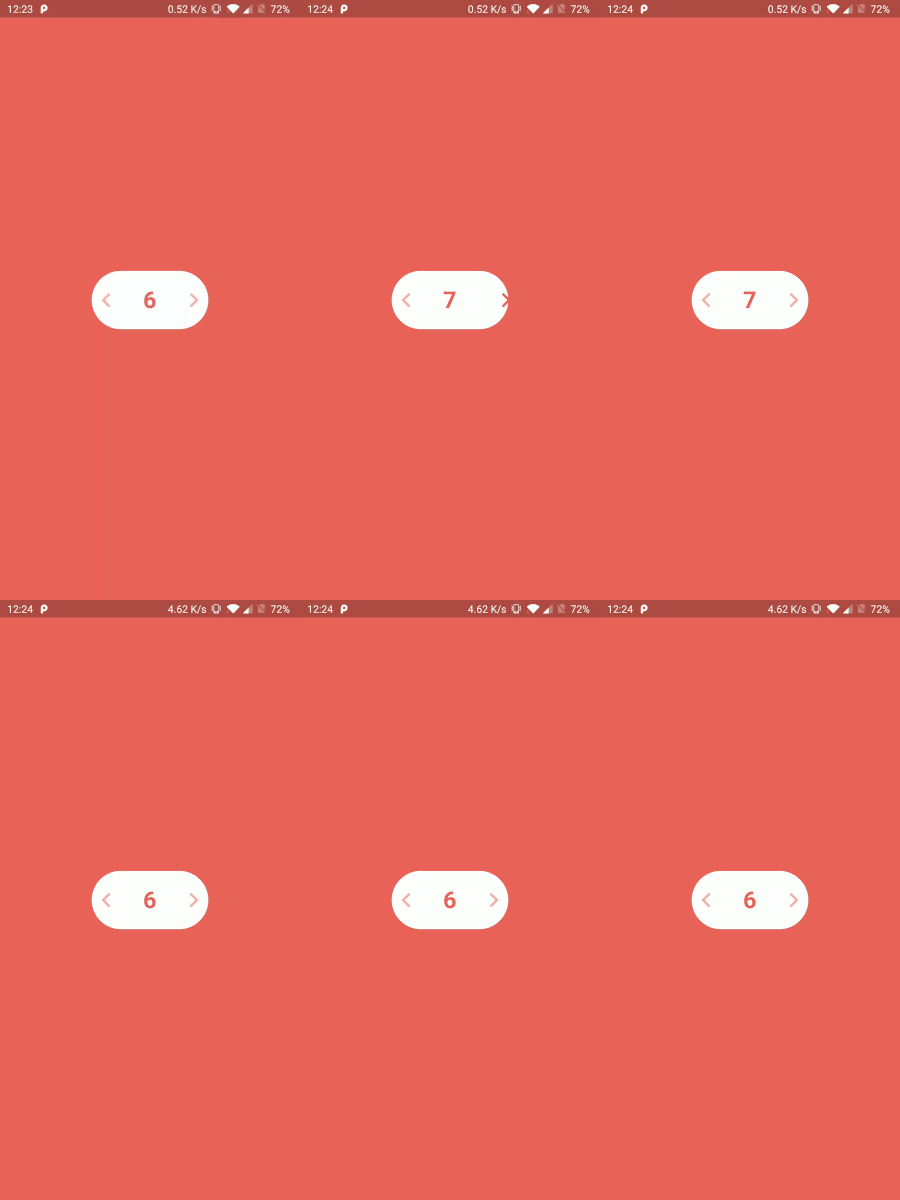
Demo Gif

Stepo Demo

Installation

Pub

Add the Package

dependencies:
  stepo: ^1.0.0

How to use

Import the package in your dart file

import 'package:stepo/stepo.dart';
Basic usage :
Stepo(
  key: UniqueKey(),
),

Note: For stepo to show instant changes on hot reload, you need to provide UniqueKey() so that the widget rebuilds every time.

Customisable usage :
Stepo(
  key: UniqueKey(),
  width: 200,                                         //Optional
  backgroundColor: Colors.deepPurple,                 //Optional
  style: Style.vertical,                              //Optional
  textColor: Colors.white,                            //Optional
  animationDuration: Duration(milliseconds: 500),     //Optional
  iconColor: Colors.white,                            //Optional
  fontSize: 20,                                       //Optional
  iconSize: 30,                                       //Optional 
  initialCounter: 25,                                 //Optional
  lowerBound: 10,                                     //Optional
  upperBound: 50,                                     //Optional
  onIncrementClicked: (counter) {                     //Optional
    print("Increment clicked");
  },
  onDecrementClicked: (counter) {                     //Optional
    print("Decrement clicked");
  },
),
Customisable fields
Attribute Type Default Value
width int 160
backgroundColor color Colors.white
style vertical/horizontal Style.horizontal
textColor color Color(0xffEC645B)
animationDuration int Duration(milliseconds: 200)
iconColor color Color(0xffEC645B)
fontSize int 32
iconSize int 40
initialCounter int 0
lowerBound int 0
upperBound int 100
onIncrementClicked function (counter) {}
onDecrementClicked function (counter) {}
Inspired by

Oleg Frolov's Design

Created & Maintained By

Harpreet Singh

Damanpreet Singh

License

Copyright 2020 Harpreet Singh & Damanpreet Singh

Licensed under the Apache License, Version 2.0 (the "License");
you may not use this file except in compliance with the License.
You may obtain a copy of the License at

http://www.apache.org/licenses/LICENSE-2.0

Unless required by applicable law or agreed to in writing, software
distributed under the License is distributed on an "AS IS" BASIS,
WITHOUT WARRANTIES OR CONDITIONS OF ANY KIND, either express or implied.
See the License for the specific language governing permissions and
limitations under the License.

カテゴリー

ソースリポジトリ

このパッケージを使用しているプロジェクト

データはまだありません。