Steps package for Flutter

Flutter plugin for displaying vertical/horizontal steps with other Flutter widgets on Android and iOS.
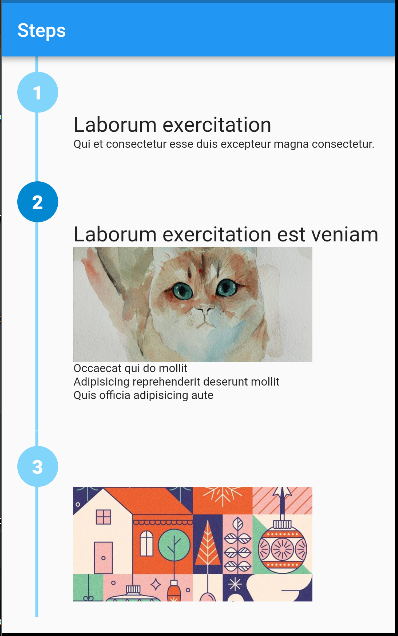
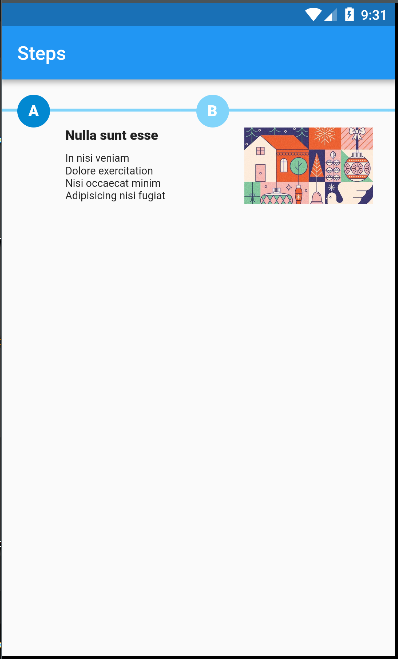
Note: This package is still under development.
Feedback welcome and
Pull Requests are most welcome!
Installation
First, add steps as a dependency in your pubspec.yaml file.
Example
import 'package:flutter/material.dart';
import 'package:steps/steps.dart';

void main() => runApp(MaterialApp(
      debugShowCheckedModeBanner: false,
      home: Home(title: 'Steps'),
    ));

class Home extends StatelessWidget {
  final String title;
  Home({Key key, this.title}) : super(key: key);
  @override
  Widget build(BuildContext context) {
    return Scaffold(
        appBar: AppBar(
          title: Text(title),
        ),
        body: Container(
          alignment: Alignment.topCenter,
          child: Steps(
            direction: Axis.vertical,
            size: 20.0,
            path: {'color': Colors.lightBlue.shade200, 'width': 3.0},
            steps: [
              {
                'color': Colors.white,
                'background': Colors.lightBlue.shade200,
                'label': '1',
                'content': Column(
                  crossAxisAlignment: CrossAxisAlignment.start,
                  children: <Widget>[
                    Text(
                      'Laborum exercitation',
                      style: TextStyle(fontSize: 22.0),
                    ),
                    Text(
                      'Qui et consectetur esse duis excepteur magna consectetur.',
                      style: TextStyle(fontSize: 12.0),
                    ),
                  ],
                ),
              },
              {
                'color': Colors.white,
                'background': Colors.lightBlue.shade700,
                'label': '2',
                'content': Column(
                  crossAxisAlignment: CrossAxisAlignment.start,
                  children: <Widget>[
                    Text(
                      'Laborum exercitation est veniam',
                      style: TextStyle(fontSize: 22.0),
                    ),
                    Image.asset(
                      'assets/cat.jpg',
                      width: 250,
                      height: 120,
                      fit: BoxFit.cover,
                      alignment: Alignment.center,
                    ),
                    Text(
                      '''
Occaecat qui do mollit
Adipisicing reprehenderit deserunt mollit
Quis officia adipisicing aute
                      ''',
                      style: TextStyle(fontSize: 12.0),
                    )
                  ],
                )
              },
              {
                'color': Colors.white,
                'background': Colors.lightBlue.shade200,
                'label': '3',
                'content': Image.asset(
                  'assets/art.jpg',
                  width: 250,
                  height: 120,
                  fit: BoxFit.cover,
                  alignment: Alignment.center,
                ),
              }
            ],
          ),
        ));
  }
}
