Store Locator for Flutter
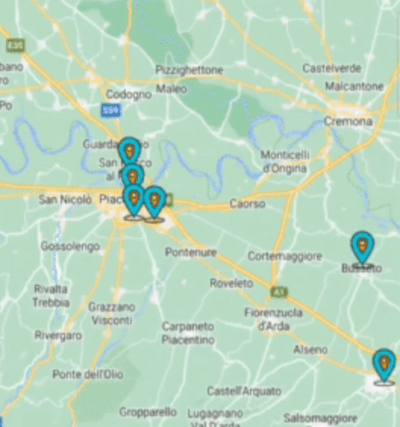
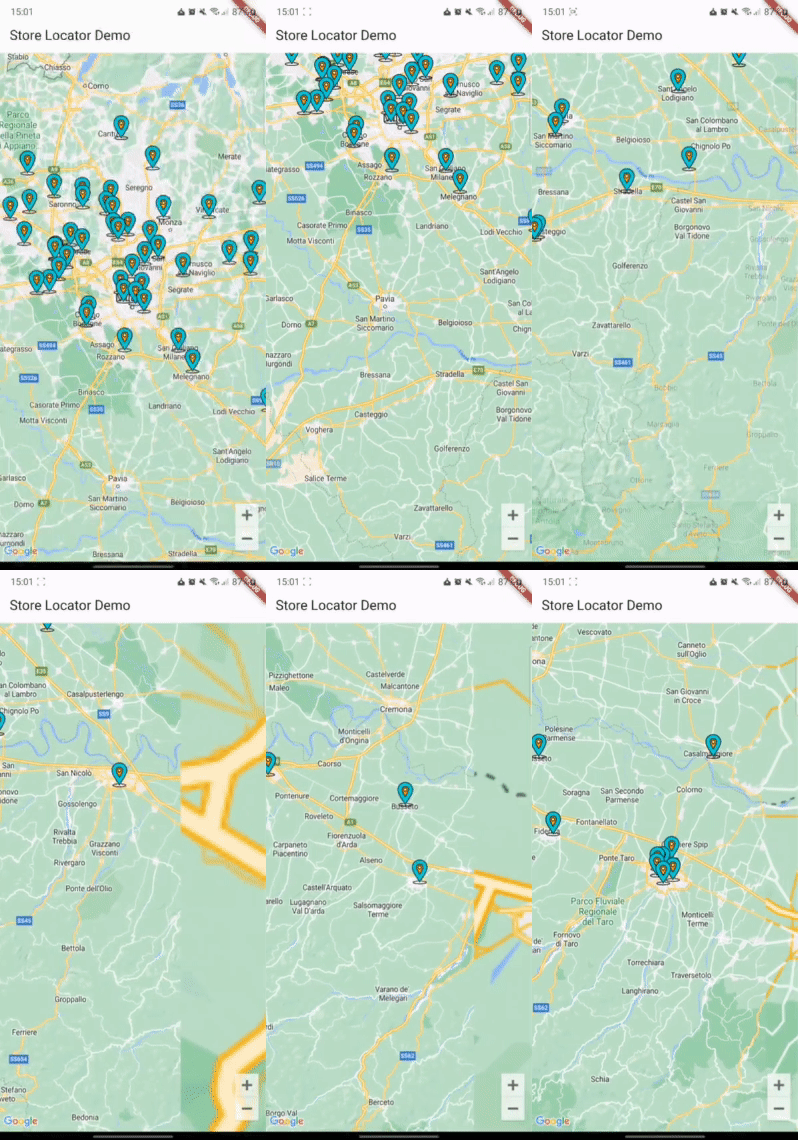
A Flutter package for showing map markers dynamically based on API calls that use Haversine distance or a similar location query.
Android
iOS
Web
Support SDK 24+
14.0+
Any*
Installation
First, add store_locator as a dependency in your pubspec.yaml file .
You also need to implement google_maps_flutter properly, check their guide
Import
You can import the package with:
import 'package:store_locator/store_locator.dart' ;
Example
StoreLocator <Store >(
mapConfiguration: const MapConfiguration (
initialCameraPosition: CameraPosition (
target: LatLng (45.464211 , 9.191383 ),
zoom: 10 ,
),
),
positionCallback: (position) async {
Response response = await Dio ().get ('stores' , queryParameters: {
"latitude" : position.latitude,
"longitude" : position.longitude,
});
if (response.statusCode == 200 || response.statusCode == 201 ) {
return storesFromJson (response.data);
}
return [];
},
markerBuilder: (store) {
return Marker (
markerId: MarkerId (store.id.toString ()),
position: LatLng (store.latitude, store.longitude),
infoWindow: InfoWindow (
title: store.name,
snippet: store.city,
),
);
},
)
See the example directory for a complete sample app.
Support
If this plugin was useful to you, helped you to deliver your app, saved you a lot of time, or you just want to support the project, I would be very grateful if you buy me a cup of coffee.
License
MIT