パッケージ、リポジトリ、アプリカテゴリを検索

syncfusion_flutter_xlsio のカバー
パッケージ詳細v35.1.43

syncfusion_flutter_xlsio

Flutter XlsIO は、数式、チャート、画像、ハイパーリンク、行と列の自動フィットなどを持つ Excel ドキュメントを作成するための Dart ライブラリです。

AndroidiOSWebmacOSWindowsLinux
30日間ダウンロード
7.3万
いいね数
406
Pub ポイント
150

パッケージをインストール

flutter pub add syncfusion_flutter_xlsio

パッケージ概要

公開情報に基づく選定ガイドです。参考としてご利用ください。

Syncfusion Flutter XlsIO は、Flutter アプリケーション内で Excel ファイルの作成と操作を行うための強力なDartライブラリです。数式、チャート、画像、ハイパーリンク、および行と列の自動フィットなどの高度な機能をサポートしています。堅牢なスプレッドシート作成およびエクスポート機能が必要なアプリに最適であり、開発者が複数のプラットフォームで豊かで形式が整ったExcelドキュメントをプログラム的に生成できるようにします。

用途

  • データをExcelにエクスポートする
  • チャートを使用したレポートの作成
  • 数式を使用してテンプレートを作成する
  • 画像とハイパーリンクの埋め込み
  • スプレッドシートの生成を自動化する

主な機能

  • Excelの数式をサポートしています
  • チャートおよび画像の埋め込みを含む
  • 行と列の自動フィット
  • 豊富なフォーマットオプション
  • クロスプラットフォーム互換性

適している対象

  • ビジネスレポートアプリ
  • データエクスポートツール
  • 金融アプリケーション
  • ダッシュボードエクスポートツール
  • 教育ソフトウェア

注意事項

  • 商用利用にはライセンスが必要です
  • パッケージサイズが大きい
  • 高度な機能の習得曲線
  • 制限付きの無料トライアル機能
  • Syncfusionエコシステムに依存

元の README

関連するソースリポジトリの README 原文のスナップショットです。最新の内容はリポジトリをご覧ください。

Syncfusion Flutter Widgets

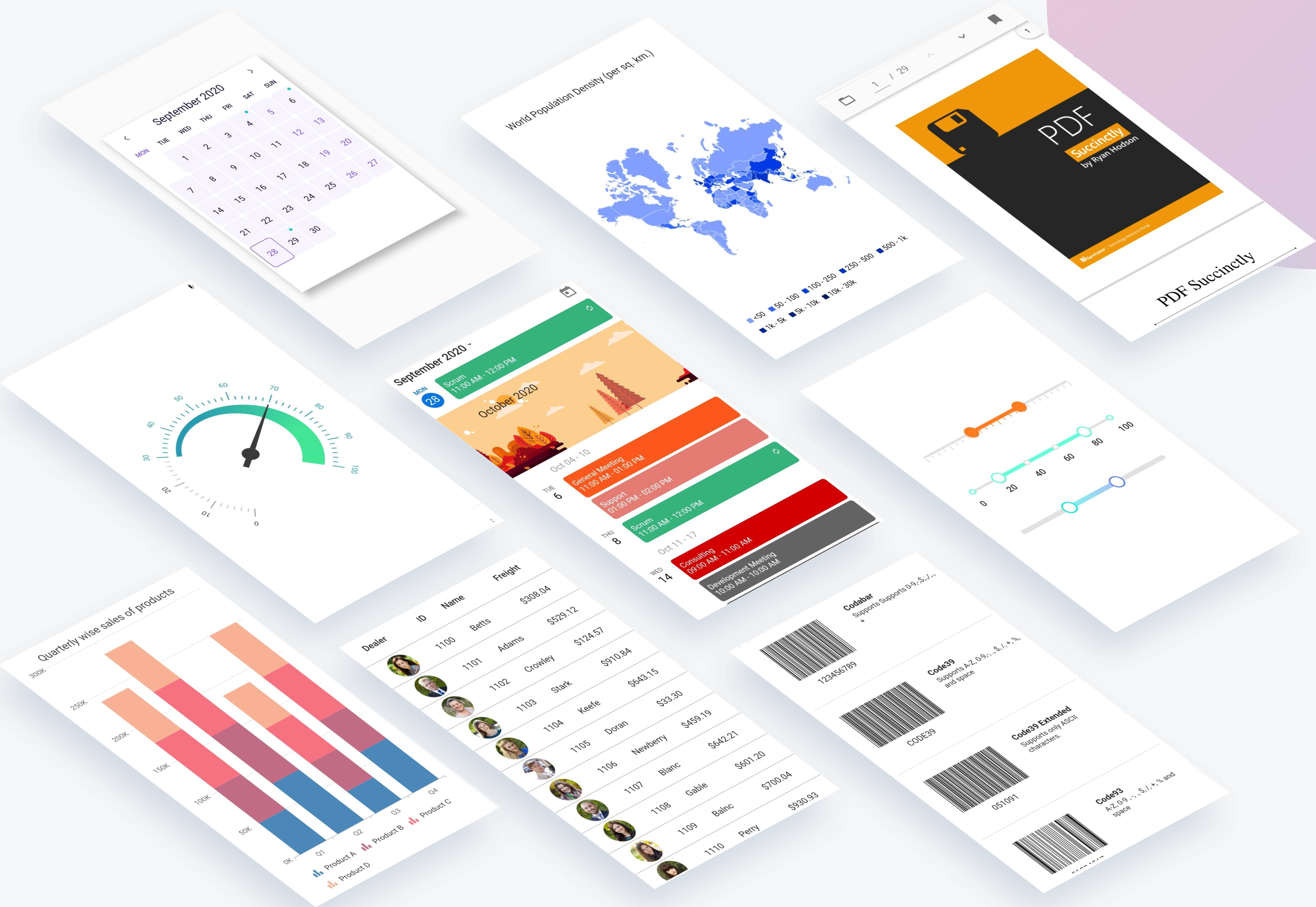
Syncfusion Flutter widgets libraries include high-quality UI widgets and file-format packages to help you create rich, high-quality applications for iOS, Android, and web from a single code base. Please find the supported platforms for our Flutter widgets.

Disclaimer: This is a commercial package. To use our packages, you need to have either the Syncfusion Commercial License or Syncfusion Community license. For more details, please check the LICENSE file.

Table of contents

Repository structure

This repository holds the source code of all the Syncfusion Flutter widgets and libraries. Source code of the widget, a working example, read me, changelog, etc., files are available in the packages directory.

Also, you can view the samples code from this repository.

Packages

Package/Plugin Available widgets/libraries Pub Points Popularity Likes
syncfusion_flutter_chat
  • SfChat
pub package pub points popularity likes
syncfusion_flutter_charts
  • SfCartesianChart
  • SfCircularChart
  • SfPyramidChart
  • SfFunnelChart
pub package pub points popularity likes
syncfusion_flutter_calendar
  • SfCalendar
pub package pub points popularity likes
syncfusion_flutter_datagrid
  • SfDataGrid
pub package pub points popularity likes
syncfusion_flutter_pdfviewer
  • SfPdfViewer
pub package pub points popularity likes
syncfusion_flutter_pdf
  • PDF library
pub package pub points popularity likes
syncfusion_flutter_xlsio
  • XlsIO library
pub package pub points popularity likes
syncfusion_flutter_datepicker
  • SfDateRangePicker
pub package pub points popularity likes
syncfusion_flutter_maps
  • SfMaps
pub package pub points popularity likes
syncfusion_flutter_gauges
  • SfRadialGauge
pub package pub points popularity likes
syncfusion_flutter_sliders
  • SfSlider
  • SfRangeSlider
  • SfRangeSelector
pub package pub points popularity likes
syncfusion_flutter_signaturepad
  • SfSignaturePad
pub package pub points popularity likes
syncfusion_flutter_barcodes
  • SfBarcodeGenerator
pub package pub points popularity likes
syncfusion_officechart
  • Office chart library
pub package pub points popularity likes
syncfusion_officecore This package is a dependecy package for Office chart library. pub package pub points popularity likes
syncfusion_flutter_core This package is a dependecy package for all the Syncfusion Flutter widgets and libraries. pub package pub points popularity likes
syncfusion_localizations This package contains localized text for 77 cultures for all the applicable Syncfusion Flutter Widgets. pub package pub points popularity likes

How to use

Referring packages source in your application

All the packages available in the packages folder can be referred in your application by following the below steps.

Step 1

Clone the flutter-widgets repository into your machine.

Step 2

Refer the required package in your application's pubspec.yaml file by mentioning its local path. For example, here we have referred the charts package.

syncfusion_flutter_charts:
    path: D:/flutter-widgets/packages/syncfusion_flutter_charts

Step 3

Run the following command to get the required packages.

$ flutter pub get

Step 4

Run your application using the following commands:

Windows & Linux

Run code: Ctrl + F5

Run with debugging: F5 or Run > Start Debugging

Stop debugging: Shift + F5

Restart debugging: Ctrl + Shift + F5

MacOS

Run code: Cmd + F5

Run with debugging: F5 or Run > Start Debugging

Stop debugging: Shift + Cmd + F5

Restart debugging: Cmd + Shift + F5

Web (VS Code in the Browser)

Run code: Ctrl + F5

Run with debugging: F5 or Run > Start Debugging

Running the available example

All the packages available in the packages folder has an example and it can be run by following the below steps.

Step 1

Clone the flutter-widgets repository into your machine.

Step 2

Open the example folder available in packages in an IDE. The below path is for reference.

..\flutter-widgets\packages\syncfusion_flutter_charts\example

Step 3

Run the following command to get the required packages.

$ flutter pub get

Note: In the example, packages are referred from the local folder which is available in this repository. If you wish, you can also refer the packages from pub.

Step 4

Run your application either using F5 or Run > Start Debugging.

Get the demo application

Explore the full capabilities of our Flutter widgets on your device by installing our sample browser applications from the below app stores, and view samples code in GitHub.

Useful links

Take a look at the following to learn more about Syncfusion Flutter widgets:

Support and feedback

  • For any other queries, reach our Syncfusion support team or post the queries through the Community forums and submit a feature request or a bug through our Feedback portal.
  • To renew the subscription, click renew or contact our sales team at salessupport@syncfusion.com | Toll Free: 1-888-9 DOTNET.

About Syncfusion

Founded in 2001 and headquartered in Research Triangle Park, N.C., Syncfusion has more than 20,000 customers and more than 1 million users, including large financial institutions, Fortune 500 companies, and global IT consultancies.

Today we provide 1,000+ controls and frameworks for web (ASP.NET Core, ASP.NET MVC, ASP.NET WebForms, JavaScript, Angular, React, Vue, and Blazor, mobile (Xamarin, Flutter, UWP, and JavaScript), and desktop development (WinForms, WPF, and UWP). We provide ready-to deploy enterprise software for dashboards, reports, data integration, and big data processing. Many customers have saved millions in licensing fees by deploying our software.

カテゴリー

依存関係

依存関係一覧 7 件

ソースリポジトリ

このパッケージを使用しているプロジェクト

データはまだありません。