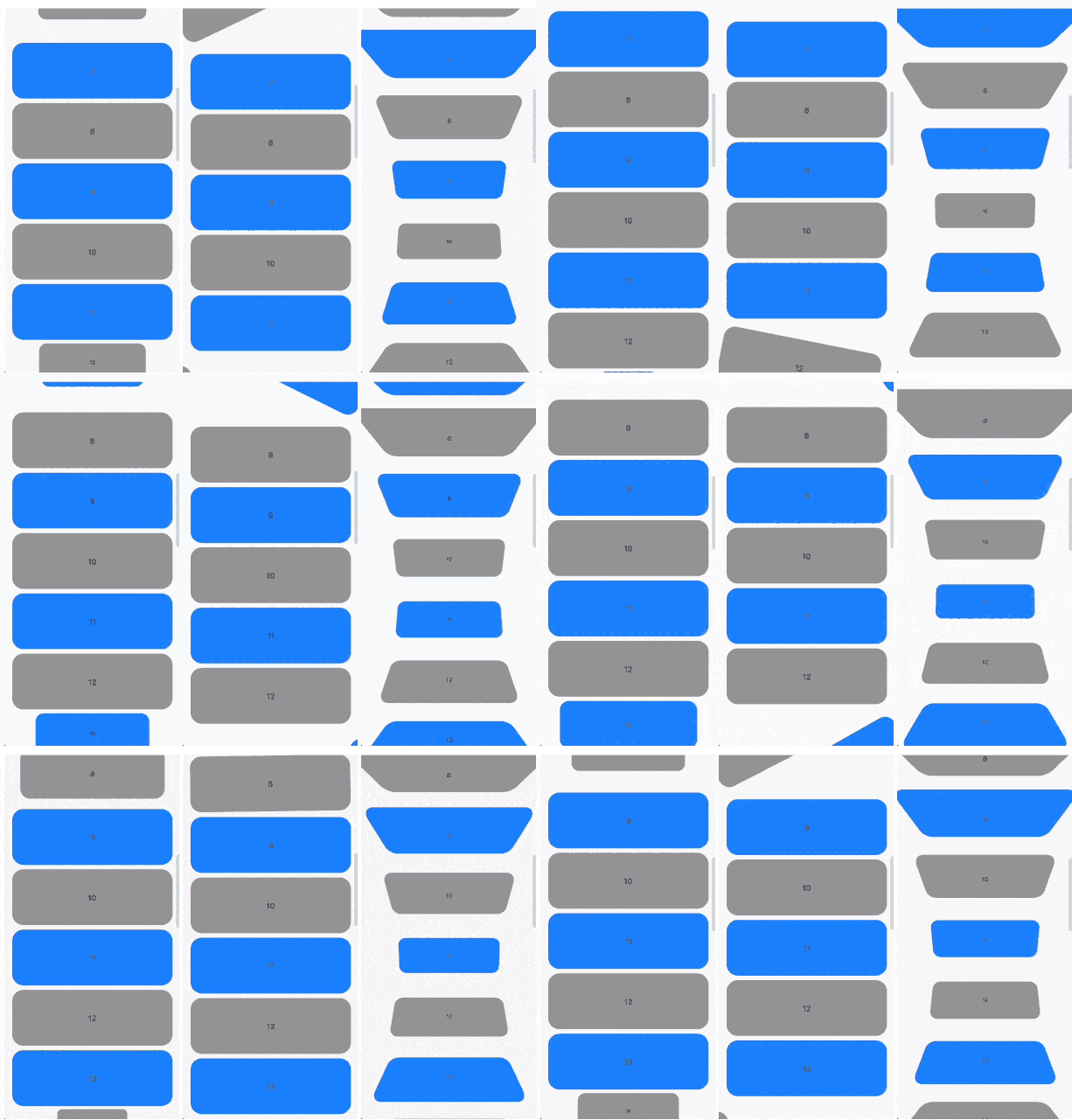
Scrollable widgets with easily customizable transform animations.
Features
The package contains 3 widgets:
TransformableListView that extends ListView
TransformableSliverList that extends SliverList
TransformableSliver that extends SliverToBoxAdapter
Each of then has getTransformMatrix callback. In the callback you need to return Matrix4 that represetns transormation of the child at the current moment. If you don't need any transformations you can simply return Matrix4.identity().
In getTransformMatrix callback you receive TransformableListItem with the data about list item:
Offset offset is main axis offset of the child. By default (with vertical, non reversed scroll view) offset.dx is always 0 while offset.dy is the distance between top edge of the child and top edge of the viewport.
Size size is the child size received from its RenderBox.
SliverConstraints constraints describes the current scroll state of the viewport from the point of view of the sliver receiving the constraints.
int? index is the index of the child. Will be null when using TransformableSliver.
TransformableListItemPosition position is child position on the main axis viewport. Can be .topEdge, .middle or .bottomEdge.
double visibleExtent is currently visible portion of item. For example, if item is hidden it will be 0 while it's completely displayed will equal to size.height or size.width depending on axis.
Usage
First you need to add TransformableListView where you need transformations