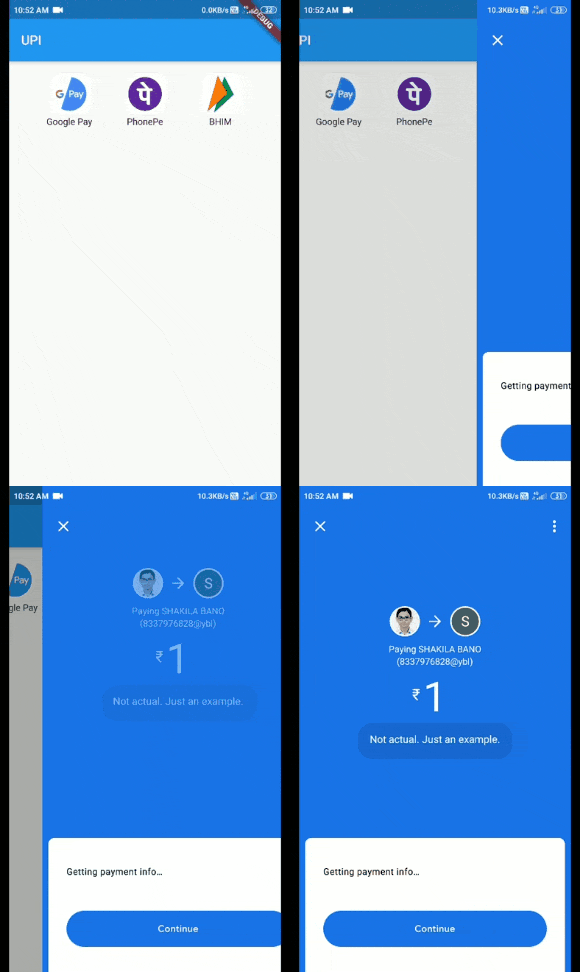
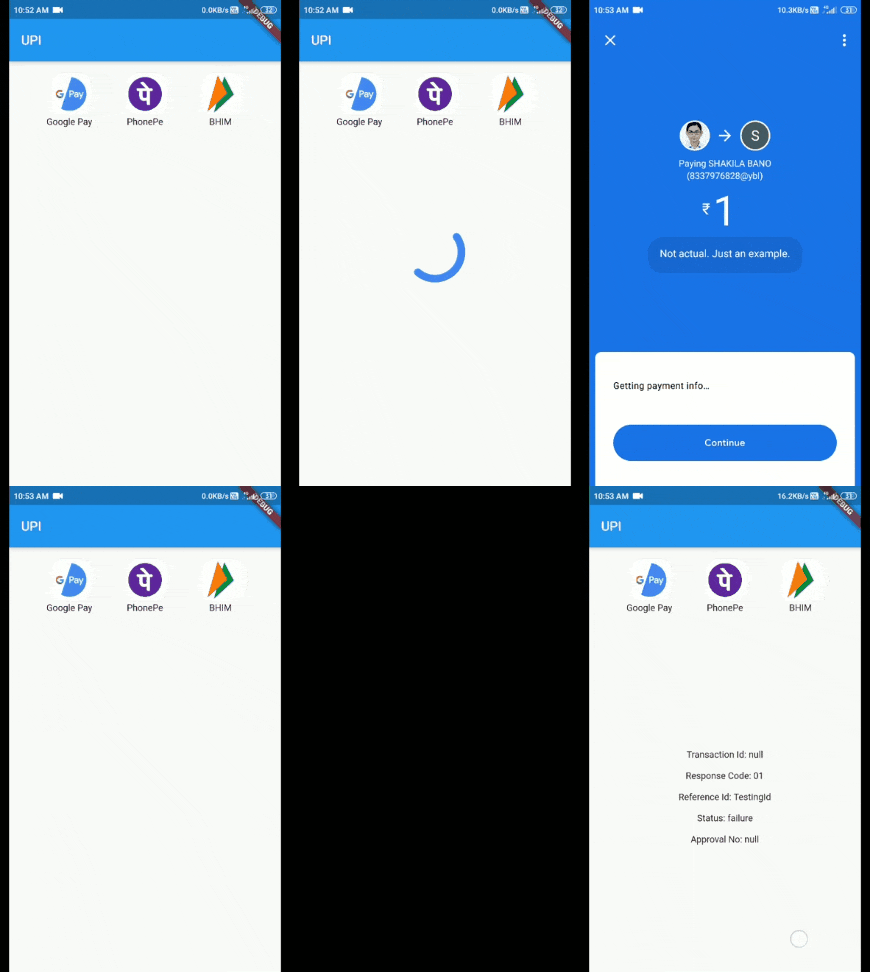
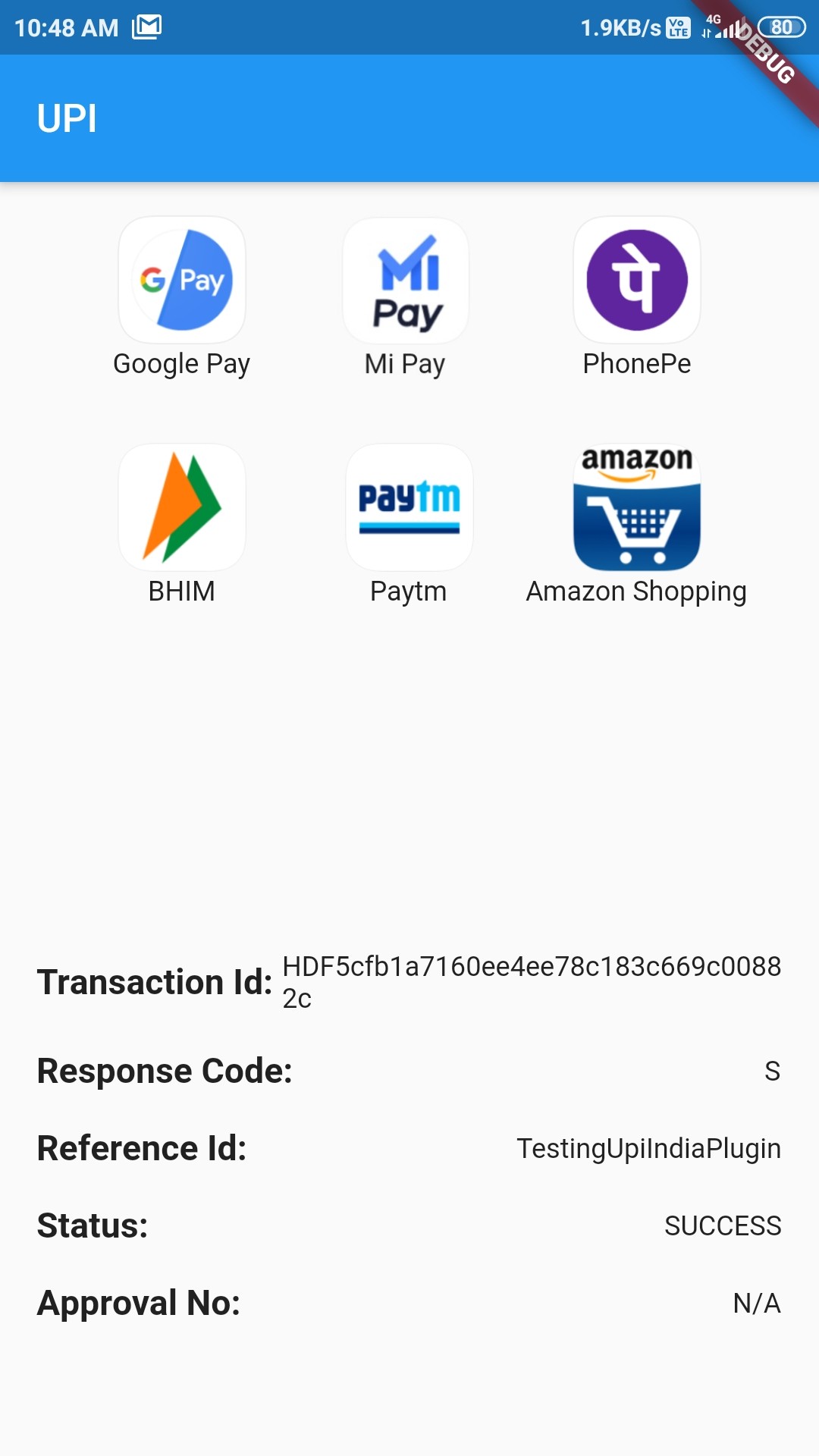
This plugin is used to integrate UPI Options in your Android app. You can use this plugin to initiate transaction to any UPI ID or to any Account number. Check the Supported apps here.
For a complete example of how to use this plugin, look at the Example tab or in the Github repository.
IMPORTANT!
Some apps like Google Pay, PhonePe, Paytm are currently unable to process the transaction and showing "Maximum limit exceeded" or "Risk threshold exceeded" errors. Reason for this is not clear yet.
Help required
If you can help to extend this for iOS, feel free to check this issue.
If you can help to verify the compatibility of different UPI apps, feel free to check this issue.
Thanks in advance :)
Classes to know
UpiIndia - It is the main class containing two methods:
getAllUpiApps() - It takes:
bool allowNonVerifiedApps: Should include apps whose working has not been verified yet or not
List[UpiApp] includeOnly: List of UpiApps which should be shown and hide the others.
bool mandatoryTransactionId: Should include those apps which doesn't return Transaction ID or not
startTransaction() - It takes:
double amount: Amount to transfer (in ₹)
UpiApp app: Which app to use to do the transaction
String currency: Currently only supports INR
bool flexibleAmount: Set true to allow user to fill the amount
String merchantId: Merchant code if present
String receiverId: ID of the receiver
String receiverName: Name of receiver
String transactionNote: A note about the transaction
String transactionRefId: Reference Id of transaction
String url: For some extra information
UpiApp - It contains supported apps. It is also the model class for the apps returned by getAllUpiApps().
UpiResponse - You will use this to get response from the requested app.
UpiPaymentStatus - Use this to see if transaction was a success or not.
Custom Exception thrown by this Plugin (with self explanatory names)
UpiIndiaAppNotInstalledException
UpiIndiaUserCancelledException
UpiIndiaNullResponseException
UpiIndiaInvalidParametersException
UpiIndiaActivityMissingException
UpiIndiaAppsGetException
How to start transaction?
Step 1:
Import the Package:
import'package:upi_india/upi_india.dart';
Step 2:
Create UpiIndia object.
UpiIndia _upiIndia = UpiIndia();
Step 3:
Get list of all apps in the device which can handle UPI Intent, as shown.