Query Android usage statistics from Flutter: app usage and events, configuration
changes, app standby buckets, on-device storage usage, and per-app network data.
The plugin wraps Android's UsageStatsManager, NetworkStatsManager,
StorageStatsManager, and PackageManager behind a single UsageStats facade.
This package is Android only. iOS does not expose comparable per-app usage
data to third-party apps, so the plugin declares no iOS implementation.
Screenshots
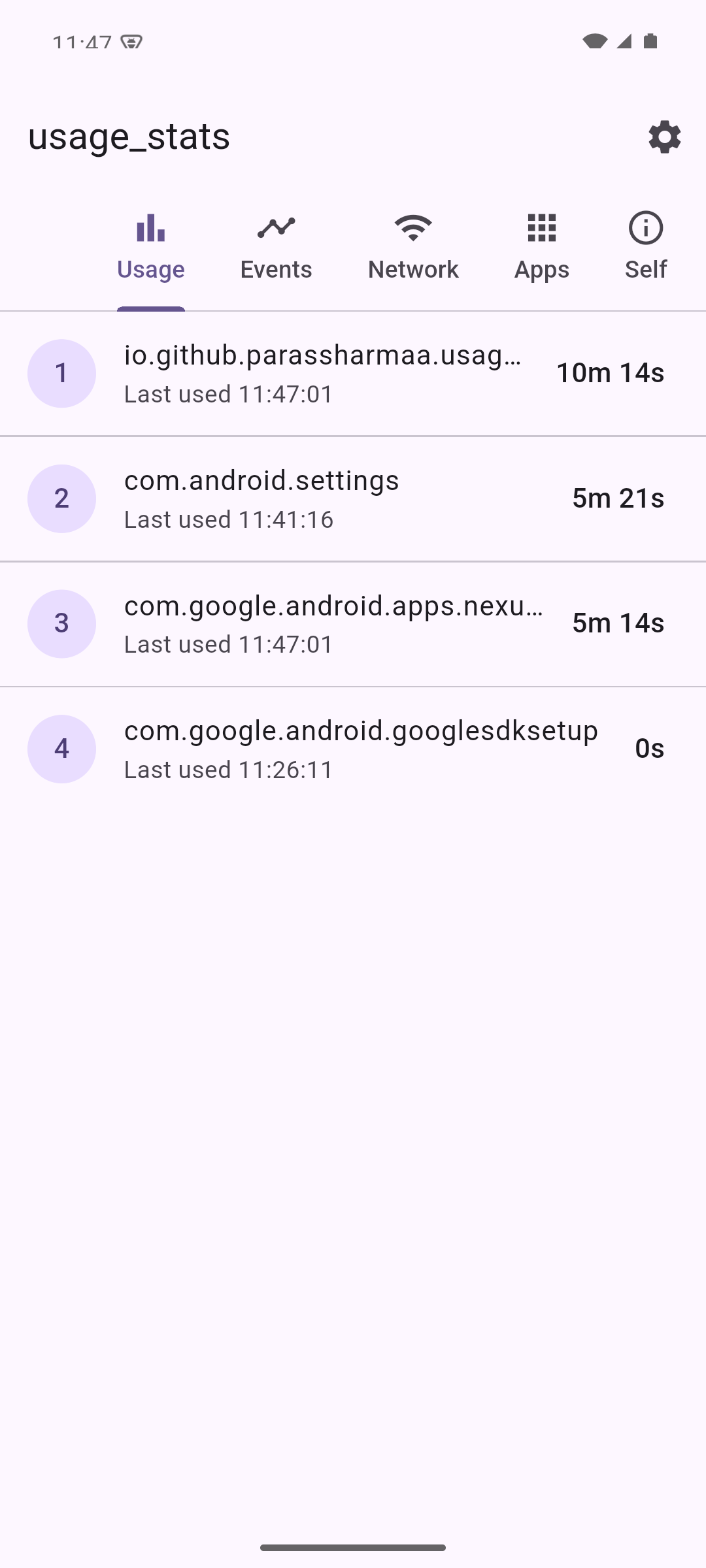
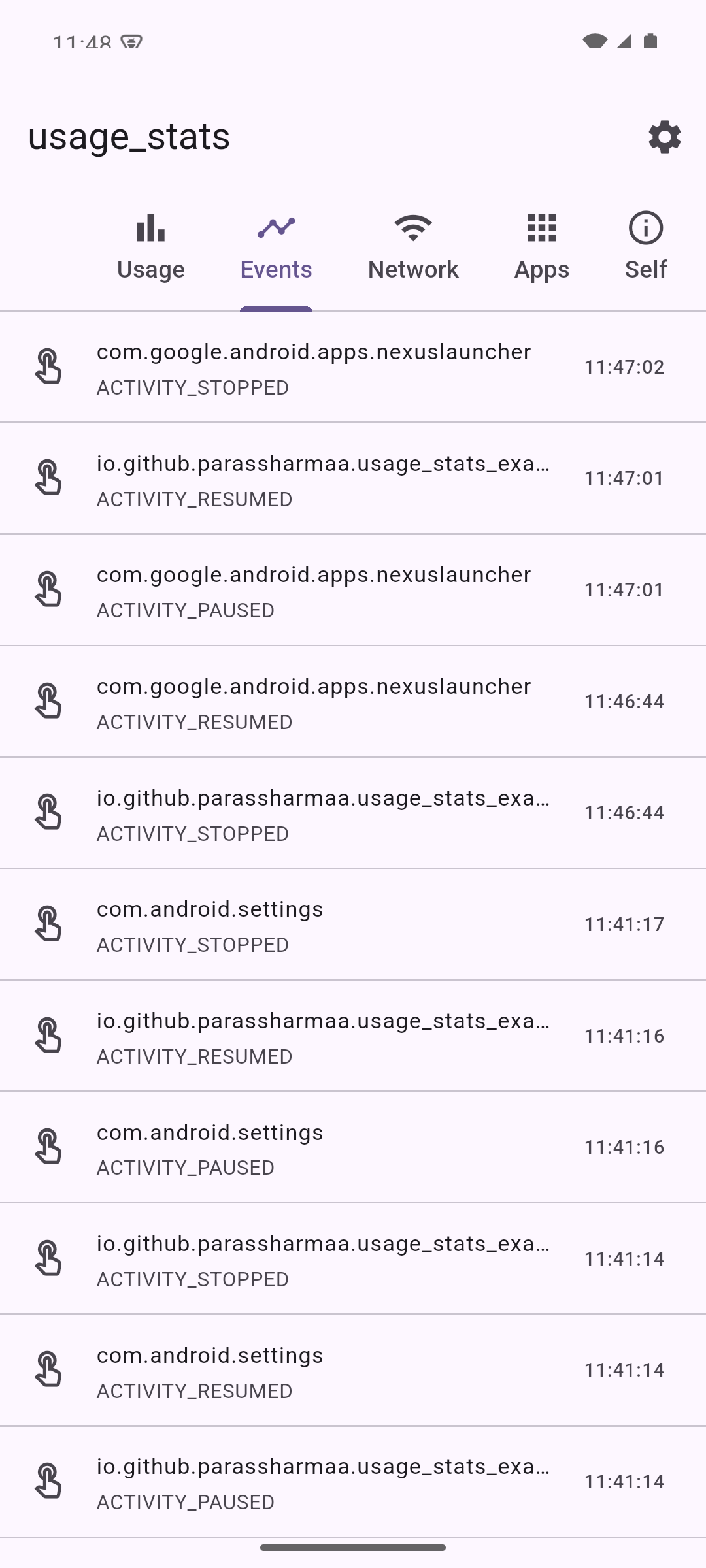
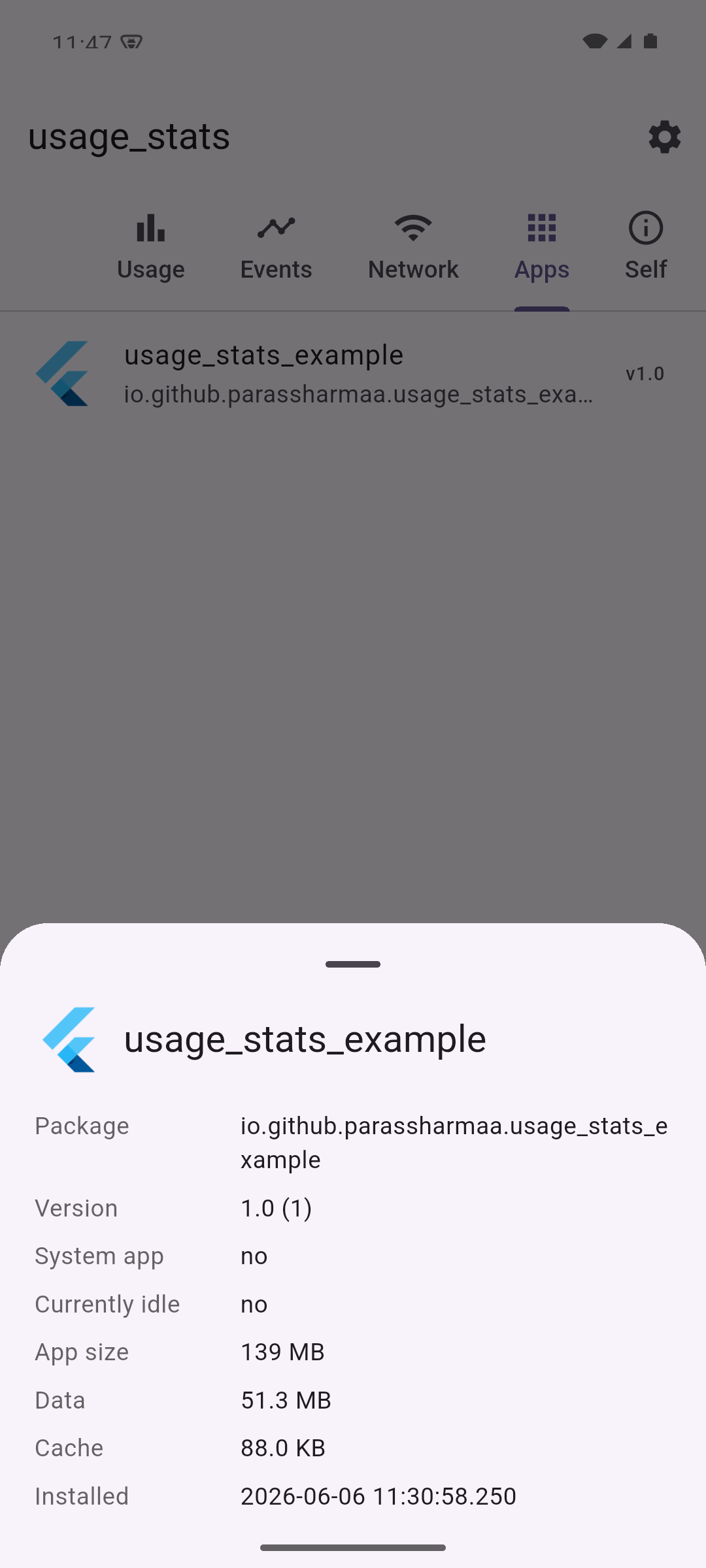
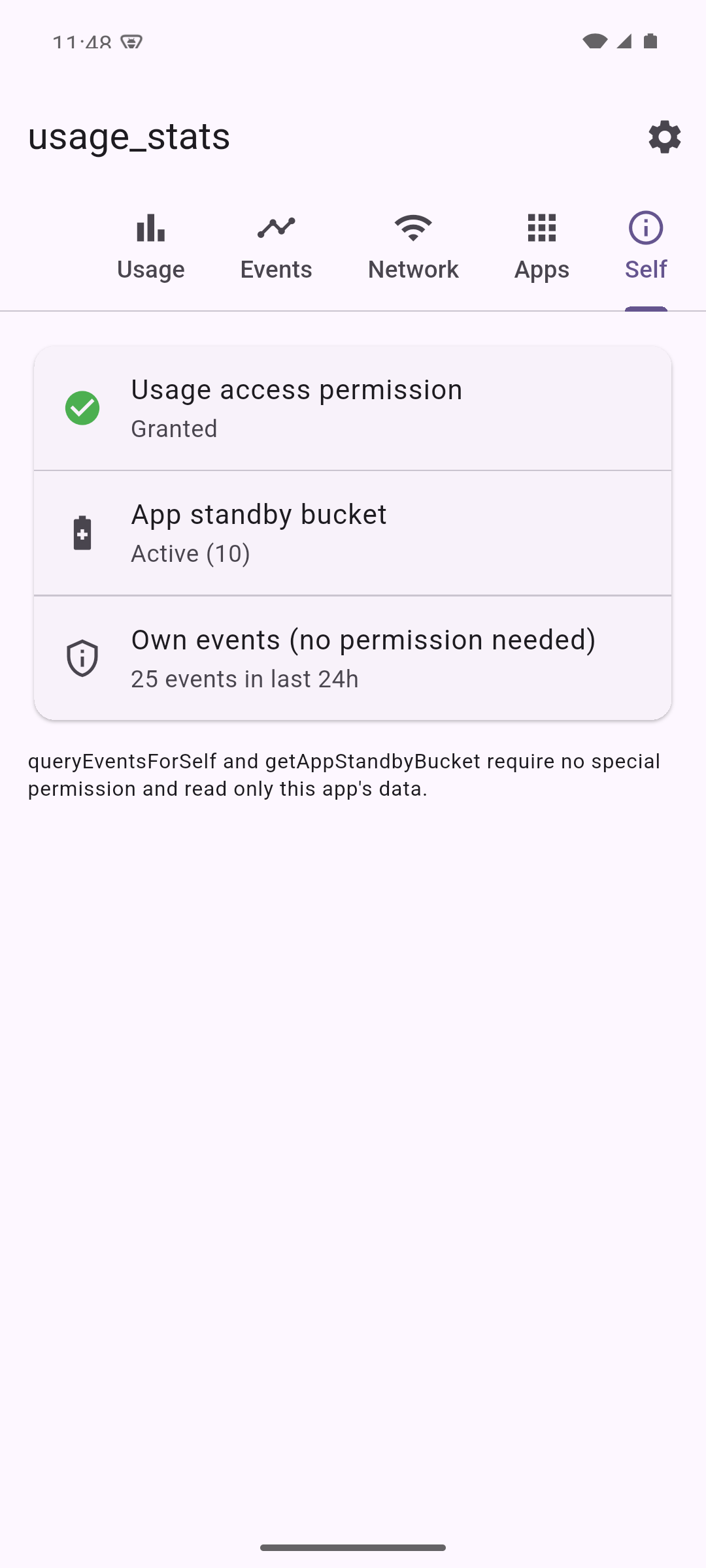
The bundled example app showcases every API:
Install
Add usage_stats to your pubspec.yaml:
dependencies:usage_stats:^2.0.0
Android setup
The plugin targets API level 23 (Android 6.0) as a minimum. Most queries need the
special PACKAGE_USAGE_STATS permission, which the user grants from system
settings rather than through a runtime dialog.
Add the permission to your android/app/src/main/AndroidManifest.xml, inside the
manifest element:
Send the user to the system "Usage access" screen and check whether access has
been granted:
import'package:usage_stats/usage_stats.dart';
// Opens the system Usage Access settings screen (only if not yet granted).awaitUsageStats.grantUsagePermission();
// Opens the same screen unconditionally, e.g. for a "Manage access" button.awaitUsageStats.openUsageAccessSettings();
// Returns true once the user has enabled access for your app.bool? granted = awaitUsageStats.checkUsagePermission();
queryUsageStats and queryEventStats accept an optional intervalType that
maps to UsageStatsManager.INTERVAL_*. It defaults to IntervalType.best.
final monthly = awaitUsageStats.queryUsageStats(
startDate,
endDate,
intervalType: IntervalType.monthly,
);
Network usage
// Per-app network usage for all apps.List<NetworkInfo> network = awaitUsageStats.queryNetworkUsageStats(
startDate,
endDate,
networkType: NetworkType.all, // or NetworkType.wifi / NetworkType.mobile
);
// Network usage for a single package.NetworkInfo info = awaitUsageStats.queryNetworkUsageStatsByPackage(
startDate,
endDate,
packageName: 'com.example.app',
);
Network totals are summed across the Wi-Fi and cellular transports. When a VPN
is active the platform may attribute traffic to the VPN app as well as the
originating app, which can make per-app totals appear higher than expected.
Storage usage
// App, data, and cache bytes for a package (Android 8 / API 26+).StorageInfo? storage = awaitUsageStats.queryStorageStats('com.example.app');
print(storage?.totalBytes);
Querying your own package needs no permission; querying other packages requires
PACKAGE_USAGE_STATS.
App metadata and icons
// Label, system flag, version, and install times for one package.AppInfo? app = awaitUsageStats.getAppInfo('com.example.app');
// Every installed app the caller can see (set includeSystem: false to skip// system apps).List<AppInfo> installed =
awaitUsageStats.queryInstalledApps(includeSystem: false);
// PNG launcher icon bytes.Uint8List? icon = awaitUsageStats.getAppIcon('com.example.app');
On Android 11+ (API 30) package-visibility rules apply. Without a <queries>
entry in your manifest, queryInstalledApps returns only visible packages. The
plugin deliberately does not request QUERY_ALL_PACKAGES, since it is a
Play-policy sensitive permission.
App standby
// This app's standby bucket (no permission required, Android 9 / API 28+).int? bucket = awaitUsageStats.getAppStandbyBucket();
// Whether a package is currently idle (Android 6 / API 23+).bool? idle = awaitUsageStats.isAppInactive('com.example.app');
// This app's own events without the usage-access prompt (Android 9 / API 28+).List<EventUsageInfo> ownEvents =
awaitUsageStats.queryEventsForSelf(startDate, endDate);
Typed accessors
For backwards compatibility the model fields are returned as strings, mirroring
the raw platform values. Every model also exposes typed getters so you do not
have to parse them yourself:
final info = usage.first;
info.totalTimeInForegroundMs; // int?  (milliseconds)
info.lastTimeUsedDate;        // DateTime?

events.first.eventTypeDescription; // e.g. 'ACTIVITY_RESUMED'
network.first.rxTotalBytesValue;   // int?
totalTimeInForeground is reported in milliseconds.