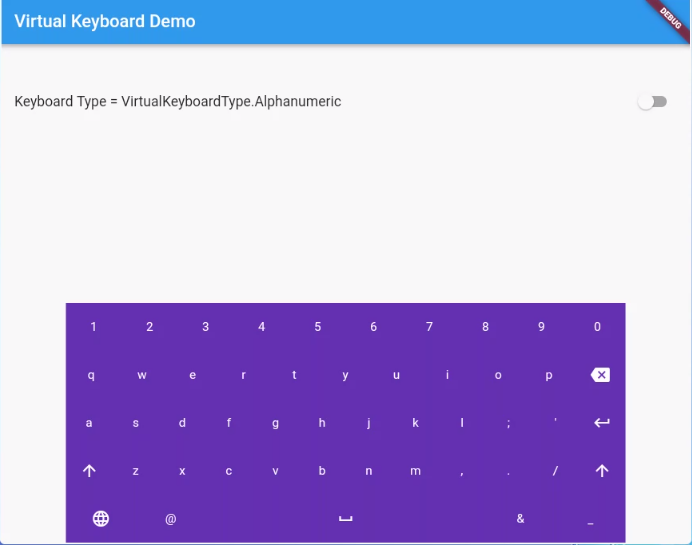
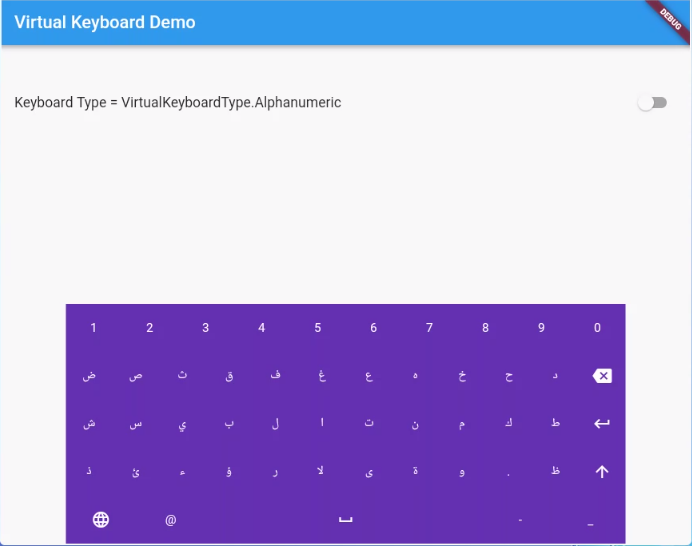
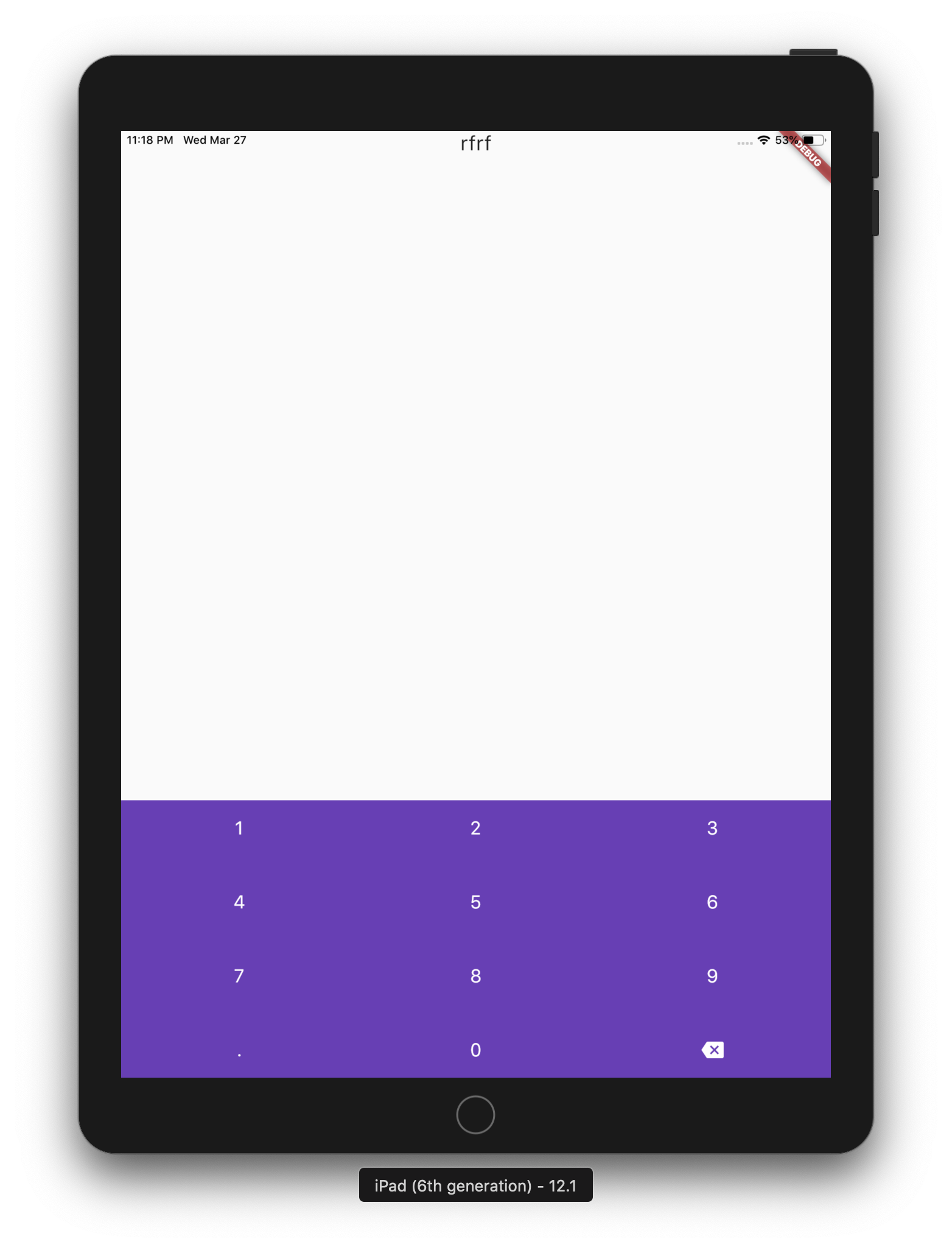
A simple package for dispaying virtual keyboards on a devices like kiosks and ATMs. The library is written in Dart and has no native code dependancy.
This project has forked from virtual_keyboard project because the virtual_keyboard project built to only display a buttons on the screen with single language. However, this project will handel the events and aill supports multi-languages.
(ToDo) Option to make a popup floating keyboard/keyNum.
(ToDo) Adding input result viewer and handel the events.
Reference
VirtualKeyboard
Flutter widget to show virtual keyboards.
// Keyboard Type: Can be Numeric or Alphanumeric.VirtualKeyboardType type
// Callback for Key press event. Called with pressed `Key` object.// will fire before adding pressed key text to controller, if a controller existsFunction preKeyPress;
// Callback for Key press event. Called with pressed `Key` object.// will fire after adding pressed key text to controller, if a controller existsFunction postKeyPress;
// Virtual keyboard height. Default is 300.double height;
/// Virtual keyboard height. Default is full screen widthdouble width;
// Color for key texts and icons.Color textColor;
// Font size for keyboard keys.double fontSize;;
// Only Caps letters enabled.bool alwaysCaps;;
/// the custom layout for multi or single languageVirtualKeyboardLayoutKeys customLayoutKeys;
/// used for multi-languages with default layouts, the default is English only/// will be ignored if customLayoutKeys is not nullList<VirtualKeyboardDefaultLayouts> defaultLayouts;
/// inverse the layout to fix the issues with right to left languages, default is false.bool reverseLayout;
// Just local variable. Use Text widget or similar to show in UI.String text;
/// Fired when the virtual keyboard key is pressed._onKeyPress(VirtualKeyboardKey key) {
if (key.keyType == VirtualKeyboardKeyType.String) {
text = text + (shiftEnabled ? key.capsText : key.text);
} elseif (key.keyType == VirtualKeyboardKeyType.Action) {
switch (key.action) {
caseVirtualKeyboardKeyAction.Backspace:
if (text.length == 0) return;
text = text.substring(0, text.length - 1);
break;
caseVirtualKeyboardKeyAction.Return:
text = text + '\n';
break;
caseVirtualKeyboardKeyAction.Space:
text = text + key.text;
break;
caseVirtualKeyboardKeyAction.Shift:
shiftEnabled = !shiftEnabled;
break;
default:
}
}
// Update the screensetState(() {});
}