カテゴリー・パッケージ・リポジトリを検索

パッケージ詳細v1.1.0

watermark_unique

watermark_unique は、画像にテキストおよび画像の透かしを追加するためのFlutterパッケージです。透かしの位置、色、背景色、余白をカスタマイズできます。

AndroidiOSWeb
30日間ダウンロード
105
いいね数
29
Pub ポイント
150

パッケージをインストール

flutter pub add watermark_unique

パッケージ概要

公開情報に基づく選定ガイドです。参考としてご利用ください。

watermark_unique は、画像にカスタマイズ可能なテキストおよび画像の透かしを追加するための Flutter パッケージです。ユーザーは透かしの位置、色、背景色、余白を調整でき、正確な制御が可能です。画像保護やブランド化が必要なアプリに最適で、Android、iOS、Web プラットフォームをサポートしています。パッケージは軽量であり、簡単なコマンドで既存の Flutter プロジェクトにスムーズに統合できます。オープンソースの性質により、コミュニティの貢献と透明性が促進されています。

用途

  • 画像に著作権表示を追加する
  • ロゴでブランド写真を付ける
  • 不正な使用からデジタルコンテンツを保護する
  • 透かし付きサムネイルの作成
  • 画像メタデータを視覚的にカスタマイズする

主な機能

  • テキストおよび画像の透かしをサポート
  • 位置およびアラインメントの設定可能
  • 調整可能な色と背景のオプション
  • カスタマイズ可能なパディング設定
  • クロスプラットフォーム互換性(Android、iOS、Web)

適している対象

  • 写真とメディアアプリ
  • コンテンツマネジメントシステム
  • ECプラットフォーム
  • デジタルアセットライブラリ
  • クリエイティブツールとエディター

注意事項

  • ウォーターマークを適用する前に画像の読み込みが必要です
  • 大きな画像ではパフォーマンスが異なる場合があります
  • 静的ウォーターマーク配置に限定
  • 組み込みの元に戻す機能や編集履歴なし
  • 外部の画像処理効率に依存

元の README

関連するソースリポジトリの README 原文のスナップショットです。最新の内容はリポジトリをご覧ください。

watermark_unique

watermark_unique is a flutter package to add text and image watermarks on an image. You can customize the watermark's position, color, background color, and padding. Check on pub.dev: https://pub.dev/packages/watermark_unique

Documentation

Features
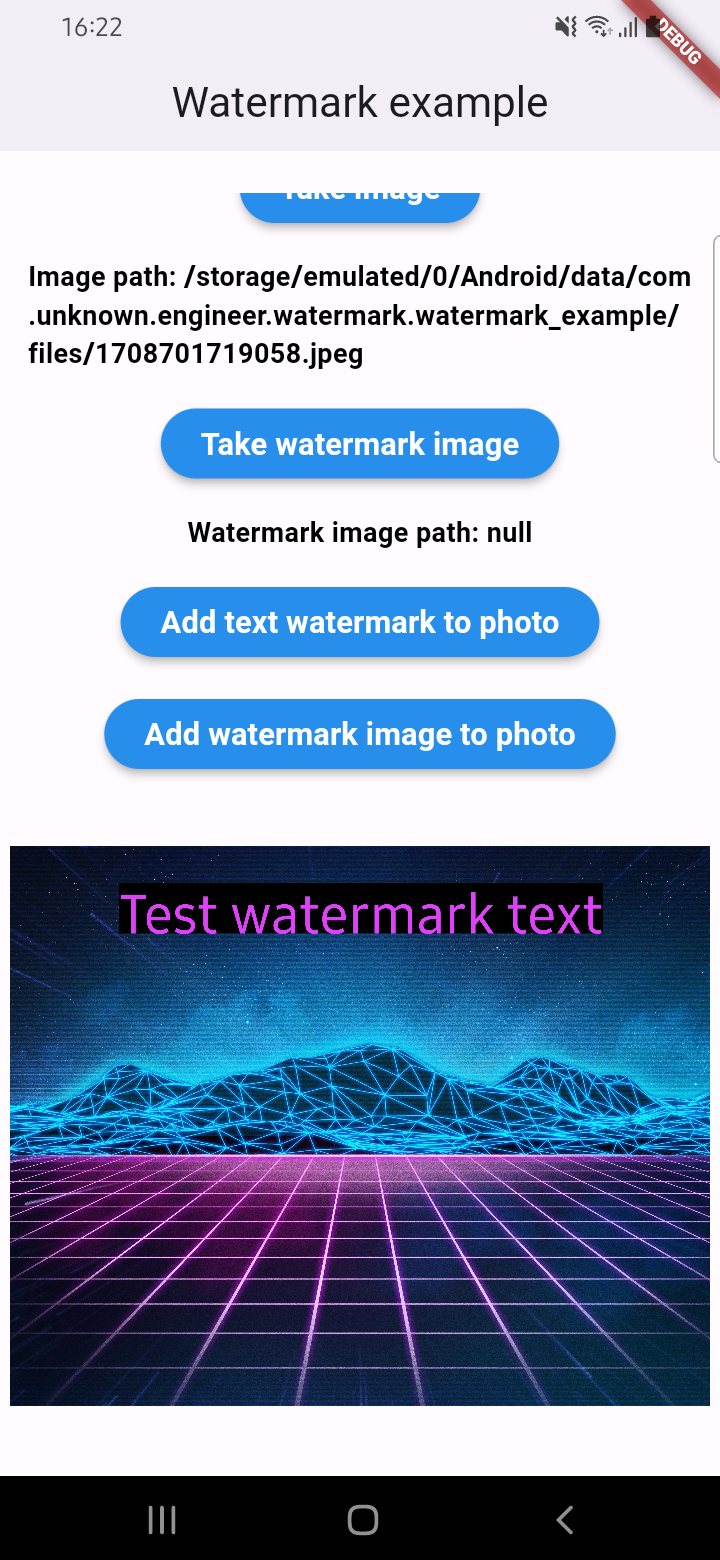
  • Add text to image
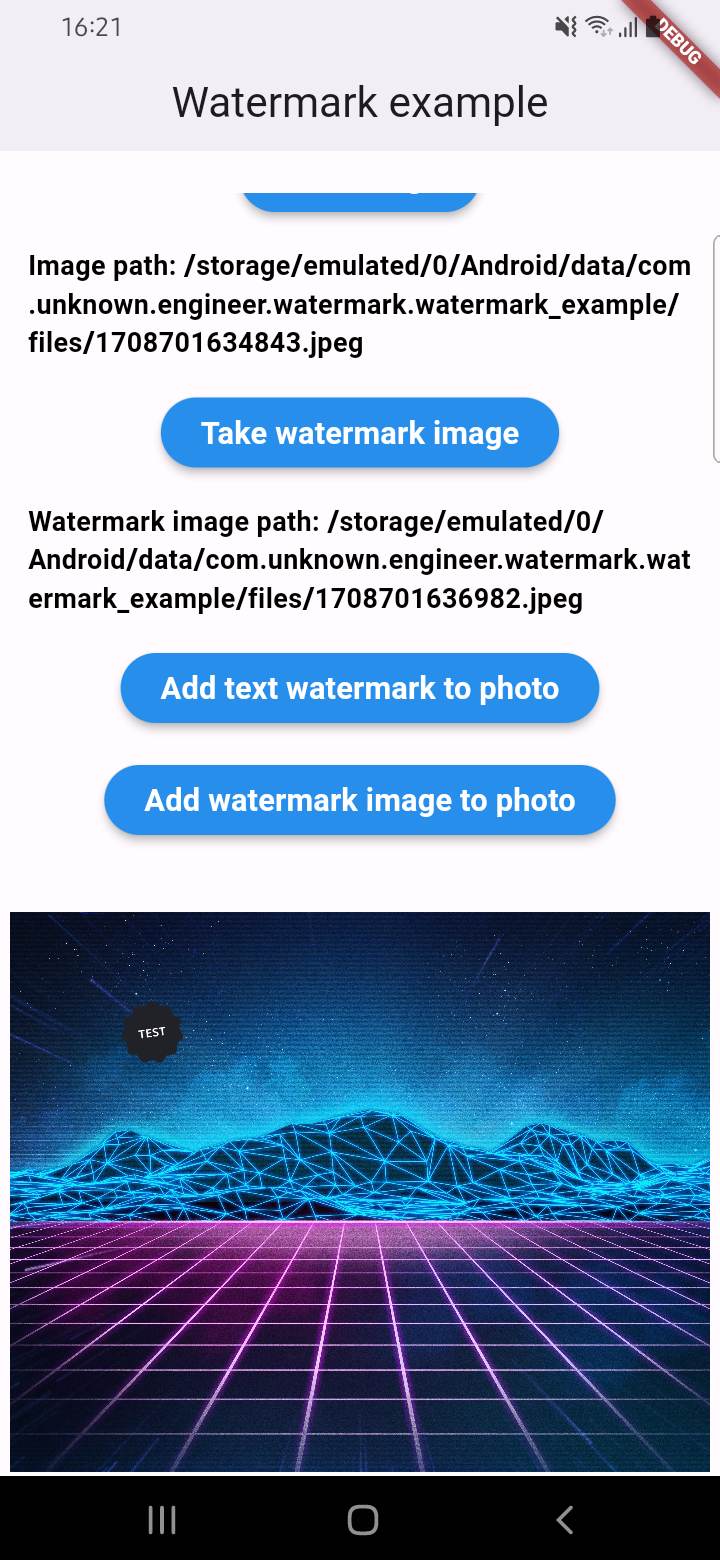
  • Add watermark to image
  • Get result via File or Uint8List

Parameters for image that you can change

  • Text
  • Position by X
  • Position by Y
  • Text size
  • Text color (withOpacity)
  • Background text color (optional / withOpacity)
  • Padding for text if background exist (optional)
  • Quality of image with watermark
  • Image format that you will use to compress

Usage

An example of how you can add text to an image (only IOS or Android):

final image = await watermarkPlugin.addTextWatermark(
  filePath: photo!.path, // image file path
  text: 'Test watermark text', // watermark text
  x: 500, // position by x
  y: 400, // position by y
  textSize: 250, // text size
  color: Colors.purpleAccent, // color of text
  isNeedRotateToPortrait: true, // rotation image to portrait (Default: false) ONLY ANDROID
  backgroundTextColor: Colors.black.withOpacity(0.5), // color of background text (optional)
  quality: 100, // quality of image with watermark
  backgroundTextPaddingLeft: 12, // padding of background text (optional)
  backgroundTextPaddingTop: 12, // padding of background text (optional)
  backgroundTextPaddingRight: 12, // padding of background text (optional)
  backgroundTextPaddingBottom: 12, // padding of background text (optional)
  imageFormat: ImageFormat.jpeg, // image format that you will use to compress
);

An example of how you can add a watermark to an image (only IOS or Android):

final image = await watermarkPlugin.addImageWatermark(
  filePath: photo!.path, // image file path
  watermarkImagePath: watermark!.path, // watermark image file path
  x: 500, // position by x
  y: 400, // position by x
  quality: 100, // quality of image with watermark
  imageFormat: ImageFormat.jpeg, // image format that you will use to compress
  watermarkWidth: 300, // watermark image width
  watermarkHeight: 300,  // watermark image height
);

An example of how you can add text to an image and get results via Uint8List (IOS || Android || WEB):

final image = await watermarkPlugin.addTextWatermarkUint8List(
  filePath: photo!.path, // image file path
  text: 'Test watermark text', // watermark text
  x: 500, // position by x
  y: 400, // position by y
  textSize: 250, // text size
  color: Colors.purpleAccent, // color of text
  isNeedRotateToPortrait: true, // rotation image to portrait (Default: false) ONLY ANDROID
  backgroundTextColor: Colors.black, // color of background text (optional)
  backgroundTextPaddingLeft: 12, // padding of background text (optional)
  backgroundTextPaddingTop: 12, // padding of background text (optional)
  backgroundTextPaddingRight: 12, // padding of background text (optional)
  backgroundTextPaddingBottom: 12, // padding of background text (optional)
);

An example of how you can add a watermark to an image and get results via Uint8List (IOS || Android || WEB):

final image = await watermarkPlugin.addImageWatermarkUint8List(
  filePath: photo!.path, // image file path
  watermarkImagePath: watermark!.path, // watermark image file path
  x: 500, // position by x
  y: 400, // position by x
  watermarkWidth: 300, // watermark image width
  watermarkHeight: 300,  // watermark image height
);

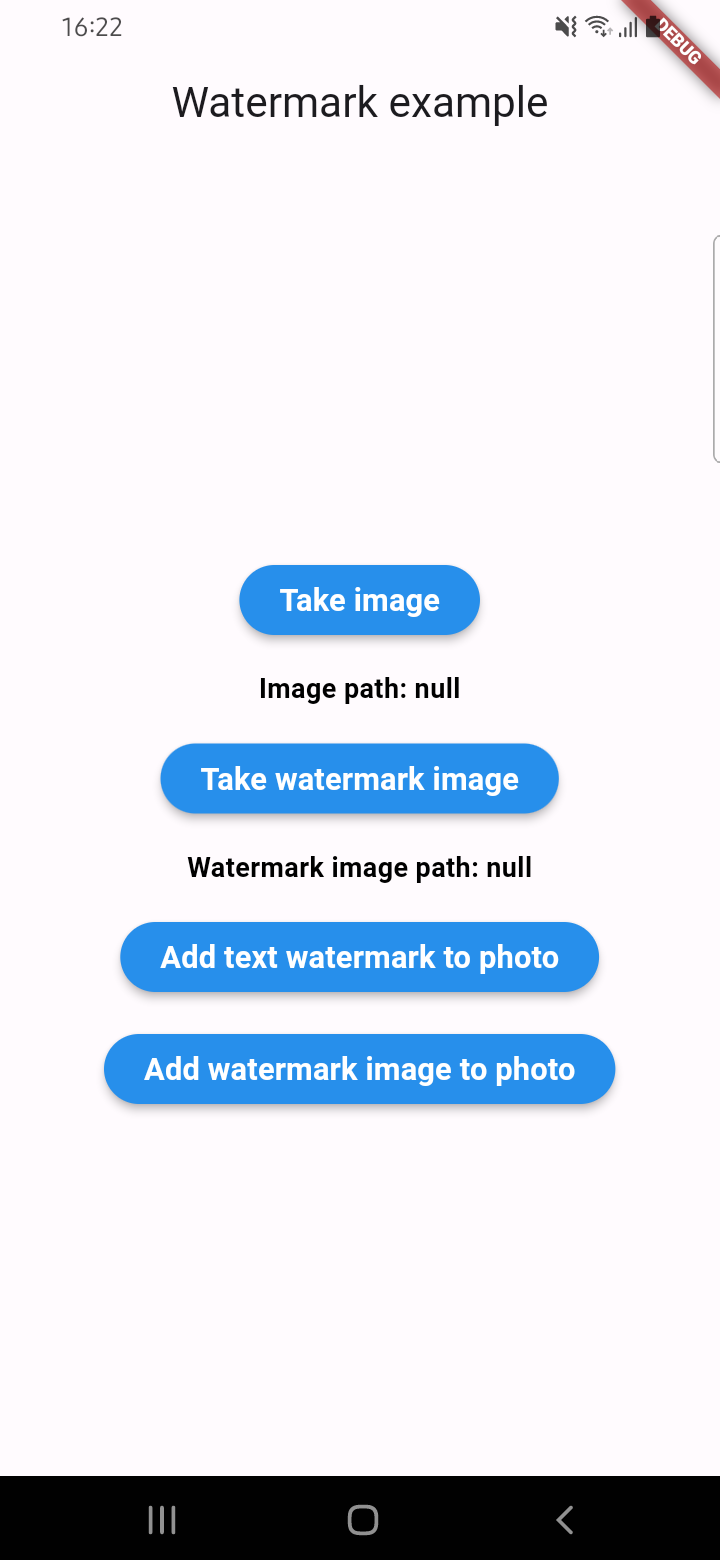
Example screenshots

カテゴリー

依存関係

依存関係一覧 2 件

  • image^4.5.4
  • plugin_platform_interface^2.1.8

ソースリポジトリ

このパッケージを使用しているプロジェクト

データはまだありません。