パッケージ、リポジトリ、アプリカテゴリを検索

web_smooth_scroll のカバー
パッケージ詳細v2.0.0

web_smooth_scroll

滑らかで美しいスクロール感を提供するためのパッケージです。

Web
30日間ダウンロード
5070
いいね数
171
Pub ポイント
160

パッケージをインストール

flutter pub add web_smooth_scroll

パッケージ概要

公開情報に基づく選定ガイドです。参考としてご利用ください。

web_smooth_scroll は、Web プラットフォームでのスクロール体験を向上させるために設計された Flutter パッケージです。視覚的な魅力とユーザーインタラクションを高める、よりスムーズで自然なスクロールアニメーションを提供します。スクロール動作を最適化することで、ジャンクを低減し、スクロール可能なウィジェットに滑らかで美的な感触をもたらします。このパッケージは、現代の UX 標準においてスムーズなスクロールが重要な Web アプリケーション向けに特に調整されています。

用途

  • Webアプリのスクロール体験の向上
  • 流れるようなUIインタラクションの作成
  • Web上の認識されるパフォーマンスの向上
  • 洗練されたスクロール効果を追加する
  • ウェブアプリにおけるスクロール動作の最適化

主な機能

  • スムーズなスクロールアニメーション
  • Web 固有の最適化
  • 最小限のセットアップが必要
  • スムーズなスクロールの向上
  • カスタマイズ可能なスクロール動作

適している対象

  • より良いスクロールUXを求めるWeb開発者
  • 長くスクロール可能なコンテンツを備えたアプリ
  • デザインを重視したWebアプリケーション
  • 視覚的な仕上がりを重視するプロジェクト
  • インタラクティブコンテンツを備えたFlutter Webプロジェクト

注意事項

  • 主にWebプラットフォーム向け
  • 異なるブラウザでテストが必要になる場合があります
  • モバイルまたはデスクトップへの影響は限定的
  • 基本的なスクロール機能には不要
  • ブラウザのスムーズスクロール対応に依存します

元の README

関連するソースリポジトリの README 原文のスナップショットです。最新の内容はリポジトリをご覧ください。

Web Smooth Scroll

A package to help you provide a smoother and aesthetic scroll feeling. The motivation behind this package is, while using the official Flutter SDK the scrolling experience on web is very jerky and feels laggy to overcome it and provide more quality scrolling this package is developed.


Motivation

While I was developing my portfolio website using Flutter I faced the issue of jerky scrolling so for a research in solving it I came across this package https://pub.dev/packages/smooth_scroll_web, but it has got some issues and currently not being maintained by the author. It has issues while scrolling and also when using with scrollbars the scroll behaviour is different. Also when user uses a trackpad to scroll it'll scroll to the bottom of the screen and makes the website completely unusable. Also that package doesn't supports null safety which is supported in this package. I've developed this package to overcome all this issues. I would like to thank Dezső Csete, for this motivation and providing a base to work on.


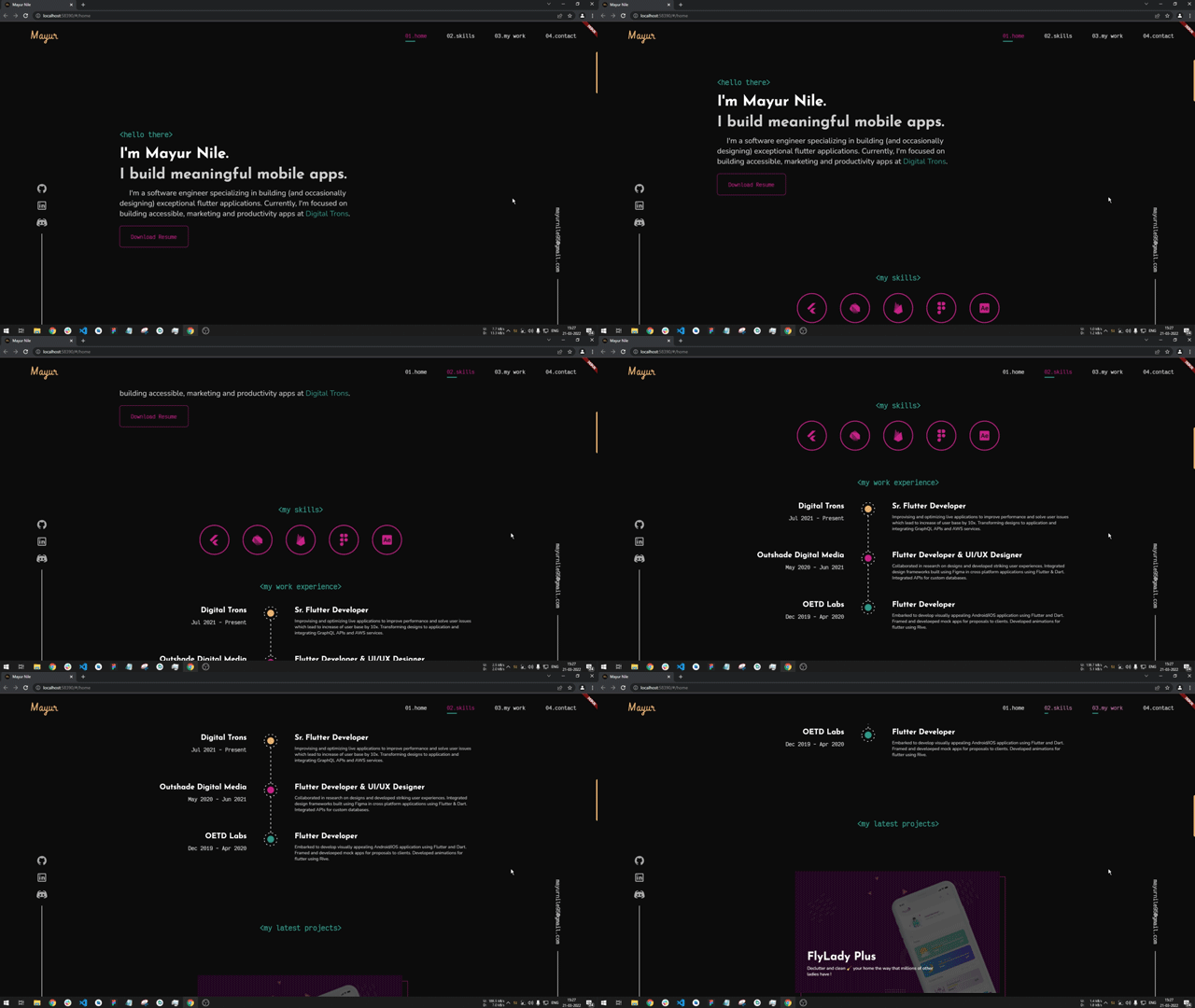
Scroll without plugin


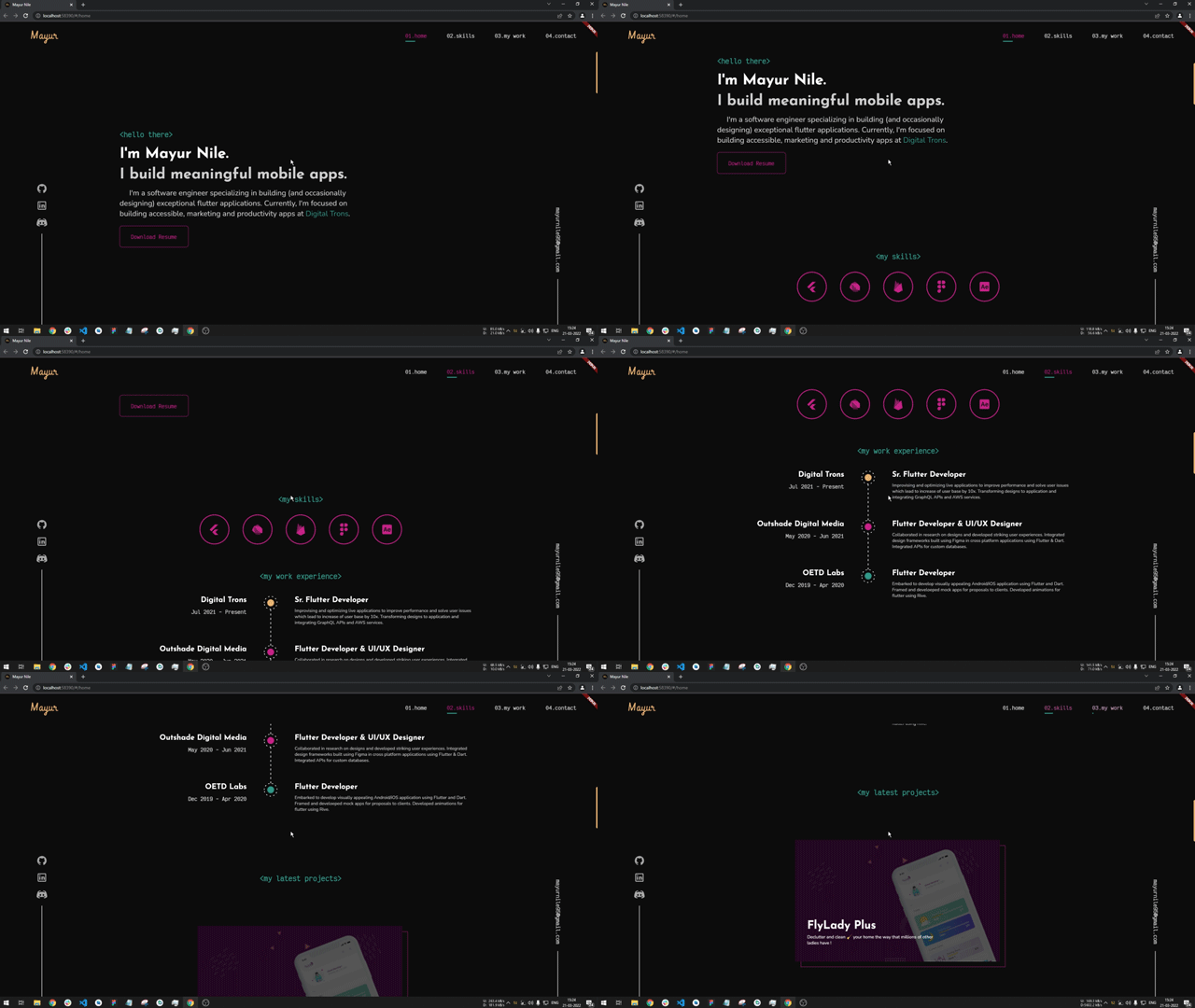
Scroll with plugin


Getting Started


Installation

Add

dependencies:
  web_smooth_scroll: ^latest_version

to your pubspec.yaml, and run

flutter packages get

in your project's root directory.

Basic Usage
  1. Import it to your project file
import 'package:web_smooth_scroll/web_smooth_scroll.dart';
  1. Create a Scroll Controller
  // Controllers
  late ScrollController _scrollController;

  @override
  void initState() {
    // initialize scroll controllers
    _scrollController = ScrollController();

    super.initState();
  }
  1. Use the controller with package
@override
  Widget build(BuildContext context) {
    return Scaffold(
      appBar: AppBar(
        title: const Text('Web Smooth Scroll'),
      ),
      body: WebSmoothScroll(
        controller: _scrollController,
        child: SingleChildScrollView(
          physics: const NeverScrollableScrollPhysics(),
          controller: _scrollController,
          child: _buildScrollableList(),
        ),
      ),
    );
  }
WebSmoothScroll can be used with any scrollable widget, just pass the same scroll controller to WebSmoothScroll as well as the scrollable widget. And also specify scroll physics to NeverScrollableScrollPhysics()

There are additional optional parameters one can use

    WebSmoothScroll(
        controller: _scrollController,
        scrollSpeed: 2.1, // additional scroll extent for smooth animation
        scrollAnimationLength: 800, // duration of animation of scroll in milliseconds
        curve: Curves.easeInOutCirc, // curve of the animation
        child: SingleChildScrollView(
          physics: const NeverScrollableScrollPhysics(),
          controller: _scrollController,
          child: _buildScrollableList(),
        ),
    ),

Some points to be noted

  1. This plugin is to be used only on web and not on any other platform, you can check if platform is web and render using WebSmoothScroll else don't use this plugin.
  2. Remember to assign physics as NeverScrollableScrollPhysics() else you won't see any change in the scrolling behaviour

カテゴリー

ソースリポジトリ

このパッケージを使用しているプロジェクト

データはまだありません。