
v2.19.0
google_maps_flutter
iOS 및 Android 애플리케이션에 Google Maps를 통합하기 위한 Flutter 플러그인입니다.
4.6천좋아요 114만30일 다운로드150Pub 점수
AndroidiOSWeb
그룹과 위치를 공유하는 Flutter 애플리케이션. (개발 중)

iOS 및 Android 애플리케이션에 Google Maps를 통합하기 위한 Flutter 플러그인입니다.
Flutter용 GraphQL 클라이언트로, 최신 GraphQL 클라이언트의 모든 기능을 사용하기 쉬운 패키지 하나에 담았습니다.
AutoRoute는 선언형 라우팅 솔루션으로, 네비게이션에 필요한 모든 것이 자동으로 생성됩니다.
 v2.0.0+1
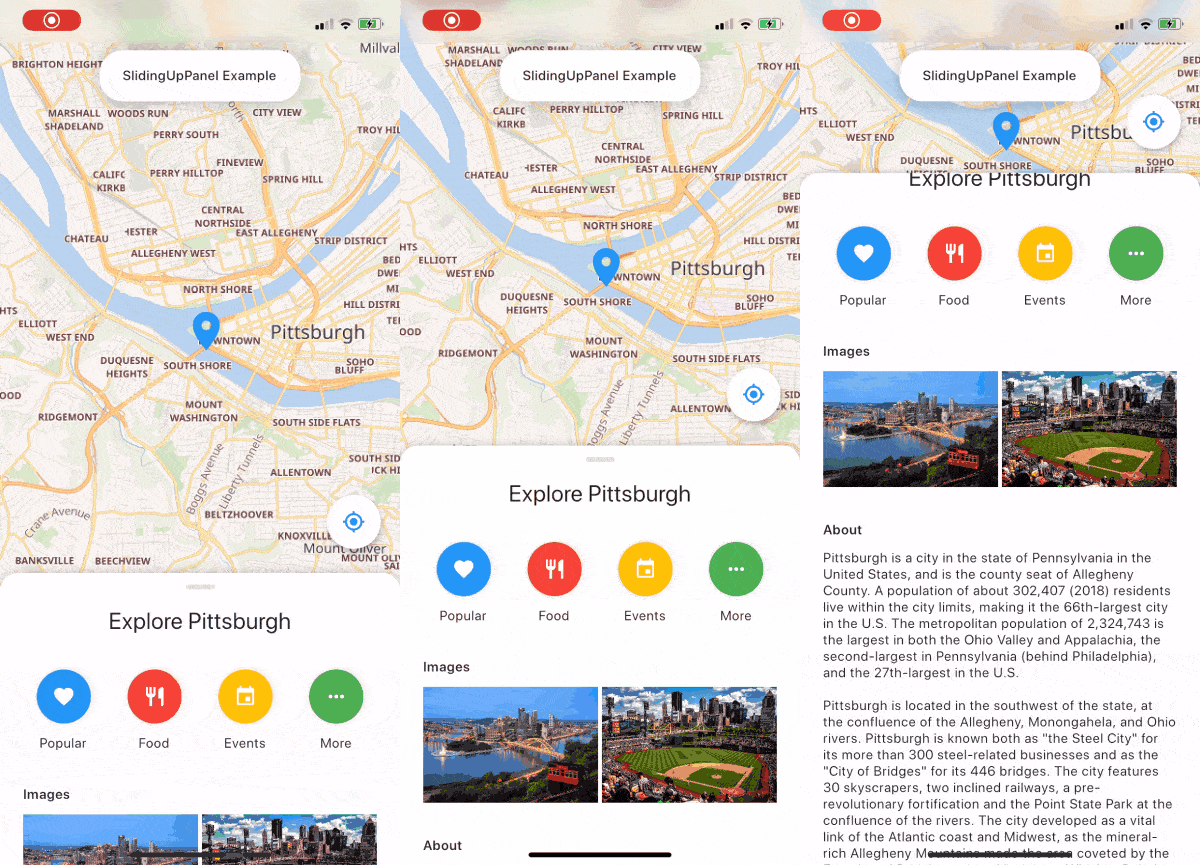
슬라이딩 업 패널을 구현하는 것을 훨씬 쉽게 만들어주는 드래그 가능한 Flutter 위젯입니다!
Flutter용 지오로케이션 플러그인입니다. 이 플러그인은 일반적인 위치(예: GPS 등) 기능을 위한 크로스플랫폼(iOS, Android) API를 제공합니다.
 v10.0.2
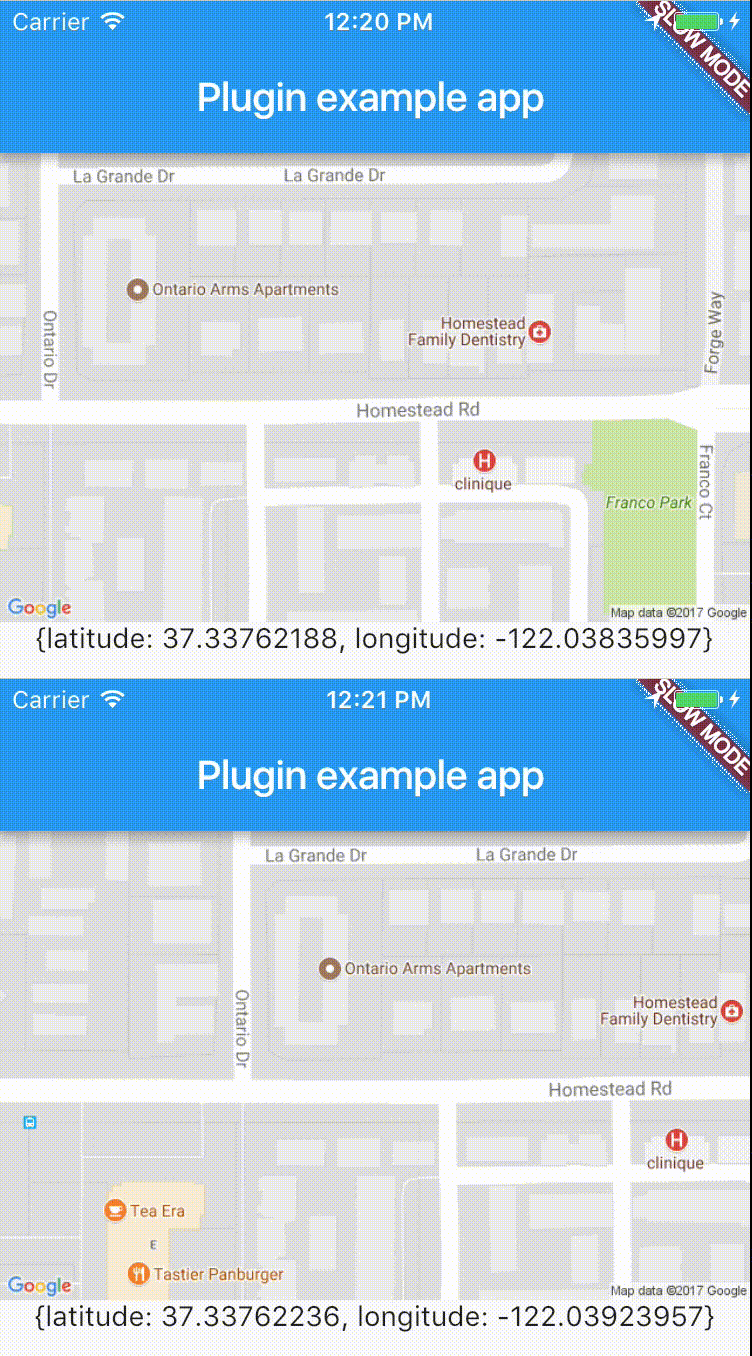
실시간으로 장치 위치에 쉽게 액세스할 수 있는 크로스 플랫폼 플러그인입니다.
 v7.0.0
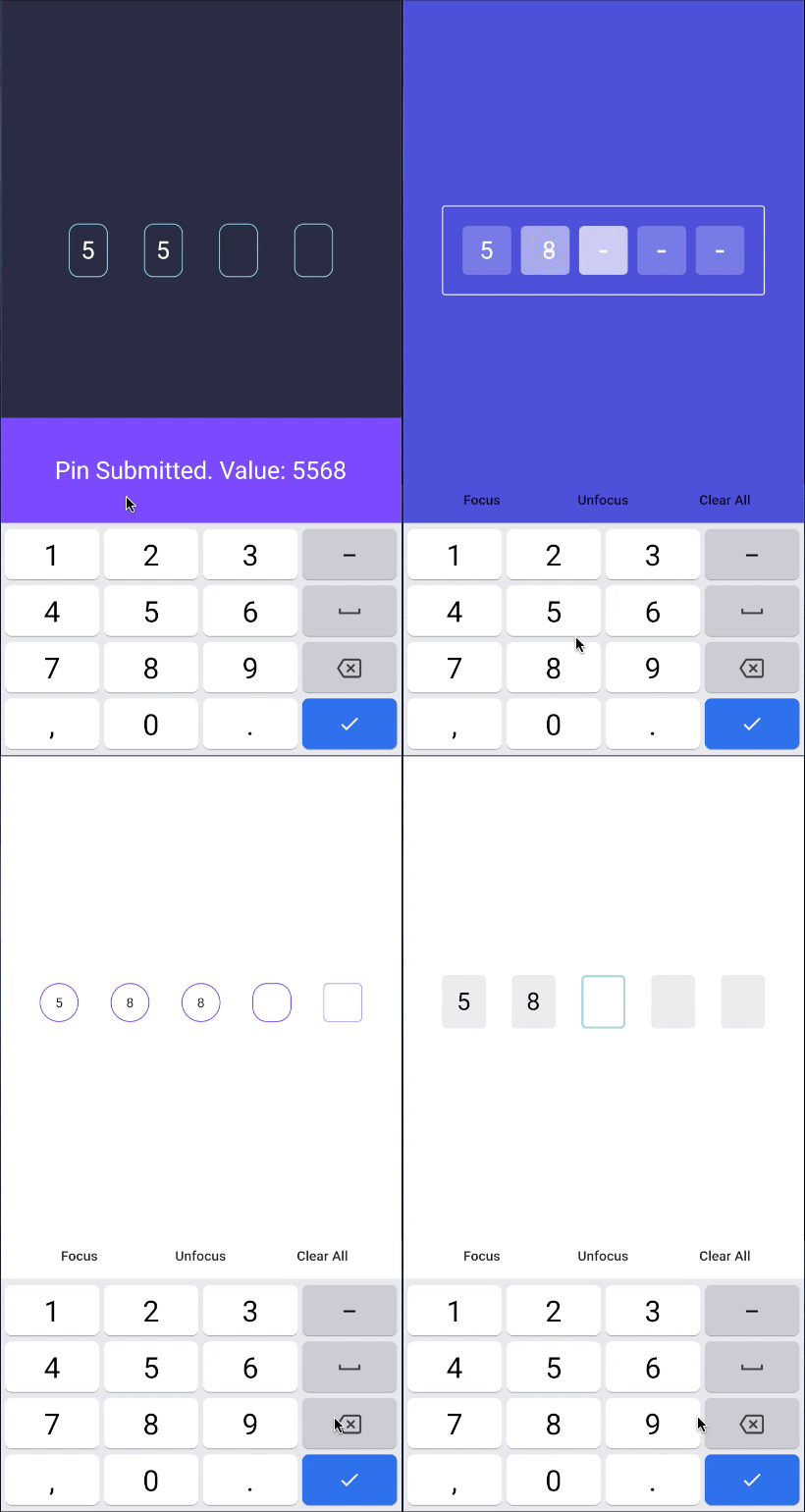
핀 코드 입력(OTP) 텍스트 필드, iOS SMS 자동 채우기, 안드로이드 SMS 자동 채우기 일회용 코드, 비밀번호, 패스코드, 캡차, 보안, 쿠폰, 와처, 2FA, 두 단계 인증
오버레이용 프로바이더 지원, 토스트 및 내부 알림을 쉽게 구축
 v3.1.0
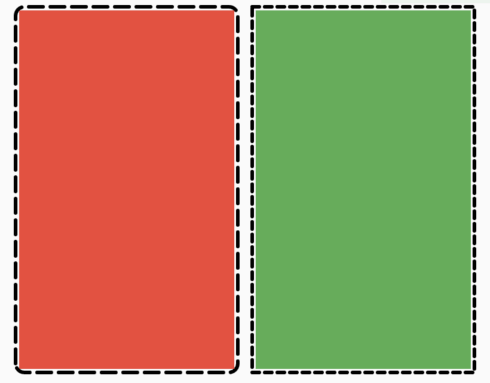
어떤 위젯에도 쉽게 점선 테두리를 추가할 수 있도록 해주는 플러터 패키지입니다.
iOS, Android, 웹 및 OpenHarmony에서 진동 API를 처리하기 위한 플러그인입니다.
Column 및 Row 등의 Flex 위젯 또는 스크롤 뷰 내부에 쉽게 간격을 추가할 수 있는 Flutter 위젯입니다.
단일 명령어로 앱 패키지 이름을 변경합니다. AndroidManifest, build.gradle, MainActivity 파일을 업데이트하고 MainActivity 파일을 새 디렉터리 구조로 자동으로 이동합니다.
any^1.0.5^2.1.0^1.1.1{"sdk":"flutter"}^3.2.0^2.0.2^4.1.0^17.2.1+1^1.0.0^5.2.0^8.2.4any4.1.4^7.6.4^2.5.3^2.2.3^0.17.0^7.0.0—^0.5.1^2.1.0^2.0.4^6.1.1^0.27.7^9.0.0^2.0.7^3.3.1^3.0.1^2.0.0+1^0.5.1^0.8.0^0.0.2any^3.0.1—^8.1.1^8.1.4^8.1.5^2.4.1{"git":{"url":"https://github.com/letsar/flutter_slidable.git","ref":"master"}}^5.1.2^0.13.6^5.0.0^1.9.0—^6.2.1^1.5.0^2.1.0^3.0.0^2.1.2^0.13.1{"sdk":"flutter"}^2.5.2^1.16.5—^4.9.0^6.8.0아래는 영문 원문 스냅샷입니다. 최신 내용은 GitHub에서 확인하세요.
https://ccextractor-beacon-docs.netlify.app/
The source code of documentation can be found here: https://github.com/CCExtractor/Beacon-Documentation
This project is a flutter build native interface to ease the group travelling (or hiking). By using this, the group leader would be able to share his location with the entire crew, and in case if someone loses contact with the group, he can quickly get in the right place by following the beacon.
You can test Beacon in your own development environment. This section shows you how:
You'll need to set up the IDE and mobile device emulator, or any mobile testing device on your local system.
Flutter Environment: You'll need to have the following installed:
Ensure you are testing the app using Flutter version 3.0.1 and above.
For checking flutter version:
flutter --version in terminalIf your version is not upto date, follow these steps to upgrade:
flutter channel stable to switch to the channel having stable version of flutter updatesflutter upgrade to get the latest flutter versionDevelopment Environment: For setting up the development environment, follow the steps given below.
git clone https://github.com/<username>/beacon.gitcd into beaconflutter doctorflutter pub getflutter runFor help getting started with Flutter, view our online documentation, which offers tutorials, samples, guidance on mobile development, and a full API reference.
This project follows Clean architecture with following structure:
beacon/
├── lib/
│   ├── config/                         # Configuration files
│   ├── core/                           # Core application logic
│   ├── data/
│   │   ├── datasources/
│   │   │   ├── local/                  # Local data sources
│   │   │   └── remote/                 # Remote data sources
│   │   ├── models/                     # Data models
│   │   └── repositories/               # Data repositories
│   ├── domain/
│   │   ├── entities/                   # Domain entities
│   │   ├── repositories/               # Domain repositories
│   │   └── usecases/                   # Domain use cases
│   ├── presentation/
│   │   ├── auth/
│   │   │   ├── cubit/                  # Authentication Cubit
│   │   │   ├── widget/                 # Authentication widgets
│   │   │   └── screen/                 # Authentication screens
│   │   ├── home/
│   │   │   ├── cubit/                  # Home Cubit
│   │   │   ├── widget/                 # Home widgets
│   │   │   └── screen/                 # Home screens
│   │   ├── group/
│   │   │   ├── cubit/                  # Group Cubit
│   │   │   ├── widget/                 # Group widgets
│   │   │   └── screen/                 # Group screens
│   │   ├── hike/
│   │   │   ├── cubit/                  # Hike Cubit
│   │   │   ├── widget/                 # Hike widgets
│   │   │   └── screen/                 # Hike screens
│   │   ├── widgets/                    # Shared widgets used across all presentation folders
│   │   └── splash_screen.dart          # Initial screen displayed while loading
├── main.dart                           # App entry point
├── theme/                              # Theme configurations
├── locator.dart                        # Dependency injection setup (using get_it)
├── router.dart                         # App navigation routes
https://raw.githubusercontent.com/CCExtractor/beacon/HEAD/screenshots/1.jpg https://raw.githubusercontent.com/CCExtractor/beacon/HEAD/screenshots/2.jpg https://raw.githubusercontent.com/CCExtractor/beacon/HEAD/screenshots/3.jpg https://raw.githubusercontent.com/CCExtractor/beacon/HEAD/screenshots/4.jpg
https://raw.githubusercontent.com/CCExtractor/beacon/HEAD/screenshots/5.png https://raw.githubusercontent.com/CCExtractor/beacon/HEAD/screenshots/6.png https://raw.githubusercontent.com/CCExtractor/beacon/HEAD/screenshots/7.png https://raw.githubusercontent.com/CCExtractor/beacon/HEAD/screenshots/8.png
https://raw.githubusercontent.com/CCExtractor/beacon/HEAD/screenshots/9.png https://raw.githubusercontent.com/CCExtractor/beacon/HEAD/screenshots/10.png
Whether you have some feauture requests/ideas, code improvements, refactoring, performance improvements, help is always Welcome. The more is done, better it gets.
If you found any bugs, consider opening an issue.
To know the details about features implemented till Google Summer of Code'21 and future todo's please visit this blog
We would love to hear from you! You may join gsoc-beacon channel of CCExtractor community through slack: