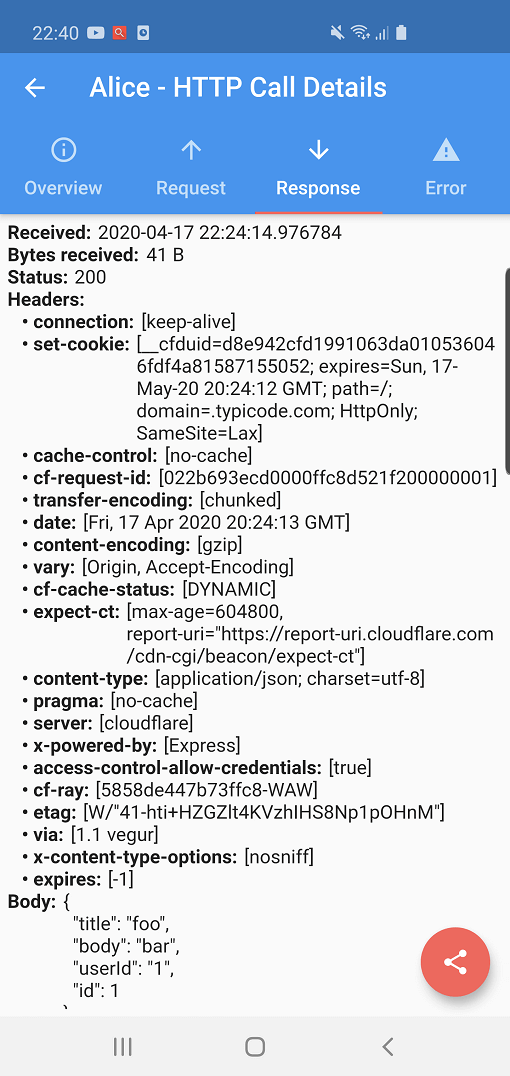
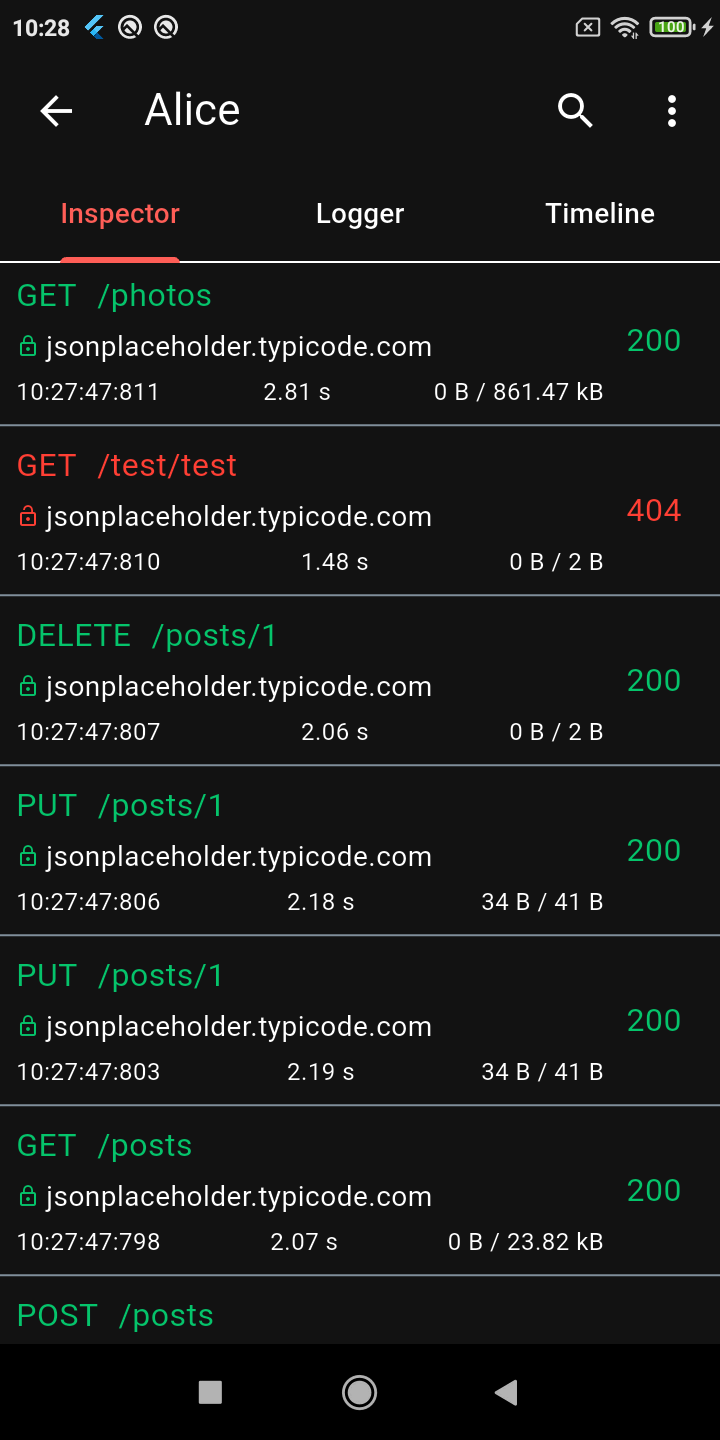
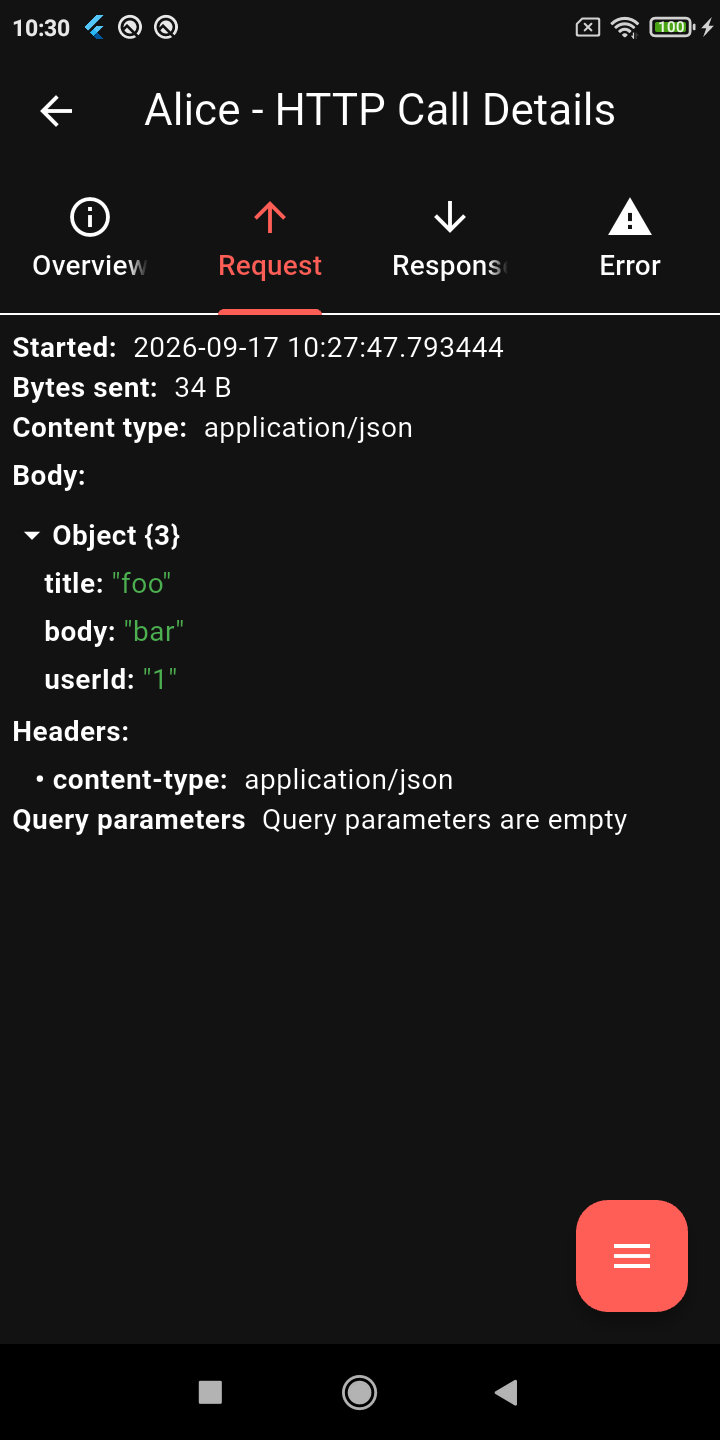
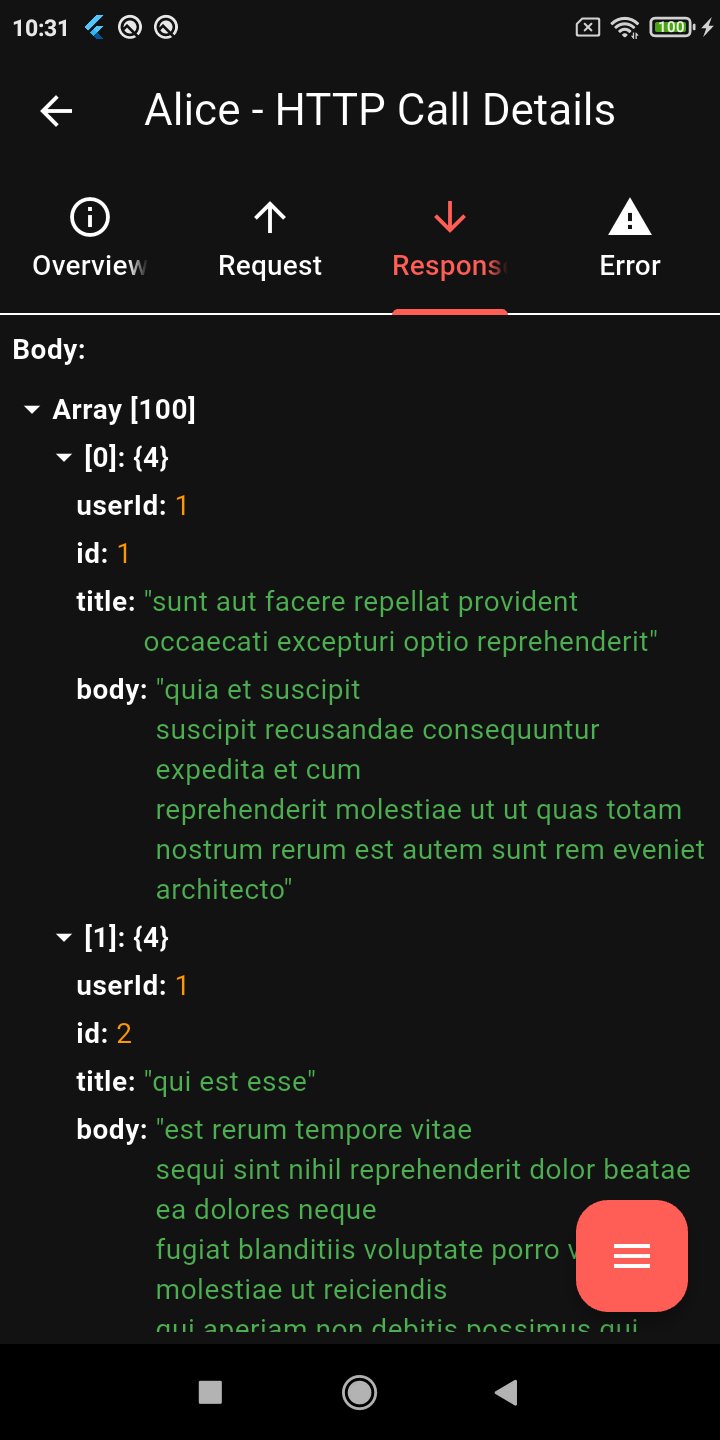
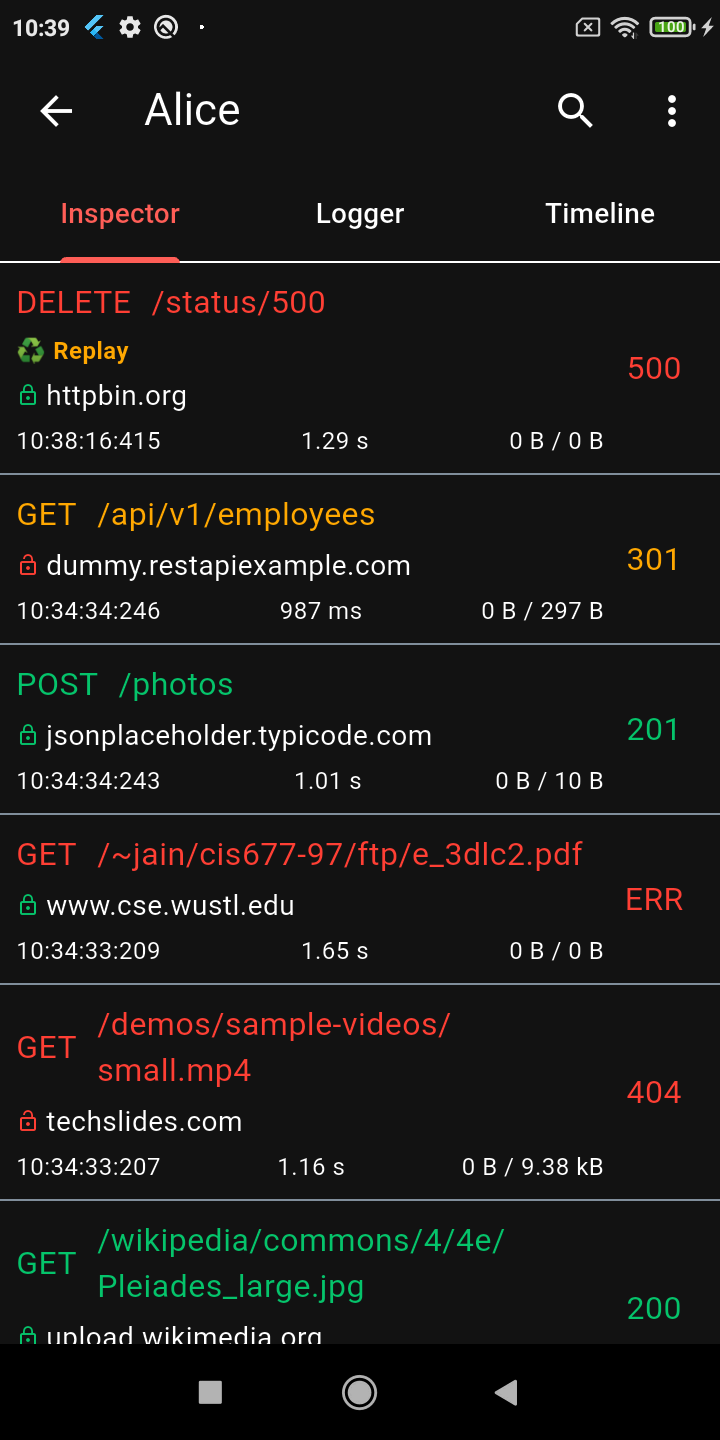
앨리스는 플러터 애플리케이션용 디버깅 도구로 HTTP 요청과 응답을 검사합니다. 네트워크 트래픽을 가로채 데이터를 저장하고, 헤더, 본문, 타임스탬프를 포함한 상세한 요청 및 응답 정보를 확인할 수 있는 간단한 UI를 제공합니다. API 통합 문제 해결이나 개발 중 네트워크 동작 분석에 이상적입니다. pub add를 통해 쉽게 통합 가능하며, 안드로이드와 iOS 플랫폼 모두 지원합니다.
사용 사례
API 호출 디버깅
요청/응답 페이로드 검사
네트워크 성능 모니터링
백엔드 통합 테스트
실시간 HTTP 로깅
주요 기능
실시간 HTTP 요청 가로채기
간단하고 직관적인 사용자 인터페이스
헤더 및 본문 검사를 지원합니다
크로스 플랫폼(안드로이드 및 iOS)
Flutter 앱과의 간편한 통합
적합한 대상
Flutter 개발자
API 테스터
모바일 앱 디버거
프론트엔드 엔지니어
HTTP 클라이언트를 사용하는 개발 팀
고려 사항
생산 사용을 위한 것이 아님
디버그 모드에서 성능에 영향을 미칠 수 있습니다
수동 활성화 필요
HTTP 트래픽만 허용
UI 사용자 정의 불가
원본 README
연결된 소스 저장소의 README 원문 스냅샷입니다. 최신 내용은 저장소에서 확인하세요.
Alice - HTTP Inspector for Flutter
Why Alice?
Alice is an advanced HTTP Inspector tool for Flutter that helps you debug network requests effortlessly. It catches and stores HTTP requests and responses, allowing you to view detailed network logs directly within your app via a simple and intuitive UI.
Whether you are hunting down a broken API payload, checking headers, or monitoring performance, Alice provides all the details you need without requiring a proxy or external desktop tools. It's inspired by Chuck and Chucker.
Screenshots
Calls List
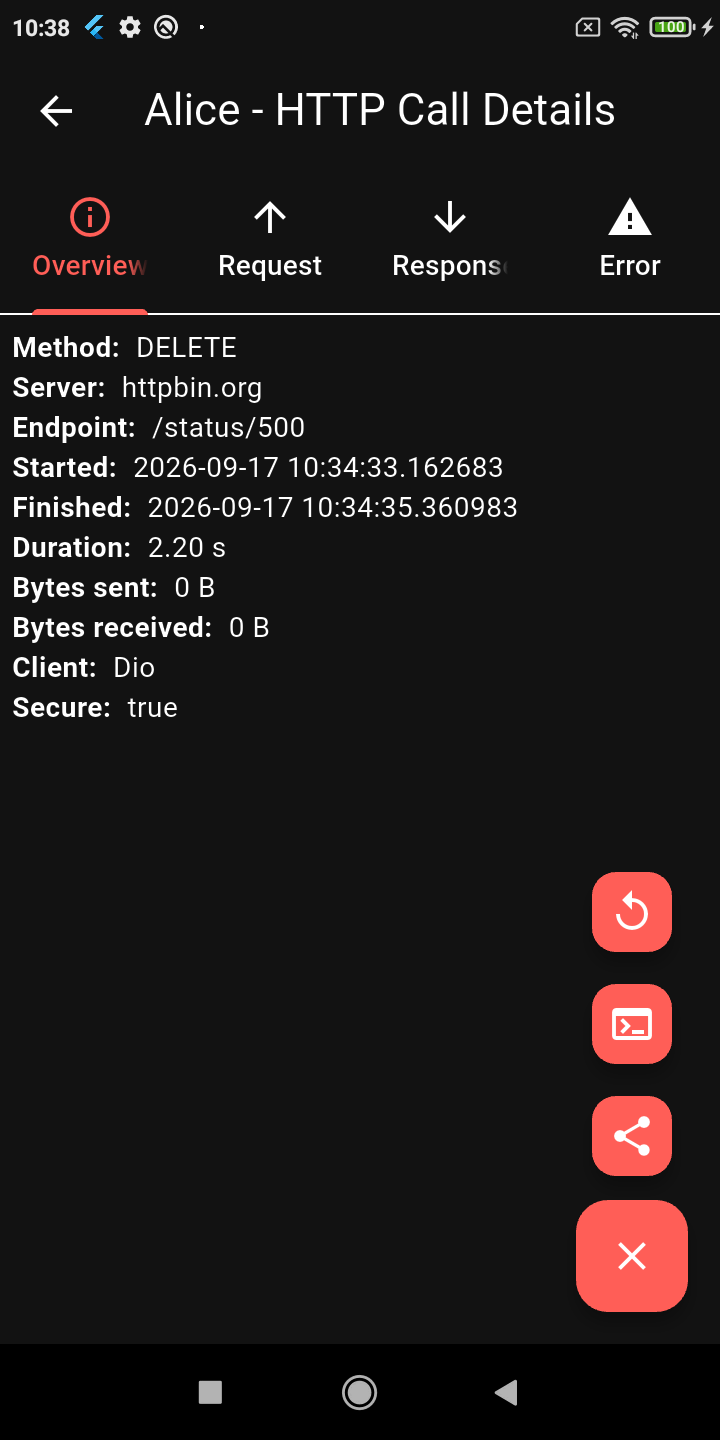
Request Details
JSON Viewer
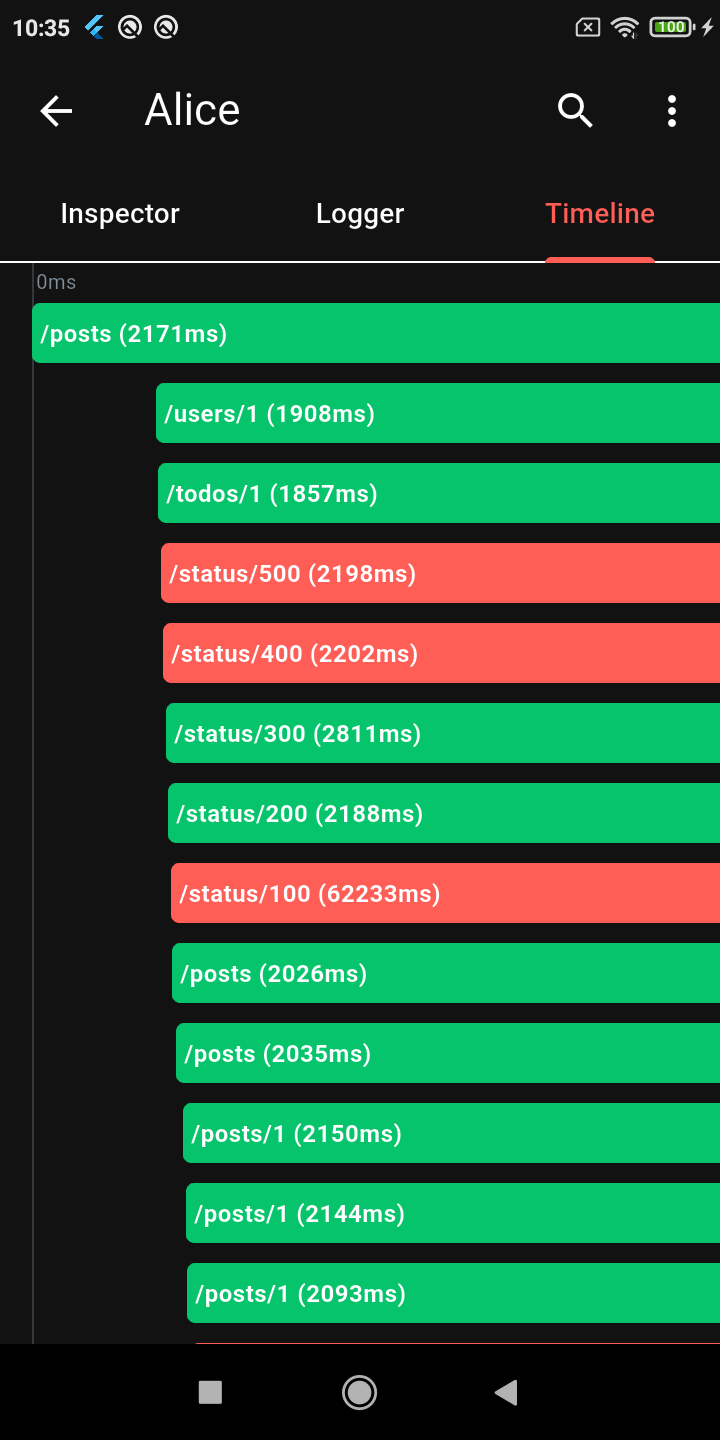
Timeline
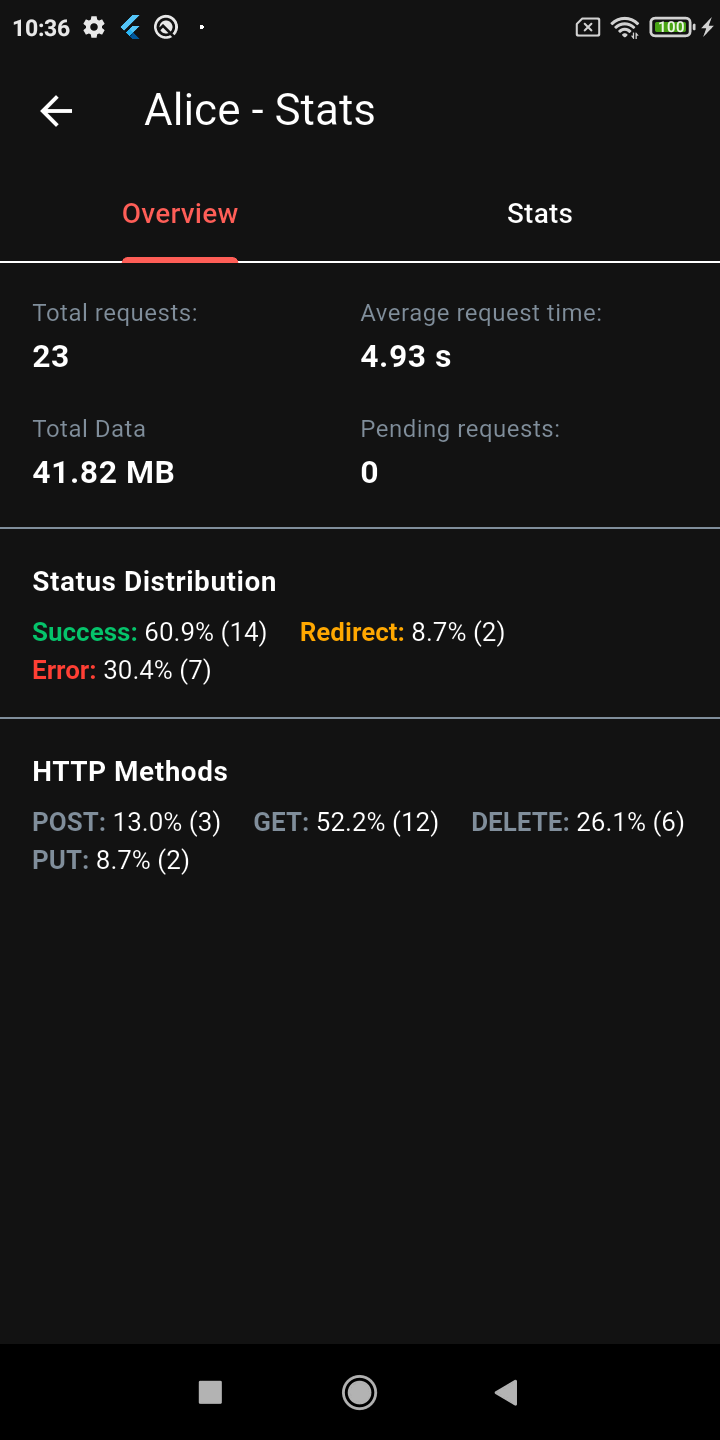
Stats Dashboard
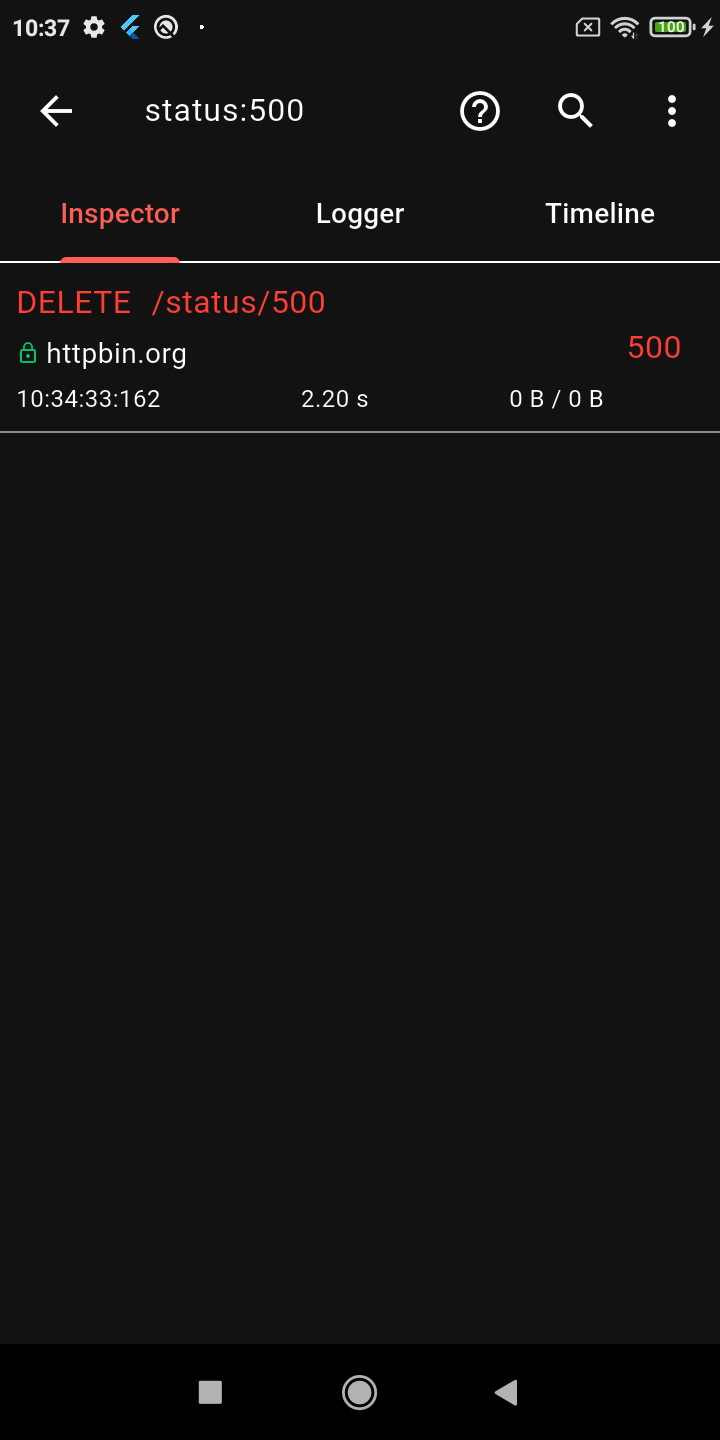
Advanced Search
Request Replay
Dark Mode
Key Features
🔍 Deep Inspection
Detailed logs for every HTTP call (Headers, Body, Query Parameters, Timestamps)
Interactive tree-based JSON viewer for request and response bodies
Gantt chart Timeline to visually inspect staggered HTTP calls
Powerful HTTP calls search (with advanced syntax filters) and filtering
Alice works by attaching an interceptor to your HTTP client. For example, using Dio:
import'package:dio/dio.dart';
import'package:alice_dio/alice_dio_adapter.dart';
Dio dio = Dio();
dio.interceptors.add(AliceDioAdapter().getInterceptor(alice));
// Now make requests! Alice will automatically record them.
dio.get("https://jsonplaceholder.typicode.com/posts");
For instructions on how to attach Alice to Chopper, standard http, or GraphQL, see the full documentation.
Architecture: Why Multiple Packages?
You may notice that Alice uses a multi-package architecture (e.g., alice_dio, alice_http, alice_chopper). This is a deliberate design choice!
Many similar inspector packages force you to pull in a massive dependency tree (Dio, HTTP, Chopper, GraphQL, etc.) all at once, even if your app only uses one of them. This is a bad pattern that bloats your app size, slows down build times, and causes version conflicts.
With Alice, you only install the core alice package and the specific adapter you need (e.g., alice_dio). We strictly avoid enforcing unnecessary dependencies on your project.
Documentation
For complete setup instructions, advanced configuration, and plugin details, please check the Full Documentation.
Custom Integrations & Enterprise Support
Alice has been the go-to Flutter HTTP inspector since its first release, and the ecosystem keeps growing. If your team needs something beyond what's here — a custom adapter for an internal HTTP client, a bespoke export format, enterprise storage backend, or anything else — I'm available for consulting.