Android 및 iOS 플랫폼에서 안전한 앱 내 결제를 위해 아마존 결제 서비스(Payfort)와의 통합을 가능하게 하는 플러터 플러그인입니다. 이 플러그인은 플러터 애플리케이션 내에서 결제 처리, 토큰화 및 거래 관리를 쉽게 처리할 수 있는 간단한 인터페이스를 제공합니다. Payfort의 API와 원활하게 작동하도록 설계되어 개발자들이 전 세계적으로 결제를 수용하는 신뢰할 수 있는 방법을 제공합니다. 다양한 결제 방식 지원과 강력한 오류 처리 기능을 통해 모바일 앱에서 결제 흐름 구현을 단순화합니다.
사용 사례
앱 내 구매
전자상거래 체크아웃
모바일 지갑 통합
구독 결제
결제 게이트웨이 통합
주요 기능
크로스 플랫폼 지원 (Android 및 iOS)
보안 토큰화
Payfort API와의 간편한 통합
거래 상태 처리
다양한 결제 수단 지원
적합한 대상
전자상거래 앱
모바일 결제 솔루션
글로벌 결제 지원이 필요한 앱
Payfort를 사용하는 개발자
안전한 거래가 필요한 플러터 프로젝트
고려 사항
Payfort 계정 설정이 필요합니다
적절한 서버 측 검증이 필요합니다
Payfort API 사용 가능 여부에 따라 다릅니다
샌드박스 테스트를 위해 추가 구성이 필요할 수 있습니다
주요 공급업체와 비교해 문서가 제한적
원본 README
연결된 소스 저장소의 README 원문 스냅샷입니다. 최신 내용은 저장소에서 확인하세요.
Flutter Payfort (Amazon Payment Services)
Amazon Payment Services is the new name for PayFort. Flutter amazon_payfort plugin for Amazon Payment Services (Payfort). It supports both android and iOS. For More information visit Amazon Payment Services
Get Started
Step 1: Access your test account
You have to make sure that you get access to a test account, our full test environment that allows you to simulate and process simulation transactions. You can contact merchantsupport-ps@amazon.com to get your test account.
Step 2: Use the correct integration type
Before building the integration, you need to make sure that you are selecting and using the proper parameters in the API calls as per the required integration type. All the mandatory parameters are mentioned in every section in the API reference.
Step 3: Create the transaction request
Processing a valid API request depends on specifying the right transaction parameters, you need to check the documentation and read every parameter’s range of possible values in order to reduce the errors in processing the transaction.
Step 4: Process the transaction response
After each payment is processed, Amazon Payment Services returns the transaction’s response on the URL configured in your account under Technical Settings channel configuration.
You need to validate the response parameters returned on this URL by calculating the signature for the response parameters using the SHA Response Phrase configured in your account under Security Settings.
Amazon Payment Services accepts configuring HTTPS URLs only in your Account Technical Settings and for return_url parameter. Amazon Payment Services supports the return_url type to be POST method only under your Technical Settings. Please make sure that your redirection or return_url handles the response as POST Method. For any further support please contact: integration-ps@amazon.com
Step 5: Test and go-live
You can use our testing payment card numbers to test your integration and to simulate your test cases. Amazon Payment Services requires that you test your integration before going live to verify the integration and to make sure it is implemented properly.
Amazon Payment Services requires to test your integration before going live to verify the integration and make sure it’s implemented properly.
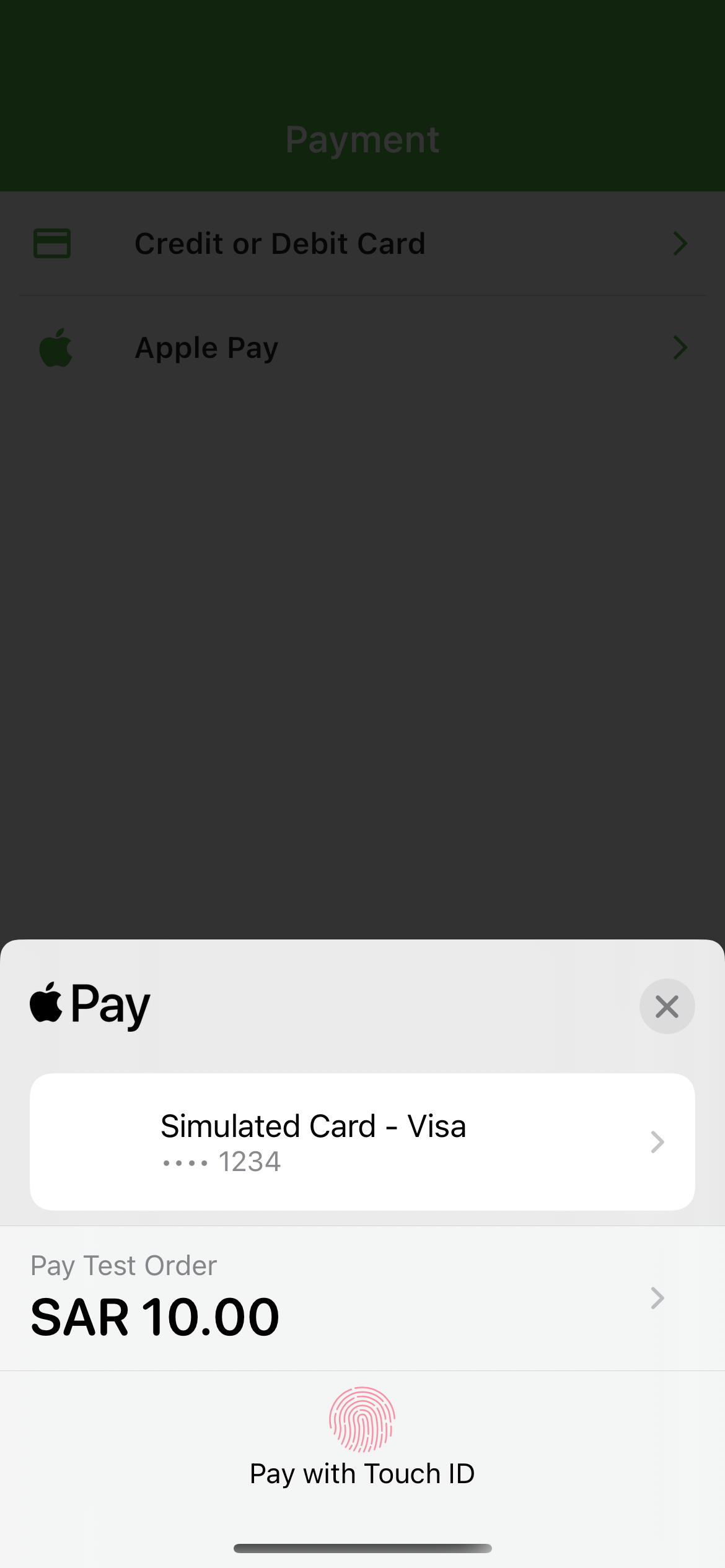
Screenshots
Installation
dart pub add amazon_payfort
Requirements
Android
This plugin requires several changes to be able to work on Android devices. Please make sure you follow all these steps:
Use Android 5.0 (API level 21) and above
Use Kotlin version 1.5.0 and above
iOS
Compatible with apps targeting iOS 12 or above.
To upgrade your iOS deployment target to 12.0, you can either do so in Xcode under your Build Settings, or by modifying IPHONEOS_DEPLOYMENT_TARGET in your project.pbxproj directly.
You will also need to update in your Podfile:
platform :ios, '12.0'
Payfort initialization
To initialize Payfort in your Flutter app, use the AmazonPayfort base class.
AmazonPayfort required Merchant Identifier, Access Code, SHA Type, SHA Request Phrase. For Apple pay required ApplePay Merchant Id
Dart API
The library offers several methods to handle stripe related actions: