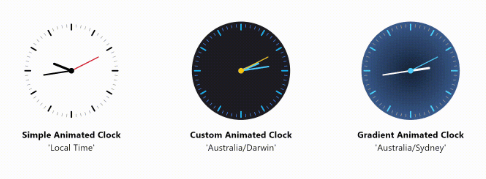
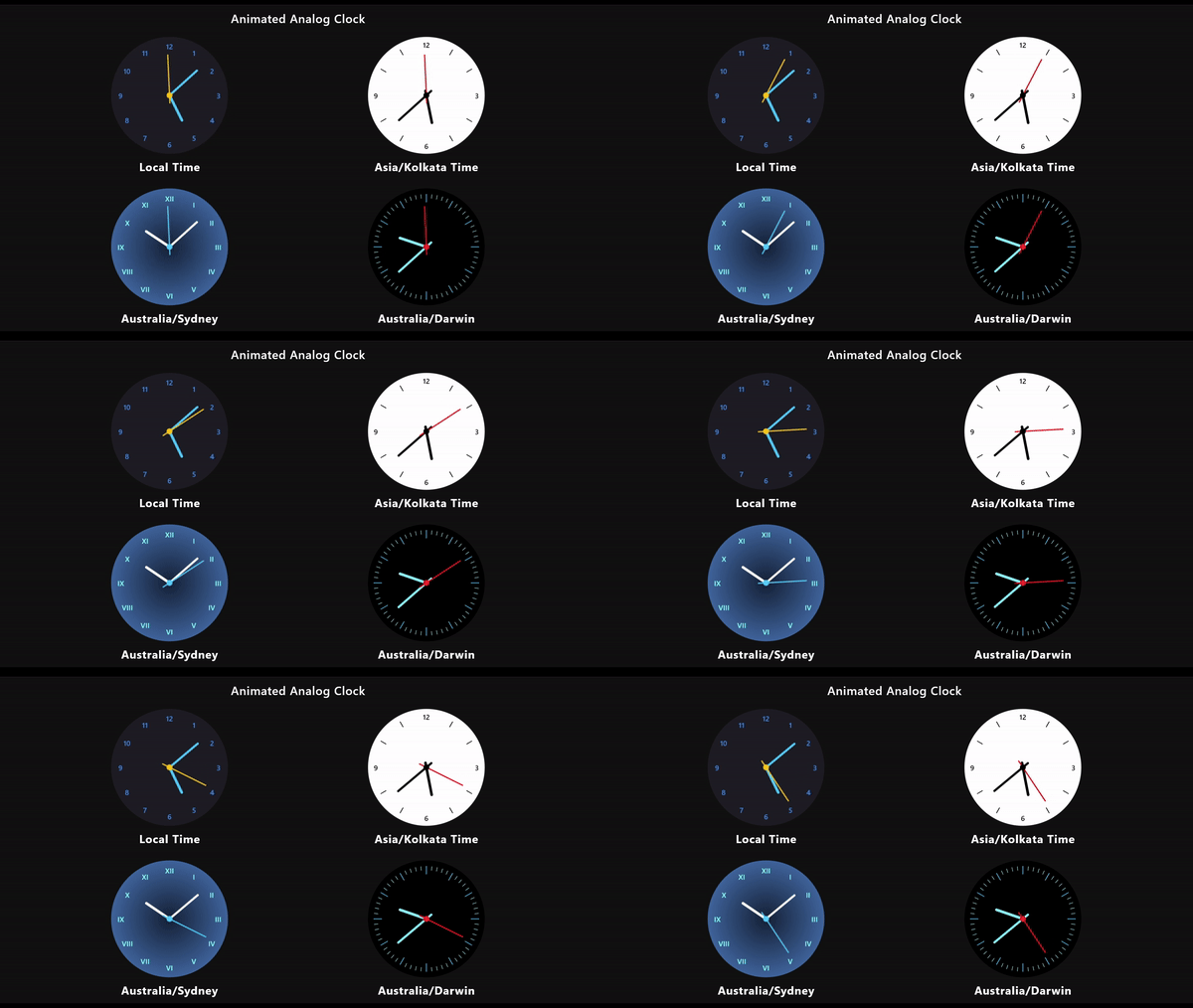
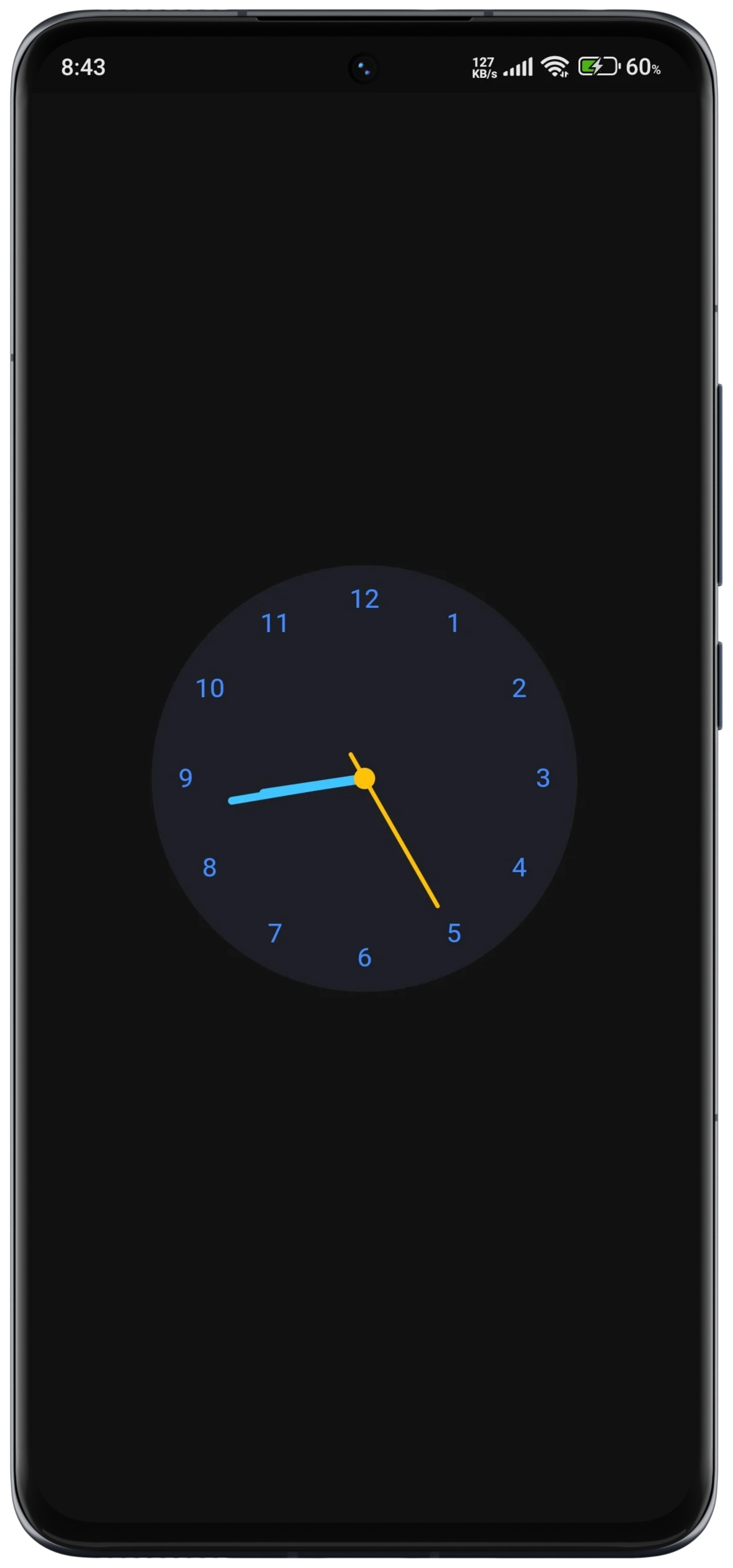
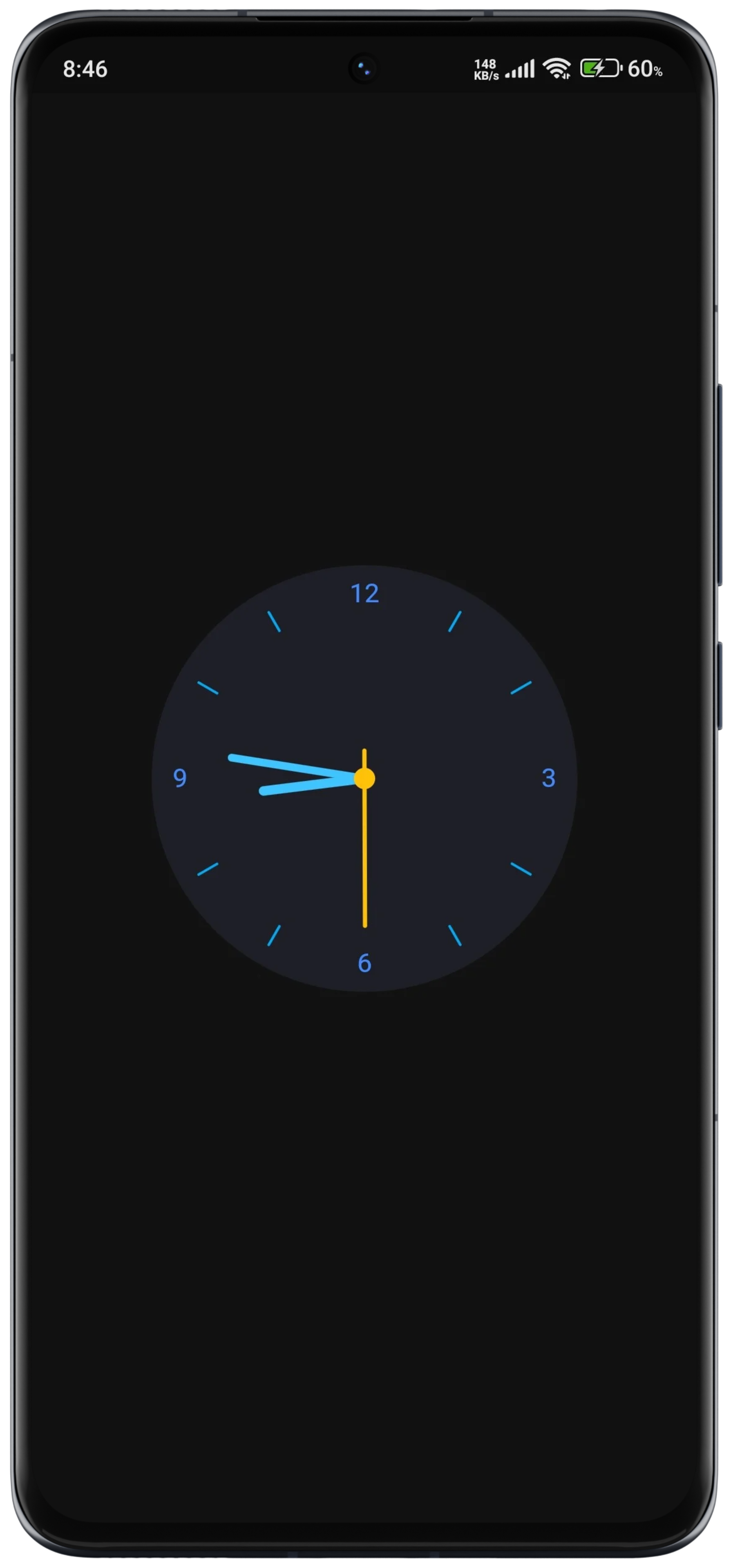
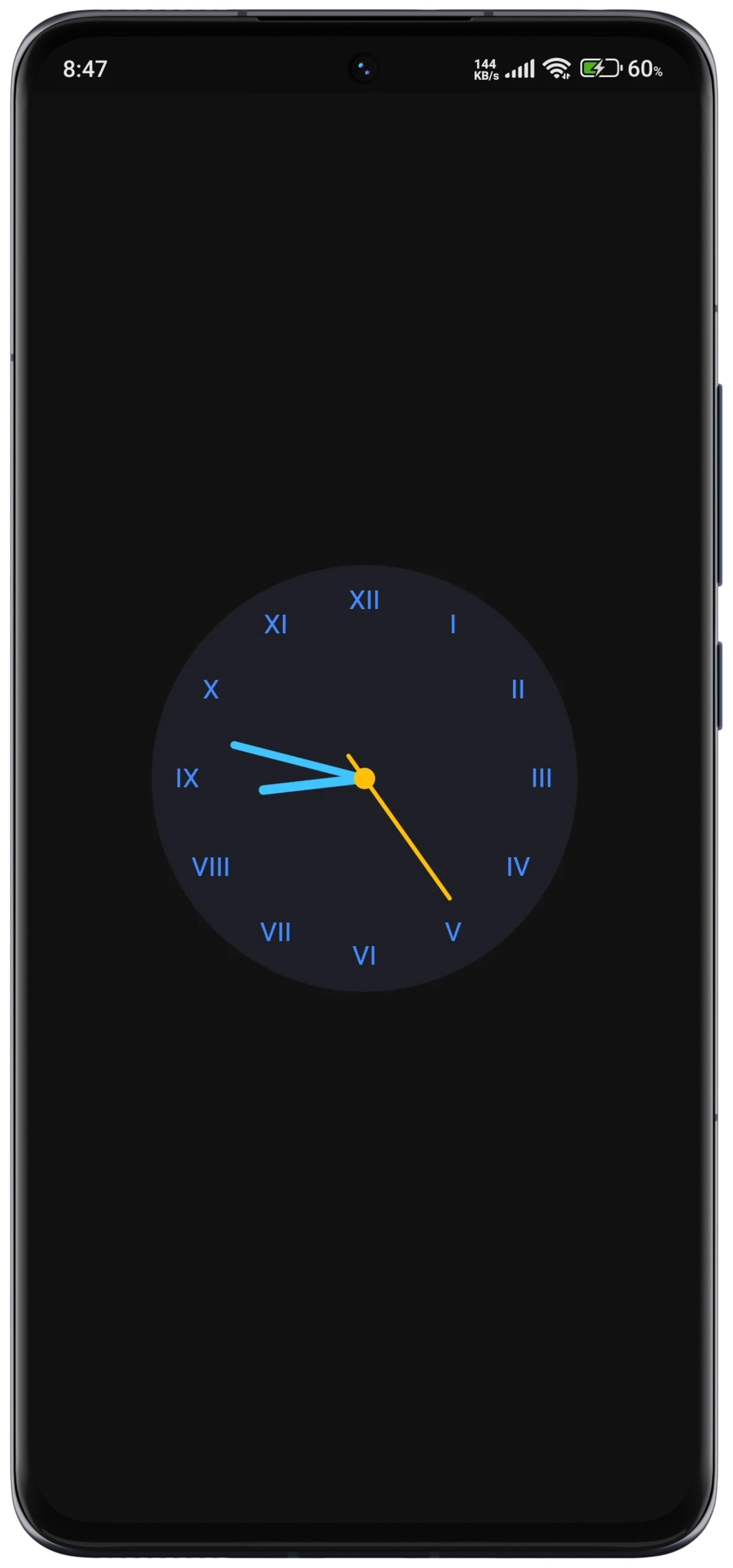
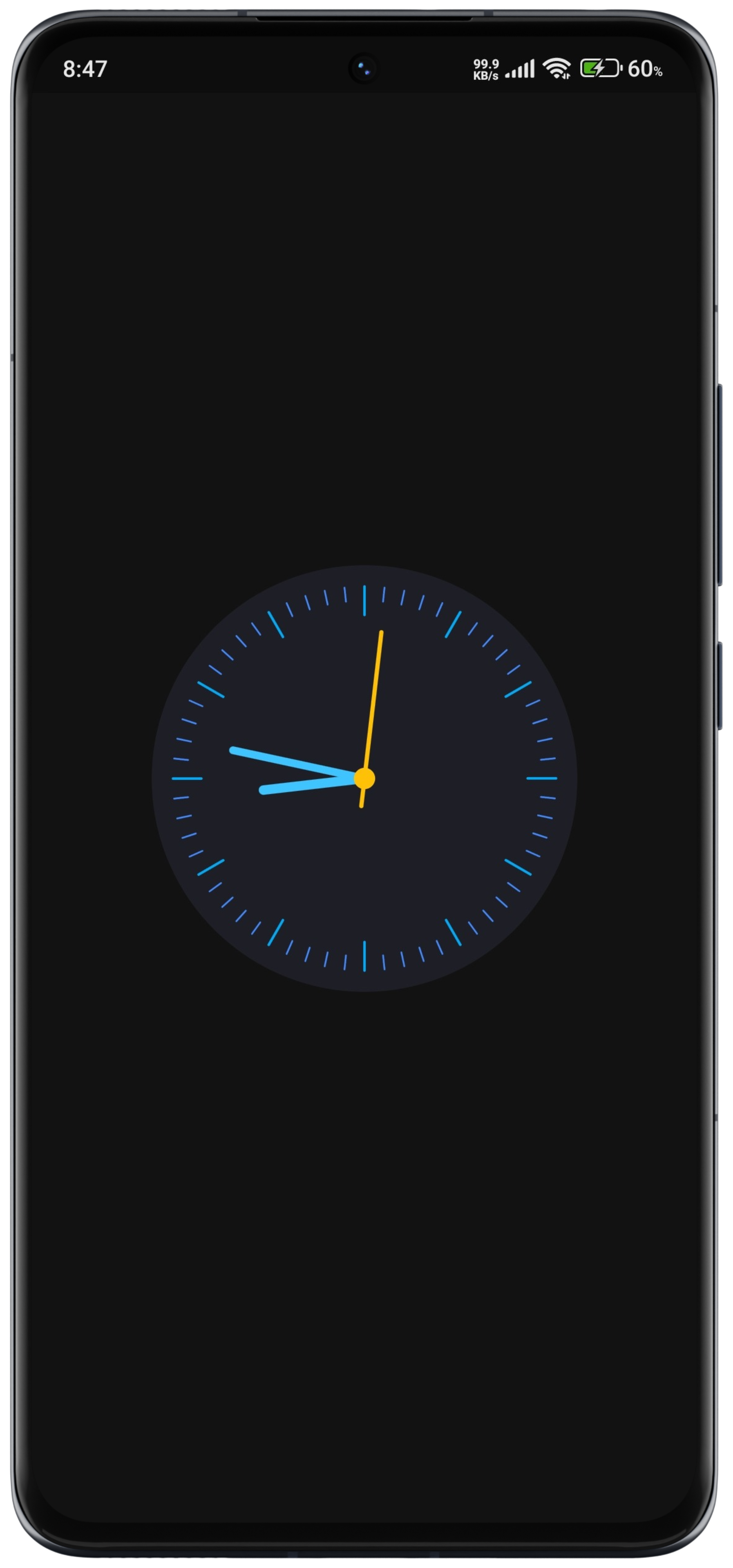
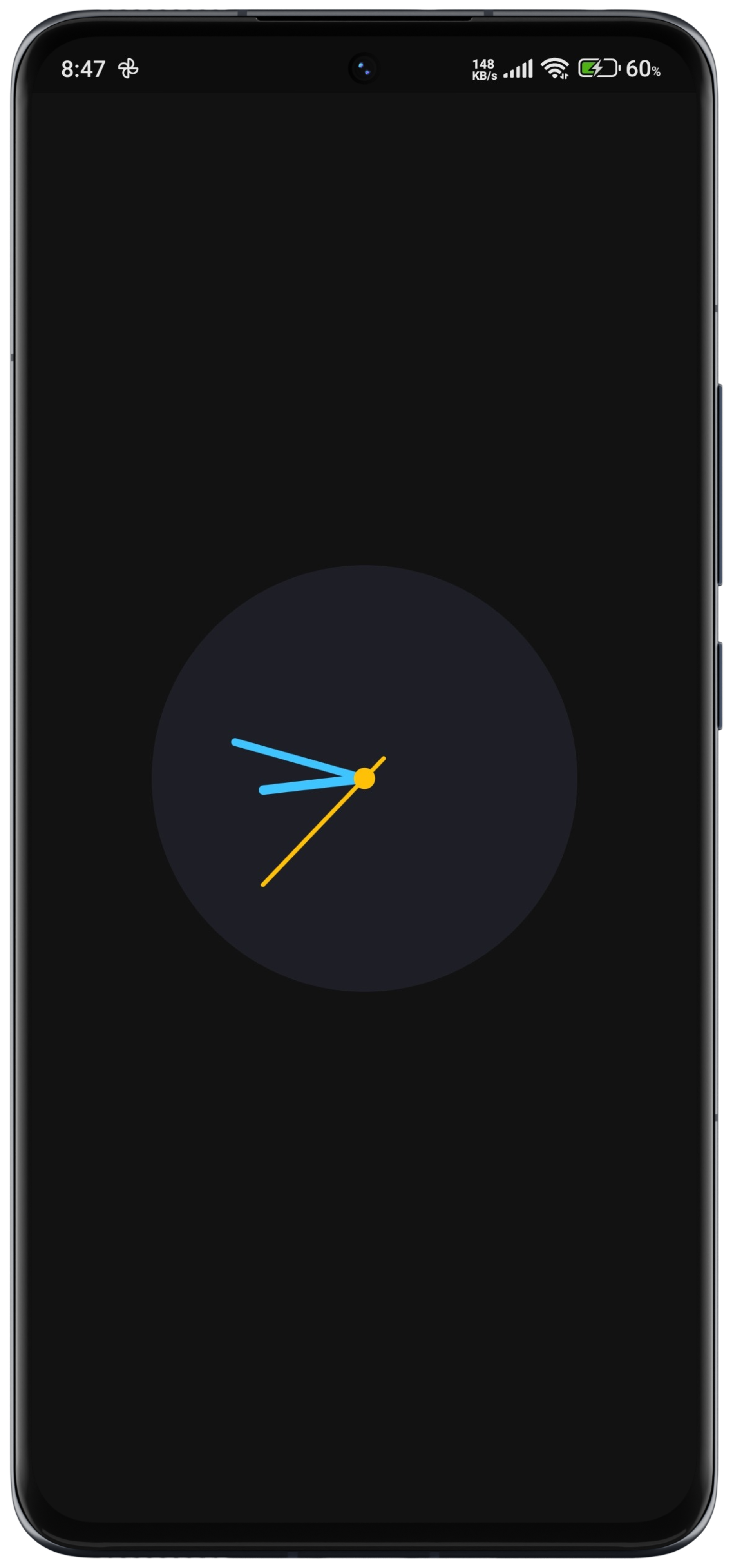
Flutter용 사용자 정의가 가능하고 애니메이션 기능을 갖춘 아날로그 시계 위젯으로, 여러 플랫폼에서 부드럽고 실시간 애니메이션으로 시간을 표시하도록 설계되었습니다. 시계 얼굴, 바늘, 마커에 대한 다양한 스타일링 옵션을 지원하여 개발자가 앱 테마에 맞게 외관을 조정할 수 있습니다. 동적으로 업데이트되어 최소한의 성능 영향으로 정확한 시각 유지가 가능합니다. 대시보드, 생산성 도구 또는 미니멀리스트 인터페이스와 같은 시각적으로 매력적인 시간 표시가 필요한 앱에 적합합니다.
사용 사례
대시보드 위젯
생산성 앱
미니멀리스트 UI
시간 추적 도구
디지털 웰빙 앱
주요 기능
부드러운 실시간 애니메이션
사용자 지정 가능한 시계 얼굴과 핸드
크로스 플랫폼 호환성
사용자 정의 가능한 손 모양 및 색상
자동 시간 업데이트
경량 성능
적합한 대상
시간 중심 앱을 개발하는 개발자
아름다운 시계 UI를 찾는 디자이너
실시간 시간 표시가 필요한 앱
다중 플랫폼을 대상으로 하는 프로젝트
간단하면서도 매력적인 시계를 원하는 사용자
고려 사항
다크 모드를 위해 추가적인 스타일링이 필요할 수 있습니다
성능은 애니메이션 프레임 속도에 따라 달라집니다
아날로그 스타일의 시간 표시에 한정
디지털 시간 전용 용도에는 적합하지 않습니다
최적의 시각적 외관을 얻기 위해 맞춤 설정에 시행착오가 필요할 수 있습니다
원본 README
연결된 소스 저장소의 README 원문 스냅샷입니다. 최신 내용은 저장소에서 확인하세요.
Flutter Animated Analog Clock
A customizable and animated analog clock widget.
This package provides a fully customizable analog clock widget that supports
animation for smooth transitions of clock hands. Users can customize various
aspects of the clock including size, colors, background, and more.
New in Version 0.2.2
Image Dial (New Feature)
You can now use an Image Dial as the clock's face, allowing you to set a background image. This can be a network image or an asset image, making your analog clock even more visually appealing and customizable.
Customizable Design: Users can customize various aspects of the analog clock, including size, colors, background, and more, to match their app's design aesthetics.
Smooth Animations: The analog clock widget supports smooth animations for clock hands, providing a visually pleasing experience for users.
Timezone Support: The clock widget supports displaying time in different timezones, allowing users to customize the clock based on their location or preferences.
Timezone Support with Location Specification: Users can specify a location name, and the clock will display the time according to the timezone associated with that location. To find valid location names for timezones, check out the this documentation.
Lightweight and Efficient: The package is designed to be lightweight and efficient, ensuring smooth performance even on devices with limited resources.
DialType Enum: Introduced the DialType enum to support different dial options: dashes, numbers, numberAndDashes, and none.
Usage
Basic Usage
constAnimatedAnalogClock()
Customization Options
AnimatedAnalogClock(
location: 'Australia/Darwin',
// Gradient Background if you want// backgroundGradient: RadialGradient(colors: []),// Set a network image as the background// backgroundImage: NetworkImage(// 'url',// ),// Alternatively, set an asset image as the background// backgroundImage: AssetImage(// 'path/to/your/asset/image.png',// ),
clock: () => DateTime.now(),
backgroundColor: Color(0xff1E1E26),
hourHandColor: Colors.lightBlueAccent,
minuteHandColor: Colors.lightBlueAccent,
secondHandColor: Colors.amber,
centerDotColor: Colors.amber,
hourDashColor: Colors.lightBlue,
minuteDashColor: Colors.blueAccent,
),
API Documentation
For detailed information about the classes and methods available in this package, refer to the API documentation.
Example
More examples can be found in the example/ folder.
License
This package is distributed under the MIT License. See the LICENSE file for details.
Contact
For questions, feedback, or suggestions regarding this package, please feel free to contact the author at [devhasanzaman@gmail.com](mailto:devhasanzaman@gmail.com).