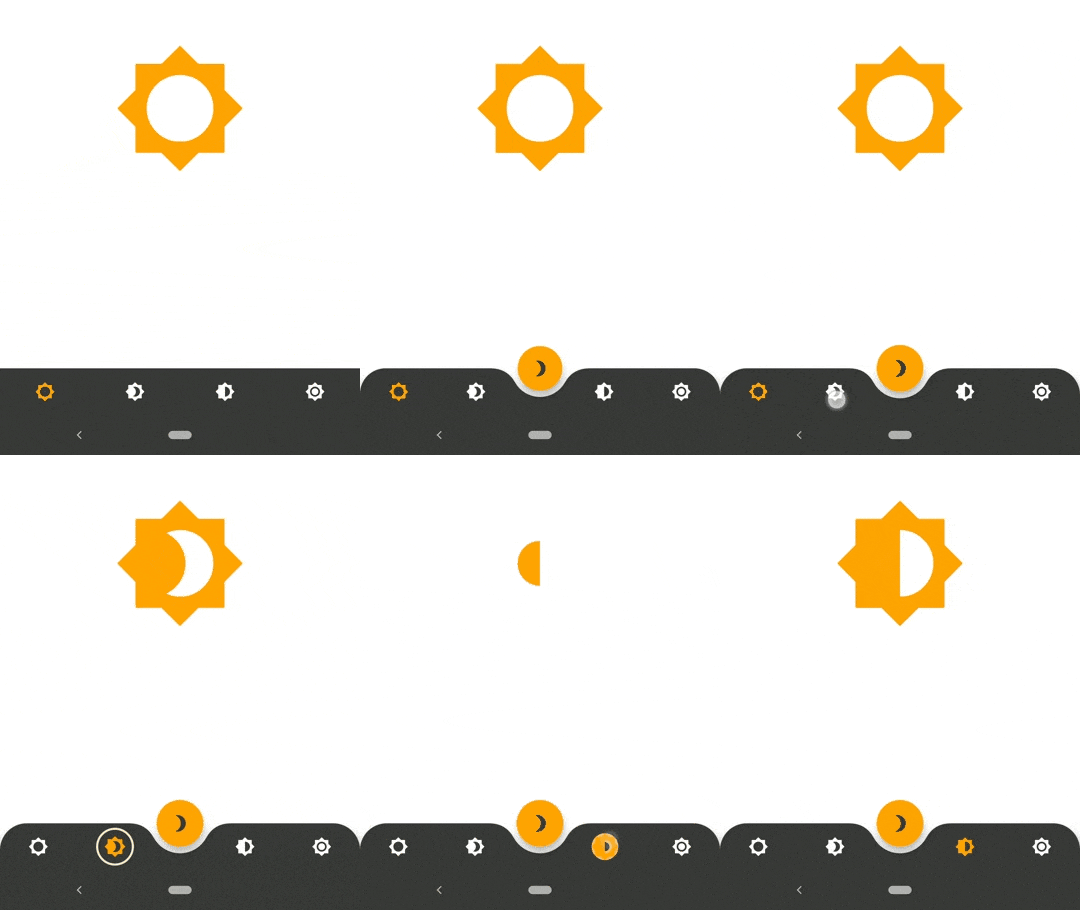
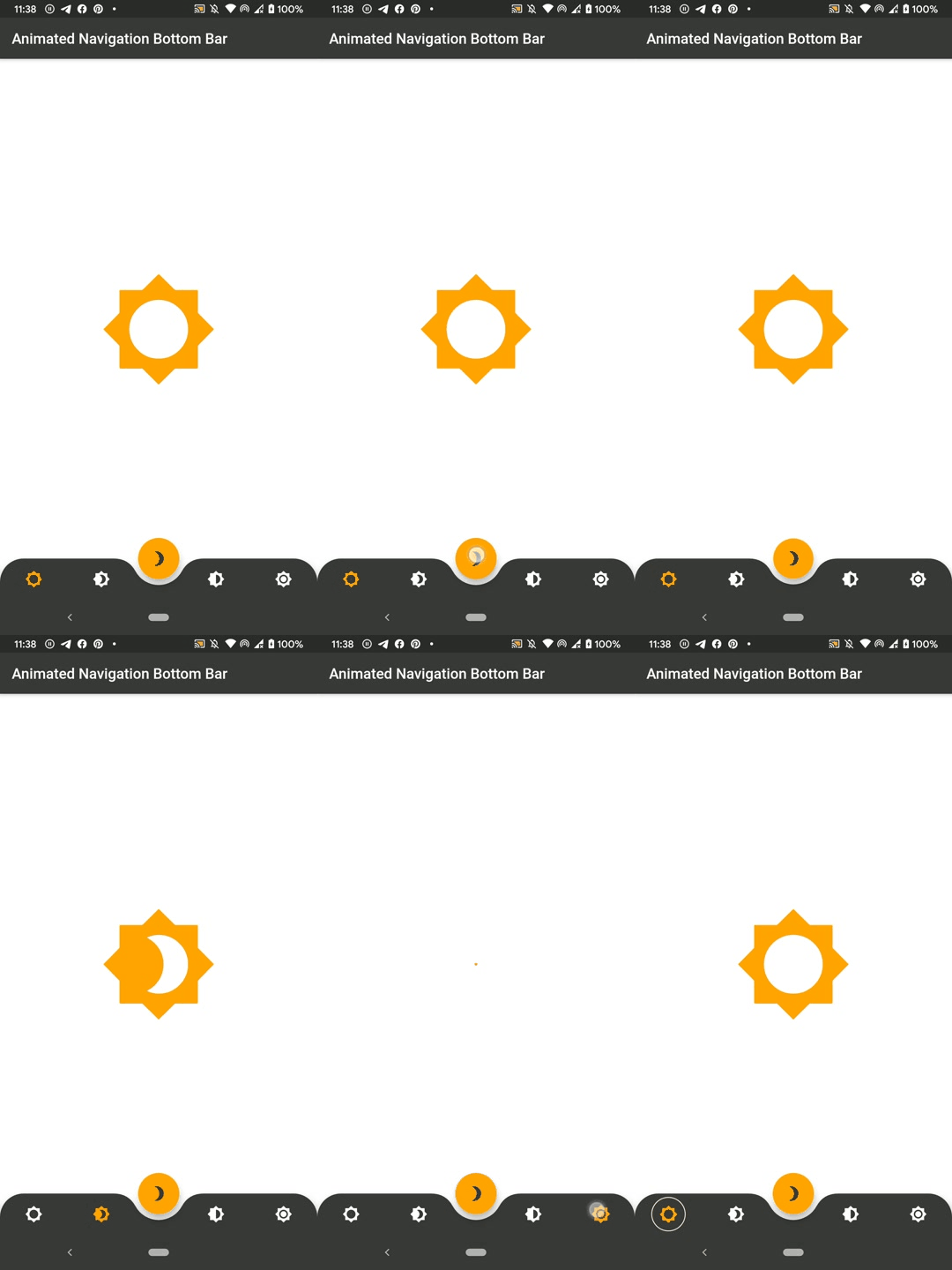
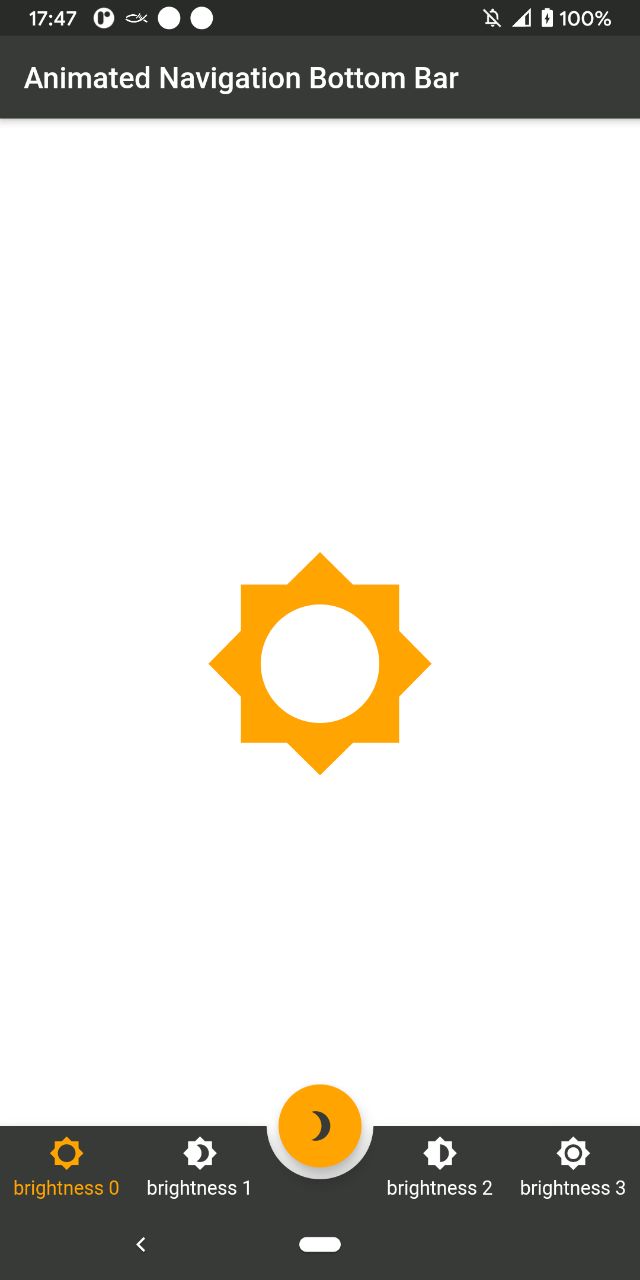
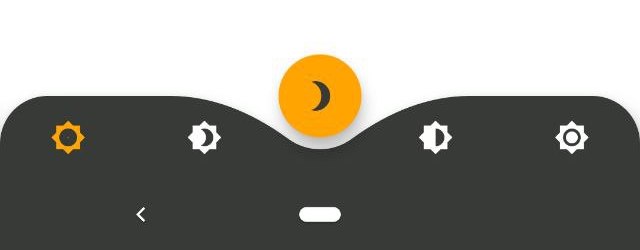
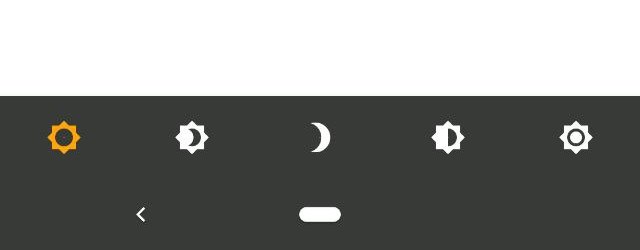
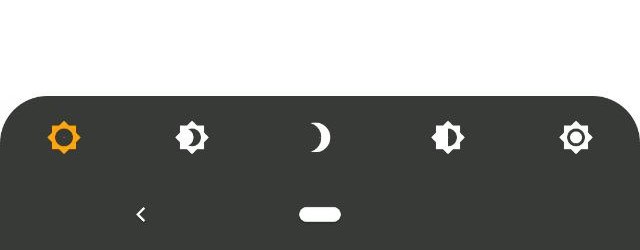
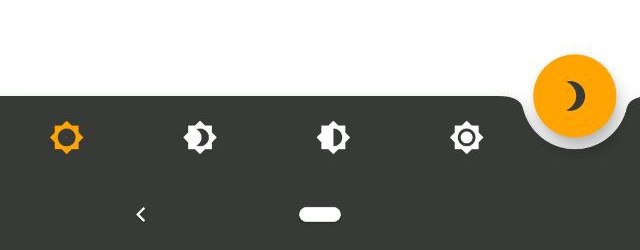
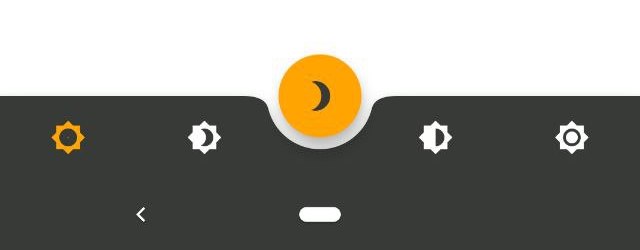
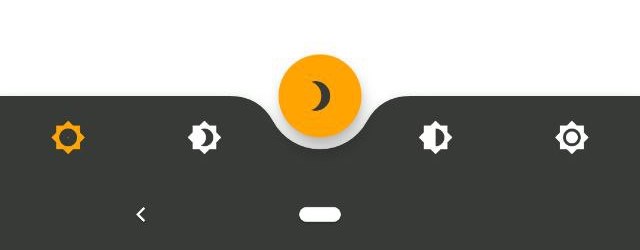
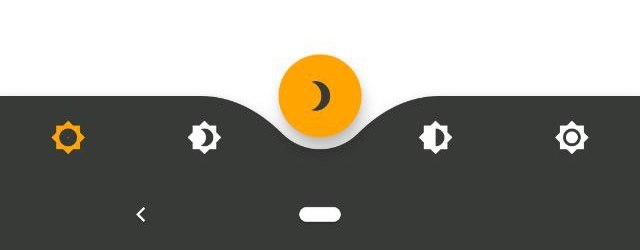
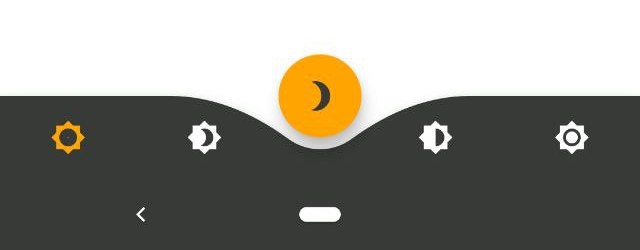
Dribbble 디자인을 영감으로 삼아 애니메이션된 하단 탐색 바 위젯을 제공하는 플러터 패키지입니다. 사용자 정의 가능한 애니메이션, 색상 및 아이콘과 함께 탭 간에 부드럽고 시각적으로 매력적인 전환 효과를 제공합니다. 가볍고 어떤 플러터 앱에도 쉽게 통합할 수 있으며, 안드로이드, iOS, 웹, 맥OS, 윈도우, 리눅스 등 다양한 플랫폼을 지원합니다. 동적 탐색 인터페이스를 통해 사용자 경험을 향상시키기에 이상적입니다.
사용 사례
모바일 앱 탐색
웹 애플리케이션 대시보드
크로스 플랫폼 UI 개선
인터랙티브 탭 전환
현대적인 앱 디자인
주요 기능
부드러운 애니메이션 전환
사용자 지정 가능한 색상 및 아이콘
다양한 플랫폼 간 반응형 디자인
기존 Flutter 프로젝트와의 간편한 통합
다중 플랫폼 대상 지원
적합한 대상
현대적인 UI 컴포넌트를 찾는 개발자
디자인 중심의 플러터 애플리케이션
매력적인 탐색 경험을 필요로 하는 앱
크로스플랫폼 모바일 및 웹 앱
인터랙티브 요소를 구현하는 UI/UX 디자이너
고려 사항
복잡한 레이아웃을 위해 추가 스타일링이 필요할 수 있습니다
애니메이션 성능은 저사양 기기에서 테스트해야 합니다
기본 속성 외의 사용자 정의는 제한적입니다
3~5개의 탐색 항목을 가진 앱에 가장 적합
매우 복잡한 탐색 구조에는 권장되지 않습니다
원본 README
연결된 소스 저장소의 README 원문 스냅샷입니다. 최신 내용은 저장소에서 확인하세요.
AnimatedBottomNavigationBar is a customizable widget inspired by dribble shot.
With AnimatedBottomNavigationBar.builder you are able to customize tab view however you need. In this case you are responsible to handle an active(inactive) state of tabs.
Getting Started
To get started, place your AnimatedBottomNavigationBar or AnimatedBottomNavigationBar.builder in the bottomNavigationBar slot of a Scaffold.
The AnimatedBottomNavigationBar respects FloatingActionButton location.
For example:
You have to change the active navigation bar tab programmatically by passing a new activeIndex to the AnimatedBottomNavigationBar widget.
class_MyAppStateextendsState<MyApp> {
int activeIndex;
/// Handler for when you want to programmatically change/// the active index. Calling `setState()` here causes/// Flutter to re-render the tree, which `AnimatedBottomNavigationBar`/// responds to by running its normal animation.void_onTap(int index) {
setState((){
activeIndex = index;
});
}
Widgetbuild(BuildContext context) {
returnAnimatedBottomNavigationBar(
activeIndex: activeIndex,
onTap: _onTap,
//other params
);
}
}