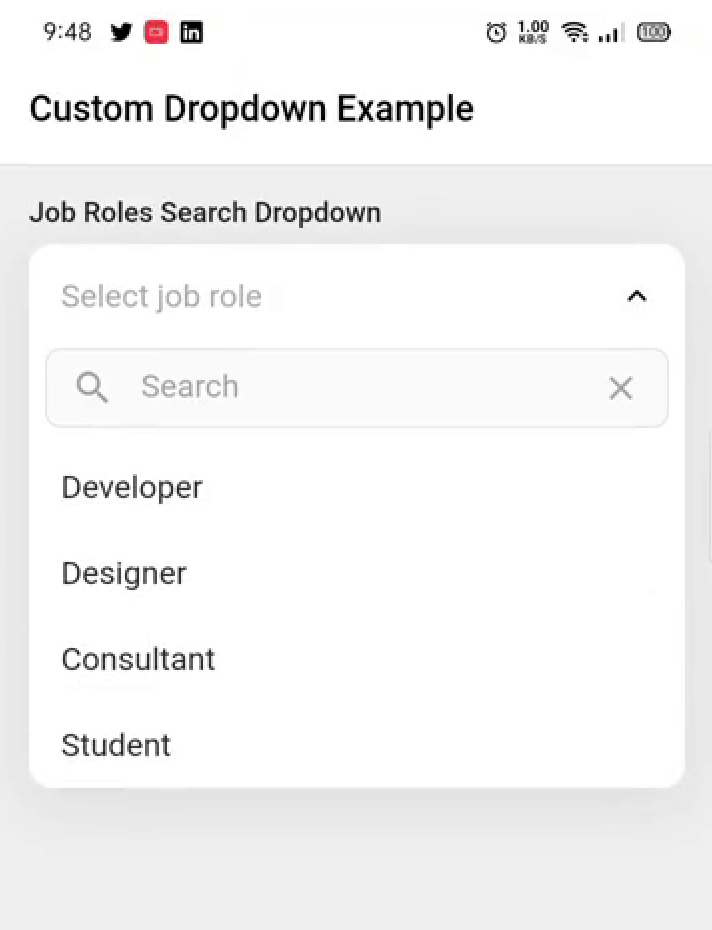
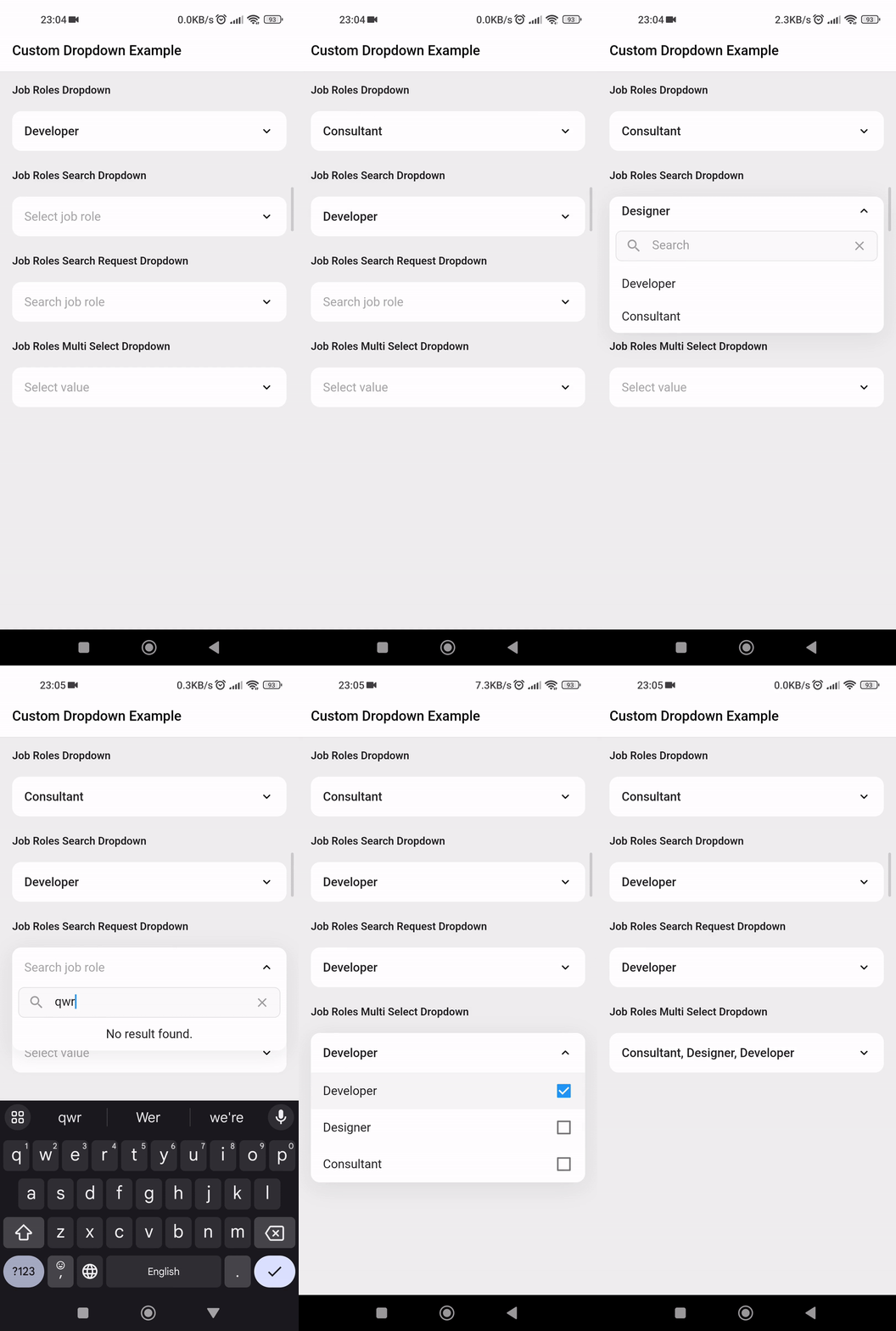
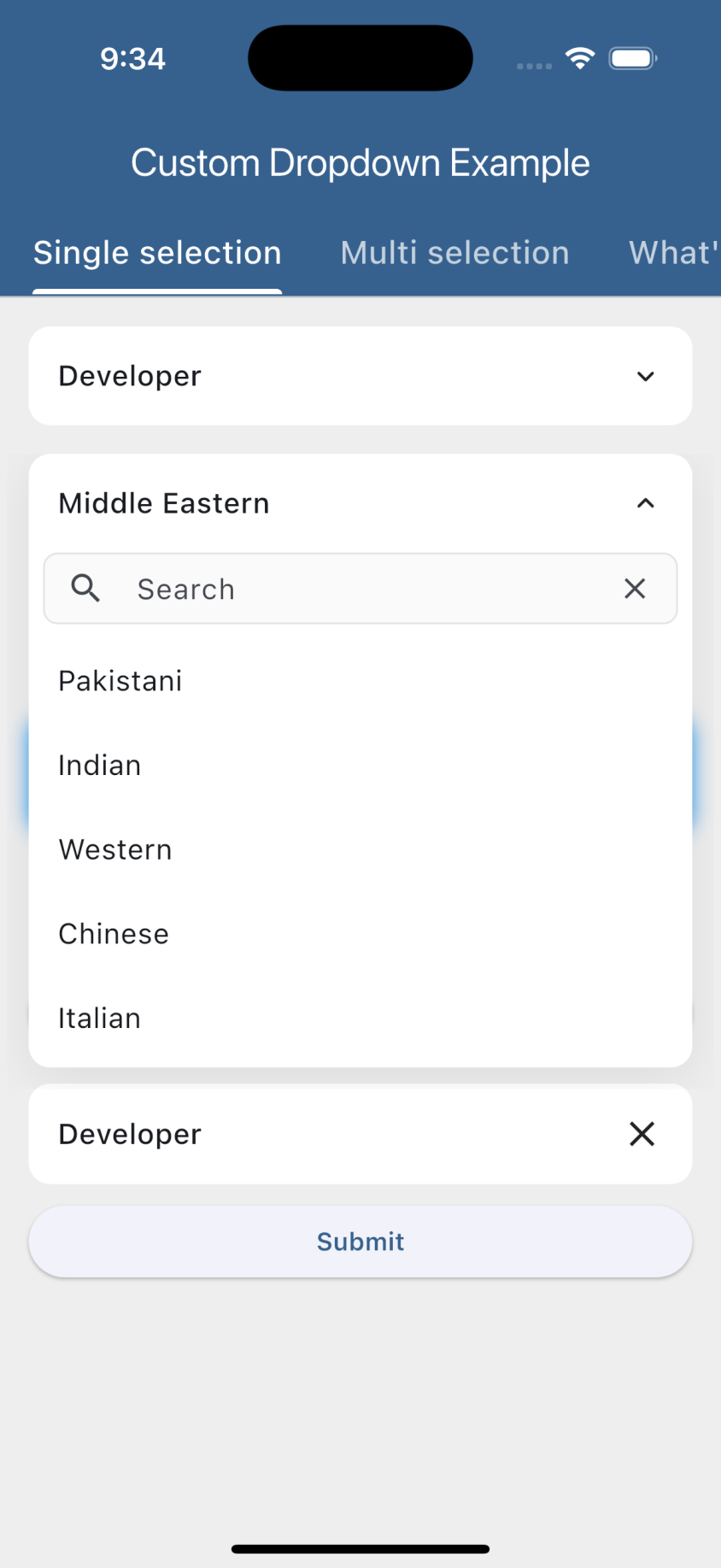
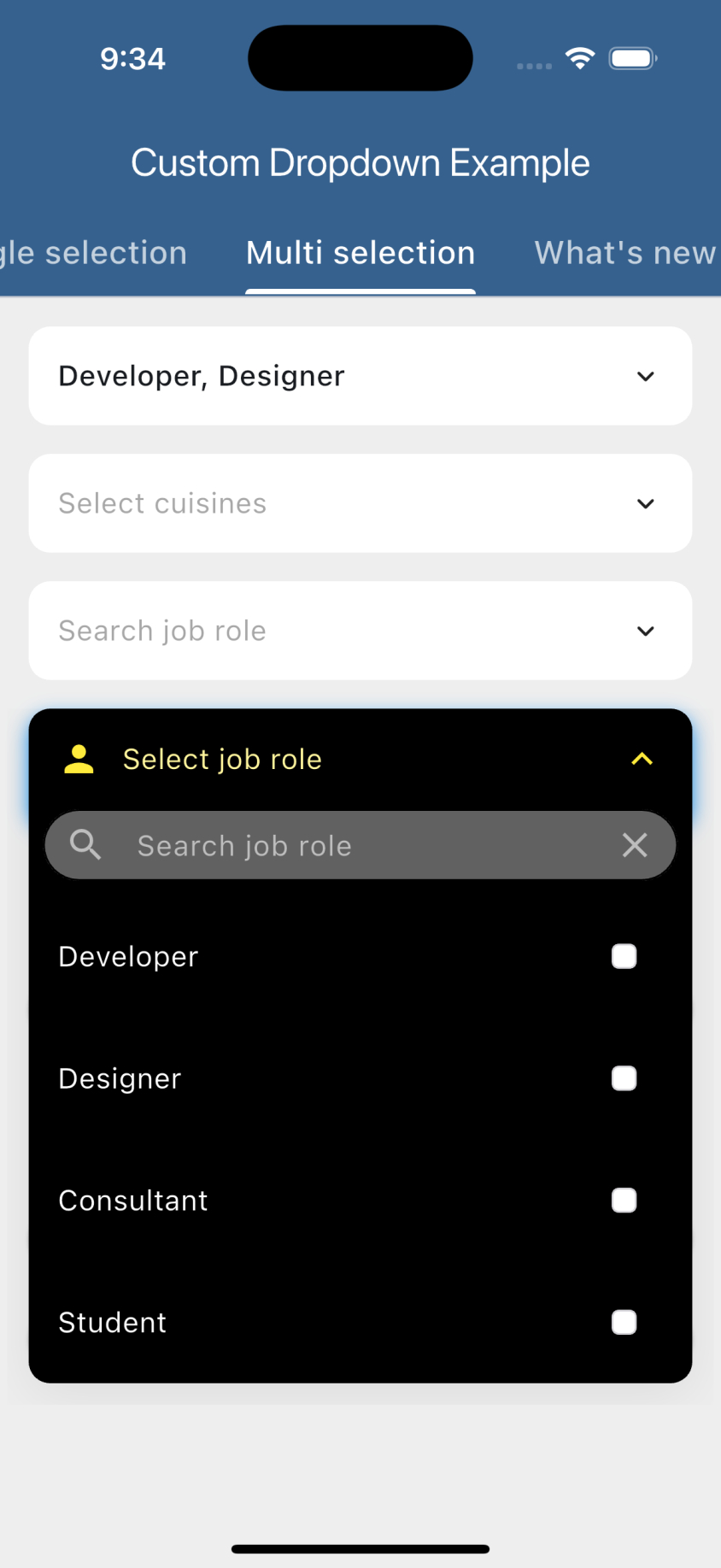
Animated Custom Dropdown는 검색 가능한 목록, 네트워크 기반 검색 및 다중 선택과 같은 기능을 갖춘 매우 사용자 정의 가능한 Flutter 위젯입니다. Android, iOS, Web, macOS, Windows, Linux 등 여러 플랫폼을 지원합니다. 부드러운 애니메이션과 디자인 및 동작에 대한 유연한 커스터마이징 옵션으로 사용자 경험을 향상시킵니다. 고급 드롭다운 기능이 필요한 양식 및 데이터 선택 인터페이스에 적합합니다.
사용 사례
동적 옵션을 가진 폼 입력
다중 선택 드롭다운
네트워크 기반 자동 완성
선택 메뉴용 사용자 정의 UI
대규모 데이터셋의 동적 필터링
주요 기능
검색 가능한 드롭다운 목록
네트워크 검색 통합
다중 선택 지원
부드러운 애니메이션
높은 사용자 정의 가능한 외관
크로스 플랫폼 호환성
적합한 대상
복잡한 양식을 구축하는 개발자
동적 데이터 선택이 필요한 앱
맞춤형 드롭다운 디자인을 필요로 하는 프로젝트
재사용 가능한 UI 컴포넌트를 원하는 팀
대규모 또는 원격 데이터 소스를 가진 응용 프로그램
고려 사항
네트워크 검색을 위해 주의 깊은 상태 관리가 필요합니다
일관된 외관을 위해 추가적인 스타일링이 필요할 수 있습니다
매우 큰 데이터 세트 사용 시 성능 영향
기본 사용법 외에 문서가 제한적
매우 높은 주파수 업데이트에 최적화되지 않음
원본 README
연결된 소스 저장소의 README 원문 스냅샷입니다. 최신 내용은 저장소에서 확인하세요.
Custom Dropdown
A highly customizable, animated dropdown widget for Flutter — with search, network search + infinite scroll, multi-selection, a floating label, configurable open/close animations, and form validation.
If you like this package, please leave a like on pub.dev and star on GitHub.
Features
Lots of properties to use and customize dropdown widget as per your need. Also usable under Form widget for required validation.
Custom dropdown using constructor CustomDropdown().
Custom dropdown with search field using named constructor CustomDropdown.search().
Custom dropdown with search request field using named constructor CustomDropdown.searchRequest().
Multi select custom dropdown using named constructor CustomDropdown.multiSelect().
Multi select custom dropdown with search field using named constructor CustomDropdown.multiSelectSearch().
Multi select custom dropdown with search request field using named constructor CustomDropdown.multiSelectSearchRequest().
Configurable open/close overlay animations (animation) with built-in transitions, a custom-transition builder, and an optional staggered list-item entrance.
Infinite scroll / pagination for async search (paginatedRequest).
Material-style floating label (labelText), clear button (canClearSelection), text alignment (textAlign) and forced overlay direction (overlayDirection).
Keyboard-aware overlay positioning, initiallyOpen, autofocusOnSearch, and searchRequestMinChars.
Preview
Getting started
Add the latest version of package to your pubspec.yaml (and run flutter pub get):
dependencies:
  animated_custom_dropdown: 4.0.0
Import the package and use it in your Flutter App.
Whenever you are going to work with custom type model T, your model must override the default toString() method and return the property inside that you want to display as list item otherwise the dropdown list item would show Instance of [model name].
By default the search matches against each item's toString() value, so custom model classes are searchable out of the box as long as toString() returns the text you want to match. If the filter on the object is more complex (e.g. matching multiple fields), add the CustomDropdownListFilter mixin to it, which gives you access to the filter(query) method, and by this the items of the list will be filtered.
For the search constructors (CustomDropdown.search(), CustomDropdown.searchRequest() and their multi-select variants), the open overlay automatically stays clear of the on-screen keyboard: it flips above the field when the keyboard would cover it and repositions whenever the keyboard shows or hides. If the field lives inside a scrollable (e.g. a ListView), it is also scrolled back into view so the overlay never disappears.
For this to work the field must be able to move above the keyboard. This is handled automatically when you keep the Scaffold default resizeToAvoidBottomInset: true and either:
place the dropdown inside a scrollable (ListView / SingleChildScrollView), or
use a layout that can reflow (e.g. a Column with a Spacer / MainAxisAlignment.end).
If you set resizeToAvoidBottomInset: false or use a non-reflowable layout, a field pinned to the bottom can't be moved out of the keyboard's area, so part of the overlay may remain covered.
Customization
For a complete customization of the package, go to the example.
Contributors
Issues & Feedback
Please file an issue to send feedback or report a bug. PRs are always welcome. Thank you!