패키지, 저장소 및 앱 카테고리 검색

animated_widgets 표지
패키지 상세v1.1.0

animated_widgets

AnimatedWidgets를 사용하여 화면에 쉽게 애니메이션을 추가하세요. 컴포넌트 트리에 항상 애니메이션 위젯을 추가한 다음, 애니메이션을 활성화하고 싶을 때 활성화하세요.

30일 다운로드
9.7천
좋아요
171
Pub 점수
70

패키지 설치

flutter pub add animated_widgets

패키지 개요

공개 정보를 바탕으로 생성한 선택 가이드입니다.

AnimatedWidgets는 UI 구성 요소에 애니메이션을 추가하는 것을 간편하게 만드는 Flutter 패키지입니다. 개발자는 애니메이션 위젯을 직접 위젯 트리에 삽입하고 필요 시 애니메이션을 트리거할 수 있습니다. 최소한의 설정으로 복잡한 코드 없이 부드러운 전환과 동적 효과를 가능하게 하여 사용자 인터페이스를 향상시킵니다. 시각적 피드백이나 움직임이 필요한 앱에서 매력적이고 상호작용적인 경험을 만들기에 적합합니다. 이 패키지는 가볍고 기존의 Flutter 프로젝트와 원활하게 통합됩니다.

사용 사례

  • UI 요소에 섬세한 진입 애니메이션 추가하기
  • 상호작용 버튼 피드백 만들기
  • 스크롤 중에 목록 또는 카드 애니메이션화
  • 다이나믹 효과로 스플래시 화면 향상
  • 시각적 신호를 사용하여 반응형 폼 입력 만들기

주요 기능

  • 위젯 트리에의 간단한 통합
  • 요청 시 애니메이션 트리거
  • 경량이고 성능이 뛰어남
  • 일반적인 애니메이션 패턴을 지원합니다
  • 시간 및 동작의 사용자 정의가 간편합니다

적합한 대상

  • 초보자에서 중급자까지의 Flutter 개발자
  • 시각적 마무리가 필요한 앱
  • 인터랙티브 UI 컴포넌트
  • 빠른 프로토타입 애니메이션
  • 사용자 참여에 초점을 맞춘 프로젝트

고려 사항

  • 기본 애니메이션 유형에만 제한됨
  • 복잡한 코리오그래피에 대한 내장 지원 없음
  • 애니메이션 상태를 수동으로 관리해야 합니다
  • 고주기 업데이트에 최적화되지 않음
  • Flutter의 애니메이션 엔진 성능에 의존합니다

원본 README

연결된 소스 저장소의 README 원문 스냅샷입니다. 최신 내용은 저장소에서 확인하세요.

animated_widgets

Easily add animations on your screen with AnimatedWidgets.

Optimized for MVVM using Bloc, updating the enabled value of the widget will forward or reverse the animation.

Available widgets : TranslationAnimatedWidget, OpacityAnimatedWidget, RotationAnimatedWidget, ScaleAnimatedWidget, SizeAnimatedWidget

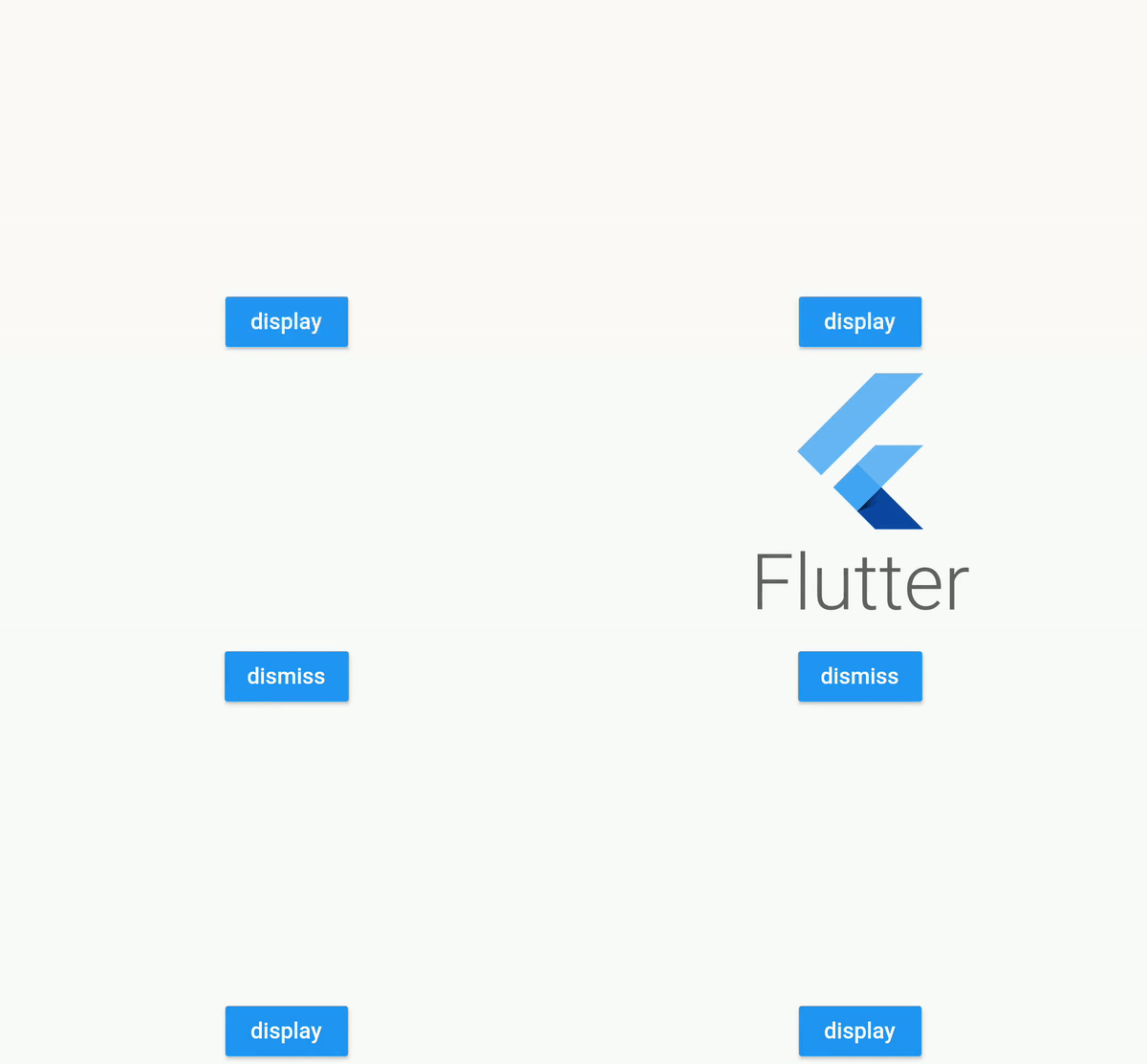
For example : add a TranslationAnimatedWidget on a button, then activate it to display it !

TranslationAnimatedWidget(
    enabled: this.displayMyWidget, //update this boolean to forward/reverse the animation
    values: [
        Offset(0, 200), // disabled value value
        Offset(0, 250), //intermediate value
        Offset(0, 0) //enabled value
    ],
    child: /* your widget */
),

screen

or using a tween constructor

RotationAnimatedWidget.tween(
    enabled: this.displayMyWidget, //update this boolean to forward/reverse the animation
    rotationDisabled: Rotation.degrees(z: 0),
    rotationEnabled: Rotation.degrees(z: 90),
    child: /* your widget */
),

screen

Compose

Don't hesitate to compose them

TranslationAnimatedWidget.tween(
    enabled: this.displayMyWidget,
    translationDisabled: Offset(0, 200),
    translationEnabled: Offset(0, 0),
    child:
        OpacityAnimatedWidget.tween(
        enabled: this.displayMyWidget,
        opacityDisabled: 0,
        opacityEnabled: 1,
        child: /* your widget */
    ),
),

screen

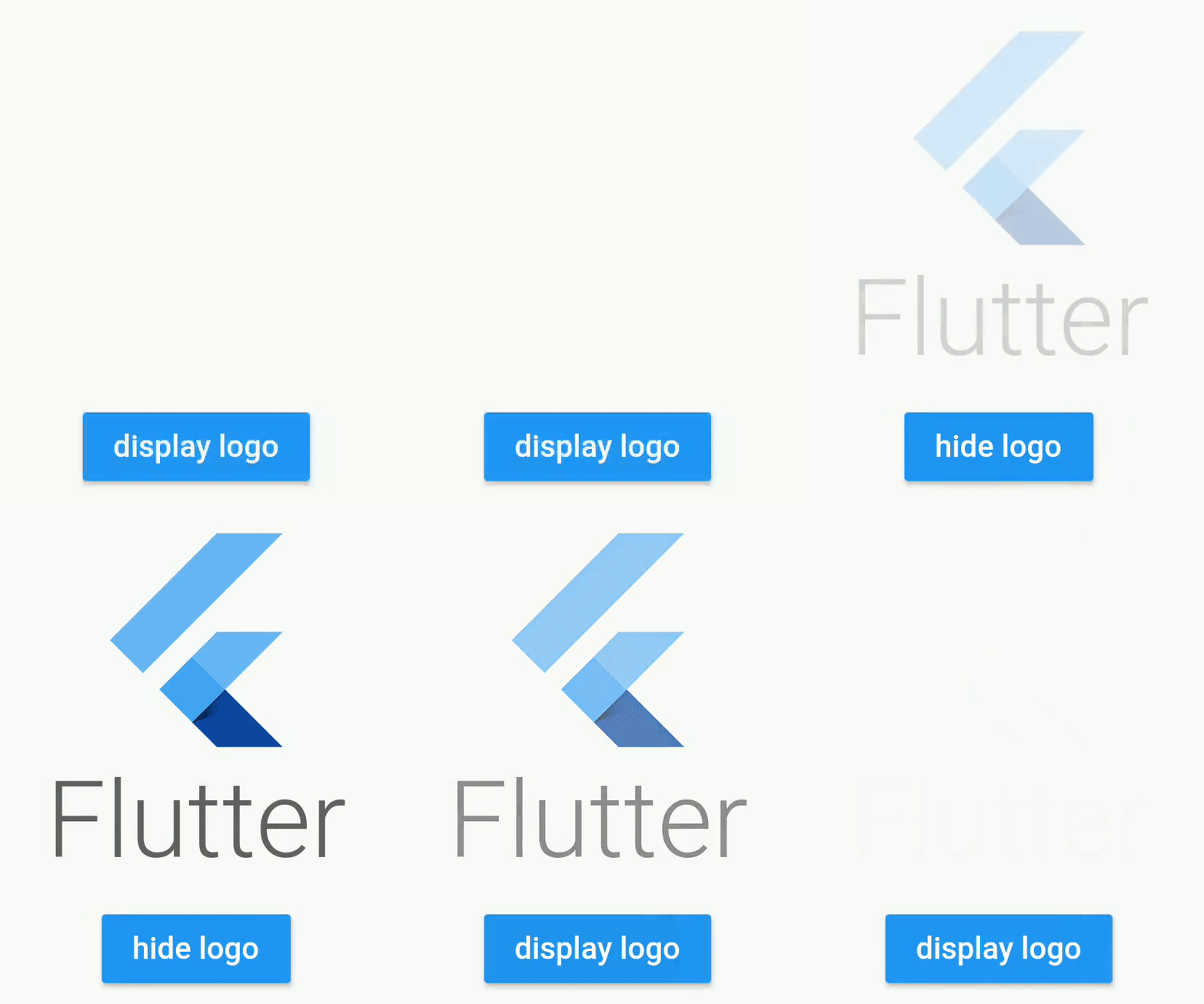
Opacity

screen

Example using a Stateful Widget

class _StatefulScreenState extends State<StatefulScreen> {

  // will determine if the opacity animation is launched
  bool _display = false;

  @override
  Widget build(BuildContext context) {
    return Scaffold(
      appBar: AppBar(),
      body: Column(
        crossAxisAlignment: CrossAxisAlignment.stretch,
        mainAxisAlignment: MainAxisAlignment.center,
        mainAxisSize: MainAxisSize.max,
        children: [

          //wrap your widget with OpacityAnimatedWidget
          OpacityAnimatedWidget.tween(
            opacityEnabled: 1, //define start value
            opacityDisabled: 0, //and end value
            enabled: _display, //bind with the boolean
            child: Container(
               height: 200,
               width: 200,
               child: FlutterLogo(
                 style: FlutterLogoStyle.stacked,
               ),
            ),
          ),

          RaisedButton(
            color: Colors.blue,
            child: Text(
              _display ? "hide logo" : "display logo",
              style: TextStyle(color: Colors.white),
            ),
            onPressed: () {
              setState(() {

                //will fire the animation
                _display = !_display;

              });
            },
          )
        ],
      ),
    );
  }
}

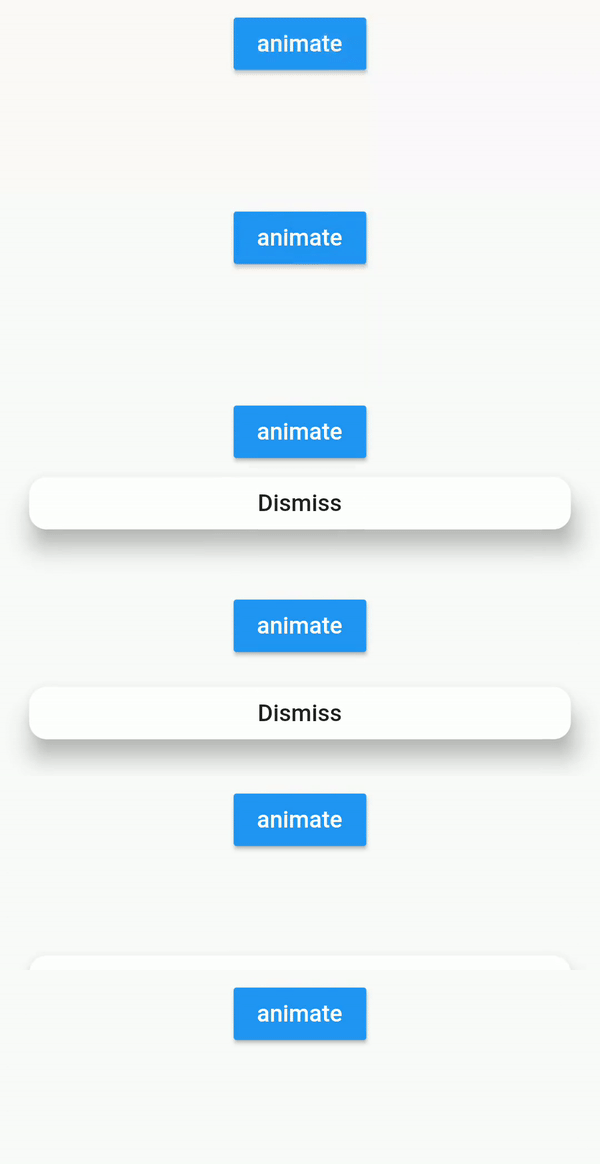
Translation

screen

Example using bloc pattern

class FirstScreenBloc extends Bloc {
  final _viewState = BehaviorSubject<FirstScreenViewState>.seeded(FirstScreenViewState());
  Observable<FirstScreenViewState> get viewState => _viewState;

  void onClicked() {
    _viewState.add(FirstScreenViewState(buttonVisible: true));
  }

  void onDismissClicked() {
    _viewState.add(FirstScreenViewState(buttonVisible: false));
  }

  @override
  void dispose() {
    _viewState.close();
  }
}

class FirstScreenViewState {
  final bool buttonVisible;

  const FirstScreenViewState({
    this.buttonVisible = false,
  });
}
class FirstScreenView extends StatelessWidget {
  @override
  Widget build(BuildContext context) {
    final bloc = BlocProvider.of<FirstScreenBloc>(context);

    return StreamBuilder<FirstScreenViewState>(
            stream: bloc.viewState,
            builder: (context, snapshot) {

                final viewState = snapshot.data;

                return Stack(
                  fit: StackFit.expand,
                  children: [
                    _buildInputButton(onClicked: () {
                      bloc.onClicked();
                    }),
                    Positioned(
                      bottom: 20,
                      left: 20,
                      right: 20,

                      child: TranslationAnimatedWidget(
                        enabled: viewState.buttonVisible, //will forward/reverse the animation
                        curve: Curves.easeIn,
                        duration: Duration(seconds: 1),
                        values: [
                          Offset(0, 200),
                          Offset(0, -50),
                          Offset(0, 0),
                        ],
                        child: RaisedButton(
                          onPressed: () {
                            bloc.onDismissClicked();
                          },
                          child: Text("Dismiss"),
                        ),

                      ),
                    ),
                  ],
               );
            }
        );
  }
}

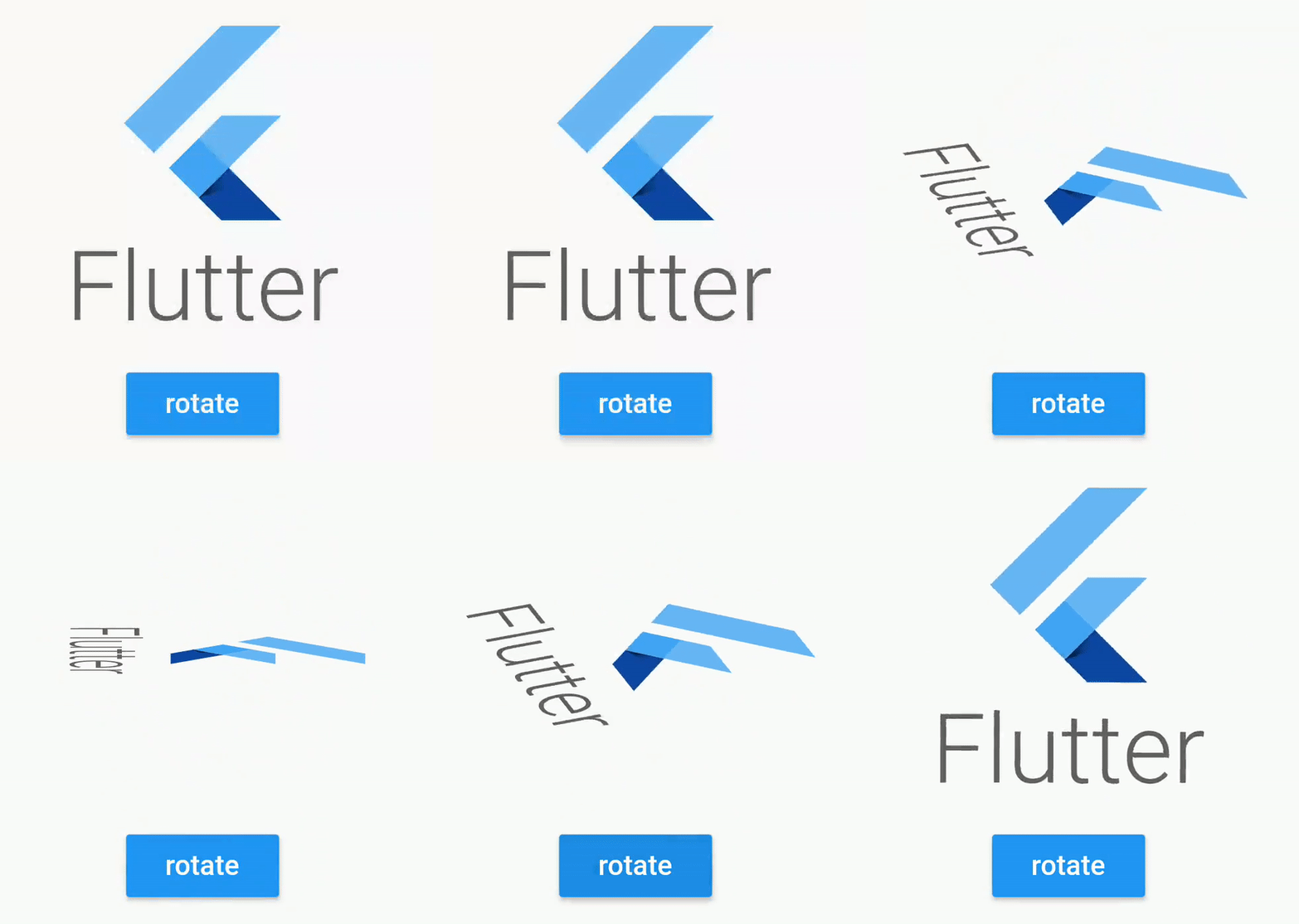
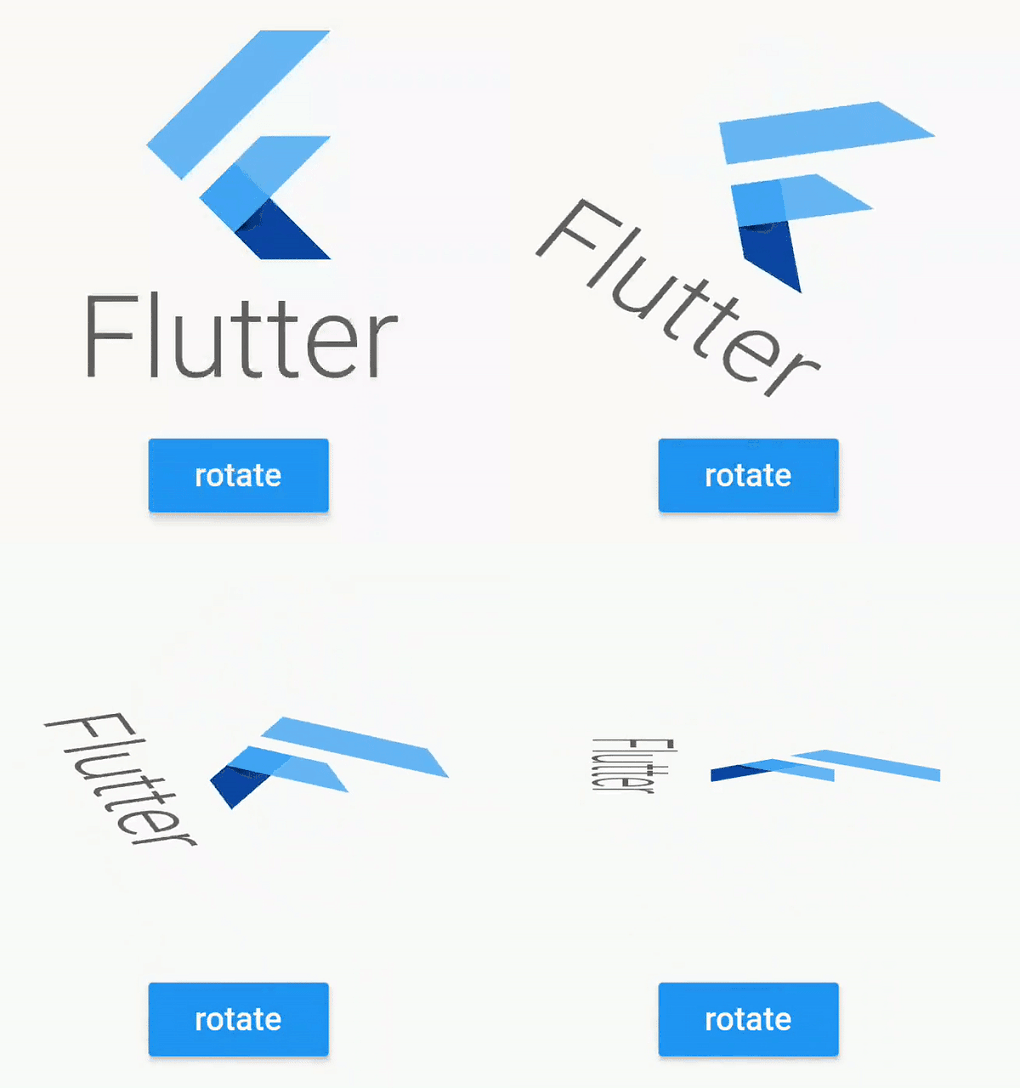
Rotation

screen

RotationAnimatedWidget.tween(
    enabled: enabled,
    rotationDisabled: Rotation.deg(),
    rotationEnabled: Rotation.deg(z: 90, x: 80),
    child: /* your widget */
),

RotationAnimatedWidget.tween(
    enabled: enabled,
    rotation: Rotation.deg(),
    rotationEnabled: Rotation.deg(z: 90, x: 80),
    child: /* your widget */
),

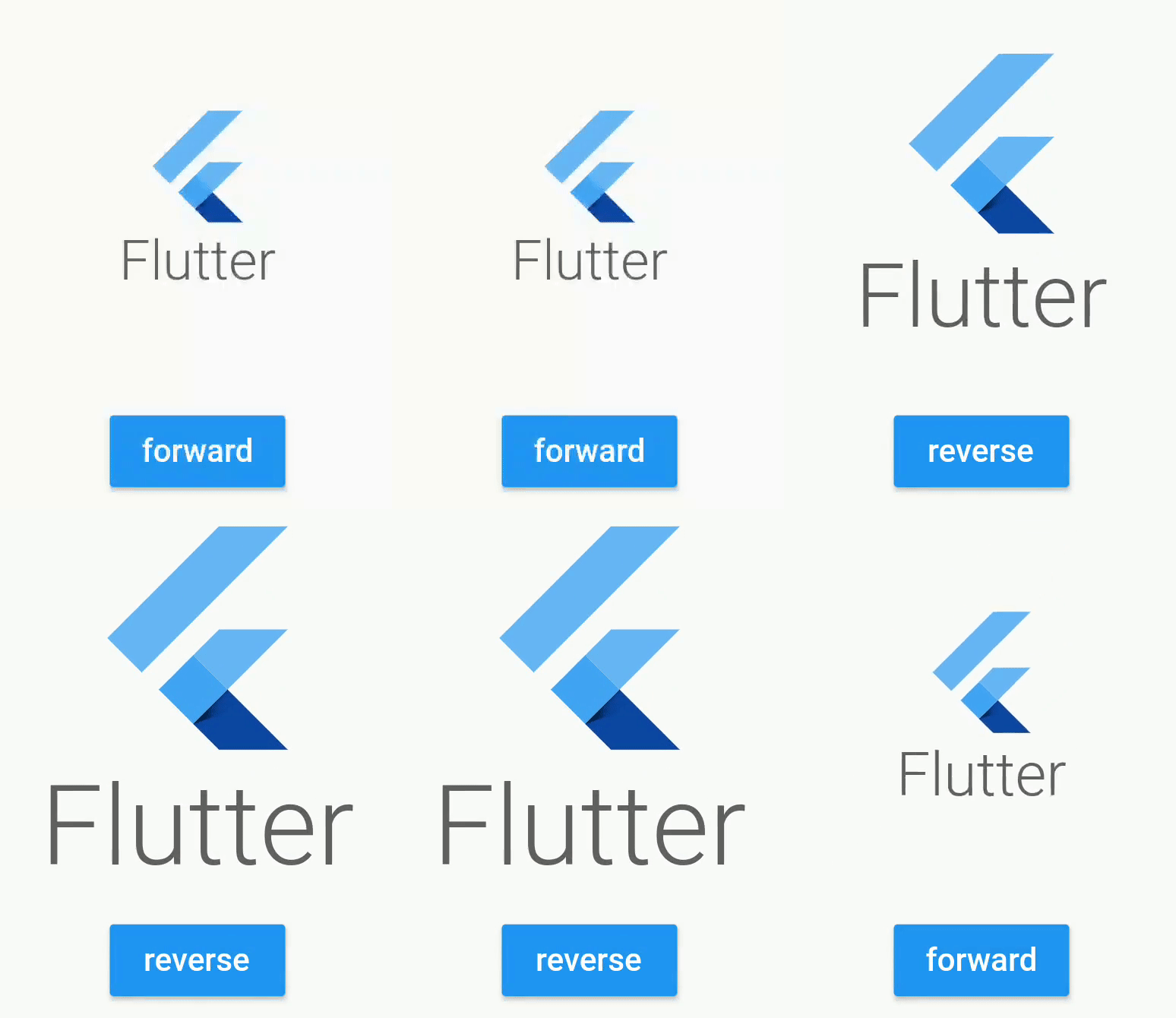
Scale

ScaleAnimatedWidget.tween(
      enabled: this._enabled,
      duration: Duration(milliseconds: 600),
      scaleDisabled: 0.5,
      scaleEnabled: 1,

      //your widget
      child: Container(
        height: 200,
        width: 200,
        child: FlutterLogo(
          style: FlutterLogoStyle.stacked,
        ),
      ),
    ),

screen

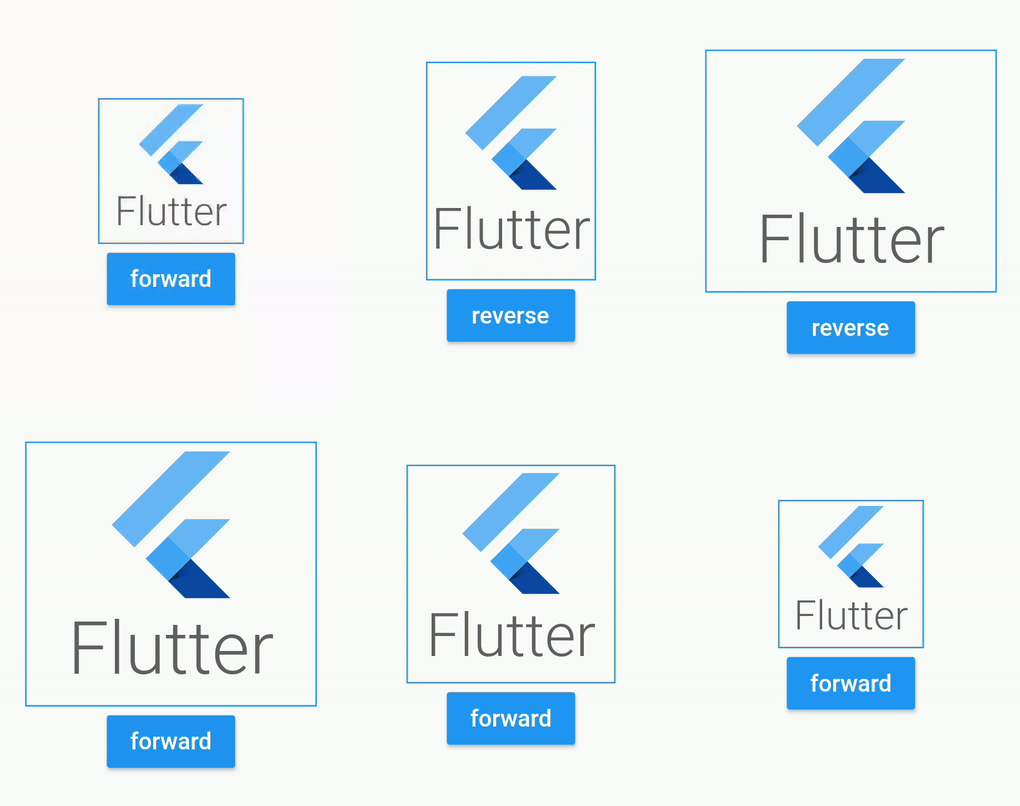
Size

SizeAnimatedWidget(
      enabled: this._enabled,
      duration: Duration(milliseconds: 1500),
      values: [Size(100, 100),  Size(100, 150), Size(200, 150), Size(200, 200)],
      curve: Curves.linear,

      //your widget
      child: Container(
        decoration: BoxDecoration(
          border: Border.all(color: Colors.blue)
        ),
        child: FlutterLogo(
          style: FlutterLogoStyle.stacked,
        ),
      ),
    ),

screen

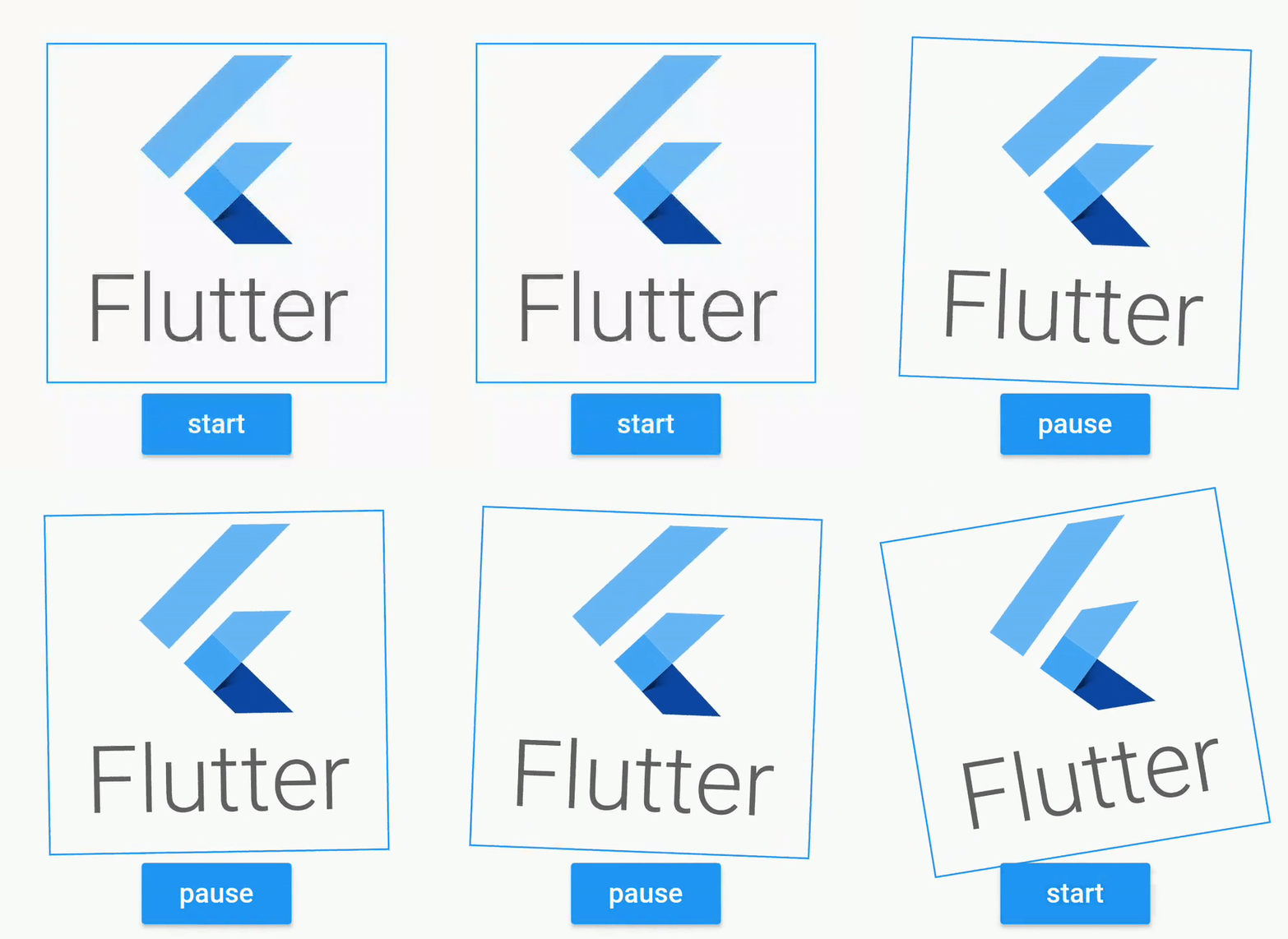
Shake

ShakeAnimatedWidget(
      enabled: this._enabled,
      duration: Duration(milliseconds: 1500),
      shakeAngle: Rotation.deg(z: 40),
      curve: Curves.linear,
      child: FlutterLogo(
        style: FlutterLogoStyle.stacked,
      ),
    ),

screen

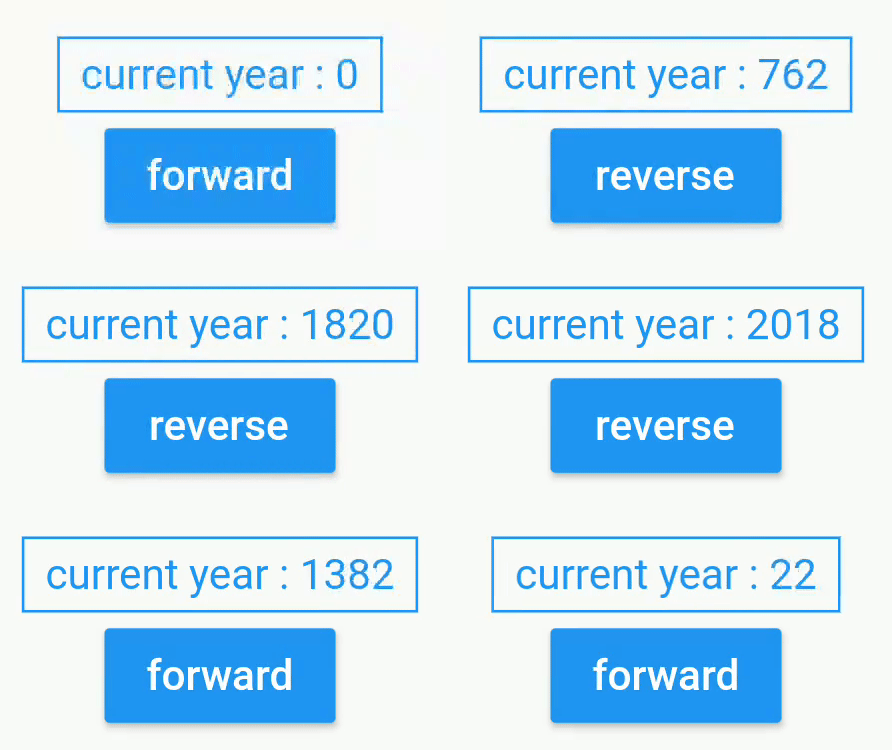
Custom Animated

CustomAnimatedWidget(
      enabled: this._enabled,
      duration: Duration(seconds: 3),
      curve: Curves.easeOut,
      builder: (context, percent) { //for custom animation, use builders
        final int displayedDate = (2018 * percent).floor();
        return Text(
              "current year : $displayedDate",
              style: TextStyle(color: Colors.blue),
        );
      },
),

screen

Flutter Package

Animated widget is available at https://pub.dev/packages/animated_widgets

dependencies:
  animated_widgets:

Getting Started with Flutter

For help getting started with Flutter, view our online documentation, which offers tutorials, samples, guidance on mobile development, and a full API reference.

License

Copyright 2019 florent37, Inc.

Licensed under the Apache License, Version 2.0 (the "License");
you may not use this file except in compliance with the License.
You may obtain a copy of the License at

   http://www.apache.org/licenses/LICENSE-2.0

Unless required by applicable law or agreed to in writing, software
distributed under the License is distributed on an "AS IS" BASIS,
WITHOUT WARRANTIES OR CONDITIONS OF ANY KIND, either express or implied.
See the License for the specific language governing permissions and
limitations under the License.

카테고리

의존성

의존성 목록 1 개

소스 저장소

이 패키지를 사용하는 프로젝트