패키지, 저장소 및 앱 카테고리 검색

패키지 상세v1.8.1

appcheck

앱이 설치되었는지/활성화되었는지 확인하고 앱을 시작하며 설치된 앱 목록을 가져올 수 있는 Flutter 플러그인입니다.

AndroidiOS
30일 다운로드
5만
좋아요
135
Pub 점수
160

패키지 설치

flutter pub add appcheck

패키지 개요

공개 정보를 바탕으로 생성한 선택 가이드입니다.

AppCheck는 Android 및 iOS 기기에서 앱이 설치되었거나 활성화되어 있는지 확인할 수 있도록 해주는 Flutter 플러그인입니다. 패키지 이름을 사용하여 특정 앱을 시작하고 설치된 앱 목록을 가져올 수 있습니다. 크로스플랫폼 호환성을 고려해 설계되었으며, 네이티브 코드 없이 디바이스 레벨의 앱 데이터와 상호작용하는 것을 간소화합니다. 딥링크, 앱 추천, 제3자 서비스 통합과 같은 기능에 이상적입니다. 가볍고 단순한 pub add 명령어를 통해 Flutter 프로젝트에 쉽게 통합됩니다.

사용 사례

  • 특정 앱이 설치되어 있는지 확인 중
  • 현재 앱 내에서 다른 앱 실행
  • 설치된 앱 목록 가져오기
  • 앱 기반 워크플로우 활성화
  • 딥링크 시나리오 지원
  • 외부 앱 생태계와의 통합

주요 기능

  • 크로스 플랫폼 지원 (Android 및 iOS)
  • 앱 감지용 간단한 API
  • 패키지 이름으로 앱을 실행할 수 있는 기능
  • 설치된 앱 목록을 반환합니다
  • 경량이며 통합이 쉬움
  • 네이티브 코드 작성 필요 없음

적합한 대상

  • 앱 통합을 구축하는 개발자
  • 딥 링크 기능이 필요한 앱
  • 다른 앱을 추천하거나 트리거하는 도구
  • 장치 앱 접근 권한이 필요한 하이브리드 앱
  • 사용자 경험 향상에 중점을 둔 프로젝트
  • 에코시스템 종속성 있는 모바일 앱

고려 사항

  • Android 및 iOS 플랫폼에만 제한됨
  • 올바른 앱 패키지 이름이 필요합니다
  • 보안 제한으로 인해 모든 앱과 호환되지 않을 수 있습니다
  • 일부 기기에서는 권한이 필요할 수 있습니다
  • Android와 iOS 간의 동작이 약간 다릅니다
  • 설치 상태 외의 앱 데이터에 접근하는 데 적합하지 않습니다

원본 README

연결된 소스 저장소의 README 원문 스냅샷입니다. 최신 내용은 저장소에서 확인하세요.

AppCheck

Pub

A Flutter plugin that allows you to check if an app is installed/enabled, launch an app and get the list of installed apps.

Installation

First, add appcheck as a dependency in your pubspec.yaml file.

Methods available

  • checkAvailability(String uri)
  • isAppInstalled(String uri)
  • getInstalledApps() (only for Android)
  • isAppEnabled(String uri) (only for Android)
  • launchApp(String uri)

Permissions

Before using the plugin, you need to add declarations in your configuration files.

Android

If you want to use the getInstalledApps() function, you need the QUERY_ALL_PACKAGES permission.

<uses-permission android:name="android.permission.QUERY_ALL_PACKAGES" />

If you only want to check certain apps and you know the packageName, add them via queries in AndroidManifest.xml.

<queries>
   <package android:name="com.google.android.apps.maps"/>
</queries>
iOS

Make sure your Info.plist file includes the necessary URL schemes under LSApplicationQueriesSchemes to check and launch other apps:

<key>LSApplicationQueriesSchemes</key>
<array>
    <string>scheme1</string>
    <string>scheme2</string>
    <!-- Add more schemes as needed -->
</array>

Example:

<key>LSApplicationQueriesSchemes</key>
<array>
    <string>fb</string>
    <string>twitter</string>
    <string>instagram</string>
    <string>whatsapp</string>
    <string>youtube</string>
    <string>comgooglemaps</string>
    <string>http</string>
    <string>https</string>
    <string>mailto</string>
    <!-- Add more schemes as needed -->
</array>

Check out Example.

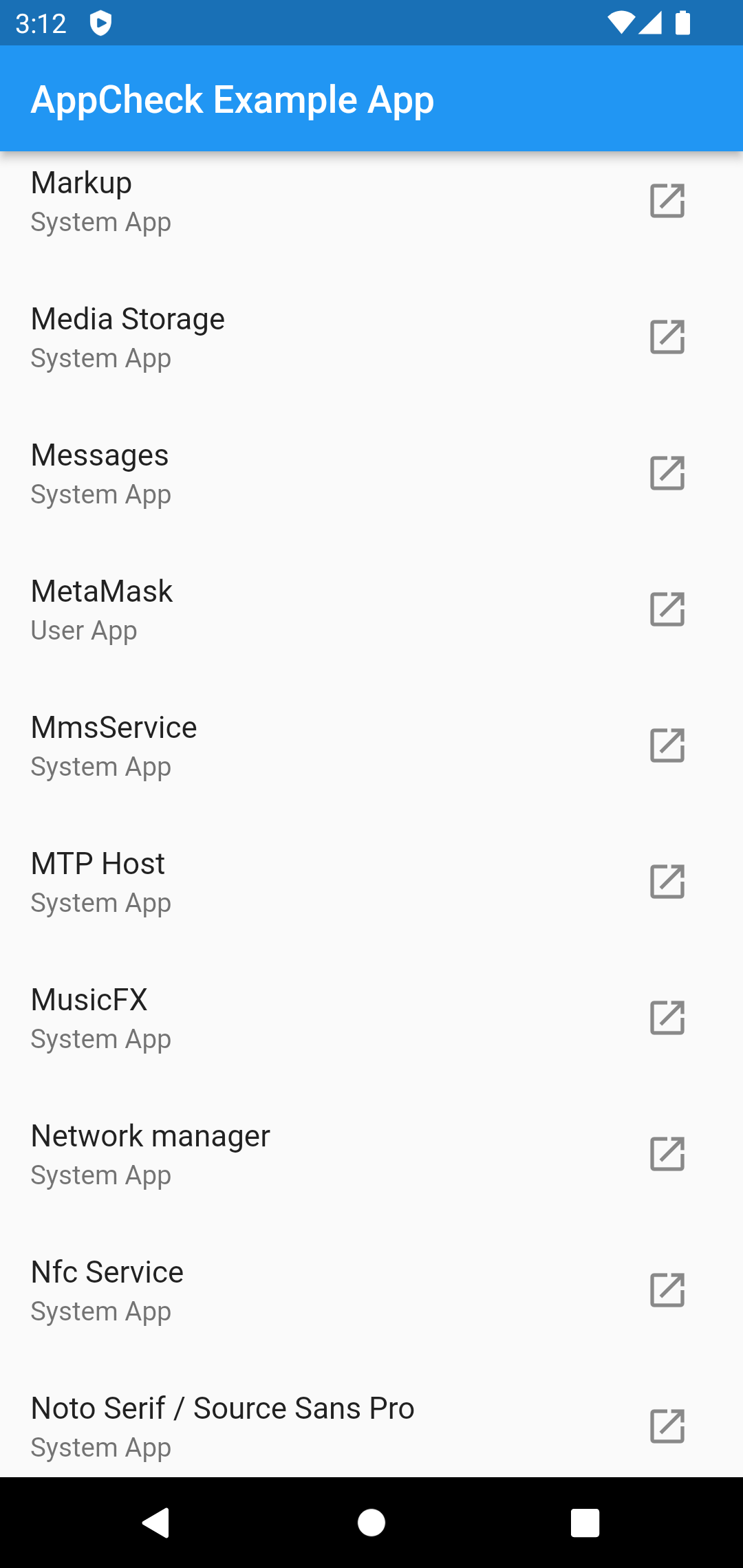
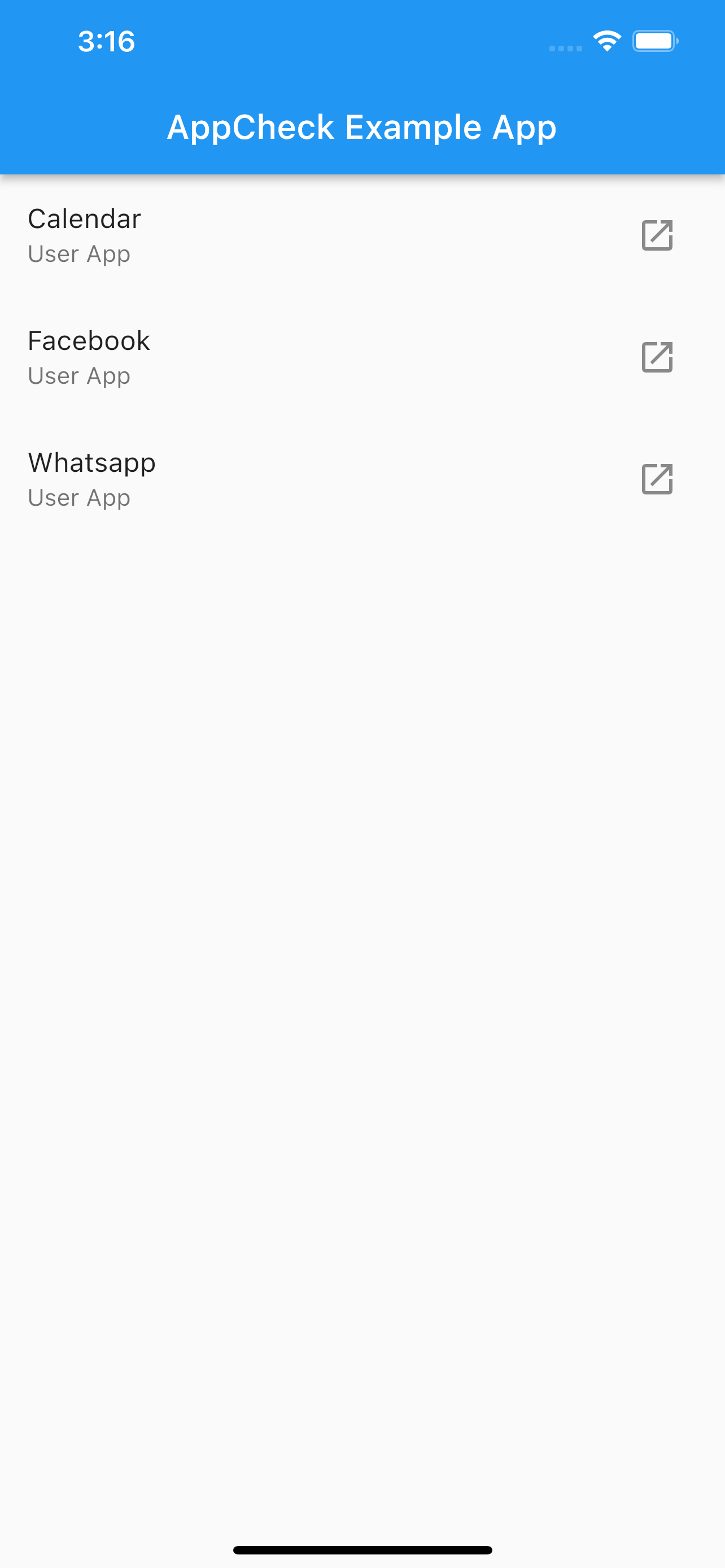
Screenshots

카테고리

소스 저장소

이 패키지를 사용하는 프로젝트