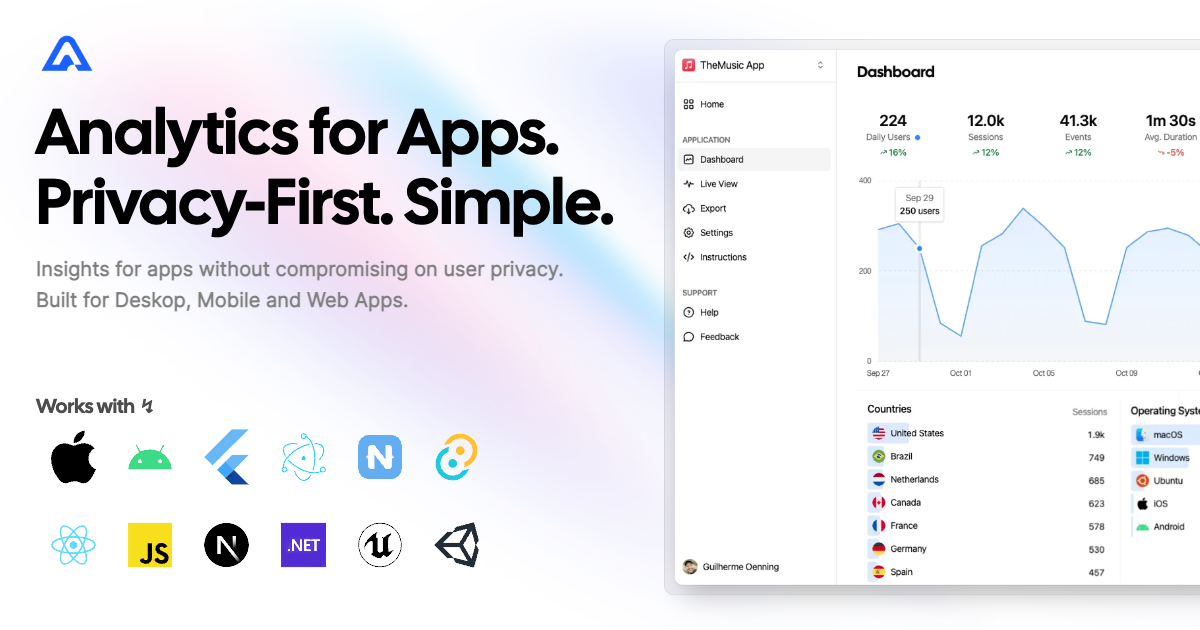
Aptabase Flutter SDK는 모바일, 데스크톱 및 웹 애플리케이션에 가벼우면서도 개인정보 보호를 우선하는 분석 기능을 통합할 수 있도록 해줍니다. 투명성과 사용자 개인정보 보호를 고려해 설계되었으며, 개인 식별 정보를 추적하지 않고 최소한의 데이터만 수집합니다. 오픈 소스이며 설치가 간편하고 단순함을 목표로 하여 윤리적인 데이터 수집을 중시하는 앱에 적합합니다. Android, iOS, macOS, Windows, Linux 플랫폼에서 실시간 이벤트 추적을 지원합니다.
사용 사례
사용자 참여도 추적
모니터링 앱 성능
기능 사용 분석
충돌 보고서 수집
세션 기간 측정
주요 기능
사생활 보호 중심의 데이터 수집
오픈 소스이며 투명함
실시간 분석
크로스 플랫폼 지원
최소 데이터 포트프린트
적합한 대상
개인 정보 보호를 우선시하는 스타트업
규제 시장 대상 앱
간단한 분석을 찾는 개발자
오픈소스 프로젝트
소규모에서 중규모 애플리케이션
고려 사항
제한된 고급 세분화
내장된 사용자 식별 없음
사용자 정의 이벤트를 수동으로 설정해야 합니다
기업 규모 분석에 적합하지 않습니다
외부 백엔드 서비스에 종속됨
원본 README
연결된 소스 저장소의 README 원문 스냅샷입니다. 최신 내용은 저장소에서 확인하세요.
aptabase_flutter
Instrument your app with Aptabase, an Open Source, Privacy-First, and Simple Analytics for Mobile, Desktop, and Web Apps.
Platform Support
Android
iOS
MacOS
Web
Linux
Windows
✔️
✔️
✔️
✔️
✔️
✔️
Install
You can install the SDK by running the following command:
flutter pub add aptabase_flutter
Android Requirements
If you're targeting Android, you'll need to add the following permissions to your AndroidManifest.xml:
First, you need to get your App Key from Aptabase, you can find it in the Instructions menu on the left side menu.
On your main.dart, import package:aptabase_flutter/aptabase_flutter.dart and initialized the SDK.
void main() async {
+ WidgetsFlutterBinding.ensureInitialized();+ await Aptabase.init("<YOUR_APP_KEY>"); // 👈 this is where you enter your App Key
runApp(const MyApp());
}
Note: You need to change your main function to be async and call WidgetsFlutterBinding.ensureInitialized(); before initializing the SDK.
Afterward, you can start tracking events with Aptabase.instance anywhere in your Dart. Here's an example:
import'package:aptabase_flutter/aptabase_flutter.dart';
class_CounterStateextendsState<Counter> {
int _counter = 0;
// Tracking how many times the user has clicked the button, alongside the current counter valuevoid_incrementCounter() {
Aptabase.instance.trackEvent("increment", { "counter": _counter });
setState(() {
_counter++;
});
}
}
A few important notes:
The SDK will automatically enhance the event with some useful information, like the OS, the app version, and other things.
You're in control of what gets sent to Aptabase. This SDK does not automatically track any events, you need to call trackEvent manually.
Because of this, it's generally recommended to at least track an event at startup
You do not need to await for the trackEvent function, it'll run in the background.
Only strings and numbers values are allowed on custom properties