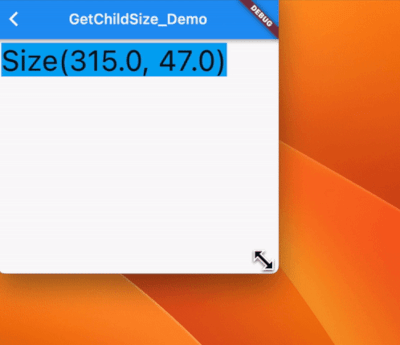
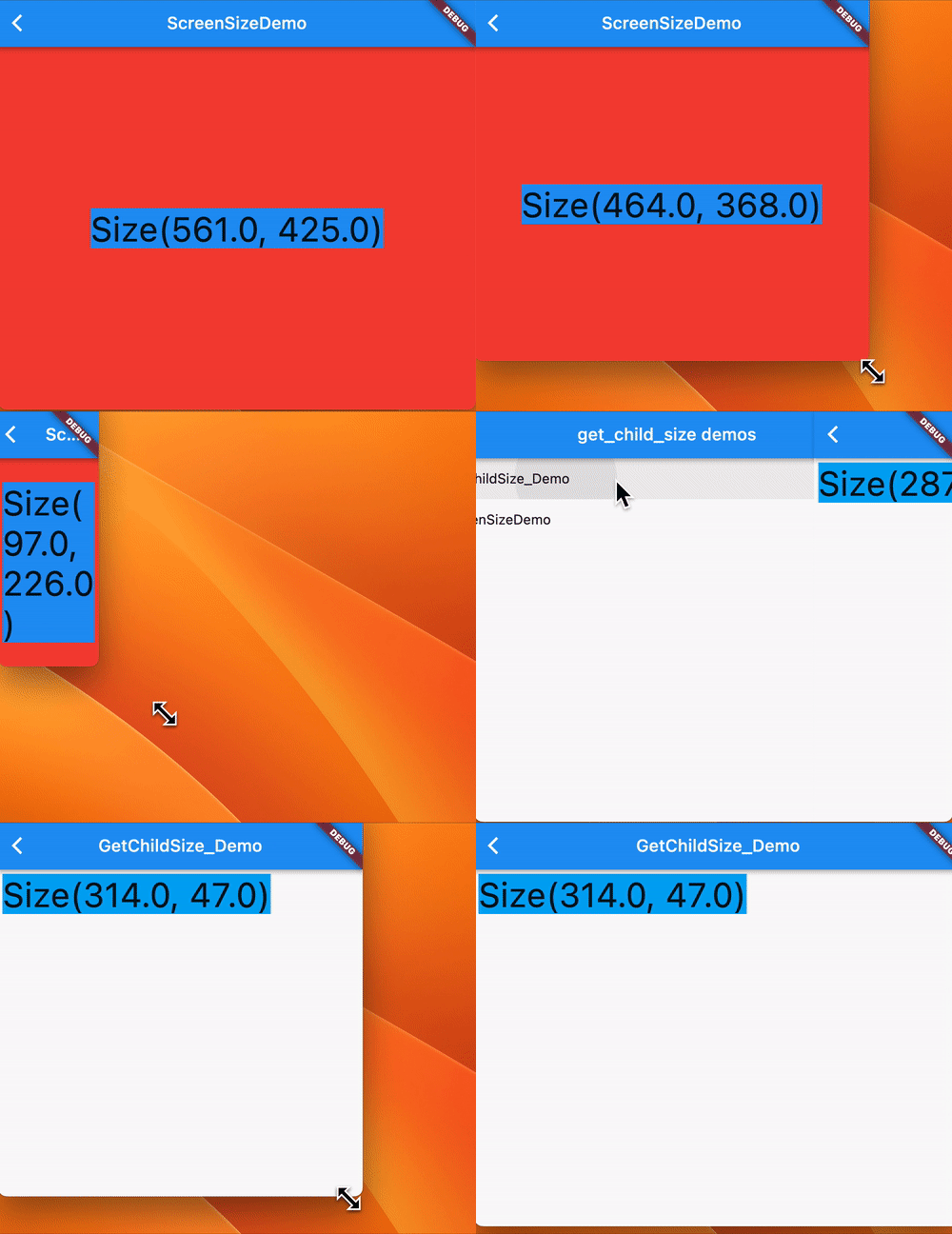
atreeon_get_child_size 패키지는 자식 위젯의 크기를 측정하고 노출하는 Flutter 위젯을 제공합니다. 자식의 치수 변경 시마다 onChange 콜백이 트리거되어 레이아웃 업데이트에 대한 동적 반응이 가능합니다. 반응형 레이아웃이나 컨테이너 차원 기반 애니메이션과 같은 실시간 크기 추적을 필요로 하는 상황에 적합합니다. 이 위젯은 가볍고 모든 주요 플랫폼에서 기존 Flutter 앱에 원활하게 통합됩니다.
사용 사례
반응형 UI 조정
다이나믹 애니메이션 트리거
레이아웃 디버깅
실시간 크기 모니터링
사용자 지정 레이아웃 계산
주요 기능
실시간 크기 업데이트
OnChange 콜백 지원
크로스 플랫폼 호환성
최소 성능 오버헤드
기존 위젯과의 간단한 통합
적합한 대상
크기 피드백이 필요한 개발자
동적 크기를 필요로 하는 UI 컴포넌트
레이아웃 문제 디버깅
차원 기반 애니메이션
크로스 플랫폼 앱 개발
고려 사항
민감한 맥락에서 사용할 경우 재구성될 수 있음
복잡한 트리에서 신중한 조작이 필요합니다
정적 크기 요구 사항에 적합하지 않습니다
큰 위젯 트리에서의 성능 영향 가능성
즉시 자식 크기 측정에 제한됨
원본 README
연결된 소스 저장소의 README 원문 스냅샷입니다. 최신 내용은 저장소에서 확인하세요.
atreeon_get_child_size
A widget that returns the size of the child object.
The [onChange] callback will run everytime the widget's size has changed.
Waring! will result in multiple passes from the layout algorithm if you rebuild a widget from onChange; it will affect performance.
This can happen even when just writing out to text the screen size. For example if you have more go from a '10' in the output to a '100', that can affect the size of a widget. Use with care.
This is a fundamental restriction in how widgets are built -> constraints go down & sizes go up -> if the constraints change the size could change.
returns the size of the child object and runs a callback
Other Info
Discussion on code & implementation
https://github.com/flutter/flutter/issues/14488
If you just want to know the dimensions between layouts (i.e. you're not using them to affect the layout), you can just read them right out of the rendering tree (get the RenderObject from the BuildContext, etc).
However, if you are using the dimensions to actually affect the layout, then that will lead to horrible effects like lagging one frame behind, or worse. In those cases, you want to just build your own render object, or use a layout builder, or similar, depending on exactly what your use case is.
I need the size of a child to use it in the parent's build.
Fundamentally that's not possible, because at the time of the parent's build the child hasn't laid out yet. If you want to get the child's size during the parent's layout, you can do that by creating your own RenderObject. Just look at how e.g. Align is implemented.