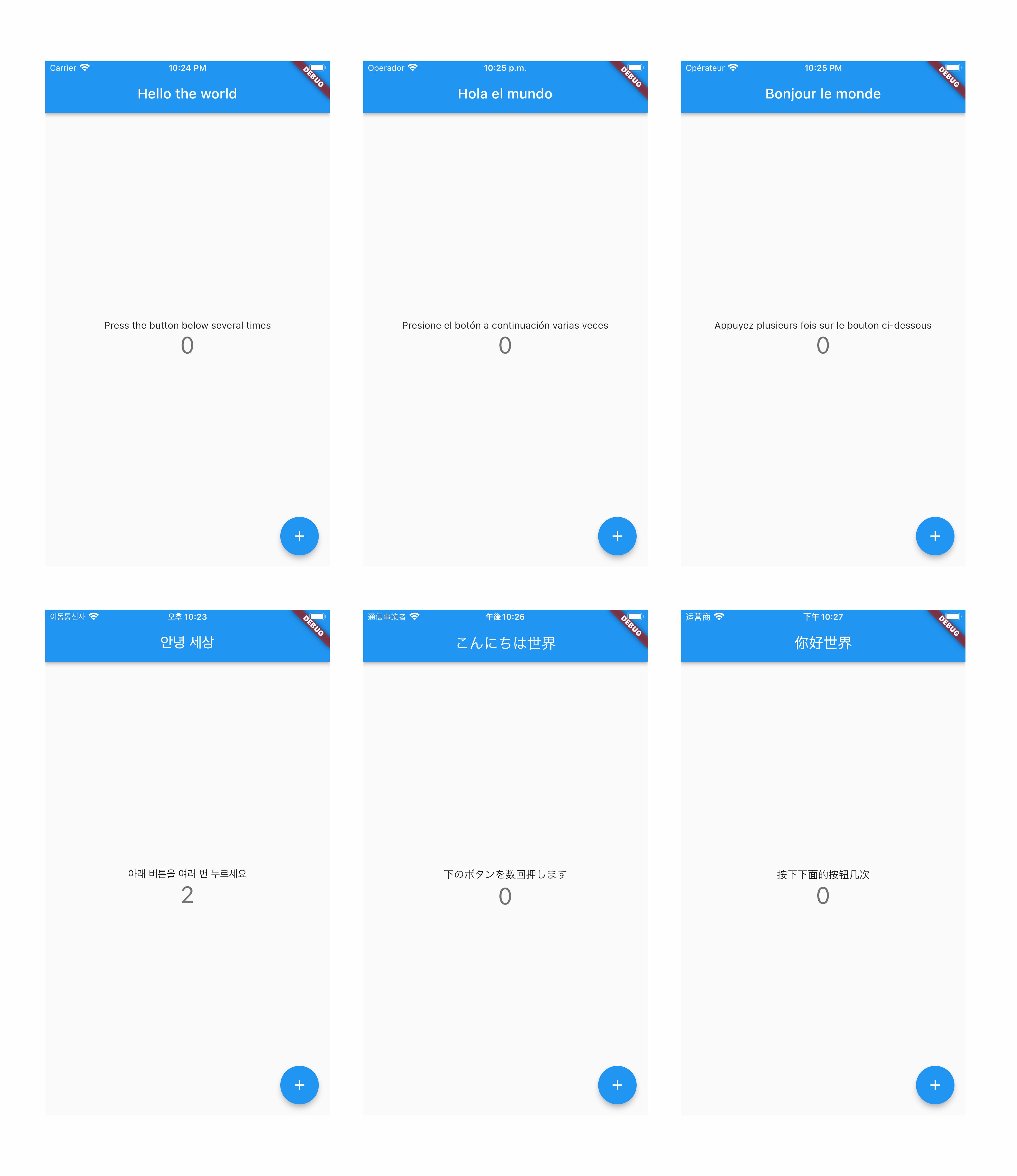
Auto App Translate는 앱을 80개 언어로 자동 번역하고 로컬라이제이션 설정을 단순화하는 Flutter/Dart 패키지입니다. 언어 감지, 번역 워크플로우 및 다중 플랫폼 간 구성 관리를 처리함으로써 국제화를 간소화합니다. 효율적인 다국어 지원을 원하는 개발자를 위한 것으로, Flutter 프로젝트에 원활하게 통합되며 Android, iOS, macOS, Windows, Linux를 지원합니다. 이 라이브러리는 번역 관리에 필요한 수작업을 줄이고 앱의 글로벌 접근성을 향상시킵니다.
사용 사례
다국어 앱 배포
자동 번역 워크플로우
크로스 플랫폼 로컬라이제이션
실시간 언어 전환
간소화된 i18n 설정
글로벌 사용자 기반 지원
주요 기능
80개 언어를 지원합니다
번역 설정 자동화
크로스 플랫폼 호환성
무결점의 Flutter 통합
언어 감지
간편한 구성
적합한 대상
글로벌 앱을 개발하는 개발자
다중 언어를 관리하는 팀
빠른 i18n 설정이 필요한 프로젝트
다양한 지역을 대상으로 하는 앱
국제적으로 성장하는 스타트업
동적 언어 업데이트가 필요한 앱
고려 사항
외부 번역 서비스에 의존합니다
API 키 설정이 필요할 수 있습니다
번역 품질은 원본에 달려 있다
매우 민감한 콘텐츠에는 적합하지 않습니다
제한된 오프라인 기능
실시간 번역에서의 잠재적 지연
원본 README
연결된 소스 저장소의 README 원문 스냅샷입니다. 최신 내용은 저장소에서 확인하세요.
Auto App Translate
It is a library that translates apps into 80 languages and automates settings.
if you interesting about store translate, please check auto_store_translate library.
if you interesting about store screenshot generator, please check auto_screenshot_translate library.
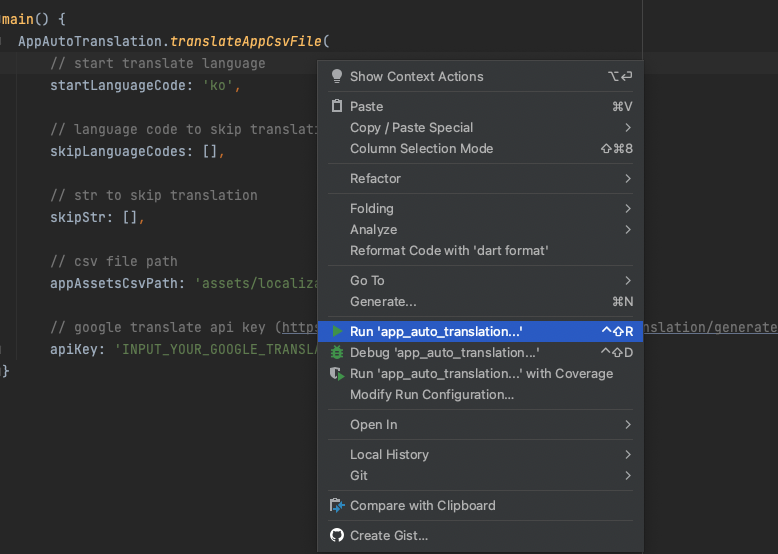
6. Create a dart file in your project and paste the code below.
create auto_translation folder in your project root, and create auto_translation.dart file.
and then copy paste code below.
import'package:auto_app_translate/auto_app_translate.dart';
main() {
AutoAppTranslate.translateAppCsvFile(
// start translate language
startLanguageCode: 'en',
// language code to skip translation
skipLanguageCodes: [],
// str to skip translation
skipStr: [],
// csv file path
appAssetsCsvPath: 'assets/localization.csv',
// google translate api key (https://translatepress.com/docs/automatic-translation/generate-google-api-key/)
apiKey: 'INPUT_YOUR_GOOGLE_TRANSLATE_API_KEY');
}
It works even if you don't put the Google Translate api key, but you will soon reach the free limit.
For a guide to getting the Google Translate api key, please refer to this document.
7. Run the file. The translation will be completed in the csv file.
8. Check out apps translated into more than 80 languages :)