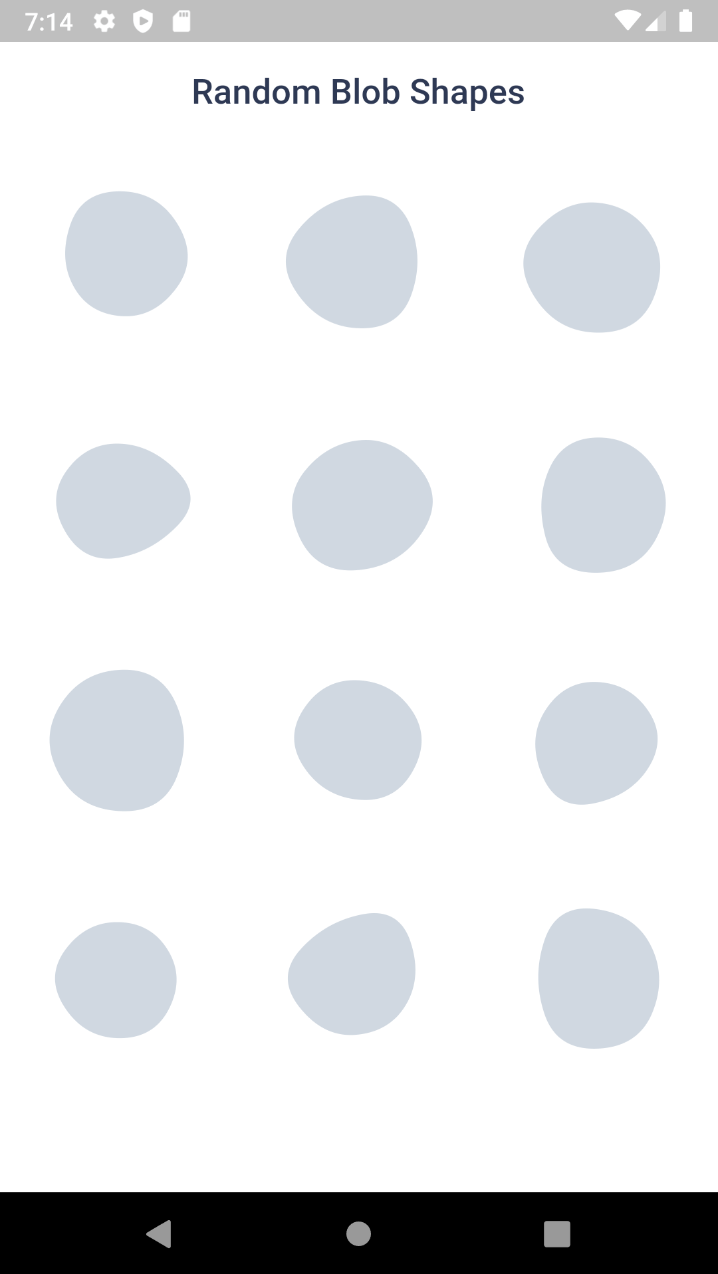
Blobs는 여러 플랫폼에서 시각적으로 매력적이고 사용자 정의 가능한 블롭(유기적이고 유동적인 형태)을 생성할 수 있도록 해주는 Flutter 패키지입니다. 고정 및 무작위 블롭 생성, 부드러운 애니메이션, 디자인에 사용하기 위한 SVG 내보내기를 지원합니다. 배경, 일러스트 또는 장식 요소에 적합하며, 앱에 동적이고 예술적인 형태를 쉽게 통합할 수 있게 해줍니다. 이 패키지는 가볍고 Android, iOS, Web, macOS, Windows, Linux에서 원활하게 작동합니다.
Blob.animatedRandom() - Generate blobs and animate the shape change
Blob.fromID() - Use one or more ID's for fixed blobs
Blob.animatedFromID() - Animate the shape change
⚙️ Blob Size
Size of the blob (mandatory).
Blob.random(size:200),
⚙️ Customise shape
edgesCount is the nodes count. More the value, more the complexity. Minimum is 3 and max is 300. But for cool shapes you can stick between 3-20. Default is 7
minGrowth is the minimum size of the blob. Smaller the value, more the randomness. Value should be an interger between 2-9. Default is 4.
You can use BlobController, if you want to change the shape programatically. As o now it has only one method called change(). When you call this, the shape will be changed and returns some useful info of the blob (BlobData).
When you set debug to true, it will show you circles and lines that connect the blob points.
Blob.random(
 size:200,
 debug:  true,
),
Clipper
Sometime you might want to clip the widget by blob shape. In such cases you can use BlobClipper(). You can either provide id or edgesCount and minGrowth options.
Blobs shape are created by BlobGenerator(). Both widgets and clipper uses this internally to create the shape and then it is painted to canvas. This will return BlobData.