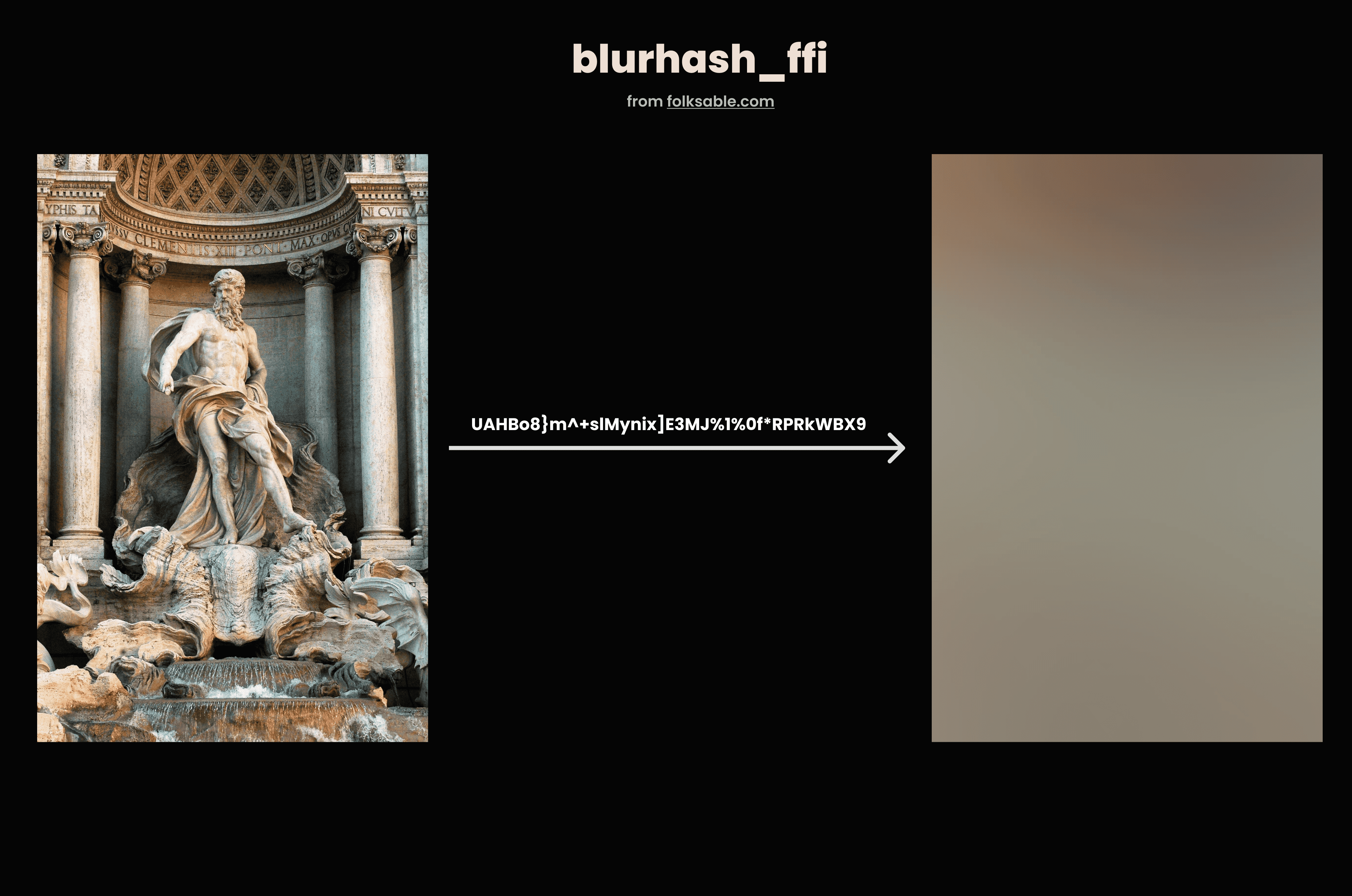
blurhash_ffi는 네이티브 FFI 바인딩을 사용하여 컴팩트하고 시각적으로 매력적인 흐린 이미지 플레이스홀더를 생성하는 고성능 Flutter 패키지입니다. BlurHash 문자열을 효율적으로 인코딩 및 디코딩하여 순수한 Dart 구현에 의존하지 않고 빠른 플레이스홀더 렌더링을 가능하게 합니다. 이미지 로딩 중 인식되는 성능 향상에 이상적이며, Android, iOS, macOS, Windows, Linux에서 작동합니다. 시각적 품질을 유지하면서도 속도와 최소 메모리 사용량을 우선시합니다.
사용 사례
로딩 화면 자리표시자
이미지 갤러리 미리보기
네트워크 이미지 로딩 표시기
오프라인 콘텐츠 자리표시자
미디어 중심 앱에서의 성능 최적화
주요 기능
네이티브 FFI 성능
크로스 플랫폼 지원
콤팩트 해시 인코딩
빠른 디코딩
낮은 메모리 사용량
적합한 대상
중량 이미지 로딩을 하는 앱
고성능 UI 요구 사항
네이티브 속도를 찾는 개발자
경량 자리표시자가 필요한 프로젝트
다중 플랫폼 플러터 앱
고려 사항
네이티브 컴파일 설정이 필요합니다
BlurHash 형식만 가능
앱 크기가 약간 증가할 수 있습니다
복잡한 이미지 처리에 적합하지 않습니다
플랫폼별 FFI 라이브러리에 의존합니다
원본 README
연결된 소스 저장소의 README 원문 스냅샷입니다. 최신 내용은 저장소에서 확인하세요.
blurhash_ffi
A Blurhash compact Image placeholder encoder and decoder FFI implementation for Flutter in Rust via experemental feature Native Assets.
Matches the official Blurhash implementation in performance and quality.
Supports
Platform
Status
Description
Android
✅
-
iOS
✅
-
macOS
✅
-
Linux
⚠️
Not tested
Windows
✅
-
Web
❌
Rust can compiled to WebAssembly, but no supported yet. This library compiled on standalone wasm module (not in Empscripten, AssemblyScript) that Dart can't be use non-JS enviroments. Also, Dart should use FFI bindings for call wasm module. Stopped issues: comment
Installation
Add dependency to your pubspec.yaml file following the command below:
For dart projects:
dart pub add dart_blurhash_ffi
For flutter projects:
dart pub add flutter_blurhash_ffi
Usage
To use this plugin, add blurhash_ffi as a dependency in your pubspec.yaml file
Flutter usage
import'package:flutter_blurhash_ffi/flutter_blurhash_ffi.dart';
/// Encoding and Decoding all in One Step////// `ImageProvider` in -> Send your Image to be encoded./// `ImageProvider` out -> Get your blurry image version.classBlurhashMyImageextendsStatelessWidget{
finalString imageUrl;
constBlurhashMyImage({requiredthis.imageUrl, super.key});
@overrideWidgetbuild(BuildContext context) {
returnImage(
image: BlurhashFfiImage.fromImageProvider(
NetworkImage(imageUrl), // you can use any image provider of your choice.
decodingHeight: 1920,
decodingWidth: 1080,
),
alignment: Alignment.center,
fit: BoxFit.cover
);
}
}
classBlurhashMyImage2extendsStatelessWidget{
finalString blurhash;
constBlurhashMyImage2({requiredthis.blurhash, super.key});
@overrideWidgetbuild(BuildContext context) {
returnImage(
image: BlurhashFfiImage(blurhash),
width: 200,
height: 200,
alignment: Alignment.center,
fit: BoxFit.cover
);
}
}
[!WARNING]
Not recommend use it (without blurhash string param), because in this case, encoding and decoding will be performed. This effect can be obtained almost through ImageFiltered.
Encoding
Encoding now uses sync interface (without Future).
import'package:dart_blurhash_ffi/dart_blurhash_ffi.dart';
finalUint8List blurhashImageBytes = File('assets/image.webp').readAsBytesSync();
/// Signature/// static String encode(/// Uint8List data, {/// int componentX = 4,/// int componentY = 3,/// })/// may throw `BlurhashFFIException` if encoding fails.finalString blurHash = BlurhashFFI.encode(blurhashImageBytes);
// Or via codecfinalString blurHashSame = BlurhashFfiCodec().encoder.convert(blurhashImageBytes);
Decoding
Decoding now uses sync interface (without Future).
import'package:dart_blurhash_ffi/dart_blurhash_ffi.dart';
finalString blurhash = 'LGFO~6Yk^6#M@-5c,1Ex@@or[j6o';
/// Signature////// static Uint8List decode(/// String blurhash, {/// int width = 32,/// int height = 32,/// int punch = 1,/// })/// may throw `BlurhashFFIException` if decoding fails.final decoded = BlurhashFFI.decode(blurhash);
// or via codecfinalString decodedSame = BlurhashFfiCodec().decoder.convert(blurhash);