패키지, 저장소 및 앱 카테고리 검색

bot_toast 표지
패키지 상세v4.1.3

bot_toast

사용하기 매우 쉬운 플러터 토스트 라이브러리입니다. 사용하기 쉽고 기능이 풍부합니다.

AndroidiOSWebmacOSWindowsLinux
30일 다운로드
24.8만
좋아요
1천
Pub 점수
160

패키지 설치

flutter pub add bot_toast

패키지 개요

공개 정보를 바탕으로 생성한 선택 가이드입니다.

BotToast는 간편한 통합과 사용자 정의를 위해 설계된 간단하고 기능이 풍부한 Flutter 토스트 라이브러리입니다. Android, iOS, Web, macOS, Windows, Linux 등 여러 플랫폼에서 토스트 메시지를 표시하기 위한 깔끔하고 직관적인 API를 제공합니다. 다양한 토스트 유형, 애니메이션 및 위치 옵션을 지원하여 복잡함 없이 앱 내 사용자 피드백을 강화합니다. 가볍고 개발자 친화적인 라이브러리로, 빠른 알림 및 상태 업데이트에 이상적입니다.

사용 사례

  • 사용자 간단 피드백 표시
  • 성공 또는 오류 메시지 표시
  • 미묘한 알림으로 UI 개선
  • 실시간 상태 업데이트 제공
  • 토스트의 외관 및 동작 맞춤 설정

주요 기능

  • 사용이 간편한 API
  • 다양한 토스트 종류
  • 크로스 플랫폼 지원
  • 사용자 정의 애니메이션
  • 유연한 위치 지정
  • 전역 구성 지원

적합한 대상

  • 간단한 알림 필요성
  • 경량 토스트가 필요한 앱
  • 빠른 구현을 원하는 개발자
  • 여러 플랫폼을 대상으로 하는 프로젝트
  • 일관된 피드백이 필요한 UI

고려 사항

  • 기본 토스트 기능에 제한됨
  • 복잡한 디자인을 위해 추가 스타일링이 필요할 수 있습니다
  • 지속적인 알림에 적합하지 않습니다
  • 외부 종속성 관리에 의존합니다
  • 내장된 로컬라이제이션 지원 없음

원본 README

연결된 소스 저장소의 README 원문 스냅샷입니다. 최신 내용은 저장소에서 확인하세요.

BotToast 🤖

A really easy to use flutter toast library!

Language: English | 中文简体
Overview
  • In the true sense of Toast, you can call it whenever you need it, without any restrictions!

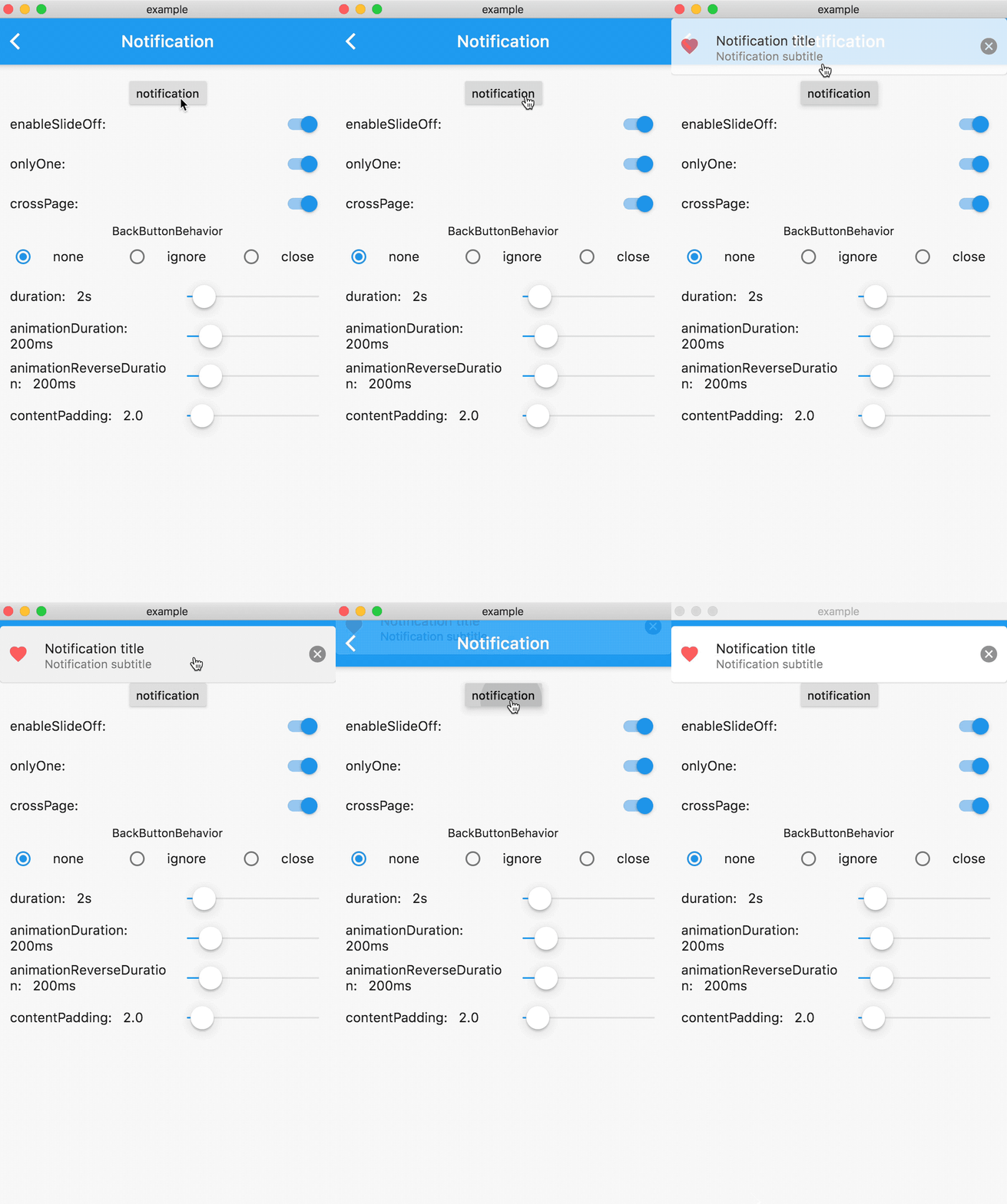
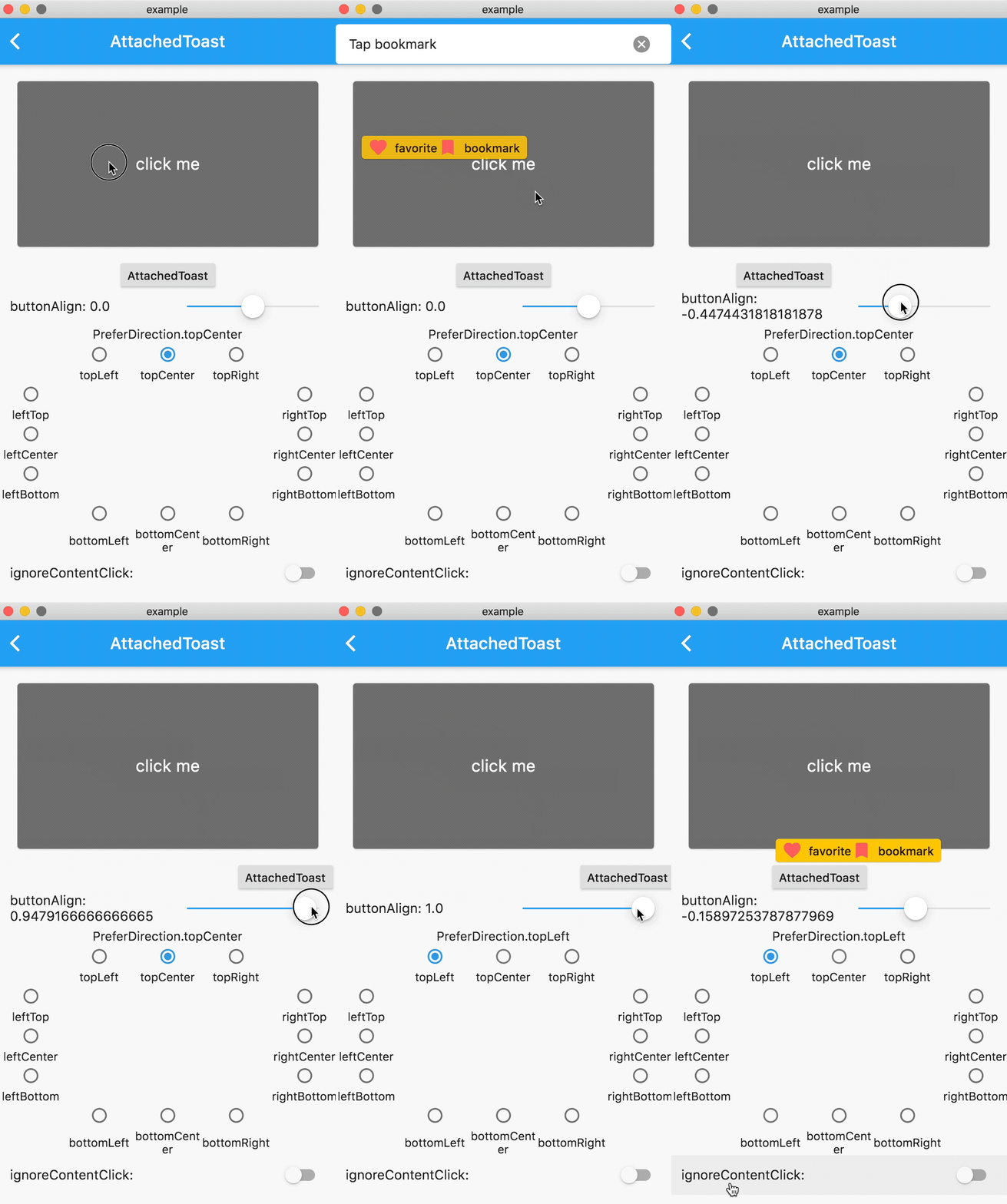
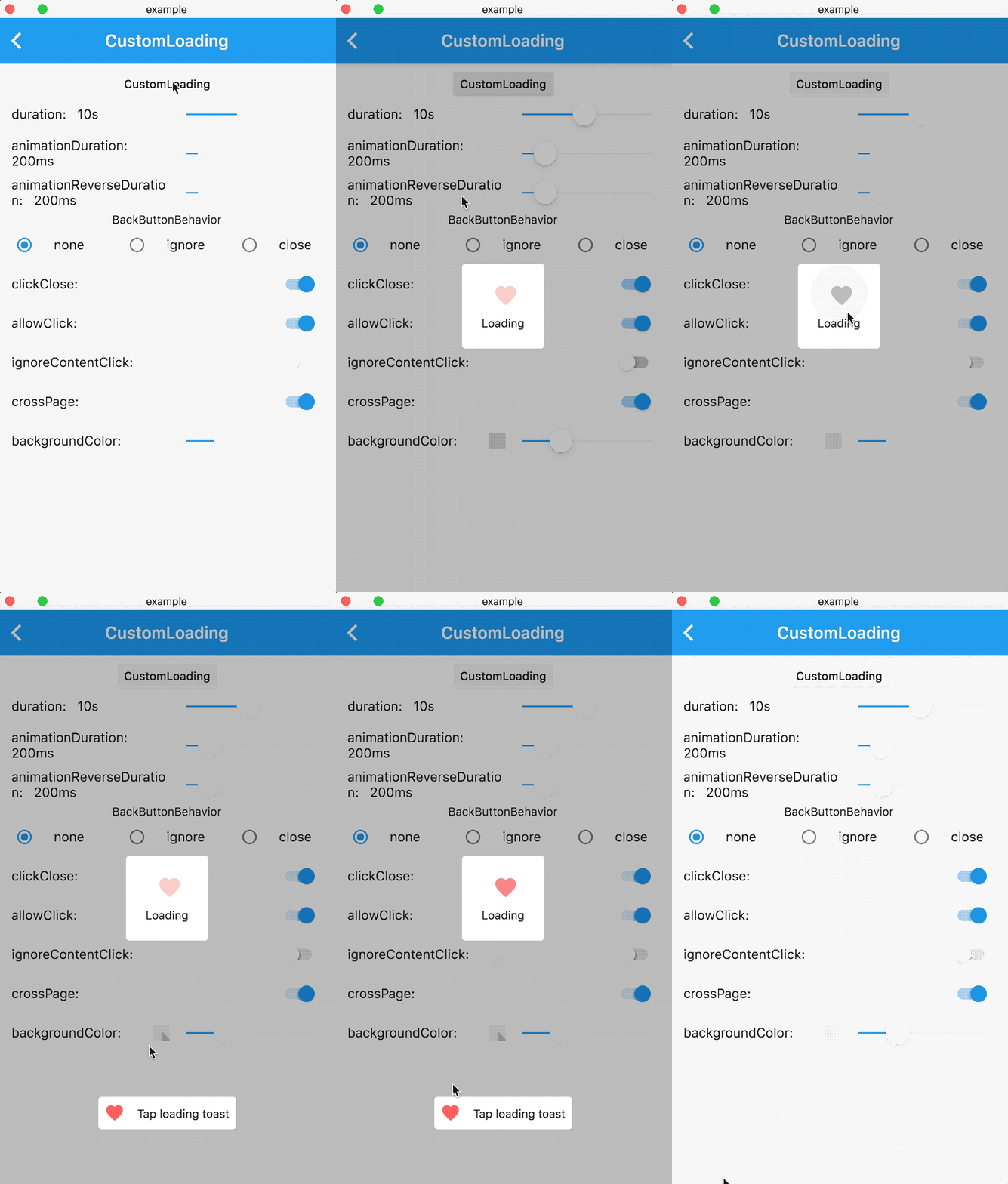
  • Feature-rich, support for displaying notifications, text, loading, attachments, etc. Toast

  • Support for popping up various custom Toasts, or you can pop up any Widget as long as it meets the requirements of the flutter code.

  • API is simple and easy to use

  • Pure flutter implementation

  • Supports global configuration

Online Demo

Online demo (Web effects may be biased, the actual effect is subject to the mobile phone)

Example

Sample project

Renderings
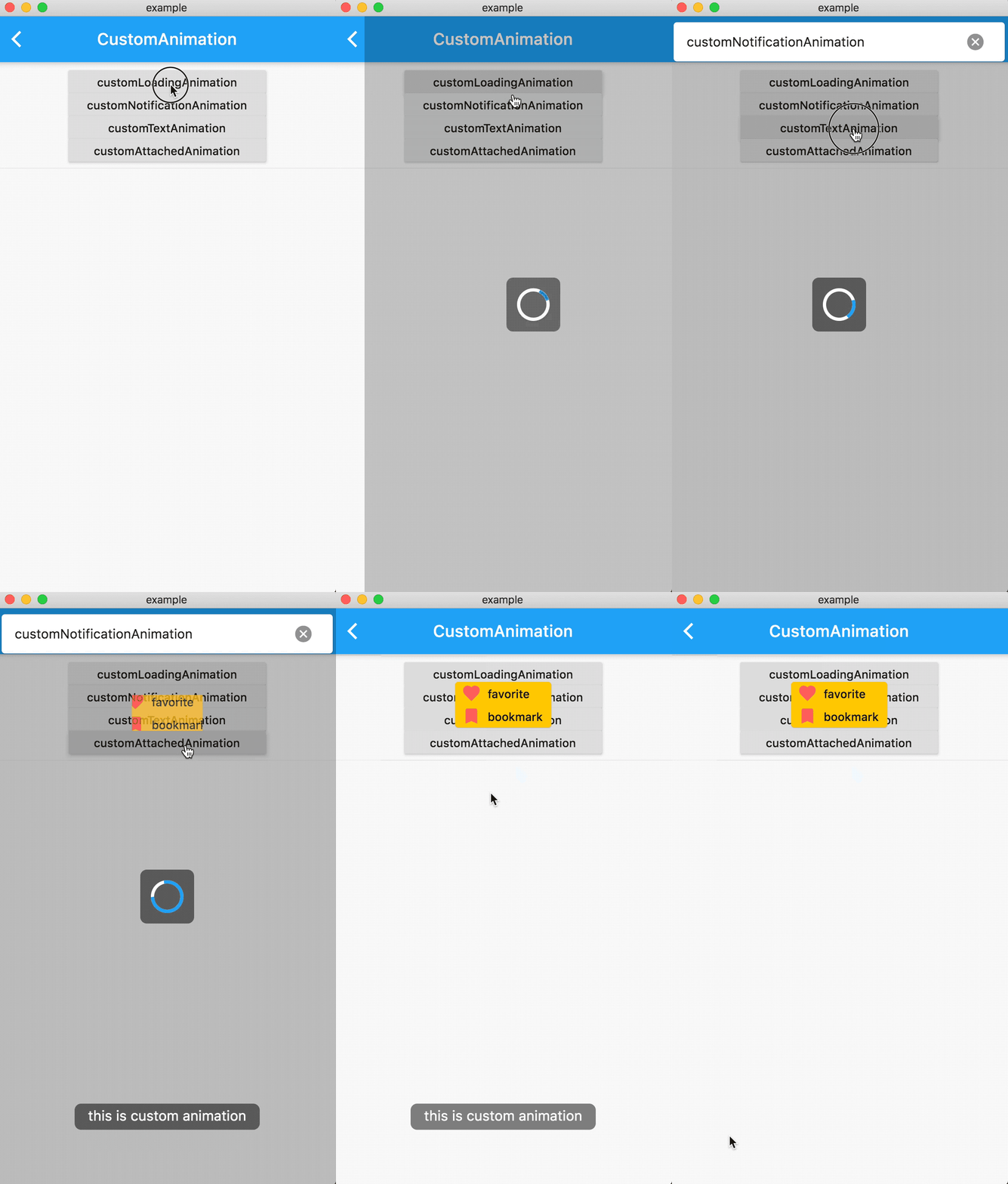
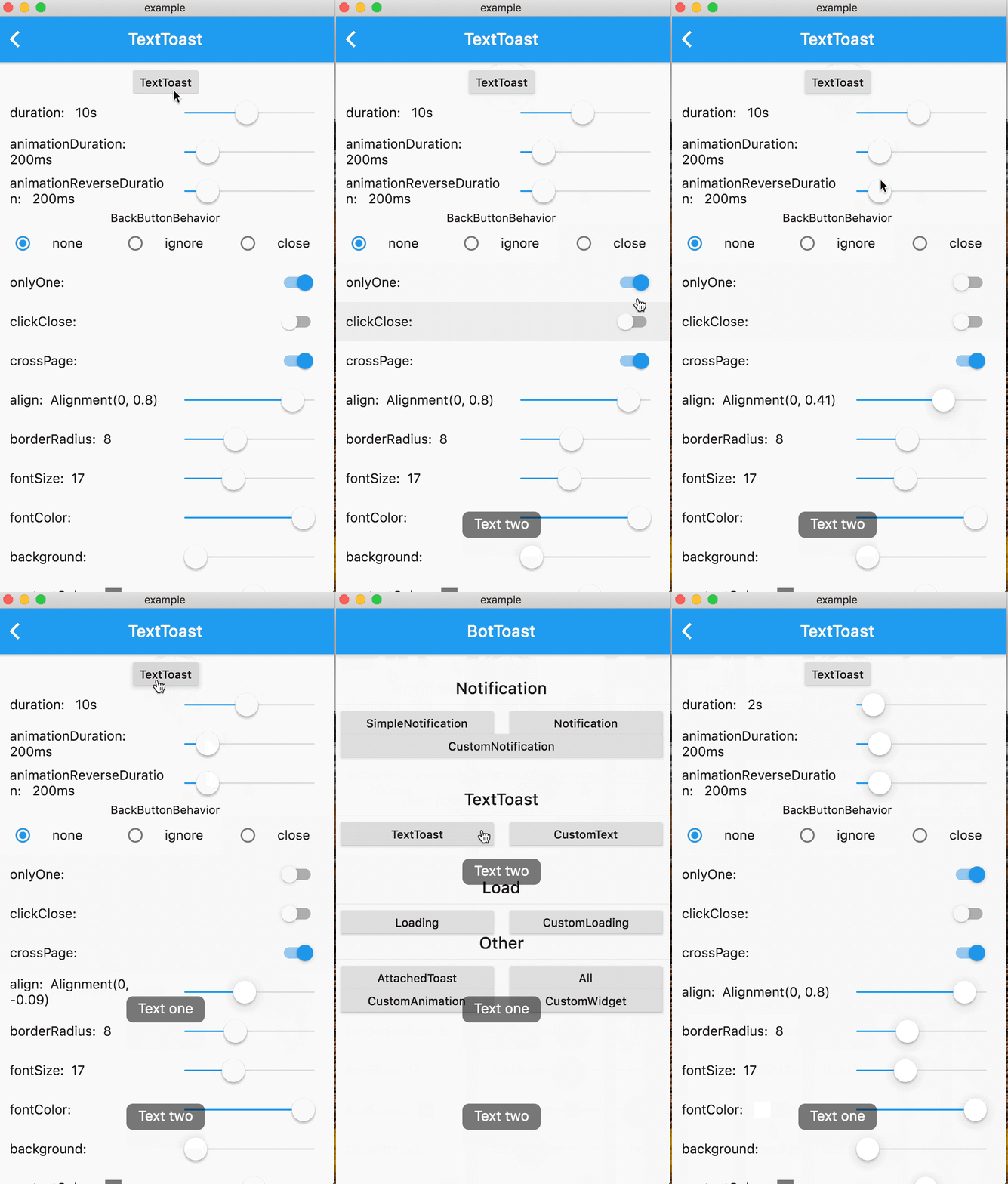
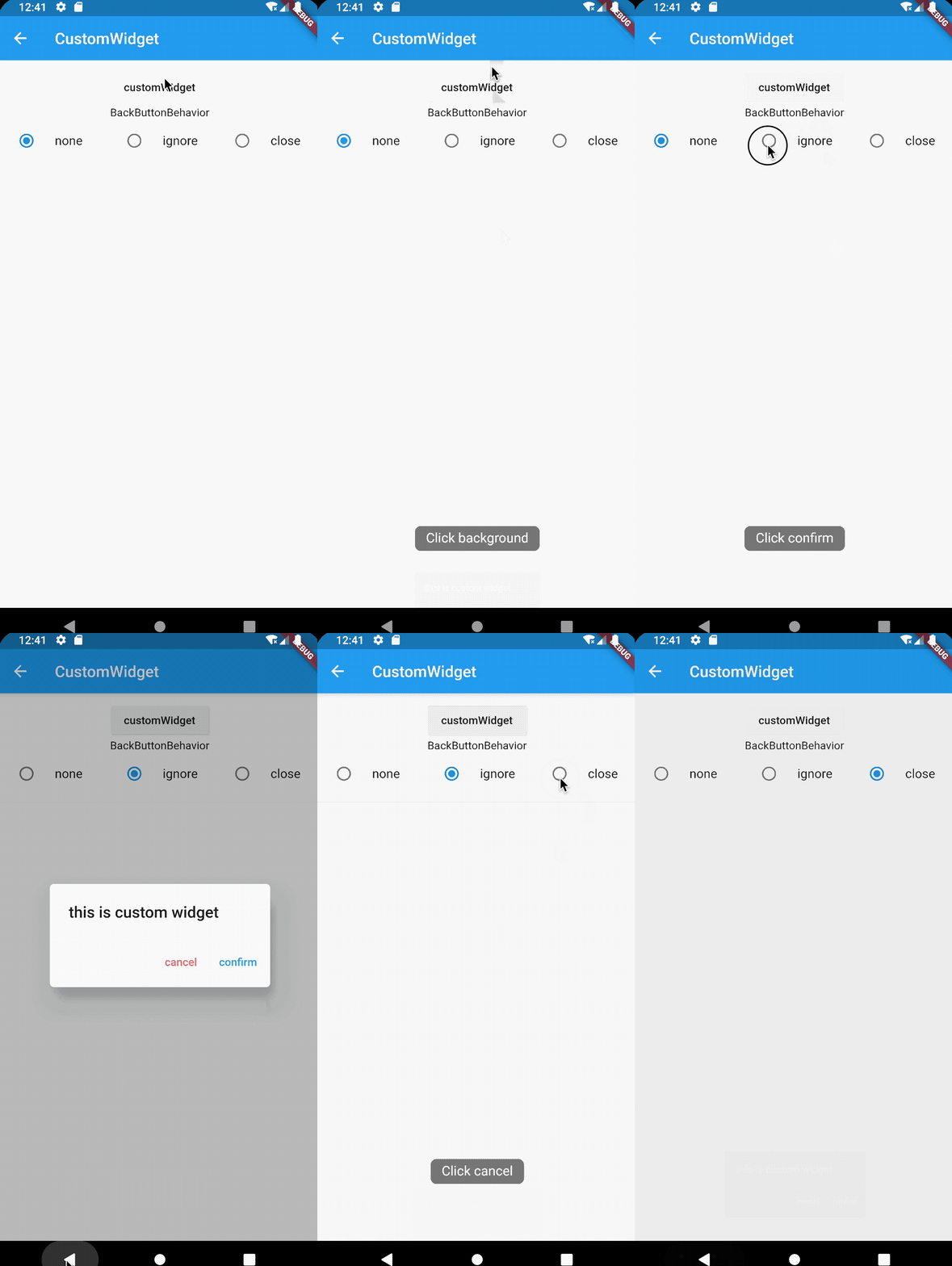
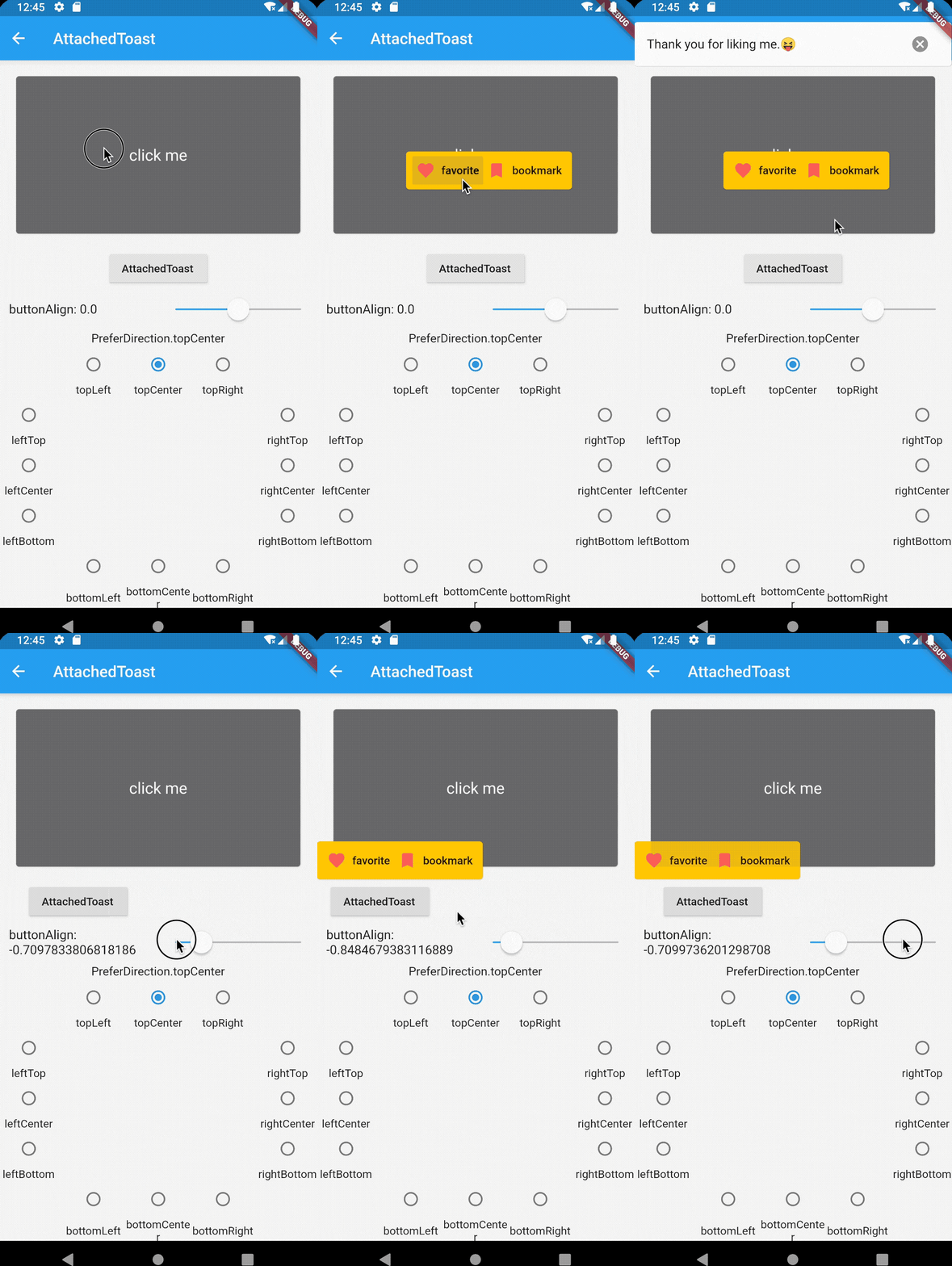
Notification Attached CustomAnimation
Loading Text CustomWidget
Getting started
1. Add dependencies into you project pubspec.yaml file
dependencies:
   bot_toast: ^4.1.0 #null safety
2. Import BotToast Lib
import 'package:bot_toast/bot_toast.dart';
3. Initialization BotToast
MaterialApp(
      title: 'BotToast Demo',
      builder: BotToastInit(), //1. call BotToastInit
      navigatorObservers: [BotToastNavigatorObserver()], //2. registered route observer
      home: XxxxPage(),
  )

or

//Warning: Don't arbitrarily adjust the position of calling the BotToastInit function 
final botToastBuilder = BotToastInit();  //1. call BotToastInit 
MaterialApp(
      title: 'BotToast Demo',
      builder: (context, child) {
        child = myBuilder(context,child);  //do something
        child = botToastBuilder(context,child); 
        return child;
      }, 
      navigatorObservers: [BotToastNavigatorObserver()], //2. registered route observer
      home: XxxxPage(),
  )
4. Use BotToast
var cancel = BotToast.showText(text:"xxxx");  //popup a text toast;
...
cancel();  //close
var cancel = BotToast.showSimpleNotification(title: "init"); // popup a notification toast;
...
cancel();  //close
var cancel = BotToast.showLoading(); //popup a loading toast
...
cancel();  //close
//popup a attachments toast
var cancel = BotToast.showAttachedWidget(
    attachedBuilder: (_) => Card(
          child: Padding(
            padding: const EdgeInsets.all(8.0),
            child: Icon(
              Icons.favorite,
              color: Colors.redAccent,
            ),
          ),
        ),
    duration: Duration(seconds: 2),
    target: Offset(520, 520));
...
cancel();  //close
//custom api
var cancel = BotToast.showCustomNotification(...)
var cancel = BotToast.showCustomText(...)
var cancel = BotToast.showCustomLoading(...)
var cancel = BotToast.showAnimationWidget(...)
...
cancel();  //close
5. Modify Global Configuration
/// For example: Globally change the animation duration for standard notifications to 1 second.
BotToast.defaultOption.notification.animationDuration = const Duration(seconds: 1);

/// For more default options, refer to the following configurations:
/// [BotToast.defaultOption.simpleNotification] corresponds to the default values of [showSimpleNotification].
/// [BotToast.defaultOption.notification] corresponds to the default values of [showNotification].
/// [BotToast.defaultOption.customNotification] corresponds to the default values of [showCustomNotification].
/// [BotToast.defaultOption.text] corresponds to the default values of [showText].
/// [BotToast.defaultOption.customText] corresponds to the default values of [showCustomText].
/// [BotToast.defaultOption.loading] corresponds to the default values of [showLoading].
/// [BotToast.defaultOption.customLoading] corresponds to the default values of [showCustomLoading].
/// [BotToast.defaultOption.attached] corresponds to the default values of [showAttachedWidget].
/// [BotToast.defaultOption.animation] corresponds to the default values of [showAnimationWidget].
/// [BotToast.defaultOption.enhanced] corresponds to the default values of [showEnhancedWidget].
3.0 version
Major changes:
  • Reimplemented the underlying initialization logic, the code is simpler and more general, and no longer depends on Navigator

  • Modify the initialization method

2.x version upgrade to 3.x version

change:

//2.x.x version initialization method
BotToastInit(
  child:MaterialApp(
      title: 'BotToast Demo',
      navigatorObservers: [BotToastNavigatorObserver()],
      home: XxxxPage(),
  )
);

to:

//3.x.x version initialization method
MaterialApp(
      title: 'BotToast Demo',
      builder: BotToastInit(), 
      navigatorObservers: [BotToastNavigatorObserver()],
      home: XxxxPage(),
  )

Documentation

API Documentation

카테고리

소스 저장소

이 패키지를 사용하는 프로젝트

순위