c_material는 사전 정의된 색상, 세미틱 토큰 및 Material 3 테마를 제공하는 현대적인 Flutter 색상 시스템입니다. 개발자가 플랫폼 간에 일관성 있고 확장 가능하며 시각적으로 조화로운 사용자 인터페이스를 구축할 수 있도록 합니다. 세미틱 색상 토큰을 활용함으로써 동적 테마를 지원하고 디자인 시스템의 유지보수성을 높입니다. 이 패키지는 Flutter의 UI 툴킷과 원활하게 통합되며, Android, iOS, Web, macOS, Windows, Linux에서 매끄럽고 반응성이 뛰어난 경험을 제공하기 위해 Material Design 3 가이드라인을 따릅니다.
사용 사례
다양한 플랫폼 간에 일관된 UI 구축
Material 3 디자인 기준 구현
확장 가능한 디자인 시스템 만들기
다이나믹 테마 전환 활성화
대규모 앱에서 색상 관리 간소화
의미 있는 색을 통한 접근성 지원
주요 기능
사전 정의된 Material 3 색상 테마
명확성을 위한 의미 색 토큰
크로스 플랫폼 호환성
Flutter와의 간편한 통합
라이트 및 다크 테마 지원
확장 가능한 색상 시스템
적합한 대상
디자인 시스템 개발자
Material 3를 사용하는 플러터 팀
일관된 테마가 필요한 앱
접근성에 중점을 둔 프로젝트
재사용 가능한 색상 로직을 찾는 개발자
다중 플랫폼 앱을 개발하는 팀
고려 사항
Material 3 디자인 원칙에 익숙해야 합니다
비 매터리얼 디자인을 위한 맞춤 설정이 필요할 수 있습니다
Flutter의 테마 시스템에 의존합니다
색에 중점을 둔 기능만 가능
복잡한 UI 컴포넌트 라이브러리에 적합하지 않습니다
구조화된 디자인 워크플로에서 가장 잘 사용됩니다
원본 README
연결된 소스 저장소의 README 원문 스냅샷입니다. 최신 내용은 저장소에서 확인하세요.
c_material_colors_flutter
A new package for choosing colors. It is very powerful and supports all operating systems, including iPhone, Android, the web, and many platforms. It helps in direct access to colors.
_ Simple package helps you to use all colors to direct code and flexible and eazy use when use class it found over 100 colors
Support = [**[ Android , IOS and WEB(soon) ] **];
Support All Platform in flutter
Ease of use and flexibility in accessing colors directly
It has a strong advantage, which is that it contains almost all colors
It is also easy to use in any mobile project and supports all platforms
Features
It is a very powerful package that includes around 140 colors and more. Its features include being filled with a wide variety of colors, being easy to use, and allowing developers to access the desired color through the MaterialColors class. It is also distinguished by its attractiveness across all colors.
Setup
iOS
Opt-in to the embedded views preview by adding a boolean property to the app's Info.plist file
with the key io.flutter.embedded_views_preview and the value YES.
iOS (only support> 11.0) you need to add this line in your ios/Podfile
platform :ios, '11.0'
Getting Started
To use C_Material_Colors in your project, add the c_material package to pubspec.yaml:
dart pub add c_material or flutter pub add flex_color_scheme
import it
Import the package to use it:
import'package:c_material/c_material.dart';
Usage :
Explaining of how to use this package
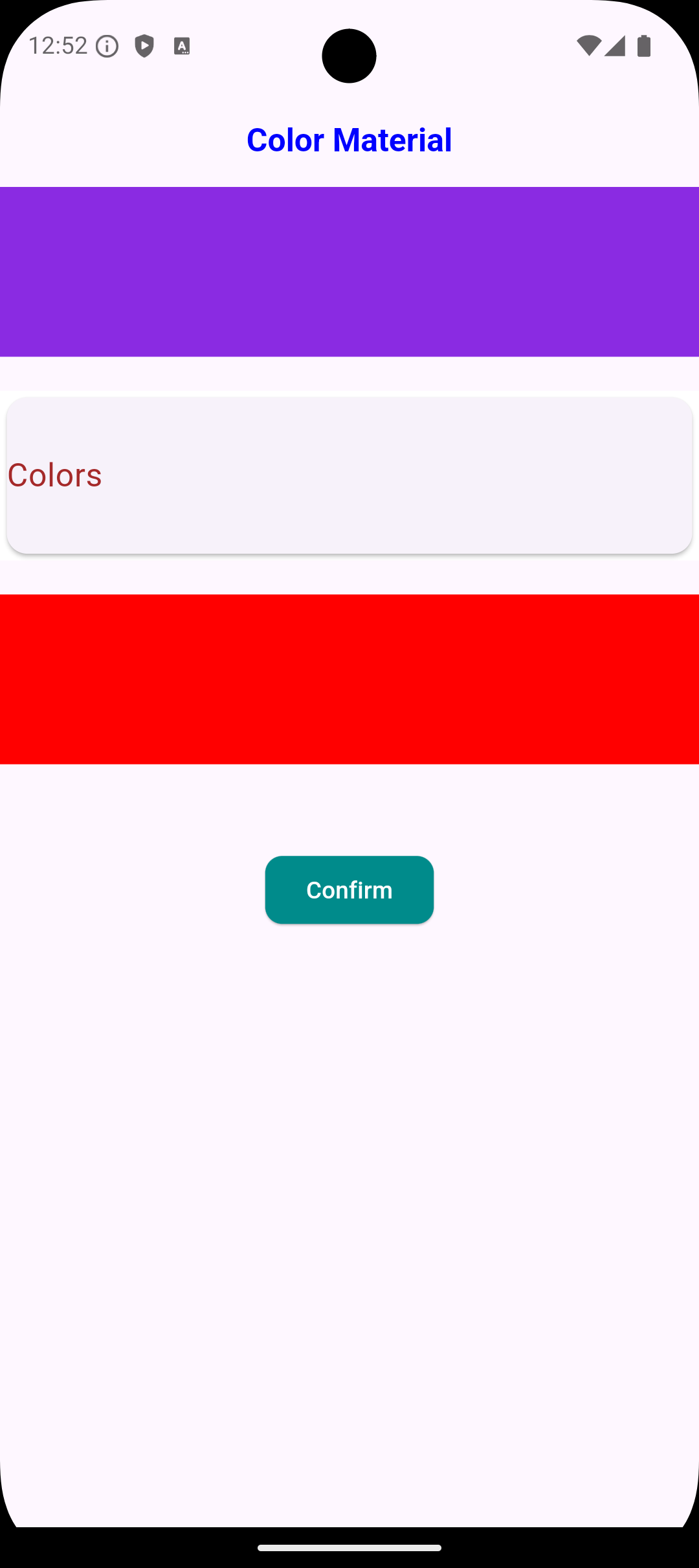
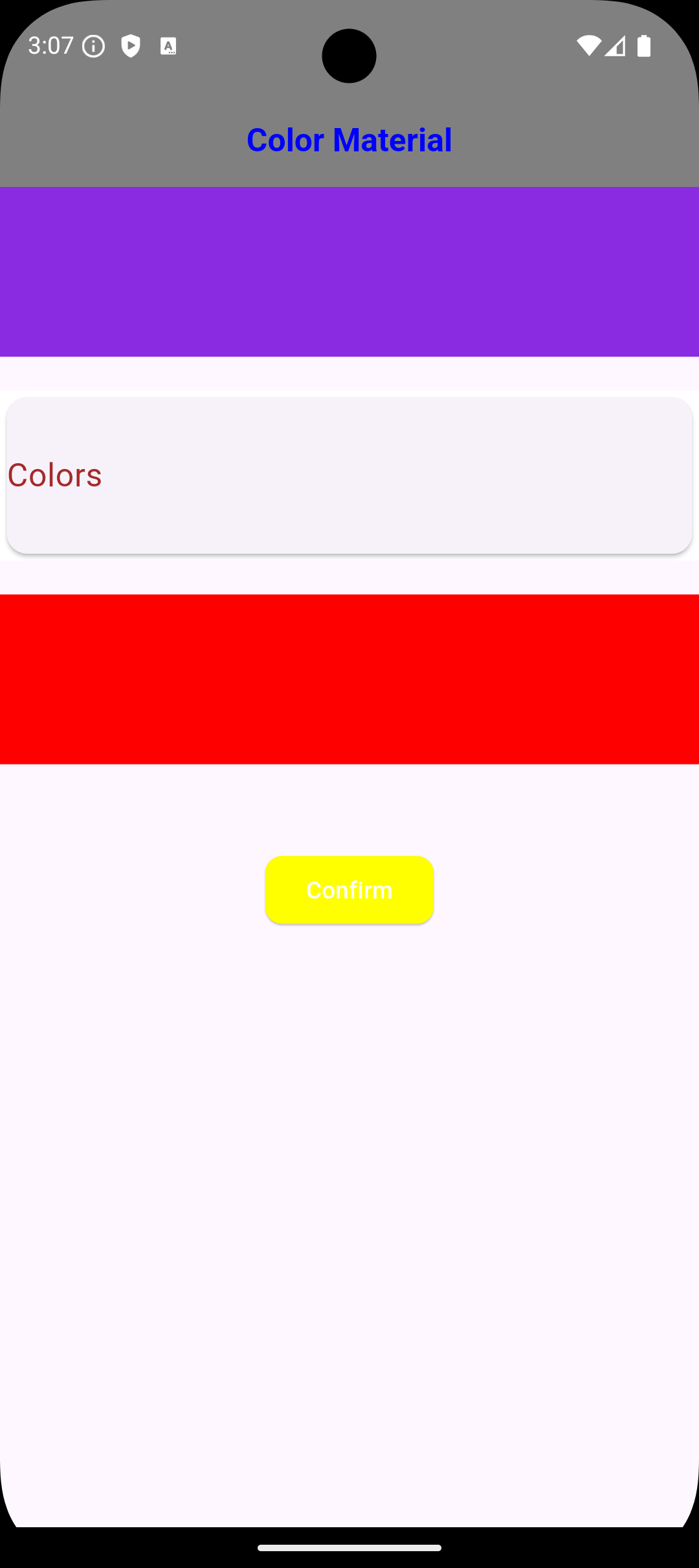
/// You Can use Any Widgets in flutter like this :/// Container(
color: MaterialColors.blue;
/// )/// But Note Very Important :/// you can use class MaterialColors just type proberity class Color/// Not use MaterialAllProberity ....
عرض الصور
Usage Just Class Color Type Not Type Class WidgetStateProperty<Colors?>
/// You Can use Any Widgets in flutter like this :/// Container(
color: MaterialColors.blue;
/// ),/// Container(
color: MaterialColors.offWhite;
/// )/// AppBar(
backgroundColor: MaterialColors.green
/// )/// But Note Very Important :/// you can use class MaterialColors just type proberity class Color/// Not use MaterialAllProberity ....
Using Widgets in Flutter
/// Example :/// Scaffold Widget => Scaffold(backgroundColor: MaterialColors.red,
) ,
/// Card Widget => Card(color: MaterialColors.blue ,
),
Notes :
/// The most important thing about the package is that it does not accept a class of type WidgetStateProperty because it has a different type; it only accepts the type Color. ///
Global access to [Colors] from any Project :
///If you need any thing from [Color Blue]///you can use it MaterialColors class to access Many Colors :MaterialColors.aliceBlue;
///If you need any thing from [Color Red]///you can use it MaterialColors class to access Many Colors :MaterialColors.red;
///If you need any thing from [Color Yellow]///you can use it MaterialColors class to access Many Colors :MaterialColors.yellow;
///If you need use color black [Color Black]///you can use it MaterialColors class to access Many Colors :MaterialColors.black;
///If you need use color sandyBrown [Color Brown]///you can use it MaterialColors class to access Many Colors :MaterialColors.sandyBrown;
Global access to [All Colors ] using class [MaterialColors Class]
///If you need any thing from [Color blanchedAlmond]///you can use it MaterialColors class to access Many Colors :MaterialColors.blanchedAlmond,
///If you need any thing from [Color blueViolet]///you can use it MaterialColors class to access Many Colors :MaterialColors.blueViolet,
///If you need any thing from [Color cornflowerBlue]///you can use it MaterialColors class to access Many Colors :MaterialColors.cornflowerBlue,
///If you need any thing from [Color chocolate]///you can use it MaterialColors class to access Many Colors :MaterialColors.chocolate,
///If you need any thing from [Color saddleBrown]///you can use it MaterialColors class to access Many Colors :MaterialColors.saddleBrown,
///If you need any thing from [Color fireBrick]///you can use it MaterialColors class to access Many Colors :MaterialColors.fireBrick,
///If you need any thing from [Color wheat]///you can use it MaterialColors class to access Many Colors :MaterialColors.wheat,
///If you need any thing from [Color darkGoldenrod]///you can use it MaterialColors class to access Many Colors :MaterialColors.darkGoldenrod,
///If you need any thing from [Color lightBlue]///you can use it MaterialColors class to access Many Colors :MaterialColors.lightBlue,
///If you need any thing from [Color darkRed]///you can use it MaterialColors class to access Many Colors :MaterialColors.darkRed,



 [ammarmatarieh2@gmail.com]

 [GitHub Profile](https://github.com
Ammar2000-Matarieh)