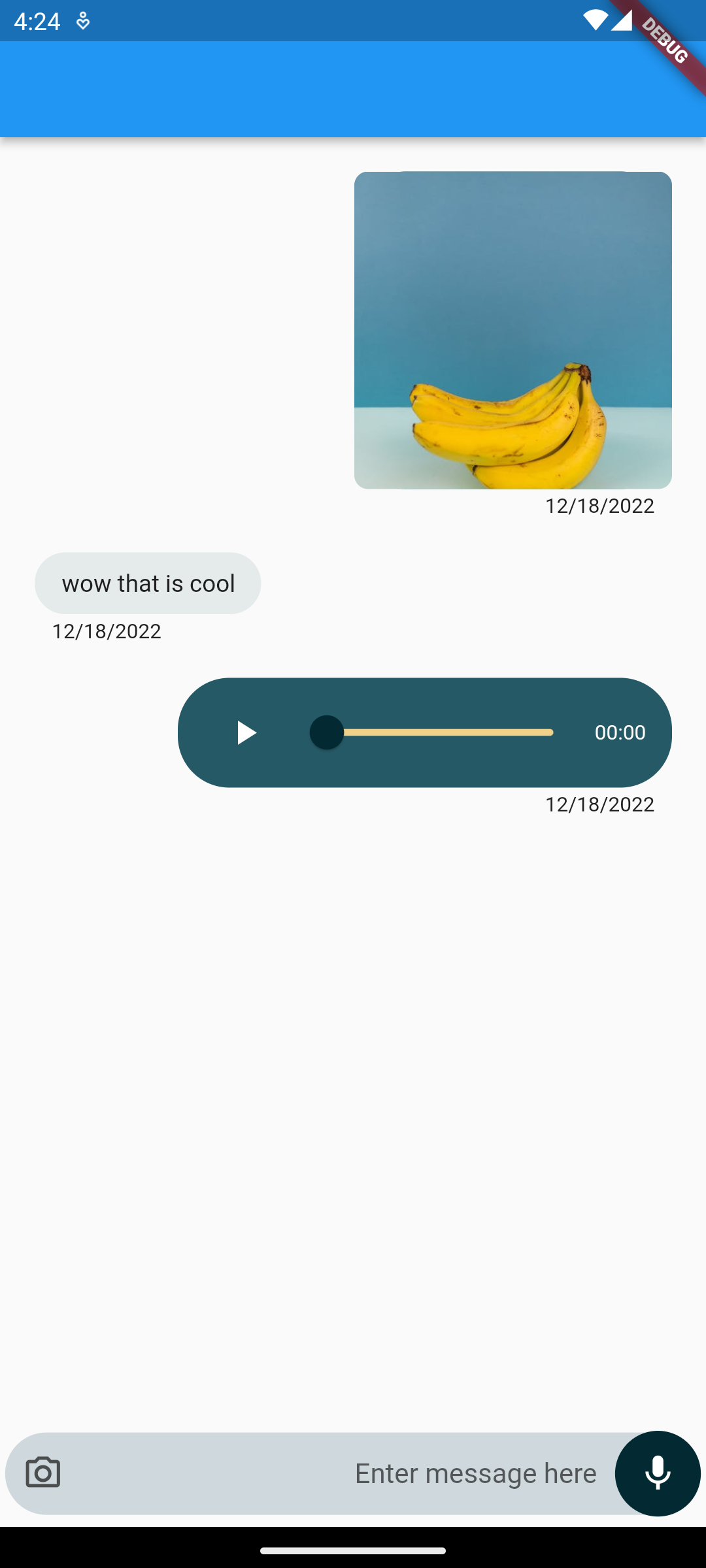
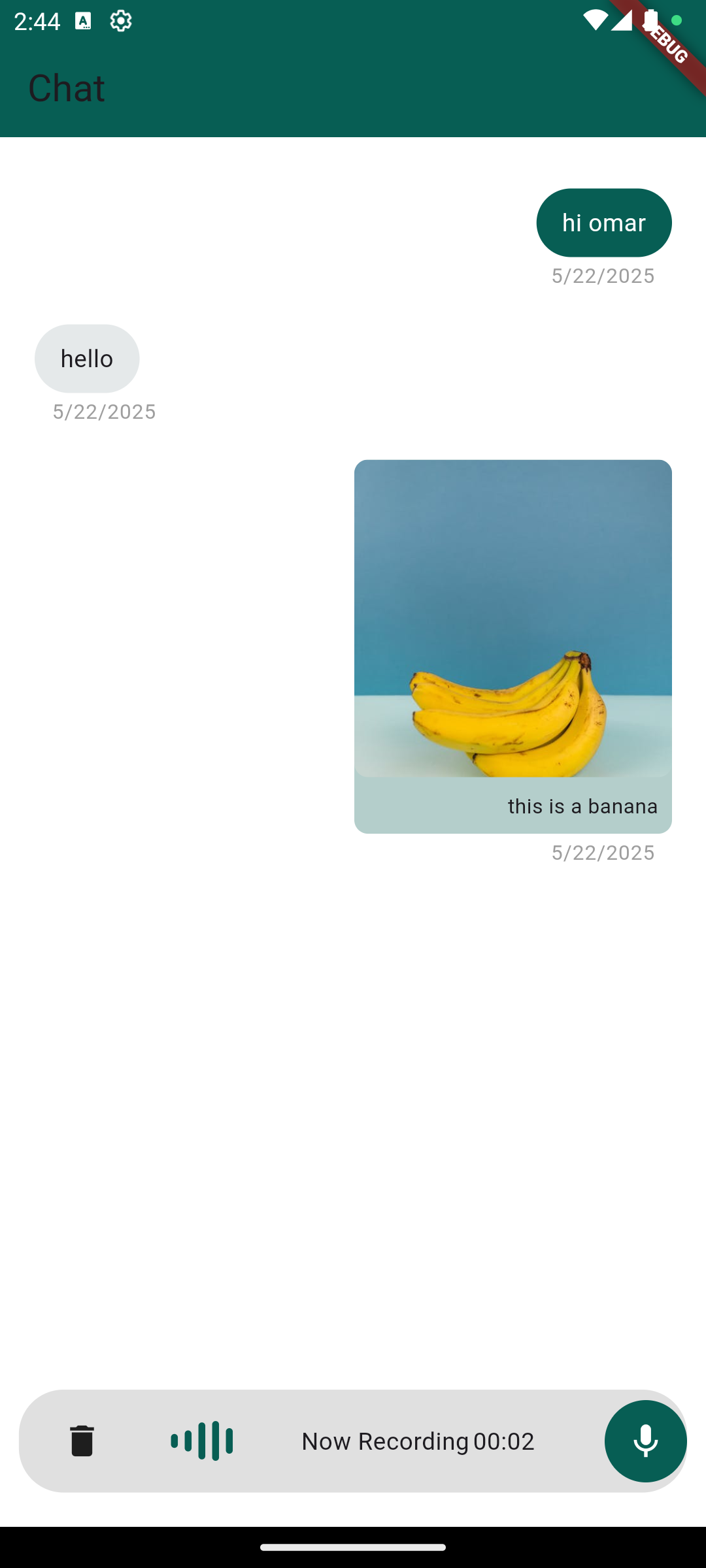
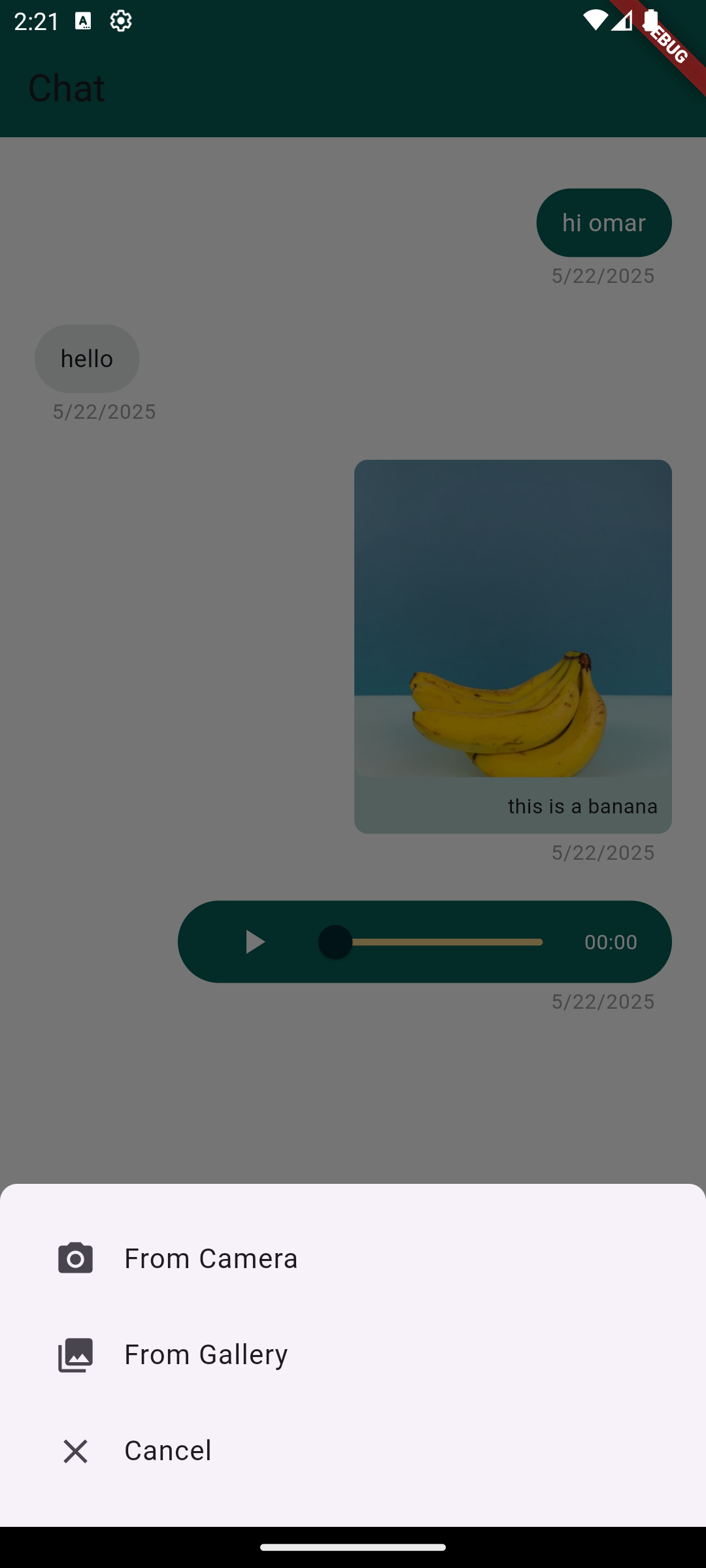
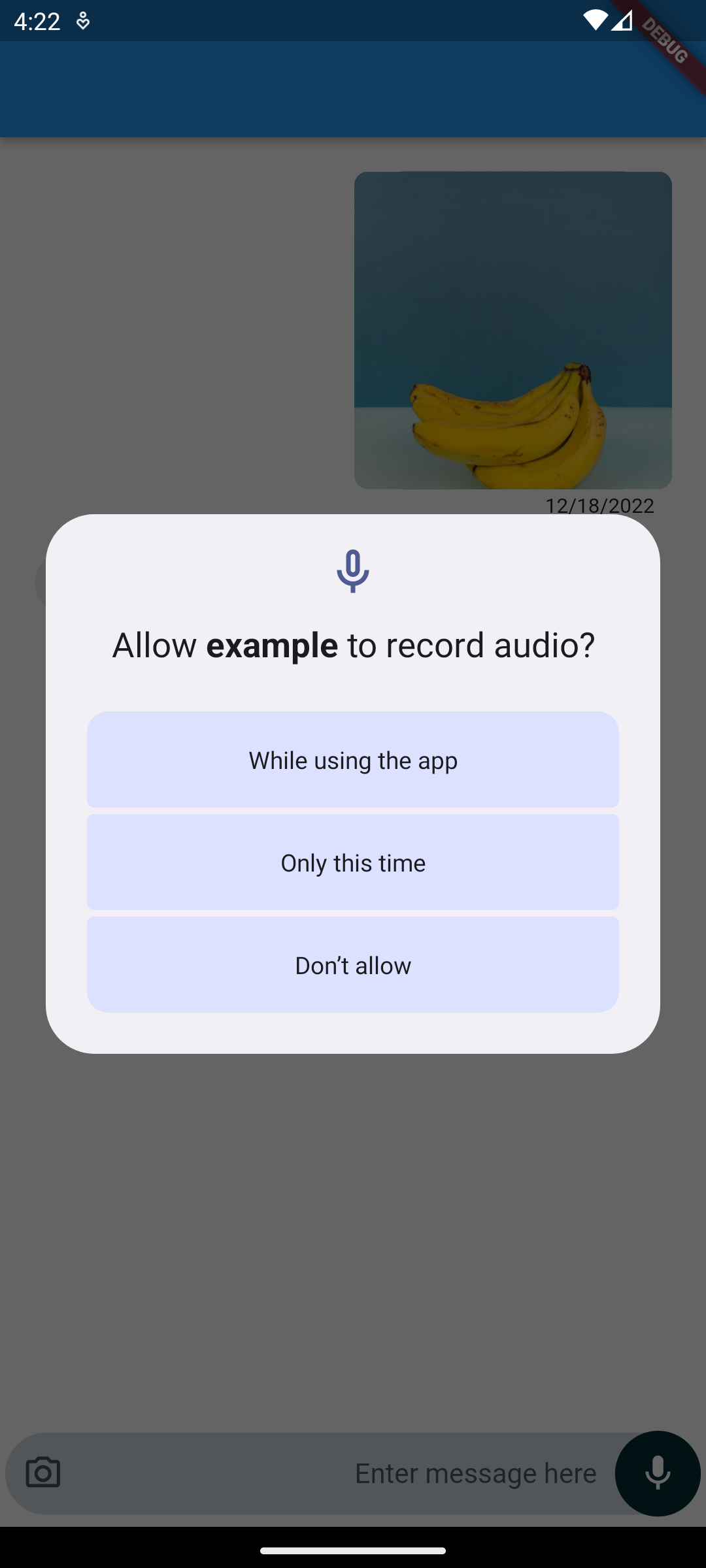
텍스트 메시지, 음성 메모 및 이미지를 보낼 수 있는 완전히 기능하는 Flutter용 채팅 UI입니다. 깔끔하고 반응형 디자인으로 제작되어 Android 및 iOS를 대상으로 한 모바일 앱에 원활하게 통합됩니다. 이 패키지는 사전 구축된 구성 요소를 제공하고 일반적인 메시징 워크플로우를 처리함으로써 채팅 구현을 간소화합니다. 실시간 메시지 표시를 지원하며 기본 미디어 첨부 기능을 포함하여 커뮤니케이션 중심 애플리케이션에 적합합니다.
사용 사례
즉시 메시징 앱
고객 지원 인터페이스
그룹 채팅 기능
소셜 네트워킹 플랫폼
내부 팀 협업 도구
주요 기능
문자 메시지 전송
음성 메모 녹음 및 재생
이미지 첨부 지원
크로스 플랫폼 호환성 (Android 및 iOS)
사전 구축된 사용자 정의 가능한 UI 컴포넌트
적합한 대상
채팅 중심 앱을 개발하는 개발자
빠른 채팅 통합이 필요한 팀
모바일 중심의 통신 솔루션
채팅 기능을 빠르게 프로토타이핑하기
고려 사항
메시지 지속성에 대한 추가 백엔드 필요
기본 미디어 유형에만 제한됨(비디오 또는 파일 없음)
내장된 사용자 인증 없음
실시간 동기화를 위한 사용자 정의 로직 필요
브랜드 일치를 위해 스타일 조정이 필요할 수 있습니다
원본 README
연결된 소스 저장소의 README 원문 스냅샷입니다. 최신 내용은 저장소에서 확인하세요.
chat_package
A ready-made, highly customizable chat UI for Flutter. Drop in ChatScreen,
wire up a handful of callbacks, and you get text messages, voice notes with
slide-to-cancel, gallery images, an in-app camera, and video messages — out of
the box.
Created by Omar Mouki
Features
💬 Text messages with a customizable input field
🎙️ Voice notes — hold to record, slide to cancel, built-in playback with a seek slider
🖼️ Images from the gallery, shown inline with a full-screen viewer
📷 In-app camera — capture photos and videos with a caption step
🎞️ Video messages — inline thumbnail with tap-to-play full screen
🎨 Highly customizable — colors, sizes, text direction (LTR/RTL), icons, hints and more
🧩 Callback-driven: you own your data and state
Screenshots
Installation
Add the package to your pubspec.yaml:
dependencies:chat_package:^2.1.0
Then run flutter pub get.
Requires Dart >= 3.0 and Flutter >= 3.16.
Platform setup
The package requests the runtime permissions it needs (microphone, camera,
photos) for you — you only need to declare them.
Android
In android/app/build.gradle, make sure the minimum SDK is at least 23
(required by the audio recorder):
android {
    defaultConfig {
        minSdkVersion 23
    }
}
Add the permissions to android/app/src/main/AndroidManifest.xml:
Add the usage descriptions to ios/Runner/Info.plist:
<key>NSCameraUsageDescription</key><string>This app needs camera access to take photos and videos.</string><key>NSMicrophoneUsageDescription</key><string>This app needs microphone access to record voice notes.</string><key>NSPhotoLibraryUsageDescription</key><string>This app needs photo library access to attach images.</string>
And enable the matching permission_handler macros in ios/Podfile:
post_install do |installer|
  installer.pods_project.targets.each do |target|
    flutter_additional_ios_build_settings(target)
    target.build_configurations.each do |config|
      config.build_settings['GCC_PREPROCESSOR_DEFINITIONS'] ||= [
        '$(inherited)',
        'PERMISSION_CAMERA=1',
        'PERMISSION_MICROPHONE=1',
        'PERMISSION_PHOTOS=1',
      ]
    end
  end
end
A message holds optional text and optional ChatMedia (an image/audio/video
url or local file path). It also offers toJson() / fromJson() so you can
persist and restore conversations from your backend.
ChatMessage(
  isSender: true,
  text: 'this is a banana',
  chatMedia: ChatMedia(
    url: 'https://example.com/banana.jpg',
    mediaType: MediaType.image, // image | audio | video
  ),
);
Note:MediaType is now a plain enum (MediaType.image, MediaType.audio,
MediaType.video). See the migration guide below.
API reference
Required
Property
Type
Description
messages
List<ChatMessage>
The messages to render.
scrollController
ScrollController
Controls the chat list.
onTextSubmit
Function(ChatMessage)
Called when a text message is sent.
handleRecord
Function(ChatMessage?, bool canceled)
Called with the recorded voice note (or (null, true) when canceled).
handleImageSelect
Function(ChatMessage?)
Called with the selected/captured image (or null).
Common optional
Property
Type
Default
Description
handleVideoSelect
Function(ChatMessage?)?
null
Captured video callback; falls back to handleImageSelect if omitted.
MediaType is now an enum. Replace MediaType.imageMediaType() →
MediaType.image, MediaType.audioMediaType() → MediaType.audio,
MediaType.videoMediaType() → MediaType.video. (The Freezed dependency was
removed.)
New handleVideoSelect callback for the in-app camera's video captures.
In-app camera now returns captured photos/videos into the chat (with an
optional caption). The attachment camera option opens the in-app camera.
Android minSdkVersion must be >= 23 for the upgraded audio recorder.
New customization params: textDirection, containerBorderRadius,
buttonRadius, message width fractions, and capture-quality settings.
Found this project useful?
If this package helped you, please consider giving it a ⭐️ on
GitHub and sharing it.
Issues and feedback
Open an issue on GitHub with
suggestions, bugs or feature requests.