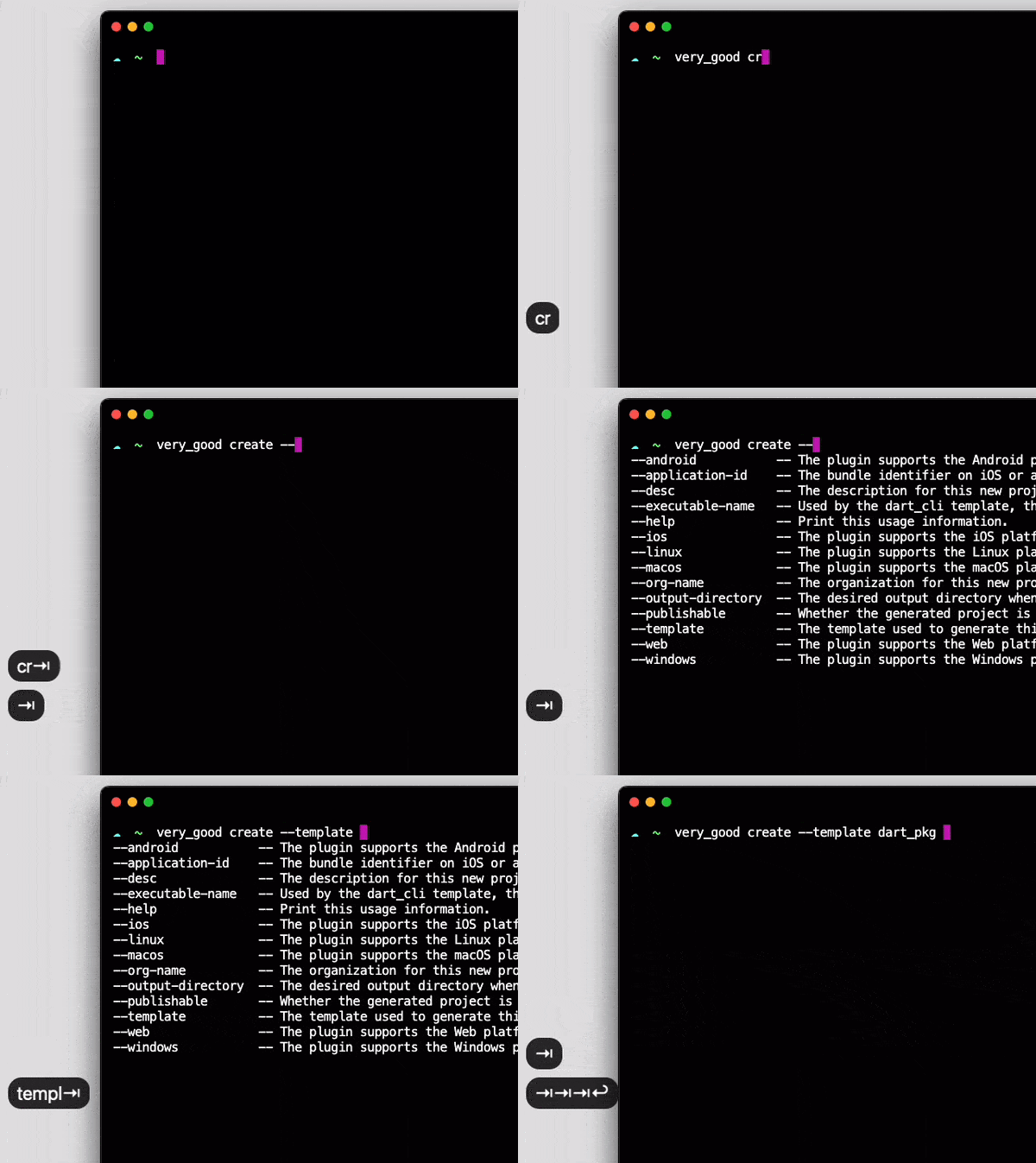
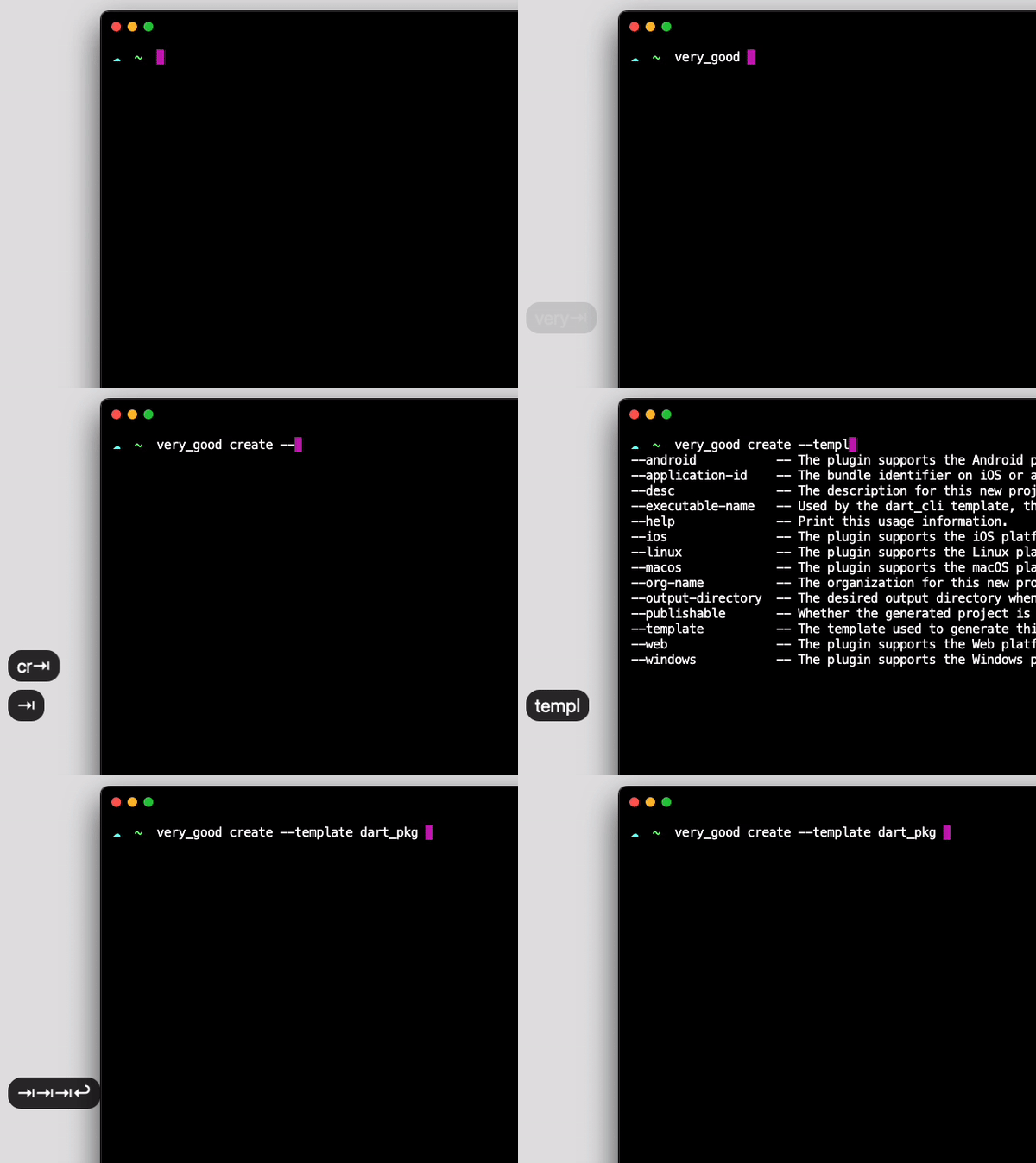
CommandRunner로 구축한 명령줄 인터페이스에 자동 완성 기능을 추가하는 Flutter/Dart 패키지입니다. Very Good Ventures가 설계한 이 패키지는 명령어, 플래그, 인수에 대한 지능형 제안을 제공함으로써 CLI의 사용성을 향상시킵니다. 기존의 CommandRunner 기반 도구와 원활하게 통합되며, Android, iOS, macOS, Windows, Linux 등의 주요 플랫폼을 지원합니다. 최소한의 설정으로 상호작용이 가능하고 사용자 친화적인 명령줄 애플리케이션 개발을 간편하게 만듭니다.
사용 사례
CLI 도구 사용성 향상
명령줄 앱에 탭 완성 기능 추가하기
터미널 워크플로우에서 개발자 경험 향상
상호작용 가능한 Dart CLI 도구 만들기
제안과 함께 복잡한 인수 분석 지원
주요 기능
CommandRunner와의 원활한 통합
플랫폼에 관계없는 완성 지원
필수 구성 최소화
실시간 탭 완성
사용자 정의 완성에 확장 가능
적합한 대상
Dart CLI 개발자
인터랙티브 터미널 입력이 필요한 도구
오픈소스 CLI 프로젝트
CommandRunner 기반 애플리케이션
CLI 설계에서 UX를 우선시하는 팀
고려 사항
의존성으로 CommandRunner가 필요합니다
Dart 기반 CLI 도구에 한정
완전한 기능을 위해 플랫폼별 설정이 필요할 수 있습니다
비 CLI 사용 사례에는 적합하지 않습니다
원본 README
연결된 소스 저장소의 README 원문 스냅샷입니다. 최신 내용은 저장소에서 확인하세요.
CLI Completion
Completion functionality for Dart Command-Line Interfaces built using CommandRunner.
When enableAutoInstall is set to false, users will have to call install-completion-files to install these files manually.
$ example_cli install-completion-files
Additionally, when enableAutoInstall is disabled a completion-script command is exposed. It prints the completion script for the current shell to stdout, so users can install it wherever they prefer:
$ example_cli completion-script >> ~/.zshrc
Documentation 📝
For an overview of how this package works, check out the documentation.
Troubleshooting 🧠🔨
Tab completion is taking too long
Handling completion requests should be straightforward.
If there are any checks (like analytics, telemetry, or anything that you may have on run or runCommand overrides) before running subcommands, make sure you fast track the completion command to skip all of the unnecessary computations.
Example:
@overrideFuture<int?> runCommand(ArgResults topLevelResults) async {
if (topLevelResults.command?.name == 'completion') {
super.runCommand(topLevelResults);
return;
}
// ... analytics and other unrelated stuff
Tab completion is not working on my zsh terminal
If you are not using any zsh framework such as Oh My Zsh, you have to start the completion system manually.
Add the following lines to your ~/.zshrc file:
# Add this to the start of your zsh starter file (~/.zshrc)autoload -Uz compinit
compinit