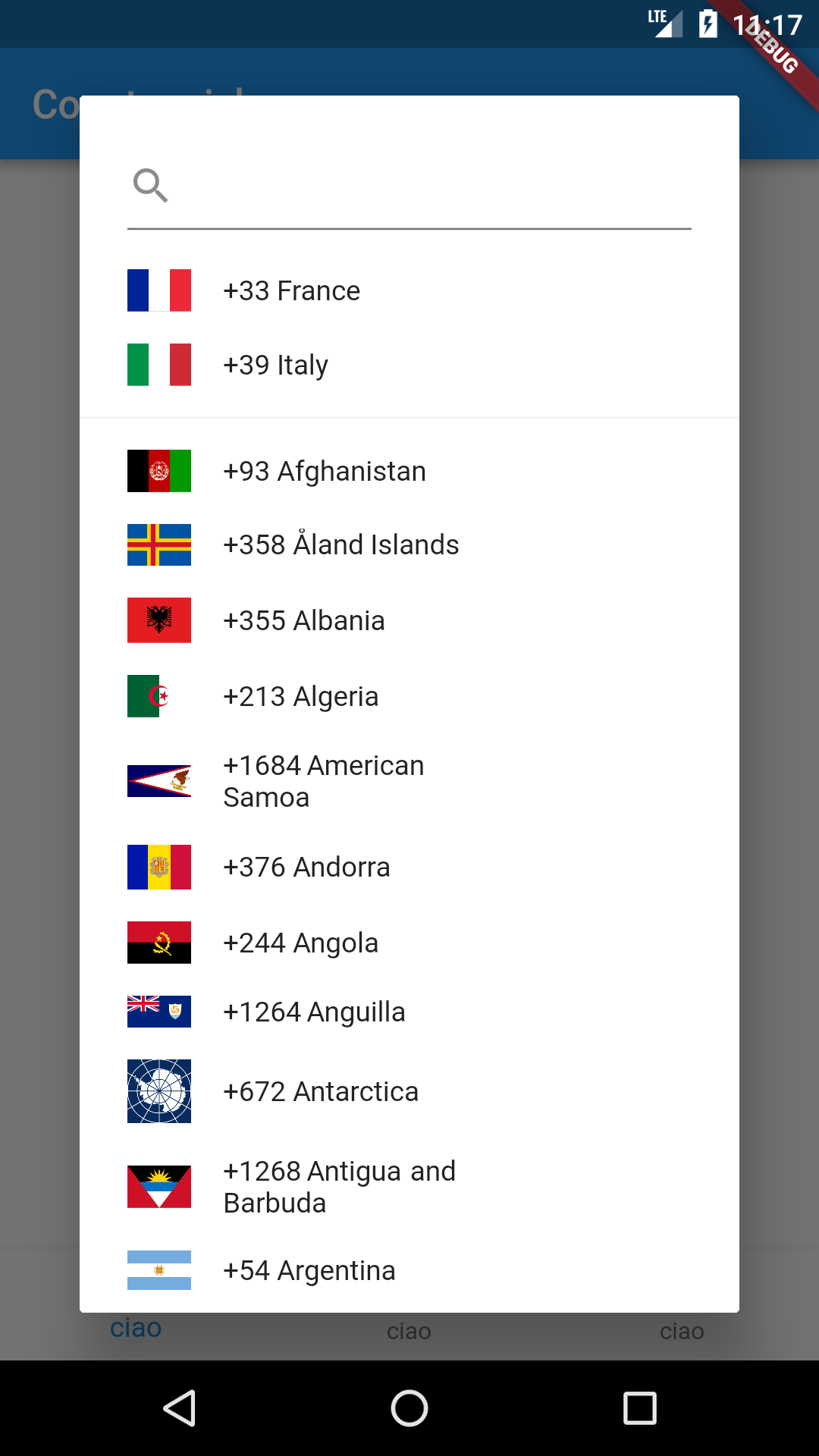
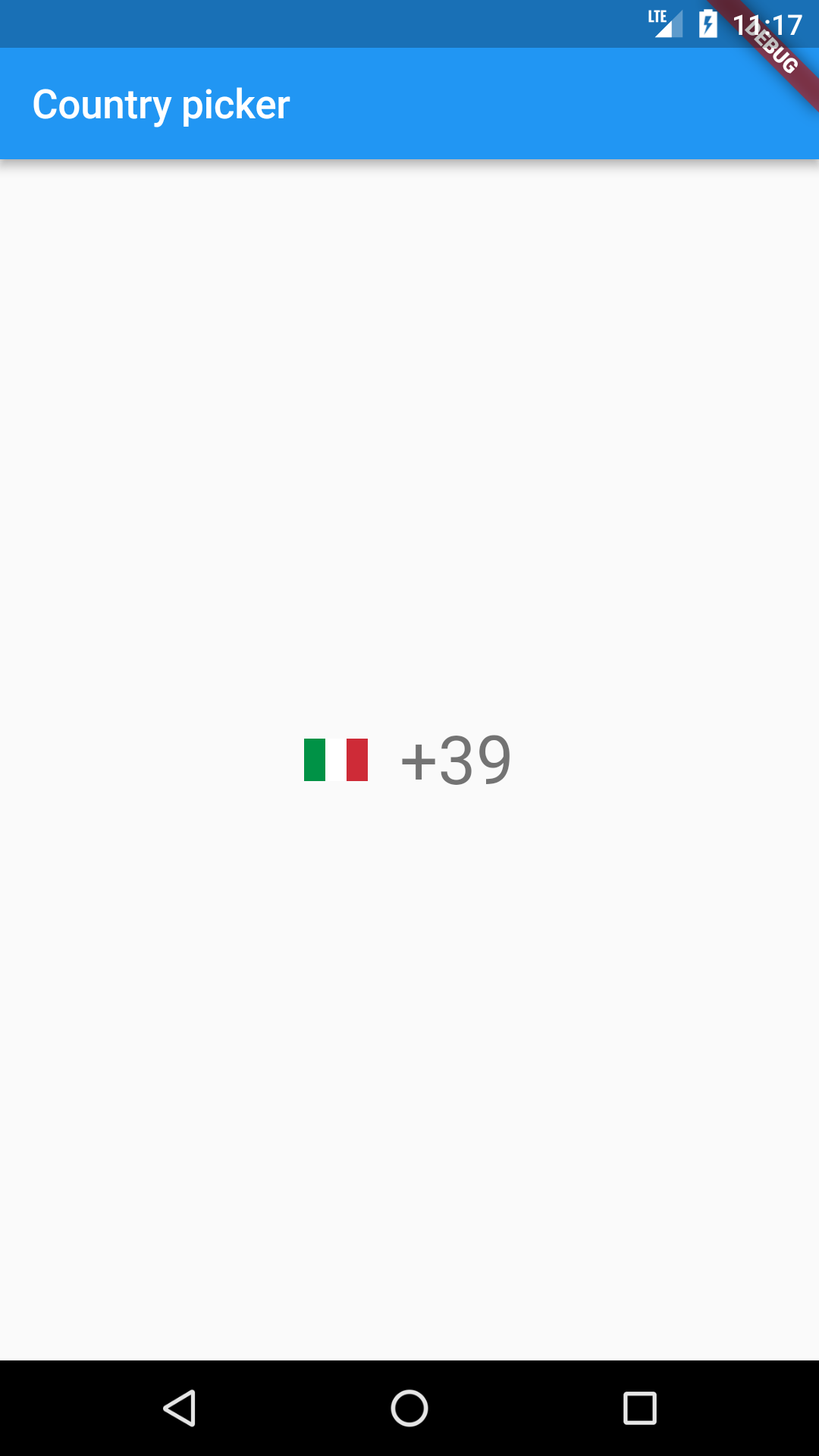
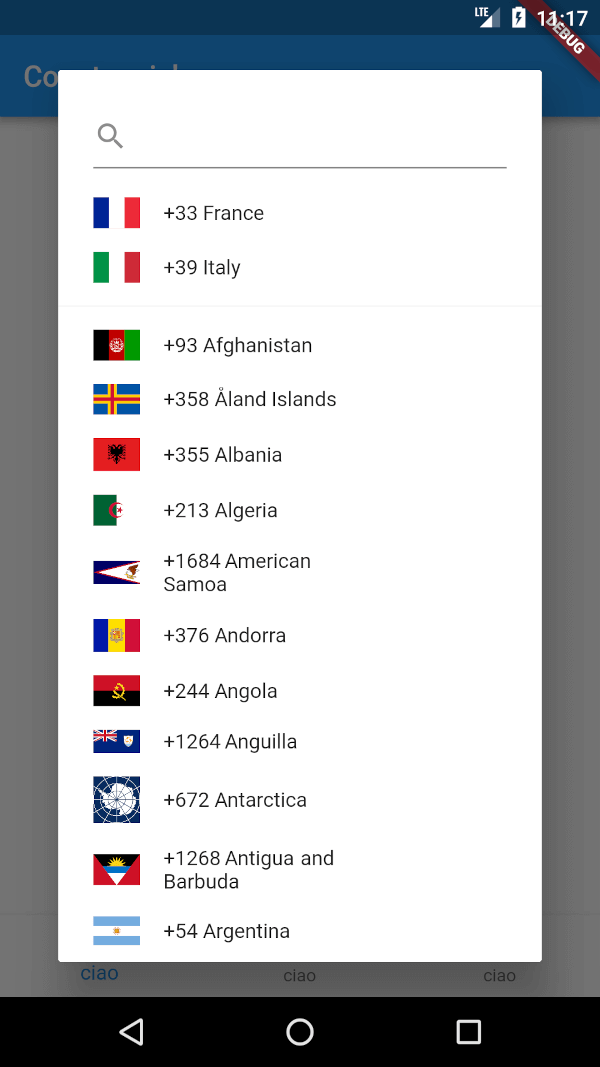
즐겨찾는 국가와 검색 기능을 지원하는 국가 코드 선택기 기능을 제공하는 플러터 패키지입니다. 포괄적인 목록에서 사용자가 쉽게 국가를 선택하고 선호하는 국가를 사용자 정의하며 검색 상자를 통해 빠르게 국가를 찾을 수 있습니다. 국제 전화번호 입력이 필요한 양식에 적합하며, 안드로이드, iOS, 웹, macOS, Windows, 리눅스 등 여러 플랫폼을 지원합니다. 가볍고 커스터마이징 가능하며 기존 플러터 애플리케이션에 원활하게 통합됩니다.
A flutter package for showing a country code selector.
It supports i18n for 70 languages.
Check the example on web! https://imtoori.dev/CountryCodePicker/#/
Usage
Just put the component in your application setting the onChanged callback.
@overrideWidgetbuild(BuildContext context) => newScaffold(
body: Center(
child: CountryCodePicker(
onChanged: print,
// Initial selection and favorite can be one of code ('IT') OR dial_code('+39')
initialSelection: 'IT',
favorite: ['+39','FR'],
// optional. Shows only country name and flag
showCountryOnly: false,
// optional. Shows only country name and flag when popup is closed.
showOnlyCountryWhenClosed: false,
// optional. aligns the flag and the Text left
alignLeft: false,
),
),
);
Example:
void_onCountryChange(CountryCode countryCode) {
//TODO : manipulate the selected country code hereprint("New Country selected: " + countryCode.toString());
}
i18n
Just add the CountryLocalizations.delegate in the list of your app delegates
Here is a list of properties available to customizeccc your widget:
Name
Type
Description
onChanged
ValueChanged
callback invoked when the selection changes
onInit
ValueChanged
callback invoked during initialization of the widget
initialSelection
String
used to set the initial selected value
favorite
List
used to populate the favorite country list
textStyle
TextStyle
TextStyle applied to the widget button
padding
EdgeInsetsGeometry
the padding applied to the button
showCountryOnly
bool
true if you want to see only the countries in the selection dialog
searchDecoration
InputDecoration
decoration applied to the TextField search widget
searchStyle
TextStyle
style applied to the TextField search widget text
emptySearchBuilder
WidgetBuilder
use this to customize the widget used when the search returns 0 elements
builder
Function(CountryCode)
use this to build a custom widget instead of the default FlatButton
enabled
bool
set to false to disable the widget
textOverflow
TextOverflow
the button text overflow behaviour
dialogSize
Size
the size of the selection dialog
countryFilter
List
uses a list of strings to filter a sublist of countries
showOnlyCountryWhenClosed
bool
if true it'll show only the country
alignLeft
bool
aligns the flag and the Text to the left
showFlag
bool
shows the flag everywhere
showFlagMain
bool
shows the flag only when closed
showFlagDialog
bool
shows the flag only in dialog
flagWidth
double
the width of the flags
flagDecoration
Decoration
used for styling the flags
comparator
Comparator
use this to sort the countries in the selection dialog
hideSearch
bool
if true the search feature will be disabled
Contributions
Contributions of any kind are more than welcome! Feel free to fork and improve country_code_picker in any way you want, make a pull request, or open an issue.
Getting involved
First of all, thank you for even considering to get involved. You are a real super :star: and we :heart: you!
Reporting bugs and issues
Use the configured Github issue report template when reporting an issue. Make sure to state your observations and expectations
as objectively and informative as possible so that we can understand your need and be able to troubleshoot.
Discussions and ideas
We're happy to discuss and talk about ideas, post your
question to StackOverflow.
Contributors ✨
Thanks goes to these wonderful people (emoji key):





 LinkedIn