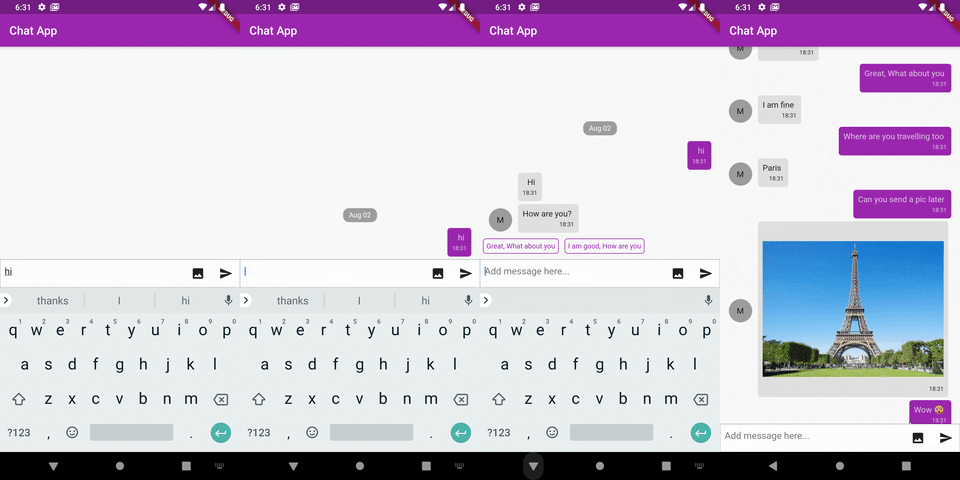
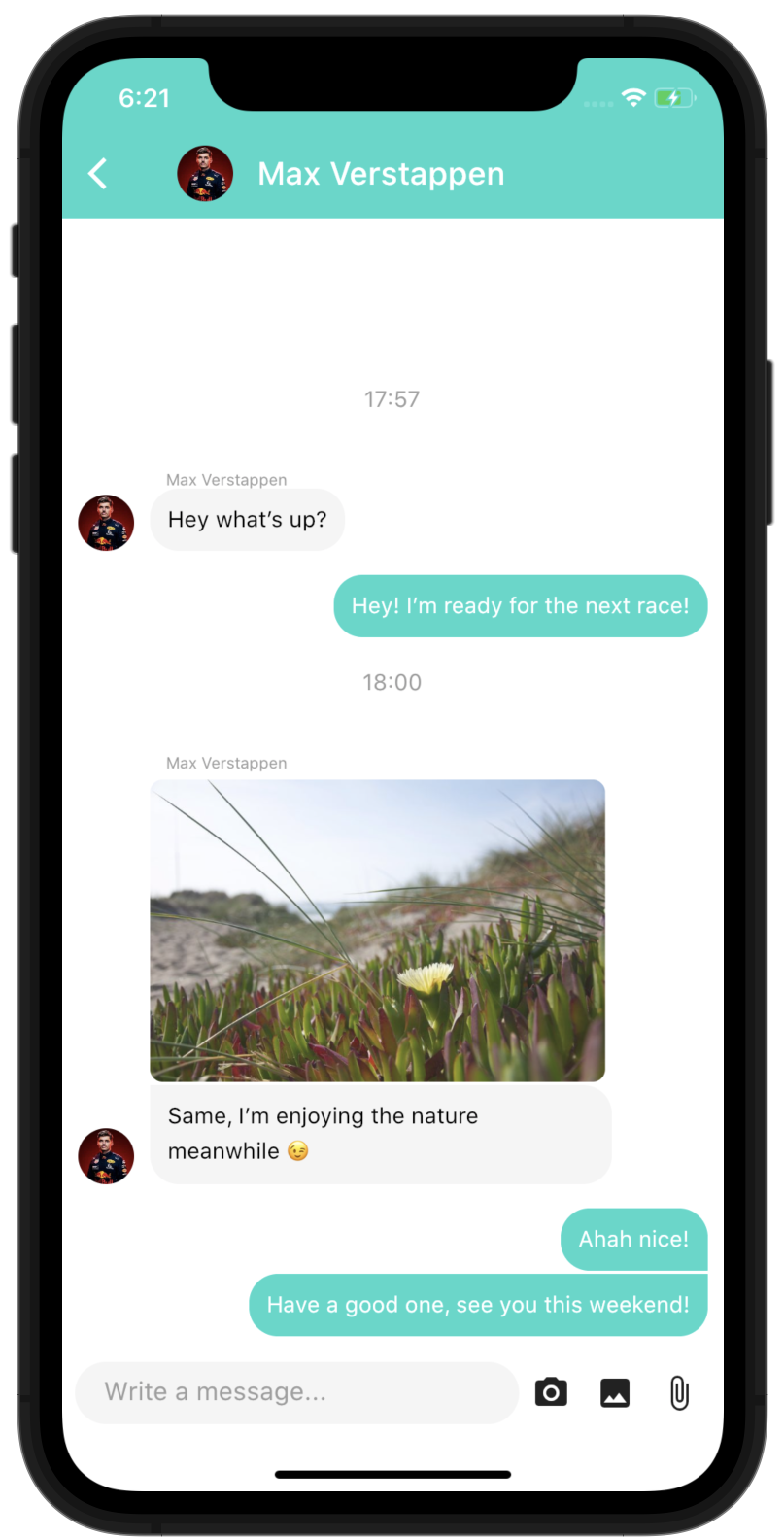
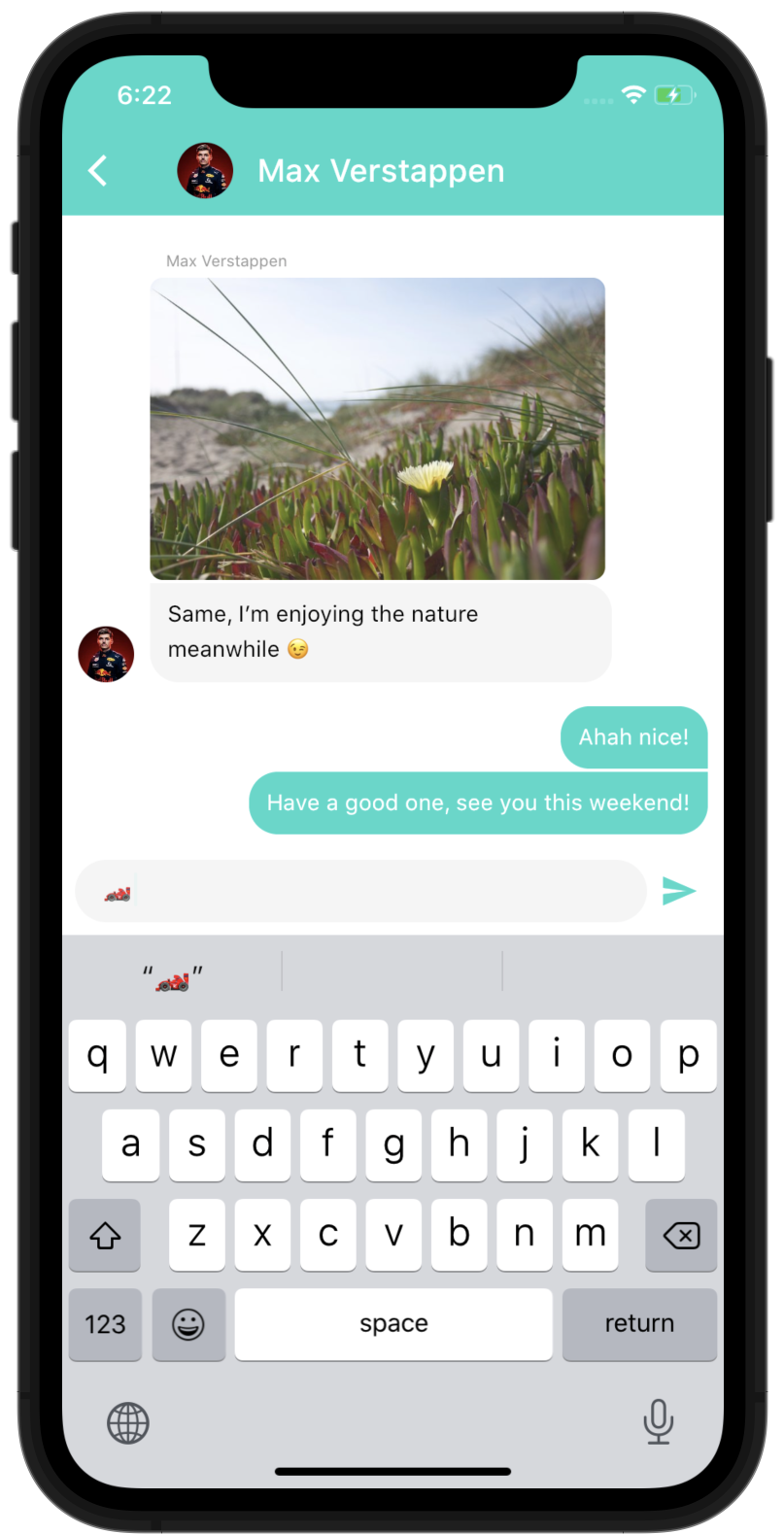
다시 채팅 2는 플러터용 포괄적이고 고도로 사용자 정의 가능한 채팅 UI 컴포넌트로, 구현이 쉬우면서도 완전한 기능을 제공하도록 설계되었습니다. 실시간 메시징을 지원하며, 풍부한 메시지 유형, 입력 상태 표시, 메시지 반응 및 미디어 첨부 파일을 포함합니다. 크로스플랫폼 사용을 위해 제작되어 안드로이드, iOS, 웹, macOS에서 원활하게 작동합니다. 패키지는 깔끔하고 현대적인 인터페이스를 기본으로 제공하며, 스타일과 동작에 대한 광범위한 사용자 정의 옵션을 제공합니다. 빠르고 효율적으로 채팅 기능을 갖춘 앱을 개발하는 개발자에게 이상적입니다.
사용 사례
실시간 메시징 앱
고객 지원 채팅 인터페이스
그룹 채팅 애플리케이션
앱 내 통신 기능
소셜 네트워킹 플랫폼
주요 기능
풍부한 메시지 유형(텍스트, 이미지, 파일)
입력 표시기
메시지 반응
사용자 정의 가능한 UI 테마
크로스 플랫폼 호환성
백엔드 서비스와의 간편한 통합
적합한 대상
채팅 기능을 개발하는 개발자
빠른 채팅 구현이 필요한 스타트업
반응형 채팅 UI가 필요한 앱
높은 사용자 정의를 원하는 팀
다중 플랫폼 대상 프로젝트
고려 사항
지속 메시지를 위한 백엔드 필요
실시간 동기화를 위한 사용자 정의 로직 필요
스타일링에는 고급 플러터 지식이 필요할 수 있습니다
제한된 내장 메시지 기록 관리
확장 없이 복잡한 채팅 워크플로우에 적합하지 않습니다
원본 README
연결된 소스 저장소의 README 원문 스냅샷입니다. 최신 내용은 저장소에서 확인하세요.
The most complete Chat UI for flutter
Easy to use, highly customizable and fully featured
You need another feature? you can use the customProperties field of the models, it allows you to pass other data to the library that you can then use inside custom builders to implement any feature you need.
Of course, if you think this feature can be useful to other people, feel free to open an issue/pull-request to discuss including it "natively" in the package.
You can run the example project to see more complex ways of using the package
Parameters of DashChat
ChatUser currentUser - required: Basically "you", we need to know who is the current user to put their messages to right side
Function(ChatMessage message) onSend - required: Function to call when the user sends a message, that's where you handle the logic to send the message to your backend and append the list of messages
List<ChatMessage> messages - required: The list of messages of the channel, you would usually not load all the messages at once but use the onLoadEarlier param of MessageListOptions to trigger a lazy loading
InputOptions inputOptions - optional: Options to customize the behaviour and design of the chat input
MessageOptions messageOptions - optional: Options to customize the behaviour and design of the messages
MessageListOptions messageListOptions - optional: Options to customize the behaviour and design of the overall list of message
QuickReplyOptions quickReplyOptions - optional: Options to customize the behaviour and design of the quick replies
ScrollToBottomOptions scrollToBottomOptions - optional: Options to customize the behaviour and design of the scroll-to-bottom button
readOnly - optional (default to false): Option to make the chat read only, it will hide the input field
List<ChatUser> typingUsers - optional: List of users currently typing in the chat
Full documentation
You can browse the full Dart documentation here: Documentation
If you have any suggestions for including a feature or if something doesn't work, feel free to open a Github issue or to open a pull request, you are more than welcome to contribute!