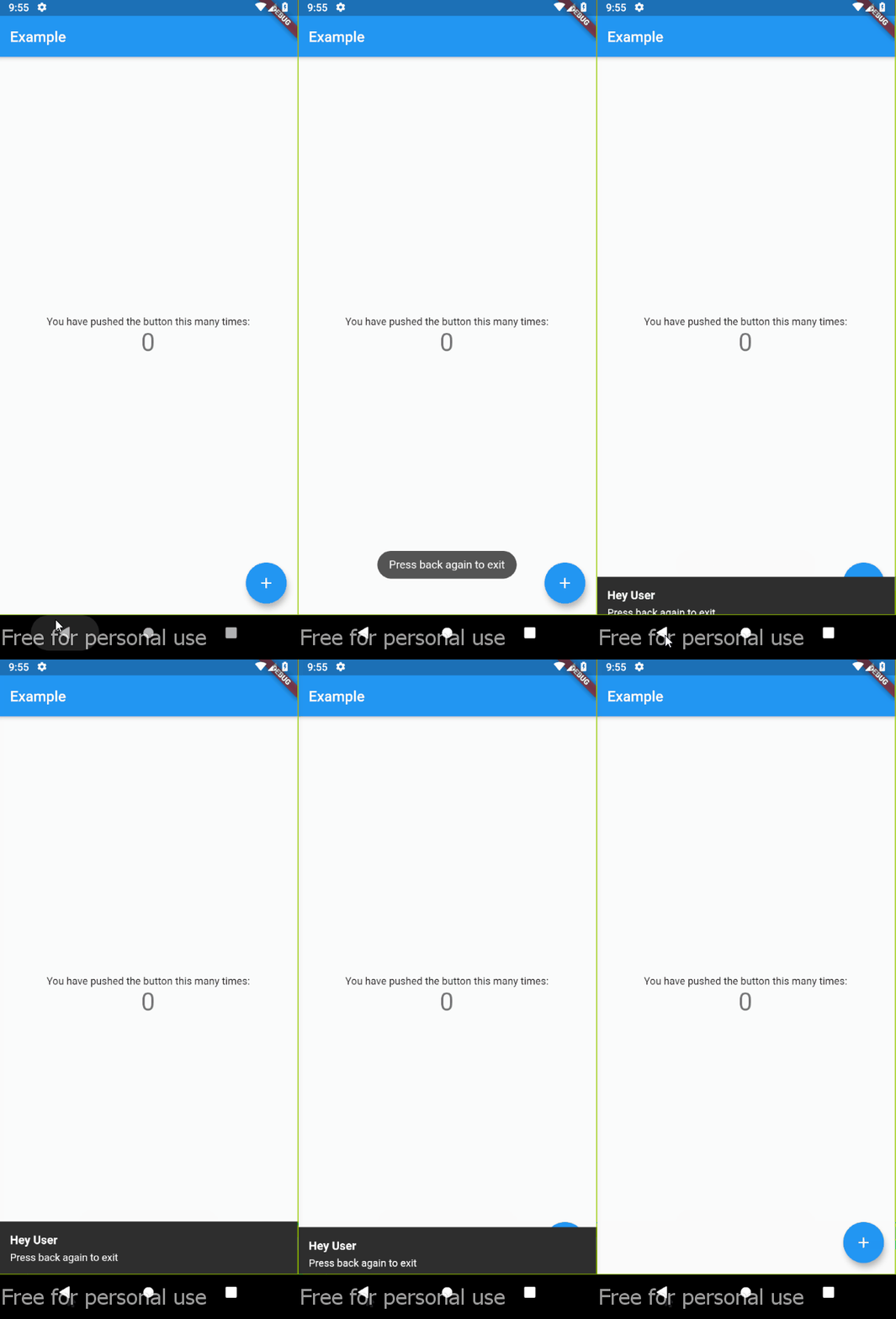
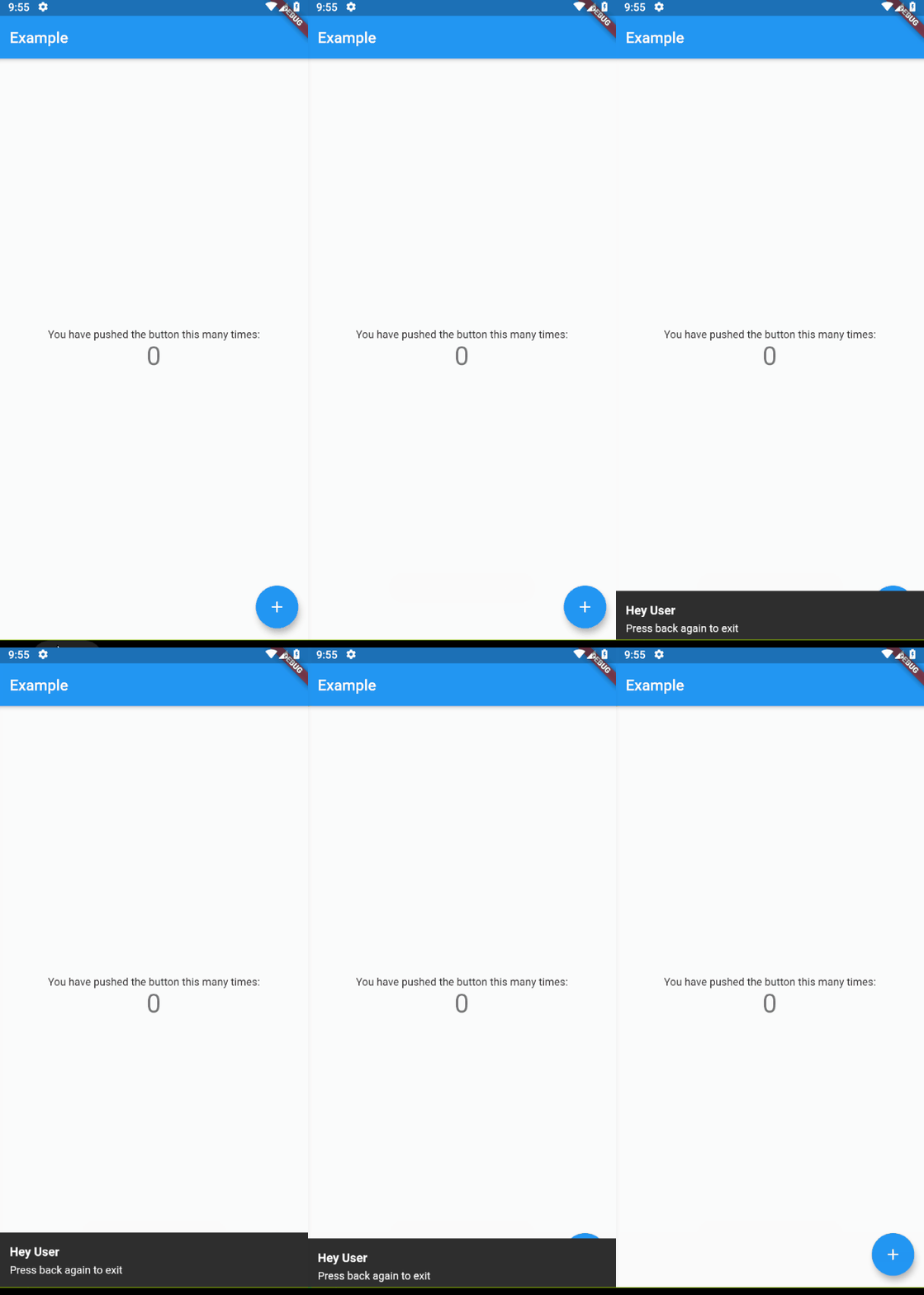
앱, 경로 또는 화면을 닫기 전에 사용자가 뒤로 버튼을 두 번 누르도록 유도하는 플러터 패키지입니다. 어떤 위젯이든 감싸서 이 동작을 활성화할 수 있으며, 실수로 종료되는 것을 방지해 줍니다. 의도하지 않은 탐색이 사용자 경험에 영향을 미칠 수 있는 모바일 및 데스크톱 앱에 적합합니다. Android, iOS, Web, macOS, Windows, Linux 등 모든 주요 플랫폼을 지원하여 기기 간 일관된 기능을 보장합니다.
사용 사례
의도하지 않은 앱 종료 방지
모바일 앱의 사용자 경험 향상
의도하지 않은 경로 거부 회피
핵심 워크플로우 보호
의도적인 탐색 종료 보장
다중 플랫폼 애플리케이션 지원
주요 기능
더블 뒤로 가기 감지
크로스 플랫폼 호환성
간단한 위젯 래핑
사용자 정의 가능한 타임아웃
필수 구성 최소화
경로 및 화면과 함께 작동
적합한 대상
모바일 앱 개발자
데스크톱 앱 제작자
사용자 경험 중심 프로젝트
민감한 워크플로우를 가진 앱
간단한 종료 보호를 원하는 개발자
다중 플랫폼 플러터 앱
고려 사항
모든 UI 패턴에 적합하지 않을 수 있습니다
이중 누름 동작에 대한 사용자 인식이 필요합니다
타임아웃 설정은 조정이 필요할 수 있습니다
빠른 상호작용에 적합하지 않음
제한된 사용자 정의 옵션
일부 사용자에게는 접근성 관련 우려가 있을 수 있습니다
원본 README
연결된 소스 저장소의 README 원문 스냅샷입니다. 최신 내용은 저장소에서 확인하세요.
double_back_to_close
Flutter package for request double back pressed before close app/route/screen.
Usage
Wrapping widget with DoubleBack where you want to use double back to close screen or app:
Default (using TOAST)
classMyAppextendsStatelessWidget{
@overrideWidgetbuild(BuildContext context) {
returnMaterialApp(
home: DoubleBack(
message:"Press back again to close",
child: Home(),
),
),
}
}
classMyAppextendsStatelessWidget{
@overrideWidgetbuild(BuildContext context) {
returnMaterialApp(
home: DoubleBack(
onFirstBackPress: (context) {
// you can use your custom here// change this with your custom actionfinal snackBar = SnackBar(content: Text('Press back again to exit'));
ScaffoldMessenger.of(context).showSnackBar(snackBar);
// ---
},
child: Home(),
),
);
}
}
with custom delay
classMyAppextendsStatelessWidget{
@overrideWidgetbuild(BuildContext context) {
returnMaterialApp(
home: DoubleBack(
onFirstBackPress: (context) {
Flushbar(
title: "Hey User",
message: "Press back again to exit",
duration: Duration(seconds: 15), // show 15 second flushbar
)..show(context);
},
child: Home(),
waitForSecondBackPress: 15, // wait for 15 second for second back pressed
),
);
}
}
with custom condition
if you want to show message at spesific condition, for example, only show message if pageView at index 0.
classMyAppextendsStatelessWidget{
@overrideWidgetbuild(BuildContext context) {
returnMaterialApp(
// Imagine that you are using materialbottom and only want to close when tabIndex = 0
home: DoubleBack(
condition: tabIndex == 0, // only show message when tabIndex=0
onConditionFail: (){
setState((){
tabIndex = 0; // if not 0, set pageview jumptopage 0
});
}
child: Home(),
),
);
}
}