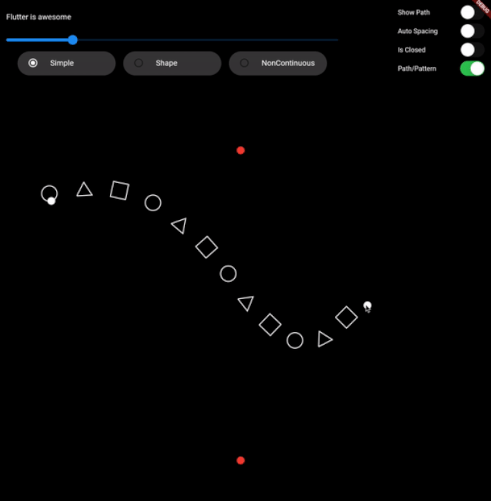
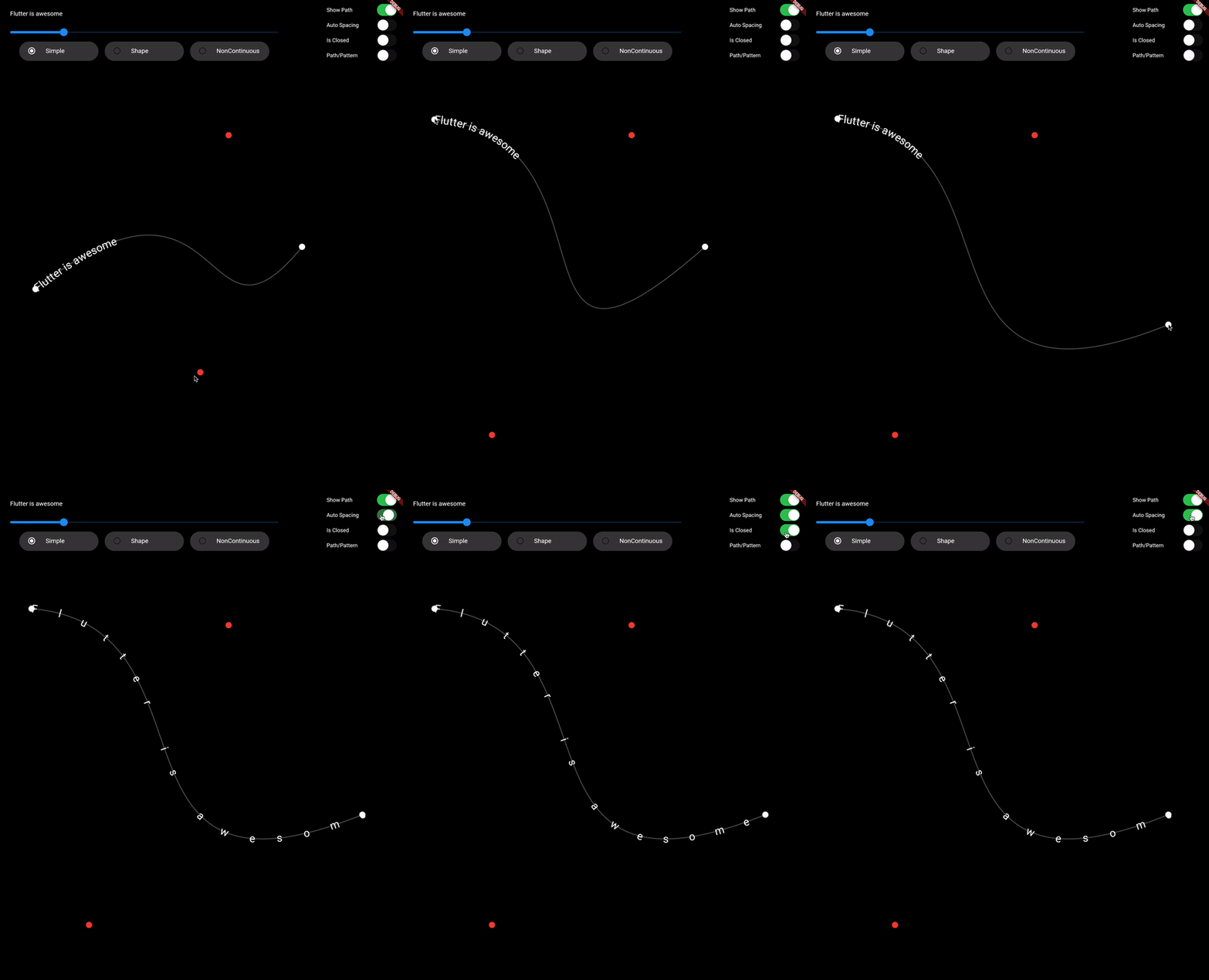
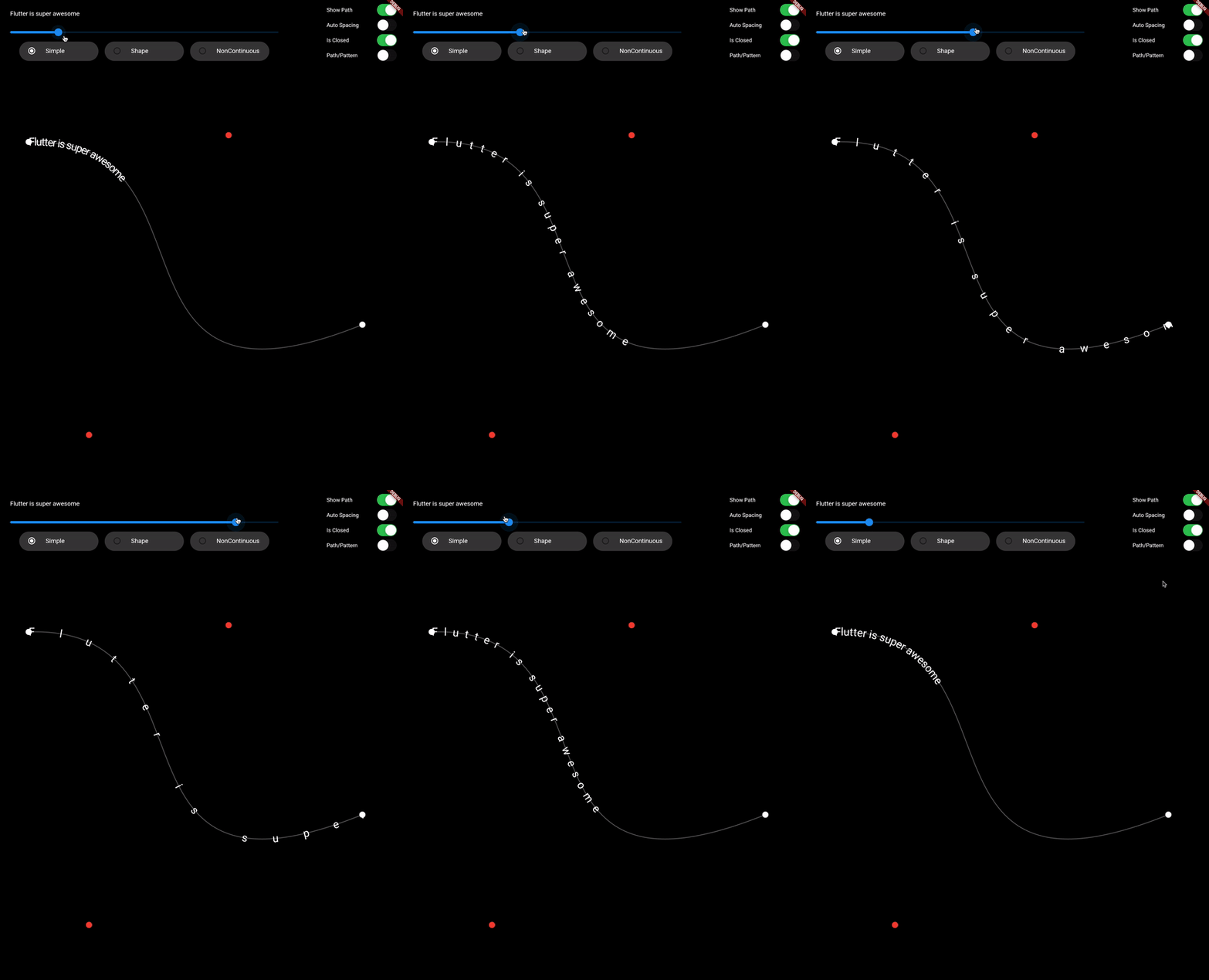
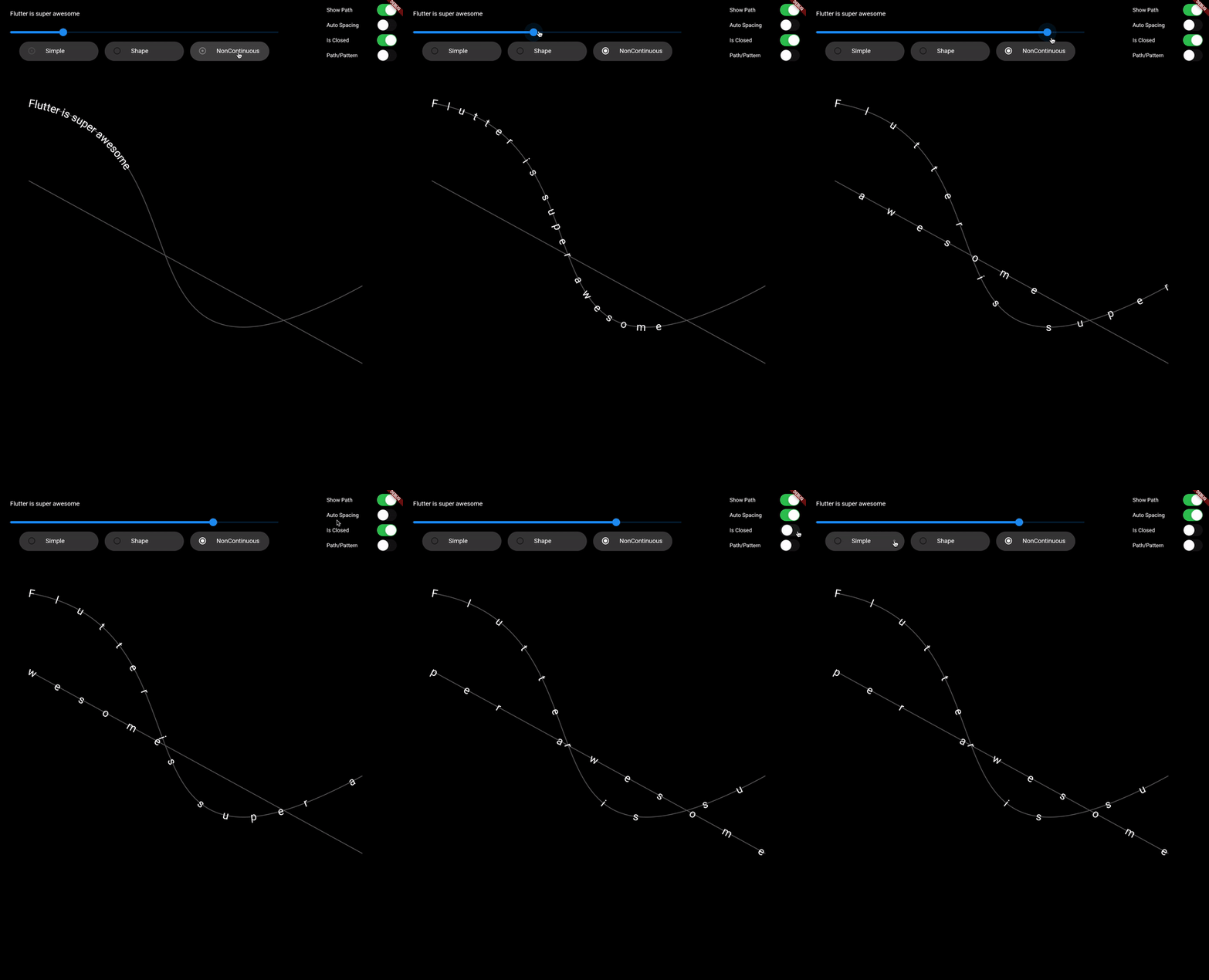
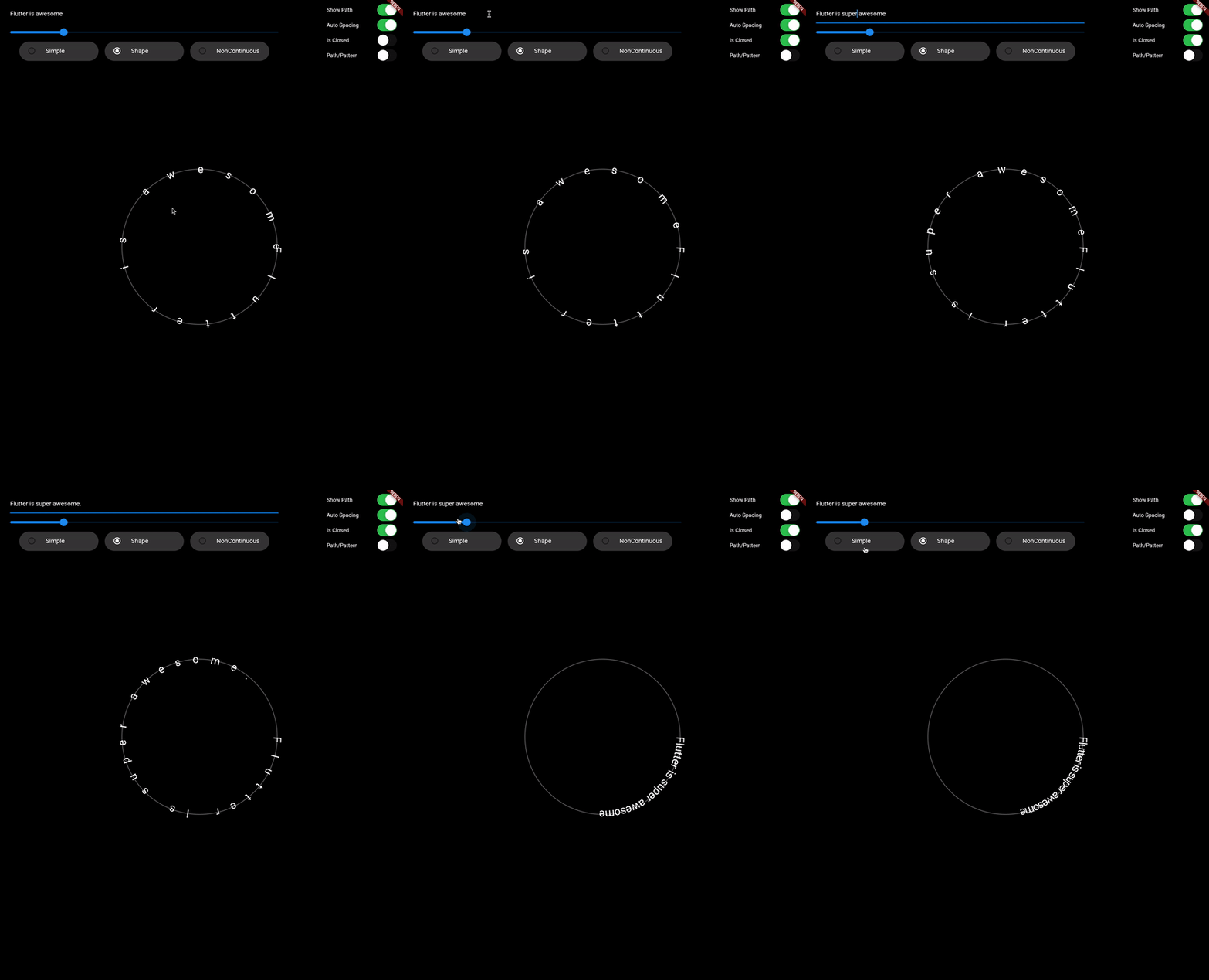
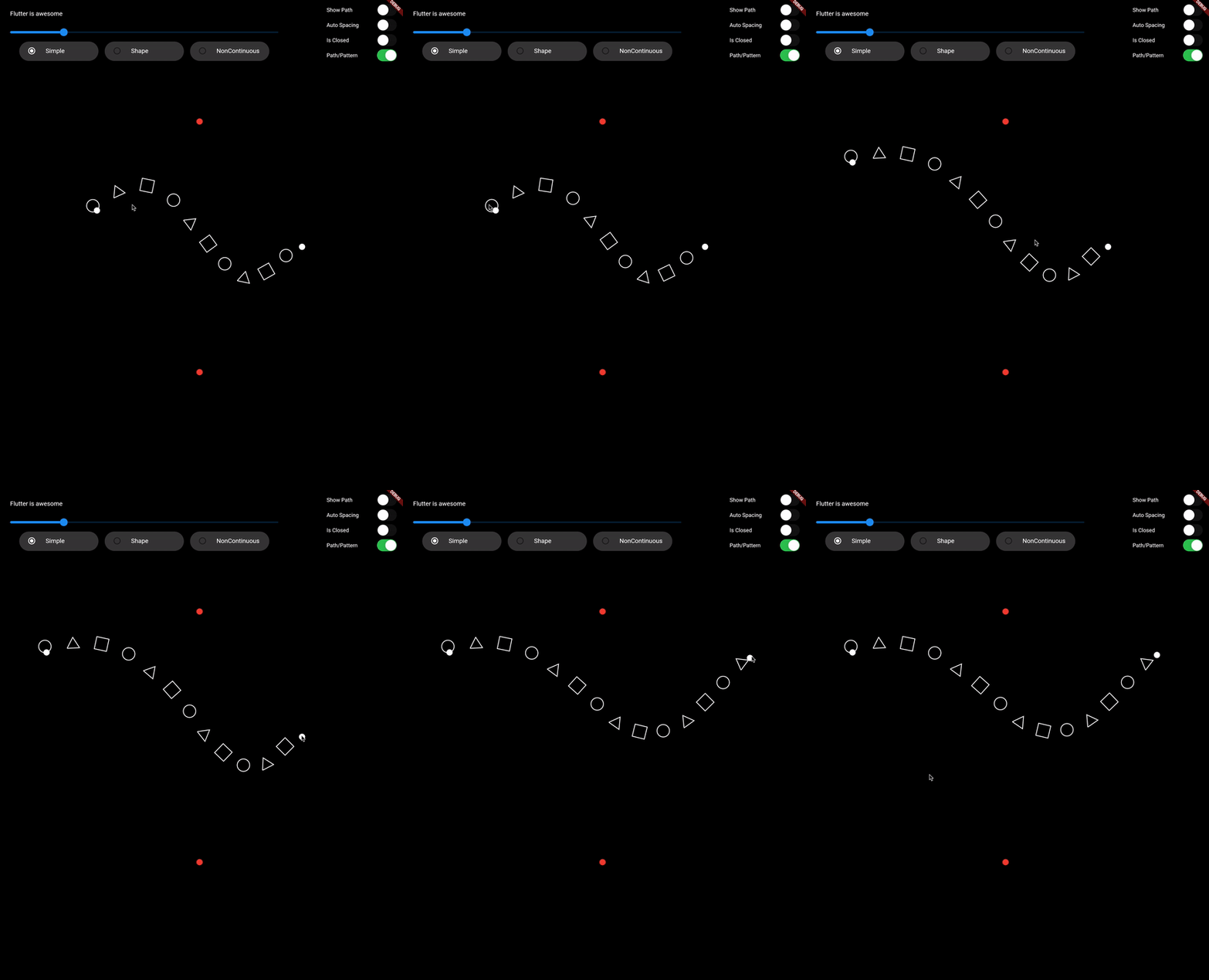
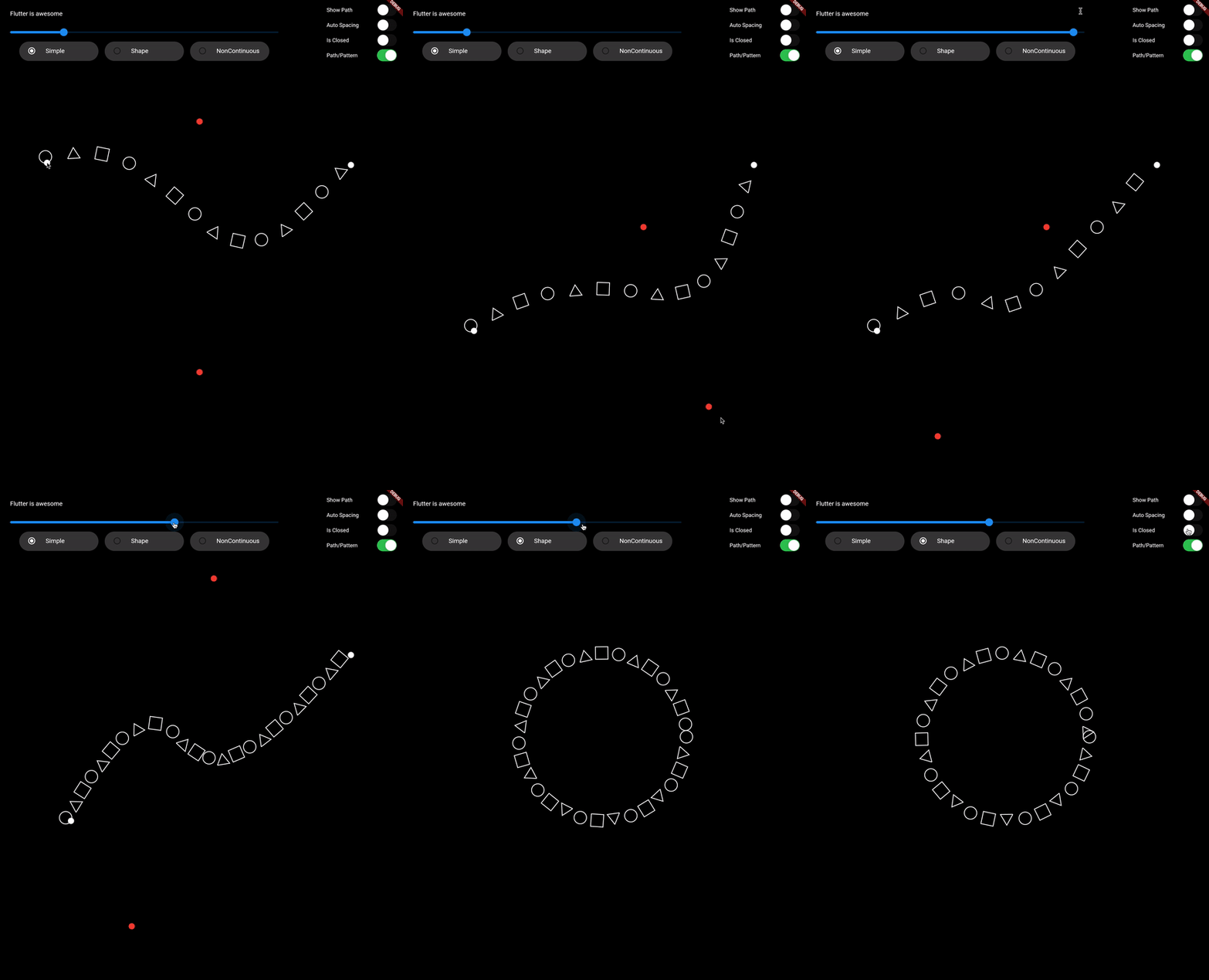
지정된 경로를 따라 텍스트나 패턴을 그리는 데 도움이 되는 플러터 패키지로, 레이아웃과 정렬에 대해 정밀한 제어를 제공합니다. UI 디자인에서 곡선이나 맞춤형 모양의 텍스트 효과를 만들기에 이상적입니다. 이 패키지는 안드로이드, iOS, 웹, 맥OS, 윈도우, 리눅스 등 여러 플랫폼을 지원하여 크로스플랫폼 애플리케이션에 매우 유연하게 활용할 수 있습니다. 플러터의 렌더링 시스템과 원활하게 통합되며, 경로를 정의하고 그 위에 콘텐츠를 배치하기 위한 직관적인 API를 제공합니다.
사용 사례
곡선 텍스트 레이아웃 만들기
장식적인 타이포그래피 디자인
경로 기반 사용자 정의 애니메이션 만들기
예술적 텍스트로 UI 요소 강화
형태 위에 레이블 배치 구현
비선형 경로를 따라 데이터 시각화
주요 기능
임의의 사용자 정의 경로를 따라 텍스트 그리기
패턴 및 글리프 지원
크로스 플랫폼 호환성
Flutter 위젯과의 간편한 통합
유연한 정렬 및 간격 옵션
고성능 렌더링
적합한 대상
창의적인 텍스트 효과를 찾는 UI 디자이너
인터랙티브 그래픽을 구축하는 개발자
동적 텍스트 위치 지정이 필요한 응용 프로그램
교육 또는 시각화 도구
예술적 또는 브랜딩 중심 앱
고려 사항
Flutter의 Path 클래스에 대한 이해가 필요합니다
복잡한 경로에서는 성능에 영향을 줄 수 있습니다
2D 렌더링으로 제한
텍스트의 명확성은 경로 곡률에 따라 달라집니다
대규모 텍스트 렌더링에 최적화되지 않음
원본 README
연결된 소스 저장소의 README 원문 스냅샷입니다. 최신 내용은 저장소에서 확인하세요.
Draw on Path
A Flutter package that is used to draw text or patterm along the given path.
Features
Draw text along path
Draw pattern along path
Support non-continuous path
Demo Video: https://youtu.be/TZAKSanD73k
Showcase
Usage
drawTextOnPath function is used to draw text along path.
canvas.drawTextOnPath(text, path);
drawOnPath function is used to draw pattern along path. index can be used to draw different element at different position based on some logic. Use canvas to draw anything at position. The next position is calculated based on spacing provided.
spacing should be greater than 0. Ideally spacing is the sum of one element width and spacing between two elements (spacing between starting points of two consecutive elements)
Note: If the text (for given textStyle) is larger than the path, then it will clip extra text.
Contributing
1. Fork it (<https://github.com/himanshugarg08/draw_on_path/fork>)
2. Create your feature branch (`git checkout -b feature/fooBar`)
3. Commit your changes (`git commit -am 'Add some fooBar'`)
4. Push to the branch (`git push origin feature/fooBar`)
5. Create a new Pull Request