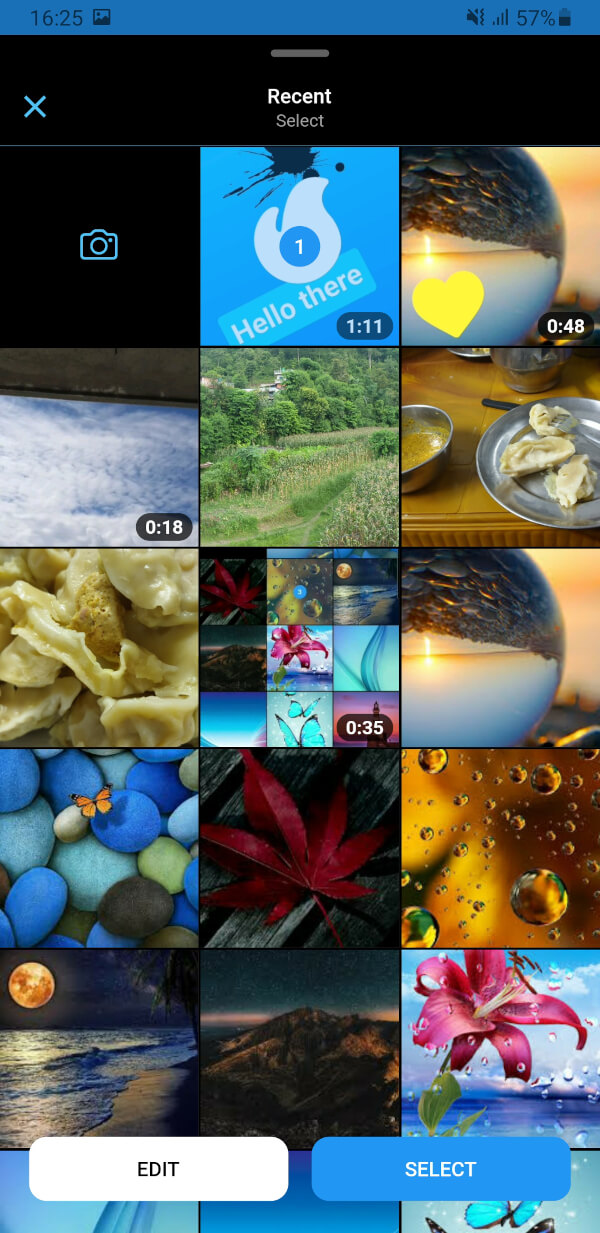
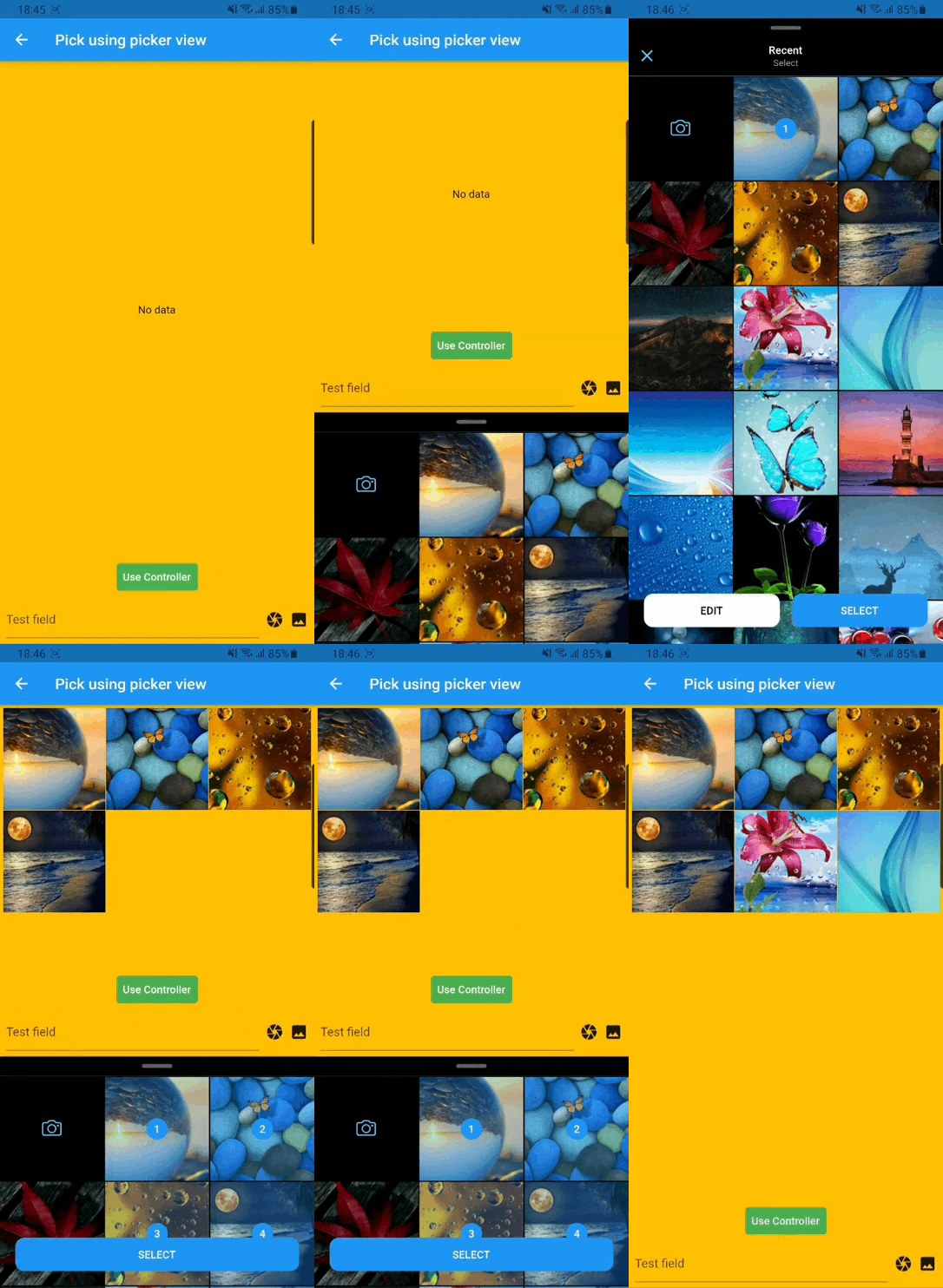
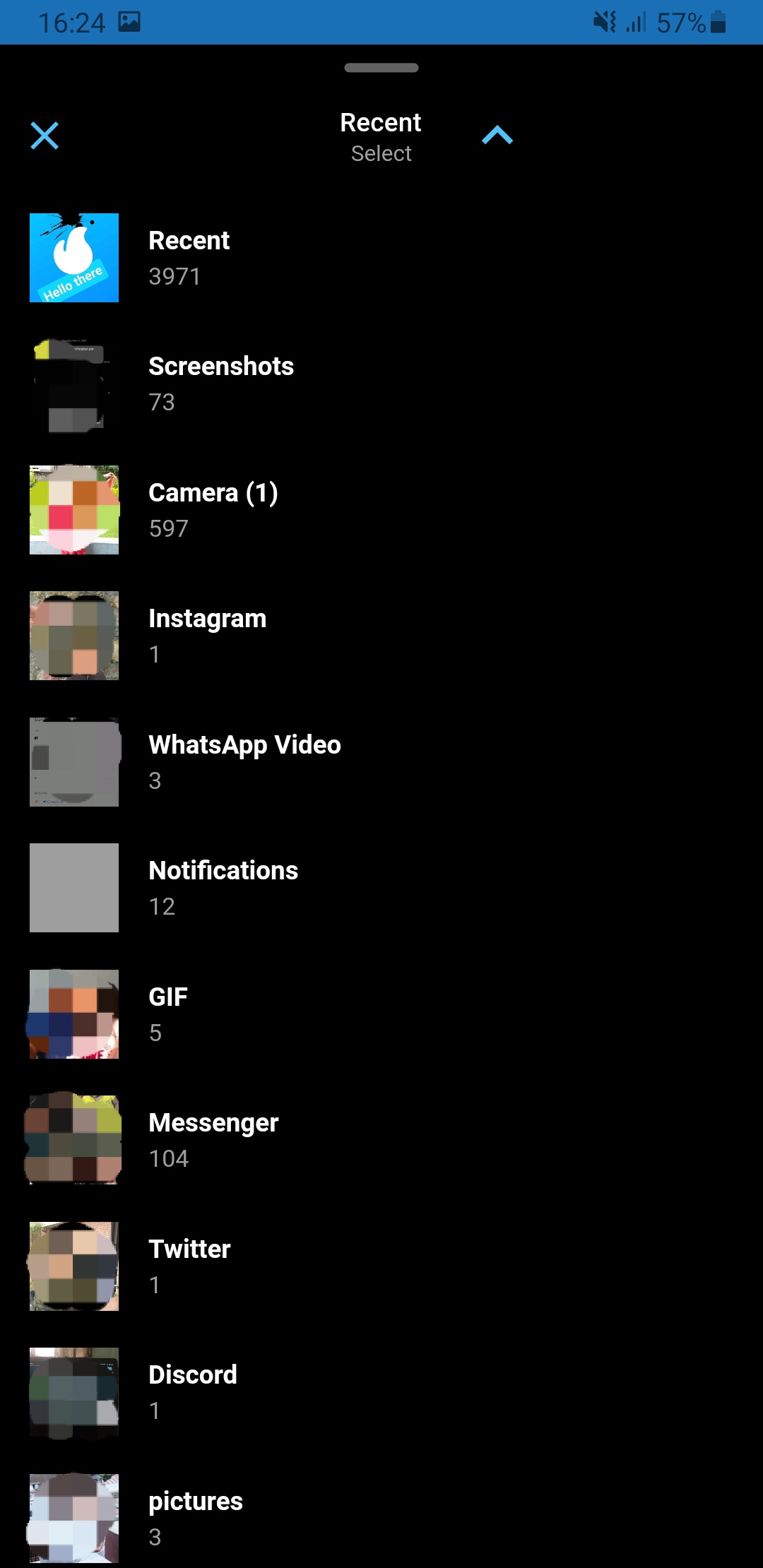
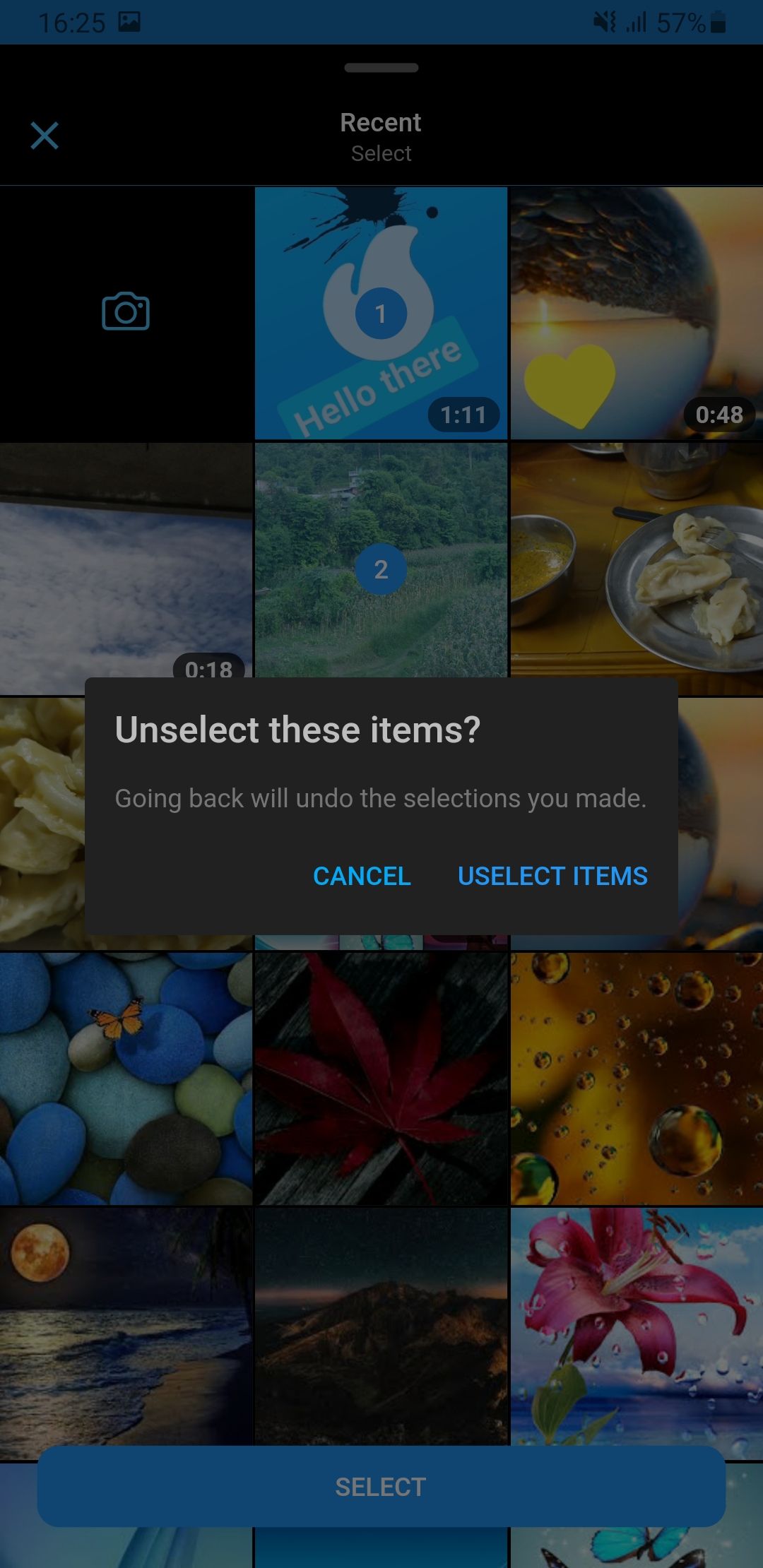
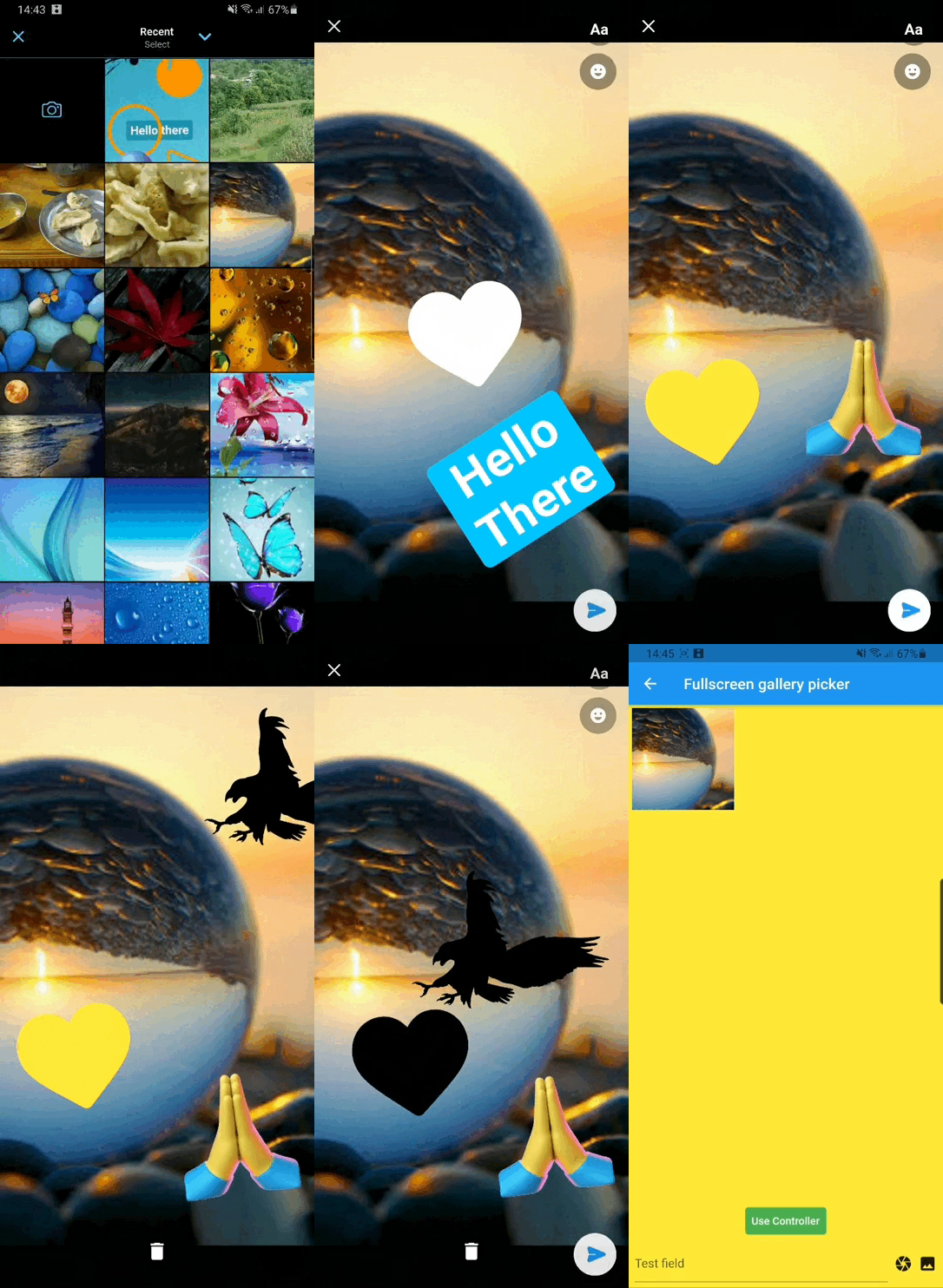
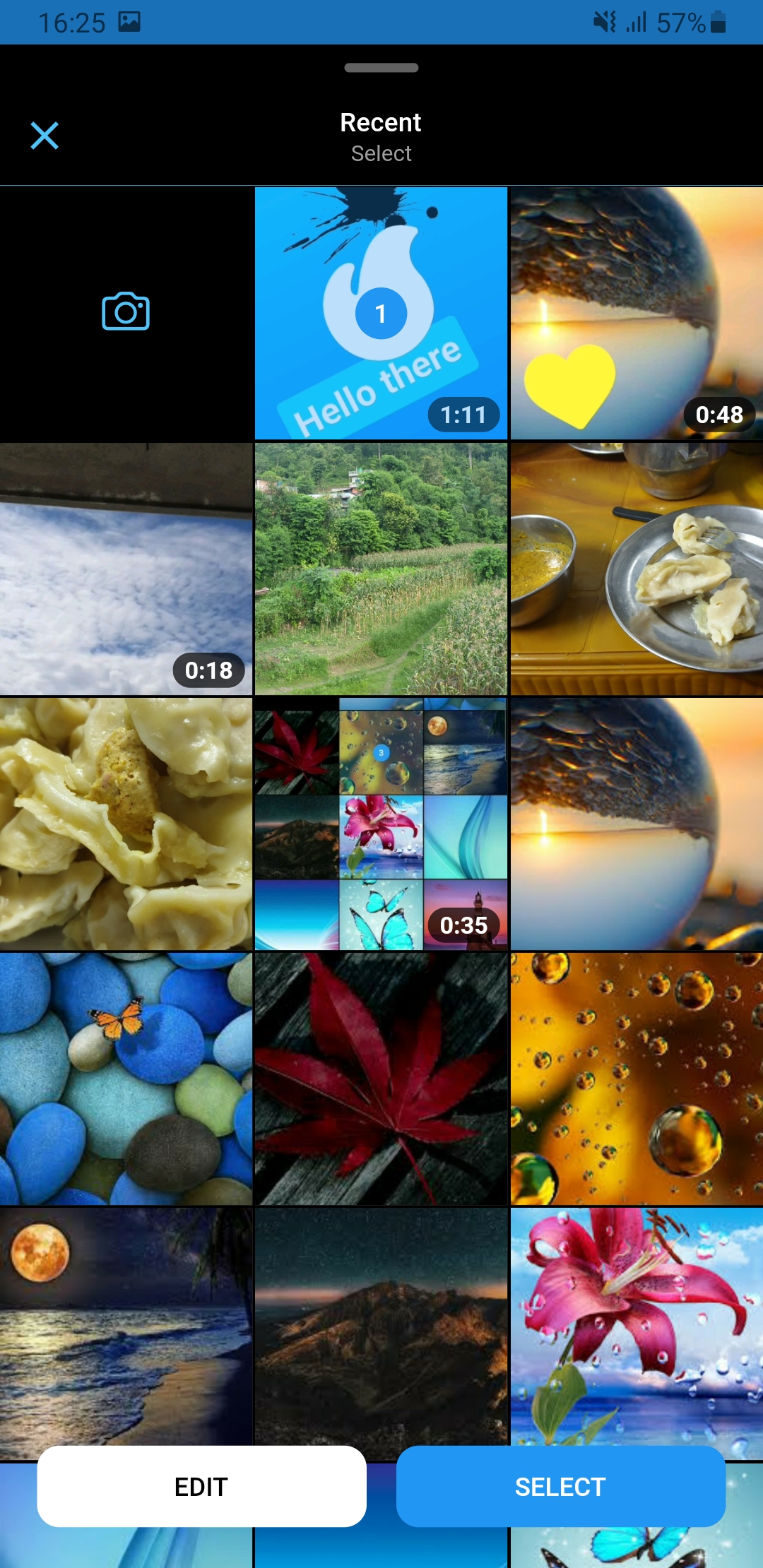
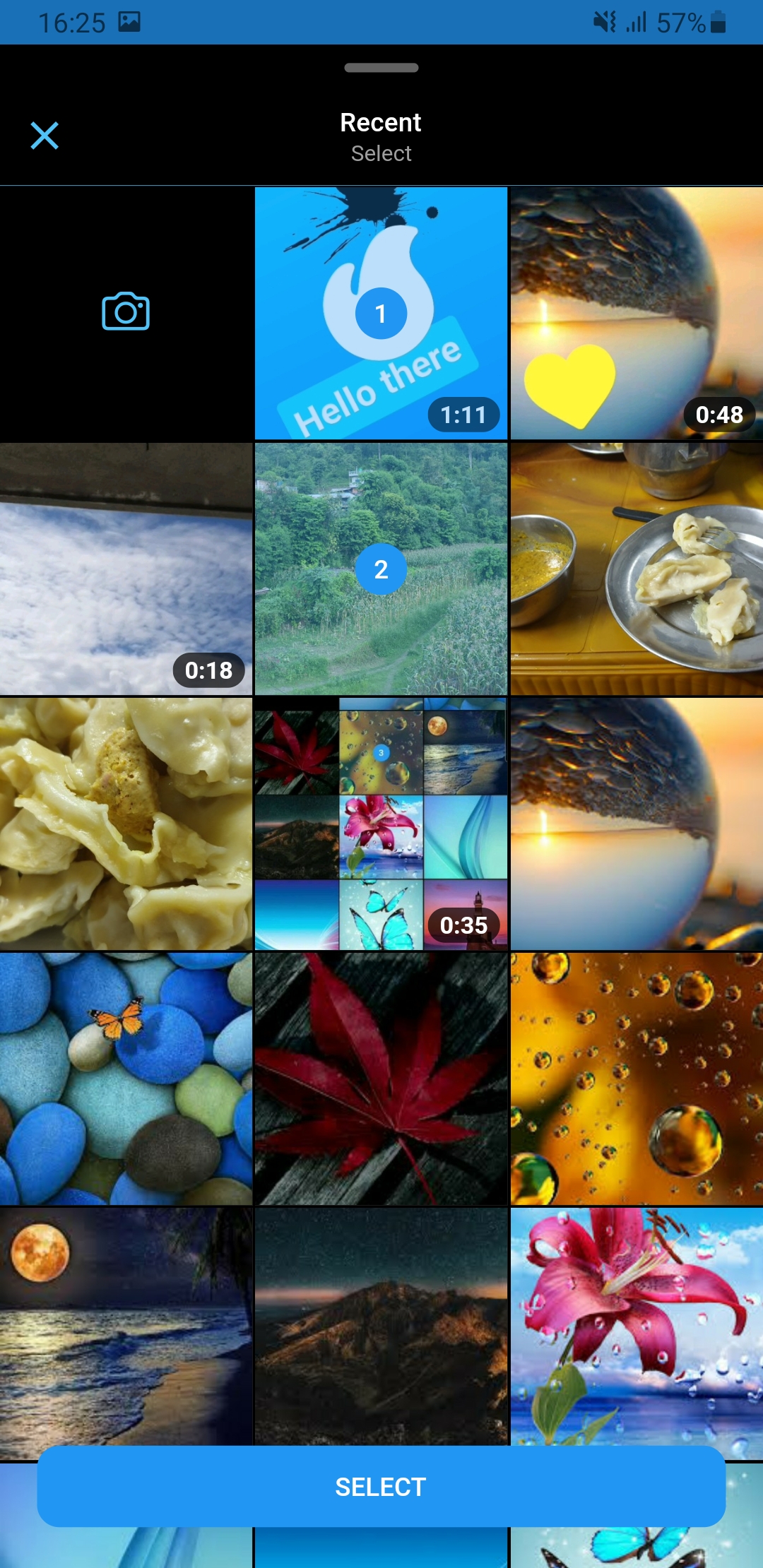
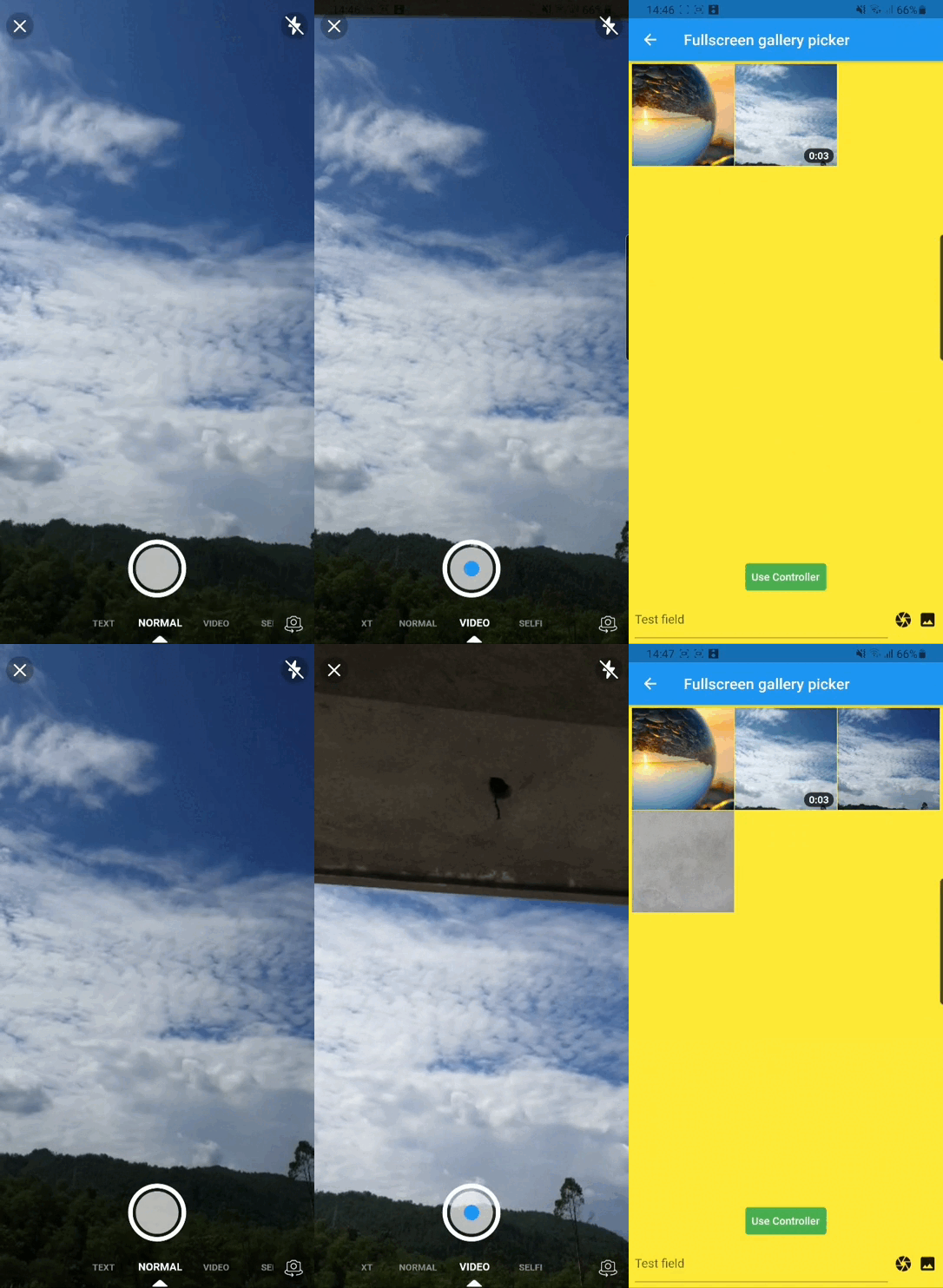
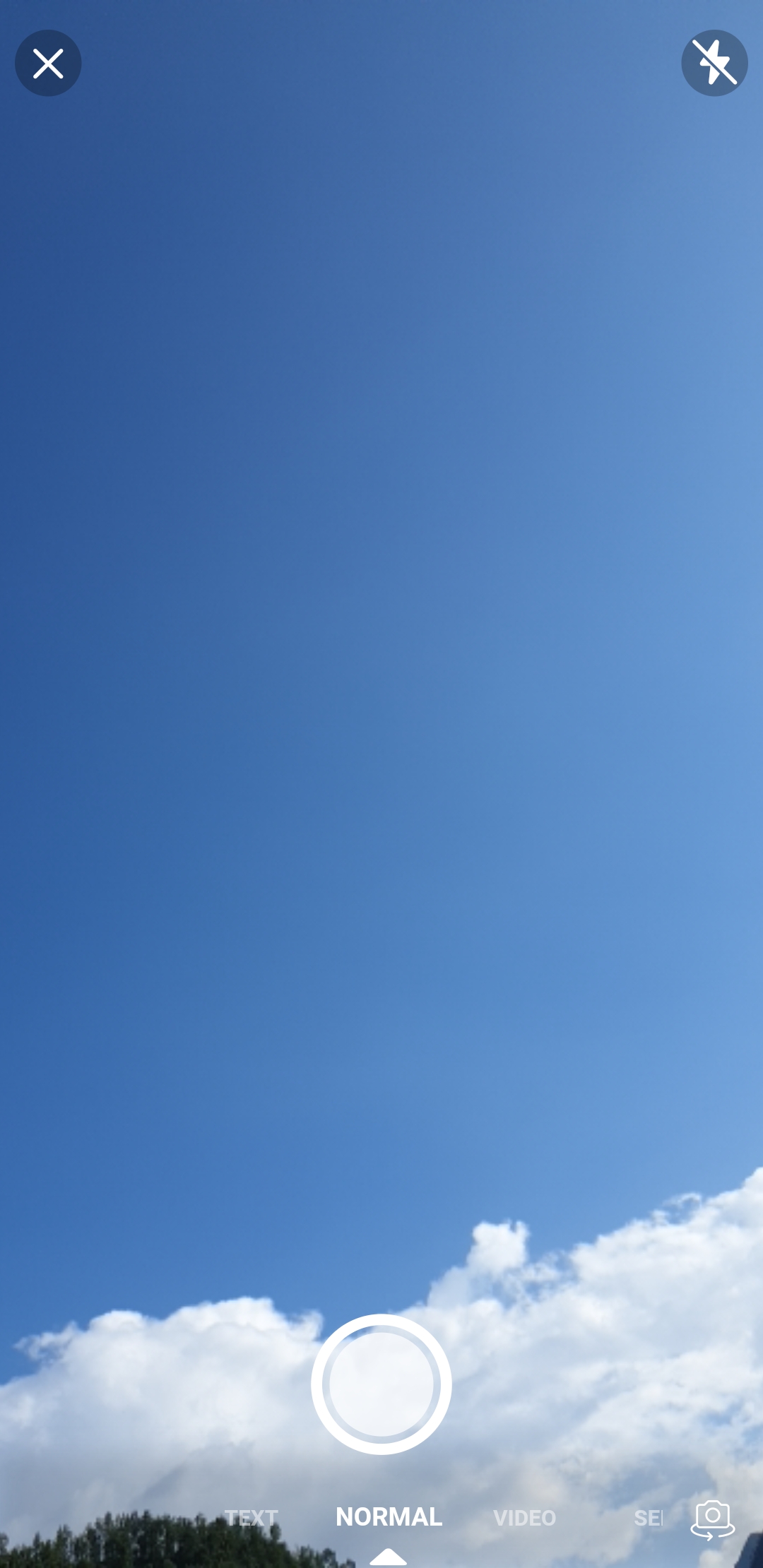
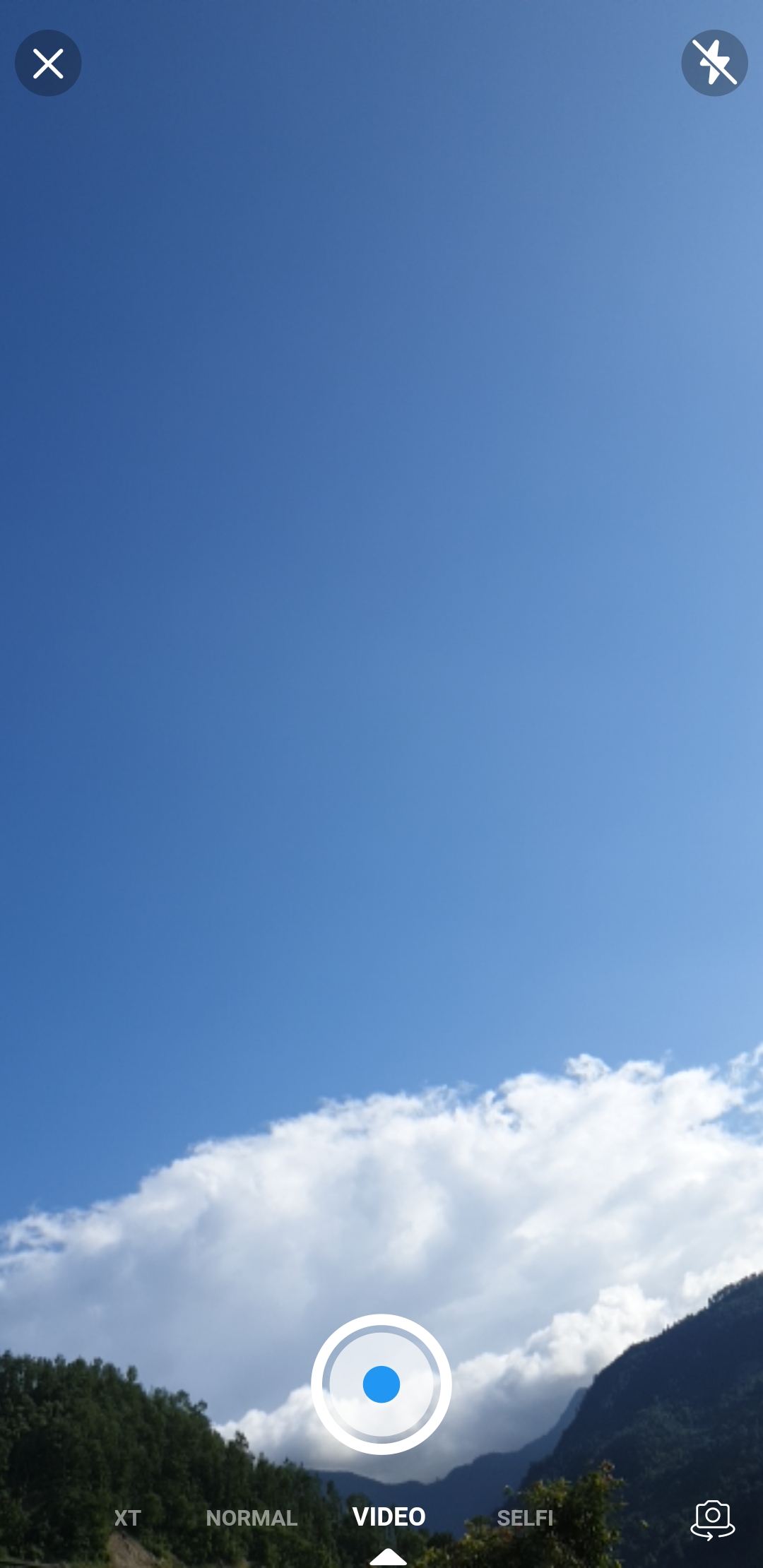
Drishya Picker는 메시징 앱의 카메라 및 갤러리 인터페이스를 영감받아 만든 플러터 패키지입니다. 깔끔하고 직관적인 인터페이스를 통해 사용자가 이미지와 동영상을 선택할 수 있도록 설계되어 있으며, 매체 통합을 원활하게 지원합니다. 플러터로 제작되었으며, 카메라 촬영과 갤러리 브라우징 사이의 부드러운 탐색을 가능하게 하여 채팅 또는 소셜 미디어 애플리케이션에 적합합니다. 가볍고 쉽게 통합할 수 있으며, 광범위한 맞춤 설정 없이도 현대적인 사용자 경험을 제공합니다. 현재 플랫폼 제한 사항은 명시되어 있지 않아 광범위한 호환성을 시사합니다.
사용 사례
미디어 공유 기능이 있는 채팅 애플리케이션
소셜 미디어 게시물 생성
사용자 프로필 사진 및 비디오 업로드
콘텐츠 생성 도구
미디어가 풍부한 폼 제출
주요 기능
카메라 및 갤러리 통합
메신저 스타일의 사용자 인터페이스 디자인
Flutter와의 간단한 통합
경량이고 성능이 뛰어남
직관적인 미디어 선택 흐름
적합한 대상
메시징 앱을 개발하는 개발자
빠른 미디어 업로드가 필요한 앱
사용자 인터페이스 중심의 멀티미디어 선택기
Flutter 초보자들이 미리 만들어진 컴포넌트를 찾고 있습니다
원시적인 선택기 경험을 원하는 프로젝트
고려 사항
명시적인 플랫폼 지원이 나열되지 않음
사용 가능한 문서가 제한적입니다
카메라 접근을 위해 추가 권한이 필요할 수 있습니다
완전한 기능을 위해 외부 종속성에 의존합니다
생산 환경에서 아직 널리 채택되지 않음
원본 README
연결된 소스 저장소의 README 원문 스냅샷입니다. 최신 내용은 저장소에서 확인하세요.
Drishya Picker
A flutter package which is clone of facebook messenger gallery picker and camera, combined as single component. Gallery view and Camera view can also be use as Flutter widget. Under the hood drishya picker used Photo Manager and Camera.
For more details (if needed) you can go through Photo Manager and Camera readme section as well.
Android
Change the minimum Android sdk version to 21 (or higher) in your android/app/build.gradle file.
minSdkVersion 21
Required permissions: INTERNET, READ_EXTERNAL_STORAGE, WRITE_EXTERNAL_STORAGE, ACCESS_MEDIA_LOCATION.
If you don't need the ACCESS_MEDIA_LOCATION permission,
see Disable ACCESS_MEDIA_LOCATION permission.
glide
Android native use glide to create image thumb bytes, version is 4.11.0.
If your other android library use the library, and version is not same, then you need edit your android project's build.gradle.
This permission is introduced in Android Q. If your app doesn't need this permission, you need to add the following node to the Android manifest in your app.
If you found some warning logs with Glide appearing,
then the main project needs an implementation of AppGlideModule.
See Generated API.
IOS
Add following content to info.plist.
<key>NSPhotoLibraryUsageDescription</key><string>Replace with your permission description..</string><key>NSCameraUsageDescription</key><string>Replace with your permission description..</string><key>NSMicrophoneUsageDescription</key><string>Replace with your permission description..</string>
Gallery
Use SlidableGallery to make gallery view slidable otherwise ignore it.
Using GalleryViewField similarly to flutter TextField to pick media. (Recommended approach, as creating and disposing of the controller has been already cared-of )
onChanged – triggered whenever a user select/unselect media
onSubmitted – triggered when a user is done with the selection
If you encounter any problems feel free to open an issue. If you feel the library is missing a feature, please raise a ticket on GitHub and I'll look into it. Pull request are also welcome.