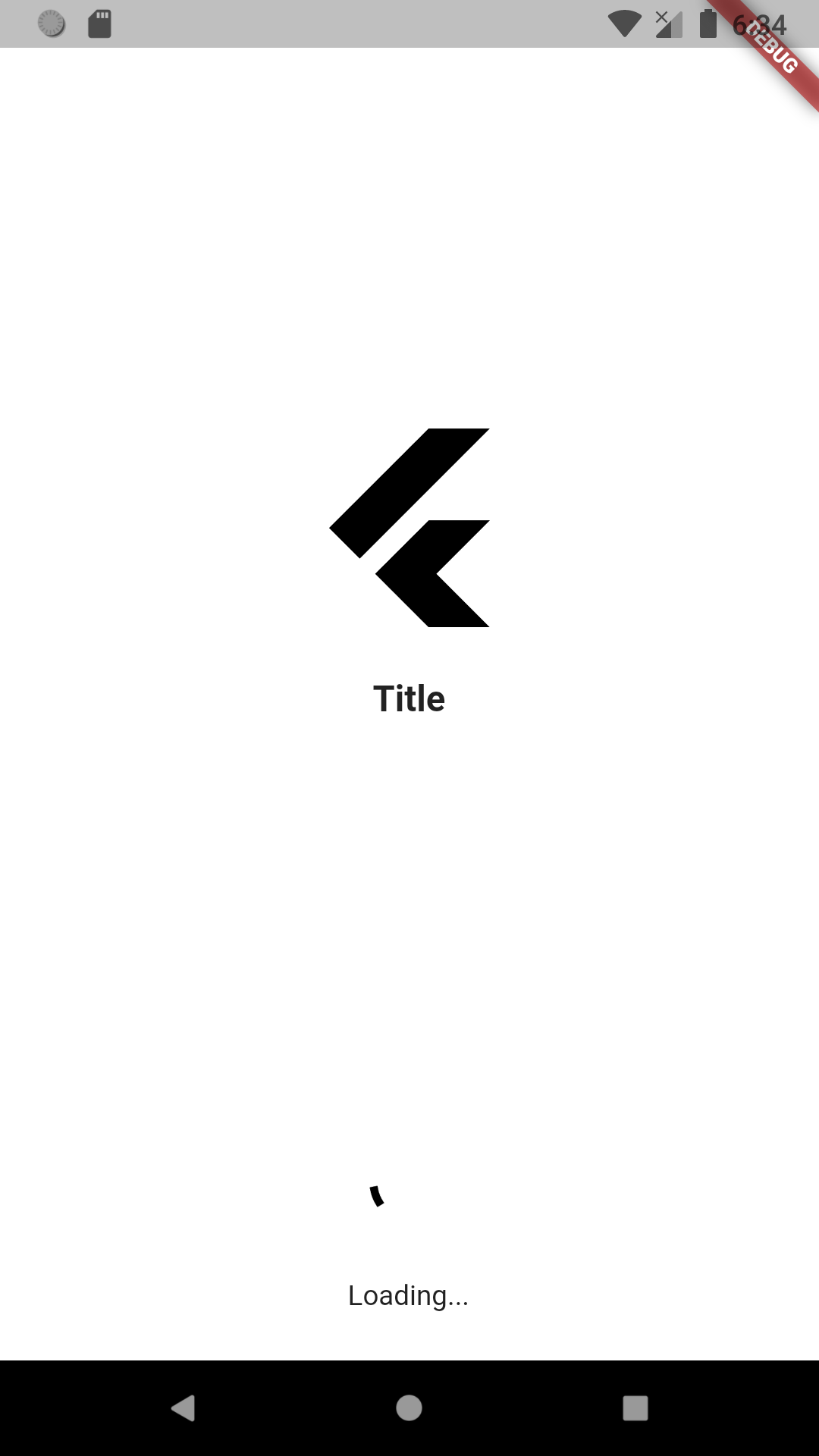
연결된 소스 저장소의 README 원문 스냅샷입니다. 최신 내용은 저장소에서 확인하세요.
easy_splash_screen is a flutter package for easily implement the splash screen in the app
Screenshots
Usage
To use this package :
add the dependency to your pubspec.yaml file.
  dependencies:
    flutter:
      sdk: flutter
    easy_splash_screen:
How to use
As time based...
import 'package:easy_splash_screen/easy_splash_screen.dart' ;
import '../home.dart' ;
import 'package:flutter/material.dart' ;
class SplashPage extends StatefulWidget SplashPage ({Key ? key}) : super (key: key);
@override
_SplashPageState createState () => _SplashPageState ();
}
class _SplashPageState extends State <SplashPage > @override
Widget build (BuildContext context) {
return EasySplashScreen (
logo: Image .network (
'https://cdn4.iconfinder.com/data/icons/logos-brands-5/24/flutter-512.png' ),
title: Text (
"Title" ,
style: TextStyle (
fontSize: 18 ,
fontWeight: FontWeight .bold,
),
),
backgroundColor: Colors .grey.shade400,
showLoader: true ,
loadingText: Text ("Loading..." ),
navigator: HomePage (),
durationInSeconds: 5 ,
);
}
}
As future based...
import 'dart:async' ;
import 'package:easy_splash_screen/easy_splash_screen.dart' ;
import '../home.dart' ;
import 'package:flutter/material.dart' ;
class SplashFuturePage extends StatefulWidget SplashFuturePage ({Key ? key}) : super (key: key);
@override
_SplashFuturePageState createState () => _SplashFuturePageState ();
}
class _SplashFuturePageState extends State <SplashFuturePage > Future <Widget > futureCall () async {
return Future .value (new HomePage ());
}
@override
Widget build (BuildContext context) {
return EasySplashScreen (
logo: Image .network (
'https://cdn4.iconfinder.com/data/icons/logos-brands-5/24/flutter-512.png' ),
title: Text (
"Title" ,
style: TextStyle (
fontSize: 18 ,
fontWeight: FontWeight .bold,
),
),
backgroundColor: Colors .grey.shade400,
showLoader: true ,
loadingText: Text ("Loading..." ),
futureNavigator: futureCall (),
);
}
}
Parameters
title (Text)
App title, shown in the middle of screen in case of no image available
logo (Image)
required
Your logo to be displayed in the center.
logoWidth (double)
default 50
logo width as in radius
backgroundColor (Color)
backgroundImage (ImageProvider)
Background image for the entire screen
loaderColor (Color)
default Colors.black
loader Color.
loadingText (Text)
default Text('')
Loading text below loader
showLoader (bool)
default false
Whether to display a loader or not
durationInSeconds (int)
default 3
durationInSeconds to navigate after for time based navigation
navigator (String or Widget)
The page where you want to navigate if you have chosen time based navigation
futureNavigator (Future or Future)
expects a function that returns a future, when this future is returned it will navigate
If both futureNavigator and navigator are provided, futureNavigator will take priority