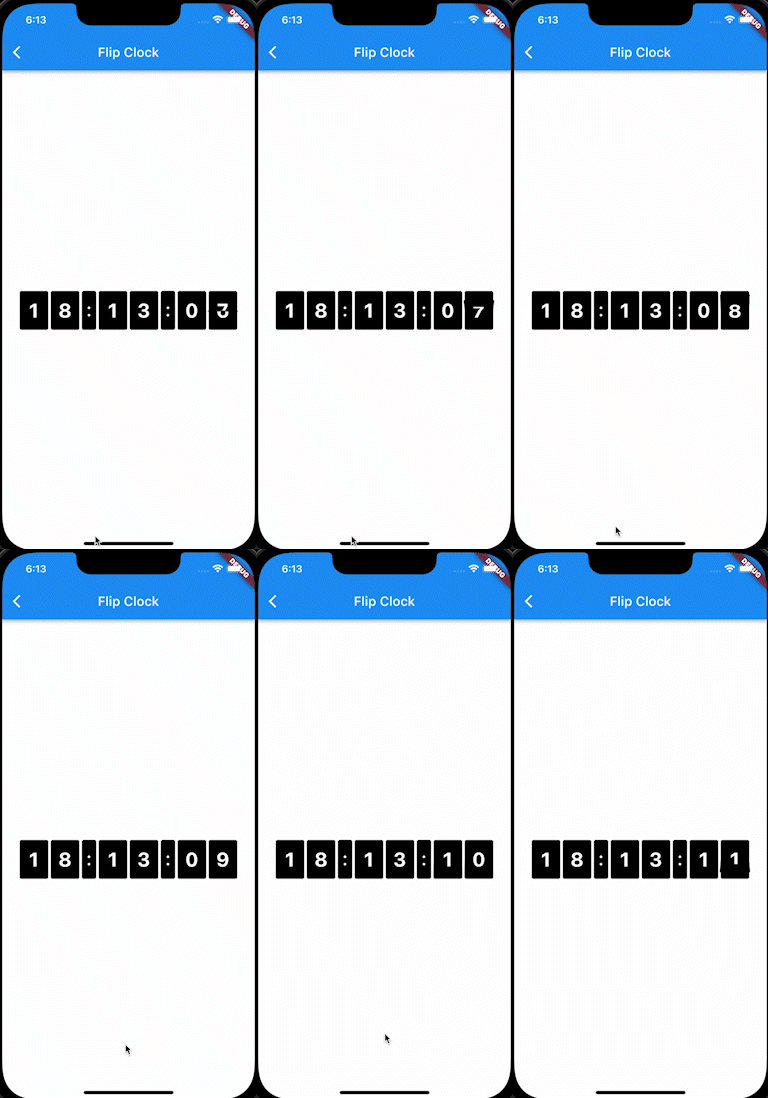
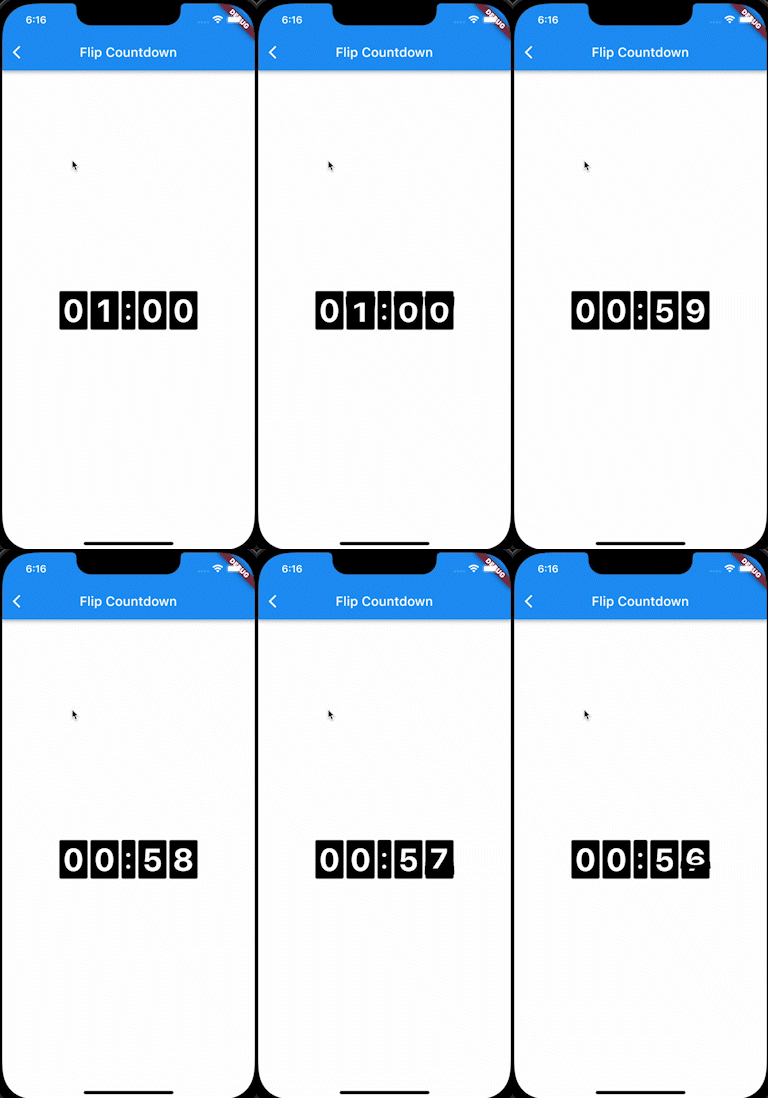
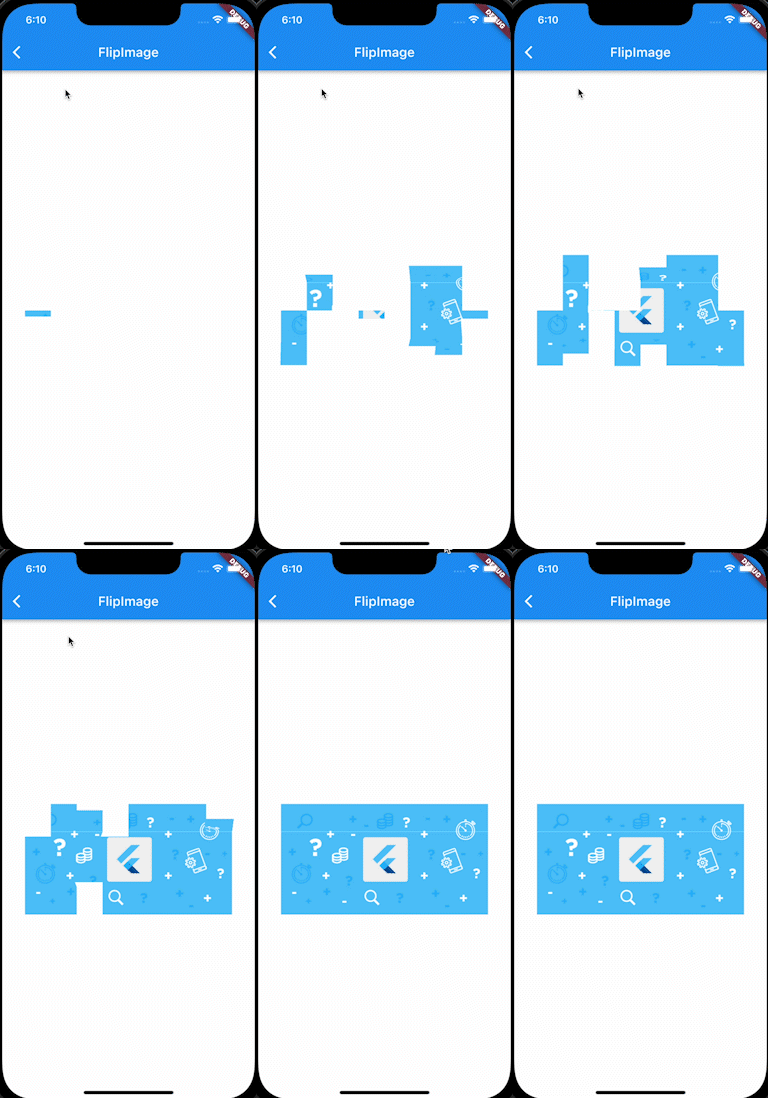
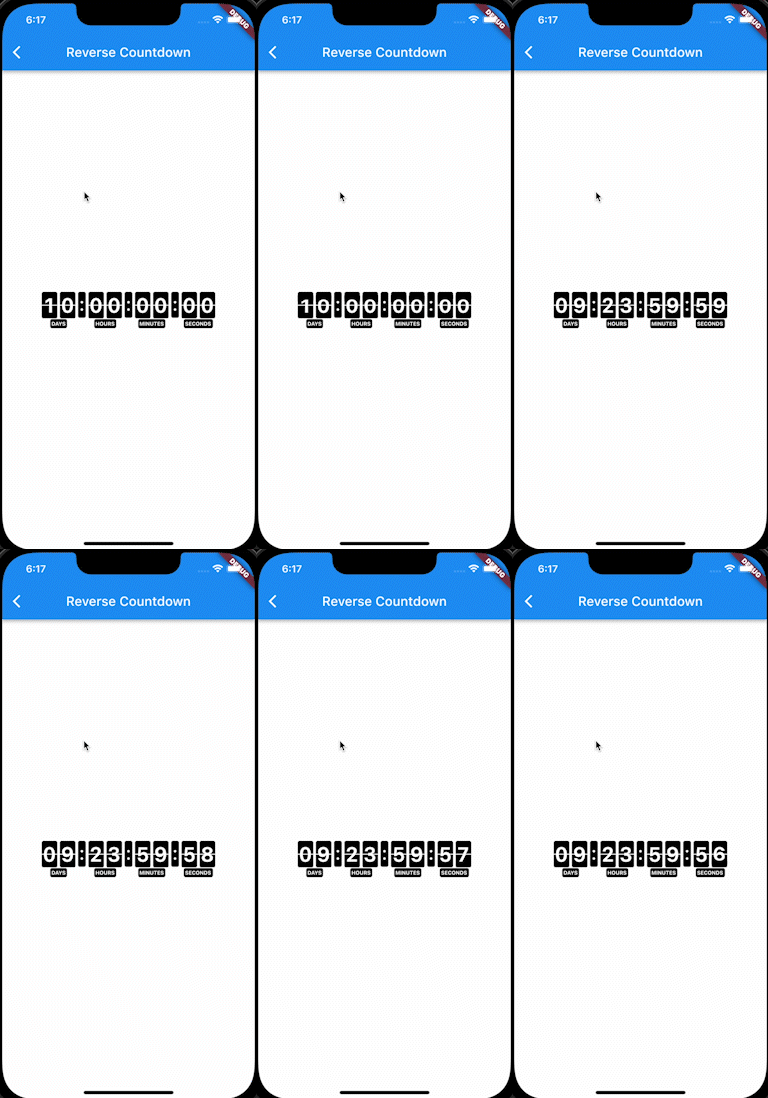
FlipPanelPlus는 이미지, 카운트다운 또는 시계와 같은 콘텐츠를 표시하기 위한 애니메이션 플립 패널 위젯을 제공하는 Flutter 패키지입니다. 물리적 패널의 뒤집힘 효과를 시뮬레이션하는 부드러운 내장 애니메이션을 갖추고 있어 타이머, 스코어보드 또는 동적 데이터 표시에 적합합니다. Android, iOS, Web, macOS, Windows, Linux 등 여러 플랫폼을 지원하여 크로스플랫폼 애플리케이션에 유연하게 활용할 수 있습니다. pub add를 통해 간단히 통합되어 사용자 경험을 풍부한 시각 피드백으로 개선합니다.
사용 사례
카운트다운 타이머
디지털 시계
스코어 표시
이미지 플립 전환
인터랙티브 대시보드
게임 스코어 트래커
주요 기능
내장형 플립 애니메이션
다양한 콘텐츠 유형 지원
크로스 플랫폼 호환성
간편한 통합
사용자 정의 가능한 외관
부드러운 성능
적합한 대상
타이머 기반 앱
게임화 기능
대시보드 위젯
교육 도구
실시간 데이터 시각화
인터랙티브 UI 컴포넌트
고려 사항
저사양 기기에서 성능에 영향을 미칠 수 있습니다
기본 스타일링을 초과한 제한된 사용자 정의
상태가 있는 컨텍스트에서는 주의 깊게 다뤄야 합니다
복잡한 애니메이션에 적합하지 않습니다
정적 또는 예측 가능한 콘텐츠와 함께 사용하는 것이 가장 좋습니다
일관된 데이터 업데이트에 의존합니다
원본 README
연결된 소스 저장소의 README 원문 스냅샷입니다. 최신 내용은 저장소에서 확인하세요.
Flip Panel Plus
3D flip-panel widgets for Flutter: a countdown timer, a flip clock, and flipping
digits you can drive from any value.
Why this package
A countdown is easy to get wrong. Most implementations subtract a second on
every tick, which quietly drifts when a frame is slow, and jumps to the wrong
value after the app has been in the background.
FlipCountdown derives the time left from how much time has actually passed,
and reads two clocks to do it (a monotonic one and the wall clock), taking
whichever has advanced further:
Late or dropped ticks cannot cause drift; the value is recomputed, not
decremented.
Backgrounding or device sleep is handled: the wall clock catches the
countdown back up.
Moving the device clock backwards cannot rewind the countdown.
Server-driven deadlines are supported directly: pass referenceTime and
the device's own clock is never used to decide how long is left.
Segments are chosen automatically. Days only appear when the countdown is a day
or more, hours only when it is an hour or more. Override with showDays,
showHours, showMinutes and showSeconds.
Controlling it
Pass a FlipCountdownController when you need to drive the countdown from
elsewhere. A controller you create is yours to dispose.
A flip panel is drawn as two halves, and the gap between them is what gives a
split-flap its seam. Set panelSpacing: 0 for a seamless digit:
FlipCountdown(duration: d, panelSpacing: 0)
Labels, separators and segments
FlipCountdown(
duration: d,
showLabels: true,
labelPosition: FlipLabelPosition.above, // or below
labels: constFlipCountdownLabels.short(), // D / H / M / S
separator: constSizedBox(width: 10), // or SizedBox.shrink() to remove
showSeconds: false, // hide any segment
curve: Curves.easeOutBack, // easing on the fold
)
More looks, by composition
FlipCountdown is an ordinary widget, so looks that are not a digit style come
from wrapping it. Two common ones:
Tip on flip speed.flipDuration defaults to 450ms. Against a one-second
tick that means the digit is mid-fold for nearly half of every second, which
is fine behind a solid panel but reads as a broken glyph on the box-less
styles above. Shorten it (240 to 300ms) whenever the digits have no panel to
fold against.
Languages and RTL
Labels are ordinary strings, so pass whatever language you need:
In an RTL app the countdown still reads left to right. A clock is not
mirrored in Arabic or Hebrew: the hours stay on the left, and 12 stays 12
rather than becoming 21. The package pins the layout direction for you, so
dropping it inside an RTL Directionality needs no extra work. If you do want
the segments mirrored, ask for it explicitly:
period must be at least twice duration, otherwise the animation has no time
to settle between flips.
Testing
Time is read through package:clock, so
countdowns can be driven deterministically in tests with withClock, and they
advance normally under testWidgets and fakeAsync.
Credits
Based on flip_panel, which is no longer
maintained.