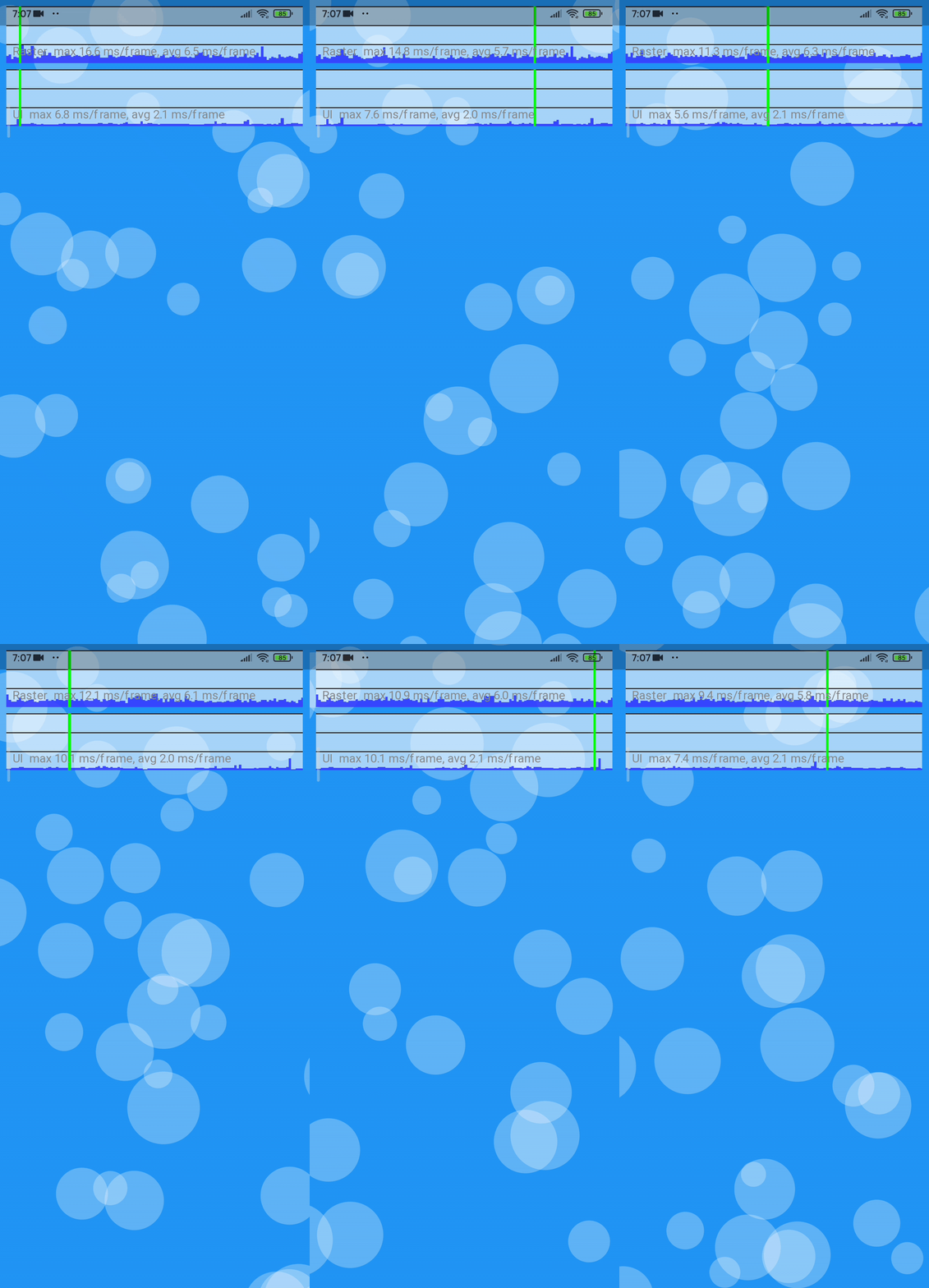
Floating Bubbles는 개발자가 어떤 위젯의 전경에 애니메이션된 부유하는 버블을 추가할 수 있도록 해주는 Flutter 패키지입니다. 이 버블들은 색상, 크기, 움직임 패턴으로 맞춤 설정할 수 있어 배경이나 인터랙티브 인터페이스에 적합한 동적인 시각 효과를 만들어냅니다. 이 패키지는 Android, iOS, Web, macOS, Windows, Linux 등 모든 주요 플랫폼을 지원하여 크로스플랫폼 앱에 매우 유용합니다. 가볍고 간단한 위젯 래퍼를 사용해 쉽게 통합할 수 있습니다.
사용 사례
앱 스플래시 화면 개선
재미있는 UI 요소 만들기
다시보드에 배경 애니메이션 추가
미세한 움직임으로 사용자 참여도 향상시키기
테마형 랜딩 페이지 디자인
주요 기능
사용자 정의 가능한 버블 색상 및 크기
부드러운 플로팅 애니메이션
크로스 플랫폼 호환성
기존 위젯과의 간편한 통합
사용자 지정 가능한 속도 및 방향
적합한 대상
시각적 매력이 필요한 UI 디자이너
매력적인 온보딩 경험을 구축하는 개발자
경량이고 방해적이지 않은 애니메이션을 필요로 하는 앱
예술적 주제를 가진 창의적인 디지털 제품
현대적이고 부드러운 인터페이스 디자인을 목표로 하는 프로젝트
고려 사항
저사양 기기에서 성능에 영향을 미칠 수 있습니다
과도하게 사용할 경우 버블은 핵심 콘텐츠에 대한 집중을 방해할 수 있습니다
가독성을 위해 색 대비를 신중하게 고려해야 합니다
접근성 중심 애플리케이션에 적합하지 않습니다
개별 버블 행동에 대한 제어가 제한적
원본 README
연결된 소스 저장소의 README 원문 스냅샷입니다. 최신 내용은 저장소에서 확인하세요.
Floating Bubbles
A Flutter Package for adding Floating bubbles in the Foreground to a widget.
Getting Started
In your flutter project(in pubspec.yaml) add the dependency:
Here is an snippet on how to use Floating Bubbles to any Widget.
Creating FloatingBubbles() (this creates the animation and plays for amount of time you give as the duration.)
returnStack(
children: [
Positioned.fill(
child: Container(
color: Colors.red,
),
),
Positioned.fill(
child: FloatingBubbles(
noOfBubbles: 25,
colorsOfBubbles: [
Colors.green.withAlpha(30),
Colors.red,
],
sizeFactor: 0.16,
duration: 120, // 120 seconds.
opacity: 70,
paintingStyle: PaintingStyle.stroke,
strokeWidth: 8,
shape: BubbleShape.circle, // circle is the default. No need to explicitly mention if its a circle.
speed: BubbleSpeed.normal, // normal is the default
),
);
Creating FloatingBubbles.alwaysRepeating() (Creates Floating Bubbles that always floats and doesn't stop.)
As the Gifs here are converted from mp4, there are some stutters. To see the MP4 format of these Gifs
Click Here.
Platforms on which this package was tested.
Platform
Supported
Comments
Android
Yes
Works without any issues
IOS
Yes
Works without any issues
Web
Yes (kinda)
Works when using web renderer engine as html. use the command flutter run -d chrome --web-renderer html / flutter build web --web-renderer html
Windows
Yes
Works without any issues
Linux
Not yet tested
-
MacOS
Not yet tested
-
Stress Test
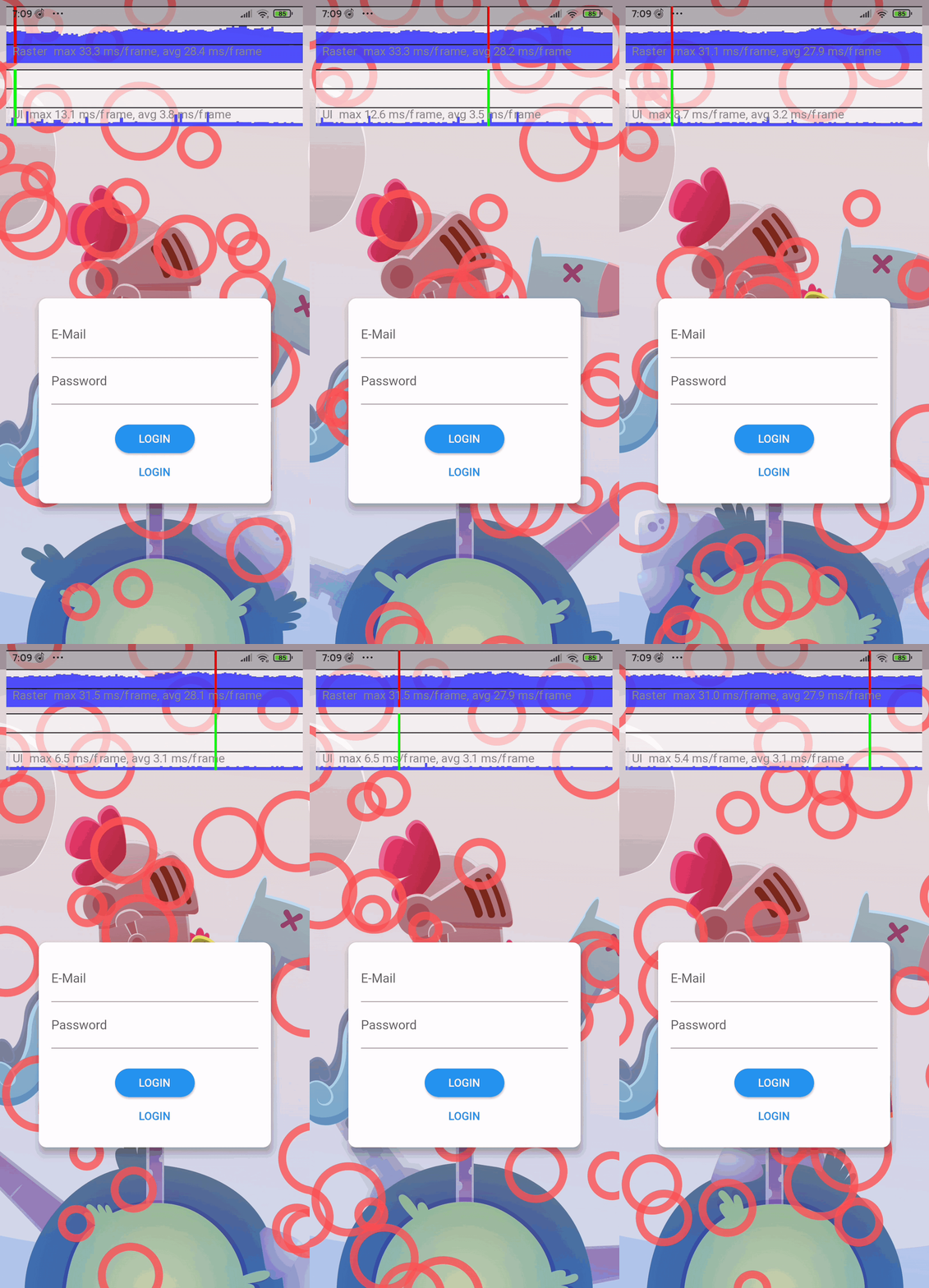
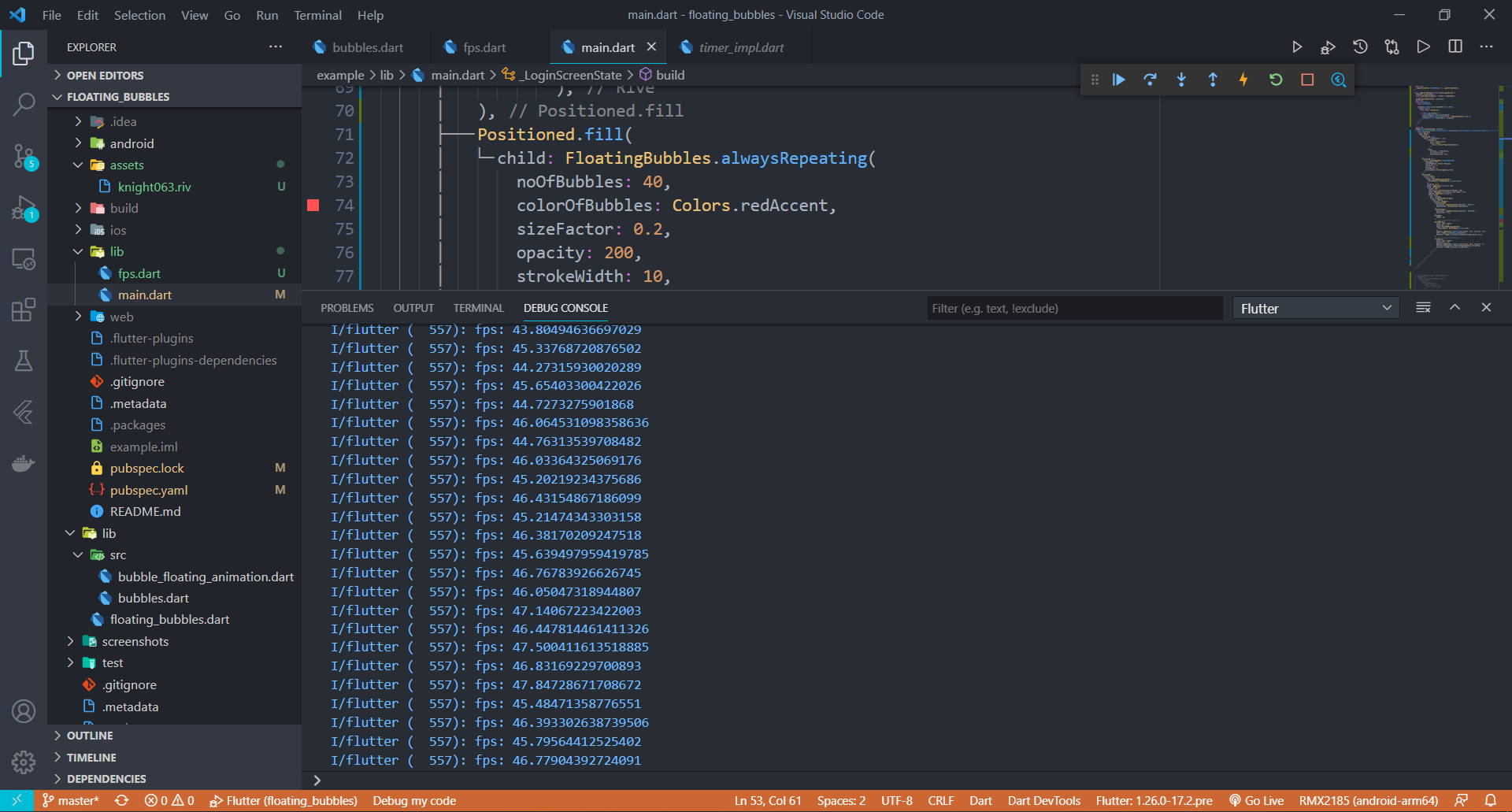
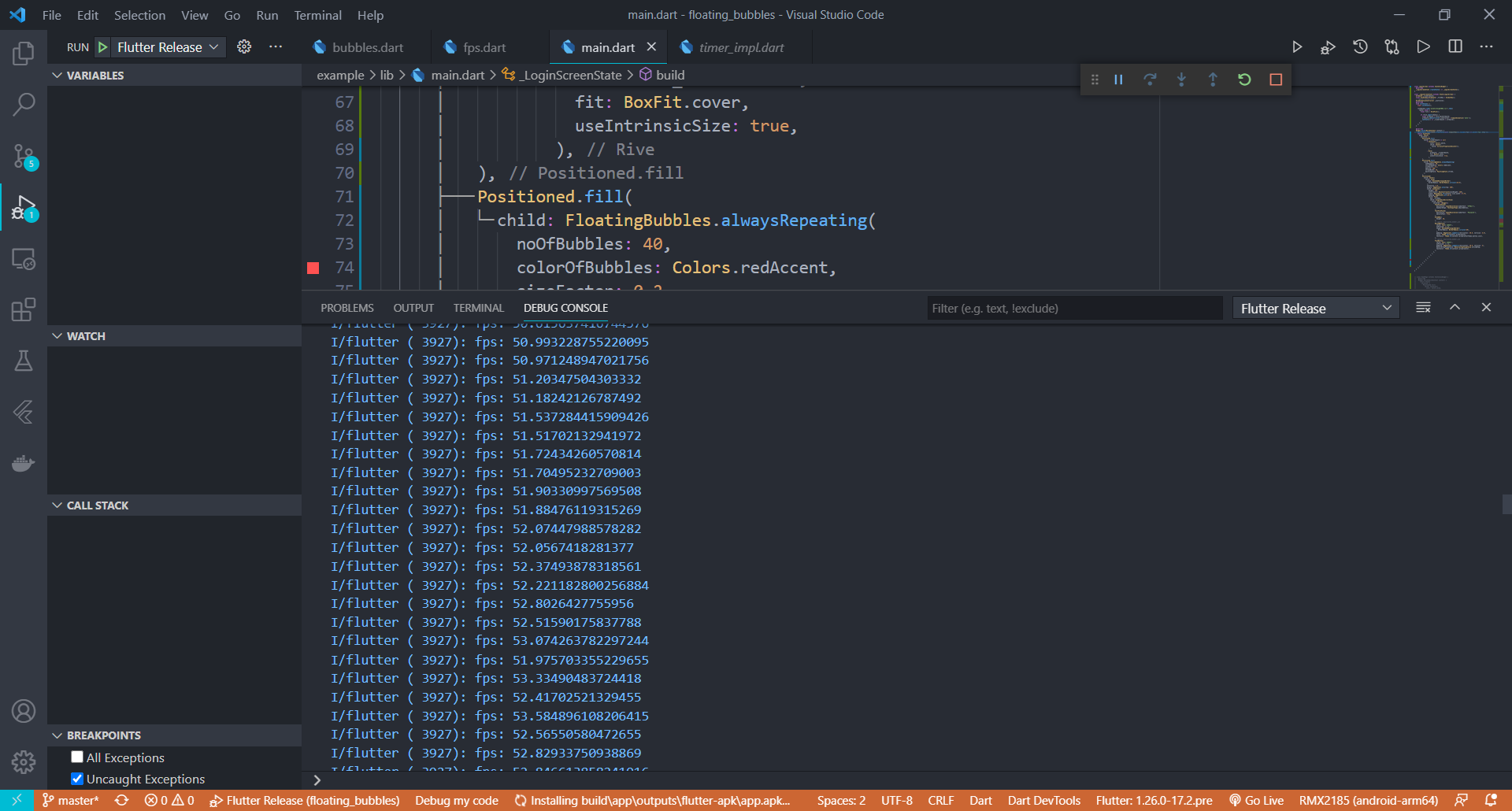
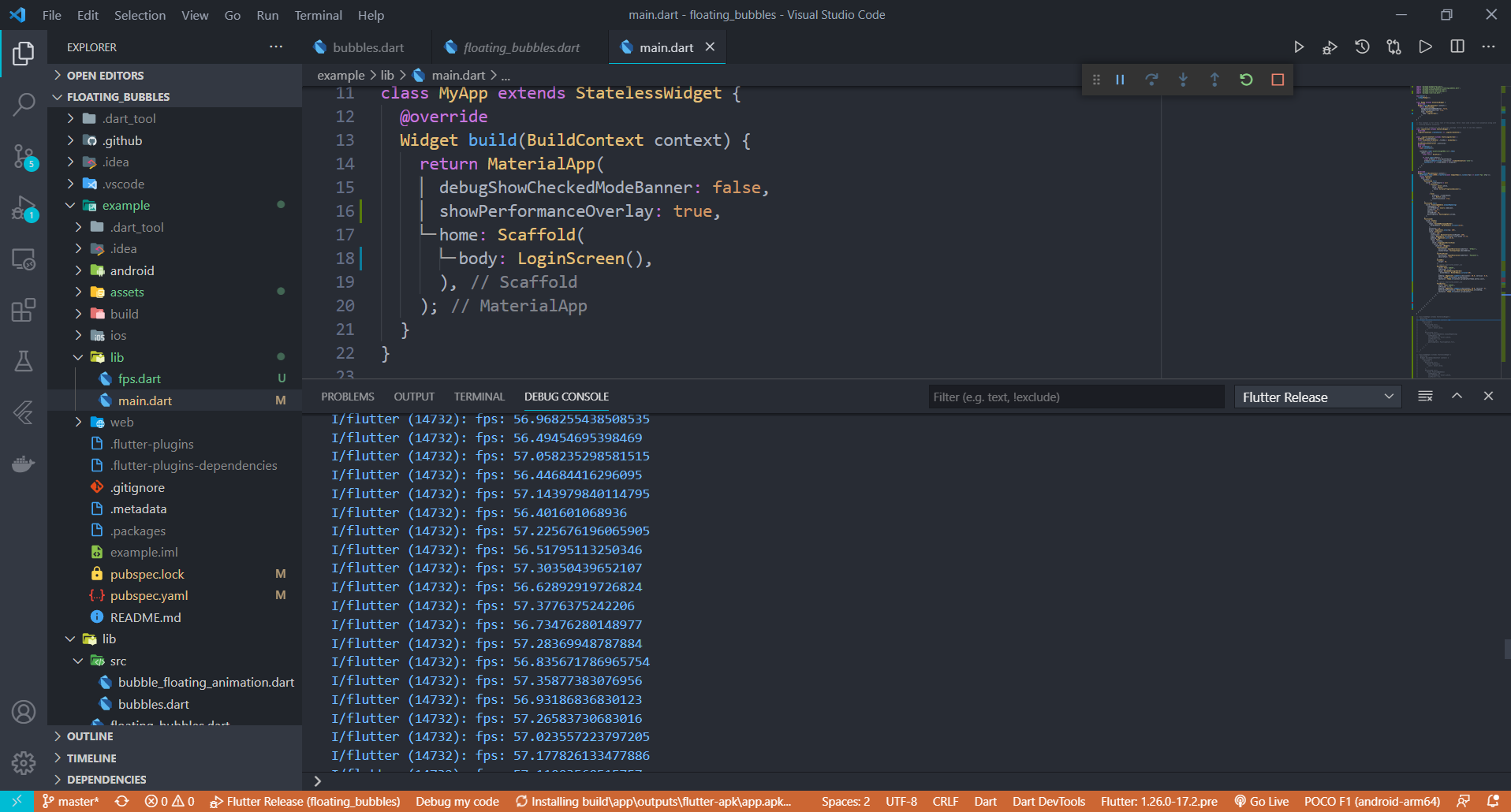
Stress Test has been done on this package. Below is the information(fps) on how the performance of the package when the animation was coupled with a heavy rive animation.
Average FPS of the UI when the package was stress tested on a low-end Android Phone
APP build in Debug Mode
APP build in Release Mode
Average FPS of the UI when the package was stress tested on a High-end Android Phone
APP build in Release Mode
Performance improvements will be made in the coming updates to make this package more suitable for low end devices. If you have any suggestions or ideas, just pull request :)