패키지, 저장소 및 앱 카테고리 검색

패키지 상세v1.1.3

floatingpanel

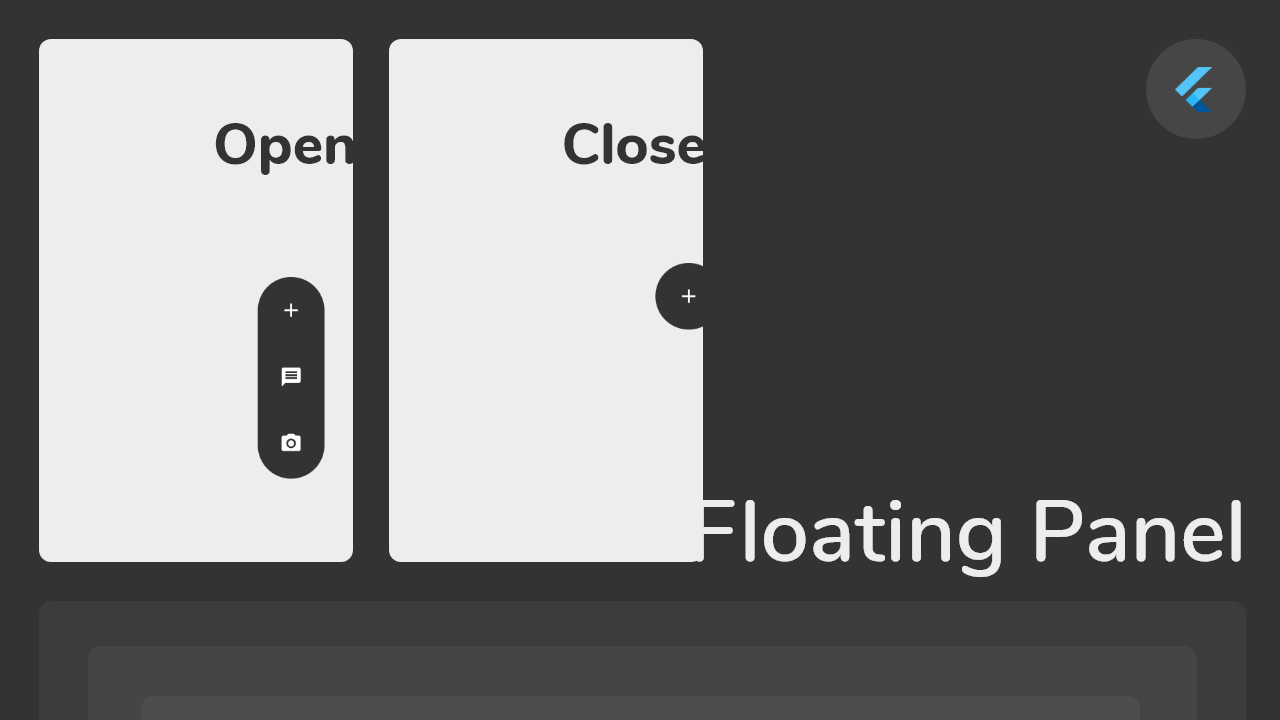
플로팅 패널은 화면의 어느 쪽 가장자리(수평 방향)로도 쉽게 드래그 앤 드롭할 수 있는 간편한 플로팅 메뉴를 만들 수 있도록 도와줍니다.

30일 다운로드
44
좋아요
130
Pub 점수
30

패키지 설치

flutter pub add floatingpanel

패키지 개요

공개 정보를 바탕으로 생성한 선택 가이드입니다.

FloatingPanel은 개발자가 화면의 어느 수평 가장자리에 드래그 가능한 플로팅 메뉴를 생성할 수 있도록 해주는 Flutter 패키지입니다. 사용자가 제스처로 패널을 부드럽고 상호작용적으로 이동할 수 있는 경험을 제공하여, 작업이나 탐색 옵션에 빠르게 접근하기에 적합합니다. 이 패키지는 가볍고 기존의 Flutter 앱에 원활하게 통합됩니다. 구성 가능한 속성을 통해 외관과 동작을 사용자 정의할 수 있습니다. 단순함을 중시해 설계된 FloatingPanel은 맥락 기반 컨트롤을 직관적으로 제시함으로써 사용자 인터페이스 디자인을 향상시킵니다.

사용 사례

  • 빠른 작업 메뉴
  • 컨텍스트 탐색
  • 제스처 기반 UI 요소
  • 모바일 앱 도구 모음
  • 사용자 정의 가능한 측면 패널
  • 사용자 선호 설정

주요 기능

  • 드래그 가능한 위치 지정
  • 수평 가장자리 정렬
  • 부드러운 제스처 지원
  • 사용자 정의 가능한 외관
  • 경량 구현
  • Flutter와의 간편한 통합

적합한 대상

  • 모바일 앱 개발자
  • UI/UX 디자이너
  • 인터랙티브 위젯 생성기
  • Flutter 초보자
  • 플로팅 컨트롤이 필요한 앱
  • 제스처 중심 인터페이스

고려 사항

  • 수평 가장자리로 제한
  • 수직 에지 지원 없음
  • 추가 스타일링이 필요할 수 있습니다
  • 복잡한 레이아웃에 적합하지 않습니다
  • 성능은 콘텐츠의 복잡성에 따라 달라집니다
  • 경계 제약 조건을 수동으로 처리해야 합니다

원본 README

연결된 소스 저장소의 README 원문 스냅샷입니다. 최신 내용은 저장소에서 확인하세요.

Flutter Float Box

Float Box - v1.0

Overview

alt Floating Panel

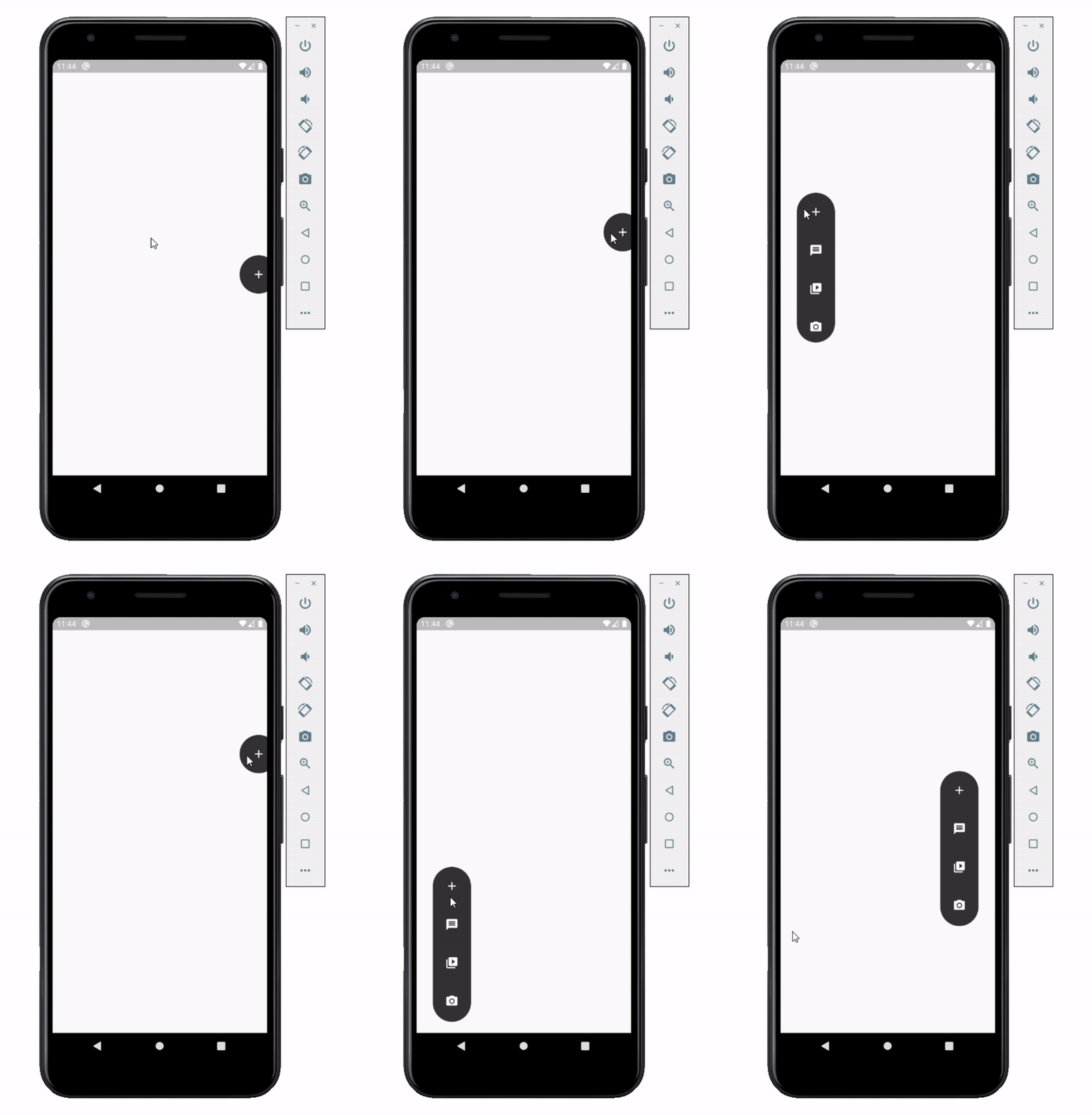
Float box is a true floating panel for your app, which can be docked to either edges of the screen (horizontally).

Code - Basic:

This is what you needs to get the widget working. Import Widget -> Add 'FloatBoxPanel' at the bottom of your stack widget. Add icons inside the "buttons" list.

import 'package:widgets/float_box.dart'; // Import Float Box Widget

Stack(
    children: [
        ...

        // Add Float Box Panel at the bottom of the 'stack' widget.
        FloatBoxPanel(
            buttons: [
                // Add Icons to the buttons list.
                Icons.message,
                Icons.photo_camera,
                Icons.video_library
            ]
        );
    ]
);

alt Floating Panel

Code - All Properties:

These are all the properties you can customize of the floating panel.

    import 'package:widgets/float_box.dart'; // Import Float Box Widget
    
    Stack(
        children: [
            ...
    
            // Add Float Box Panel at the bottom of the 'stack' widget.
            FloatBoxPanel(
                positionTop: 0.0, // Initial Top Position
                positionLeft: 0.0, // Initial Left Position
                backgroundColor: Color(0xFFEDEDED), // Color of the panel
                contentColor: Colors.black, // Color of the icons
                panelShape: PanelShape.rectangle, // 'PanelShape.rectangle' or 'PanelShape.rounded', border radius property doesn't work in the rounded shape
                borderRadius: BorderRadius.circular(8.0), // Border radius of the panel
                dockType: DockType.inside, // 'DockType.inside' or 'DockType.outside', weather to dock the panel outside or inside the edge of the screen
                dockOffset: 5.0, // Offset the dock from the edge depending on the 'dockType' property
                panelAnimDuration: 300, // Duration for panel open and close animation
                panelAnimCurve: Curves.easeOut, // Curve for panel open and close animation
                dockAnimDuration: 300, // Auto dock to the edge of screen - animation duration
                dockAnimCurve: Curves.easeOut, // Auto dock animation curve
                panelOpenOffset: 20.0, // Offset from the edge of screen when panel is open
                panelIcon: Icons.menu, // Panel open/close icon
                size: 70.0, // Size of single button in the panel
                iconSize: 24.0, // Size of icons
                borderWidth: 1.0, // Width of panel border
                borderColor: Colors.black, // Color of panel border
                onPressed: (index) {
                    print("Clicked on item: $index");
                }
                buttons: [
                    // Add Icons to the buttons list.
                    Icons.message,
                    Icons.photo_camera,
                    Icons.video_library
                ]
            );
        ]
    );

카테고리

소스 저장소

이 패키지를 사용하는 프로젝트

아직 데이터가 없습니다.