패키지, 저장소 및 앱 카테고리 검색

fluentui_system_icons 표지
패키지 상세v1.1.273

fluentui_system_icons

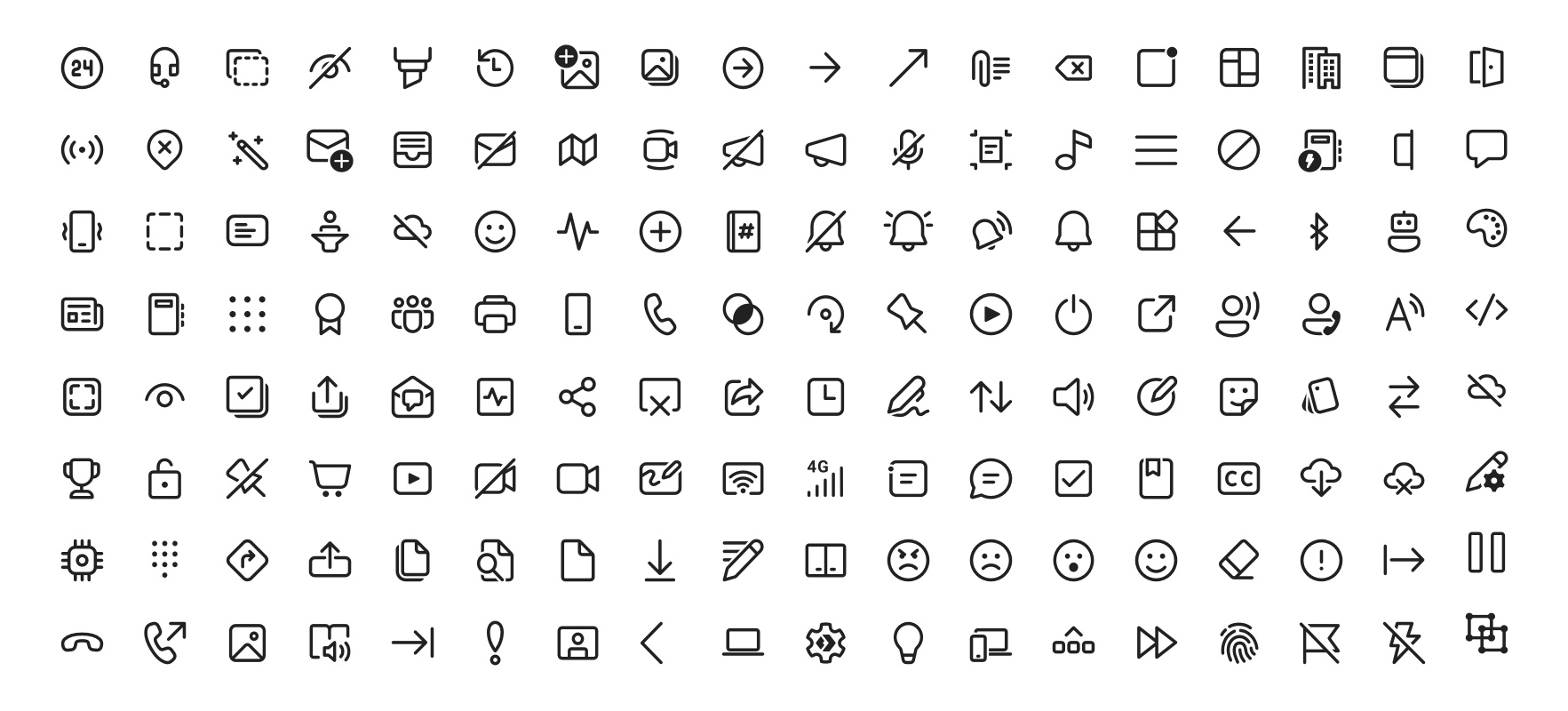
Fluent UI 시스템 아이콘은 마이크로소프트에서 제공하는 친숙하고 친근하며 현대적인 아이콘 모음입니다.

AndroidiOSWebmacOSWindowsLinux
30일 다운로드
6.3만
좋아요
958
Pub 점수
160

패키지 설치

flutter pub add fluentui_system_icons

패키지 개요

공개 정보를 바탕으로 생성한 선택 가이드입니다.

Fluent UI System Icons는 마이크로소프트에서 개발한 현대적이고 깔끔하며 일관된 아이콘의 포괄적인 컬렉션입니다. 다양한 플랫폼에서 사용하도록 설계되었으며, 플루언트 디자인 시스템과 일치하여 앱에 통합된 시각 언어를 제공합니다. 이 패키지는 Android, iOS, Web, macOS, Windows, Linux를 지원하는 Flutter 프로젝트에 쉽게 통합할 수 있도록 해줍니다. 접근성과 확장성에 중점을 두어, 추가적인 디자인 부담 없이 전문 수준의 아이콘으로 사용자 인터페이스를 향상시킬 수 있습니다.

사용 사례

  • 앱 UI 개선
  • 크로스 플랫폼 앱 디자인
  • 현대적인 인터페이스 스타일
  • 접근성 중심 디자인
  • 브랜드 일관성 있는 아이콘 그래피

주요 기능

  • 공식 마이크로소프트 아이콘 세트
  • 다중 플랫폼 지원
  • 확장 가능한 벡터 아이콘
  • 접근성 최적화
  • 간편한 플러터 통합

적합한 대상

  • Fluent Design를 사용하는 개발자
  • 크로스 플랫폼 모바일 및 데스크톱 앱
  • 브랜드 일관성을 우선시하는 팀
  • 현대적인 아이콘을 찾는 UI 디자이너
  • 접근성 아이콘을 필요로 하는 프로젝트

고려 사항

  • Flutter 2.5 이상이 필요합니다
  • 제한된 사용자 정의 옵션
  • 외부 소스 업데이트에 의존
  • 매우 맞춤형 아이콘 요구 사항에 적합하지 않습니다
  • 완전한 아이콘 세트 사용 시 가능한 크기 영향

원본 README

연결된 소스 저장소의 README 원문 스냅샷입니다. 최신 내용은 저장소에서 확인하세요.

Fluent UI System Icons

Pull request validation

Fluent UI System Icons are a collection of familiar, friendly and modern icons from Microsoft.

Fluent System Icons

Icon List

Direction

Within the metadata.json file for an icon, a property named directionType is used to indicate the direction of the icon. This property can have one of the following values:

  • unique, meaning that the icon is unique and has a specific RTL and LTR version
  • mirror, meaning that the icon can be mirrored for RTL or LTR languages

The property singleton is also used to indicate the default direction that should be used for the icon.

Installation

Android

The library is published via Maven Central, please ensure that the mavenCentral() repository has been added to the root build.gradle file:

repositories {
    ...
    mavenCentral()
}

Include the following dependency in your project's build.gradle:

implementation 'com.microsoft.design:fluent-system-icons:1.1.341@aar'

For library docs, see android/README.md.

iOS and macOS
CocoaPods
use_frameworks!

pod "FluentIcons", "1.1.341"
Carthage
git "git@github.com:microsoft/fluentui-system-icons.git" "1.1.341"

For library docs, see ios/README.md.

Flutter

In the pubspec.yaml of your flutter project, add the following dependency:

dependencies:
  ...
  fluentui_system_icons: ^1.1.341

For library docs, see flutter/README.md.

Plain svg

Inline svg directly. See packages/svg-icons/README.md.

Contributing

Importer

The importer generates the Android and iOS libraries from the icons in the assets directory.

Install dependencies from the repository root (this is a single yarn workspace, so dependencies for every package are installed in one go):

corepack enable
yarn install

Jump into the directory:

cd importer
yarn clean

List all the available commands:

yarn run
Build Pipeline

Our build pipeline runs deploy:android and deploy:ios to create the libraries. The build definitions are located in .github/workflows/.

Demo apps

You can build and run the demo apps following the steps below.

Android
  1. Follow the Importer section above and run the command yarn deploy:android
  2. Open the android directory in Android Studio
  3. Select the sample-showcase in the build configuration dropdown
  4. Click run
Flutter

Prerequisite: Make sure you have flutter configured in Android Studio

  1. Open the flutter directory in Android Studio
  2. Select the example in the directory and open it in Android Studio
  3. Click run

Contact

Please feel free to open a GitHub issue and assign to the following points of contact with questions or requests.

Code of Conduct

This project has adopted the Microsoft Open Source Code of Conduct. For more information see the Code of Conduct FAQ or contact opencode@microsoft.com with any additional questions or comments.

카테고리

소스 저장소

이 패키지를 사용하는 프로젝트

순위