패키지, 저장소 및 앱 카테고리 검색

flutter_analog_clock 표지
패키지 상세v1.0.3

flutter_analog_clock

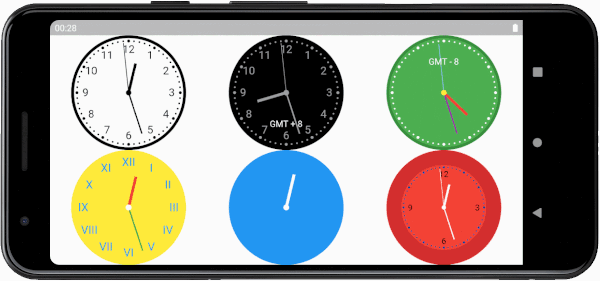
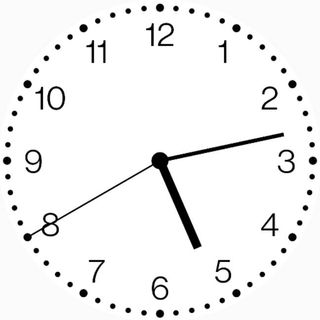
간단하고 매우 사용자 정의 가능한 아날로그 시계 위젯입니다. 이 위젯을 사용하면 시계의 배경, 다이얼, 눈금 및 손을 사용자 정의할 수 있습니다.

AndroidiOSWebmacOSWindowsLinux
30일 다운로드
4.1천
좋아요
68
Pub 점수
150

패키지 설치

flutter pub add flutter_analog_clock

패키지 개요

공개 정보를 바탕으로 생성한 선택 가이드입니다.

Flutter 애플리케이션용 간단하고 매우 사용자 정의 가능한 아날로그 시계 위젯입니다. 개발자는 배경, 다이얼 디자인, 눈금 및 핸드 스타일을 사용자 정의하여 시계의 외관을 조정할 수 있습니다. 전통적인 시간 표시와 고급스러운 외관이 필요한 앱에 이상적입니다. 안드로이드, iOS, 웹, macOS, Windows, 리눅스 등 모든 주요 플랫폼을 지원하며, 다양한 기기에서 일관된 성능을 보장합니다. 깔끔한 코드와 직관적인 구성 옵션 덕분에, 시각적으로 매력적인 아날로그 시계를 프로젝트에 쉽게 통합할 수 있습니다.

사용 사례

  • 대시보드 앱에서 실시간 시간 표시
  • UI에 레트로 또는 클래식한 미학 추가하기
  • 시간 추적 또는 명상 앱 만들기
  • 홈 화면 위젯에 통합
  • 전통적인 스타일의 디지털 시계 디자인

주요 기능

  • 완전히 사용자 정의 가능한 배경 및 다이얼
  • 사용자 정의 가능한 손 모양 및 색상
  • 다중 플랫폼 대상 지원
  • pub.dev를 통한 간편한 통합
  • 화면 크기에 따른 반응형 디자인

적합한 대상

  • 시간 기반 앱을 개발하는 개발자
  • 아름다운 시계 컴포넌트를 찾는 UI 디자이너
  • 크로스 플랫폼 일관성 요구 프로젝트
  • 미니멀리스트 또는 빈티지 테마를 가진 앱
  • 인터랙티브 시계 인터페이스 프로토타이핑

고려 사항

  • 다크 모드 호환을 위해 추가적인 스타일링이 필요할 수 있습니다
  • 고리프레시 레이트 애니메이션에 대한 성능 영향
  • 제한된 내장 시간대 지원
  • 사용자 정의는 번들 크기를 약간 증가시킬 수 있습니다
  • 손 애니메이션의 부드러움은 장치의 성능에 따라 달라집니다

원본 README

연결된 소스 저장소의 README 원문 스냅샷입니다. 최신 내용은 저장소에서 확인하세요.

Flutter Analog Clock

pub package

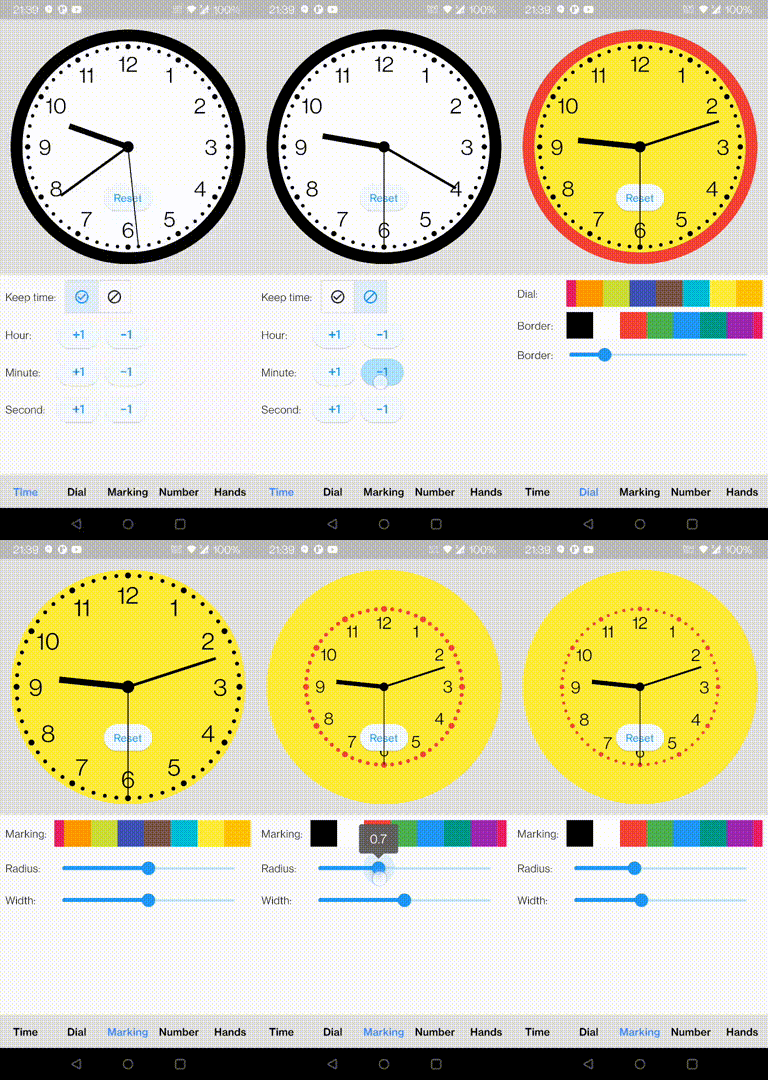
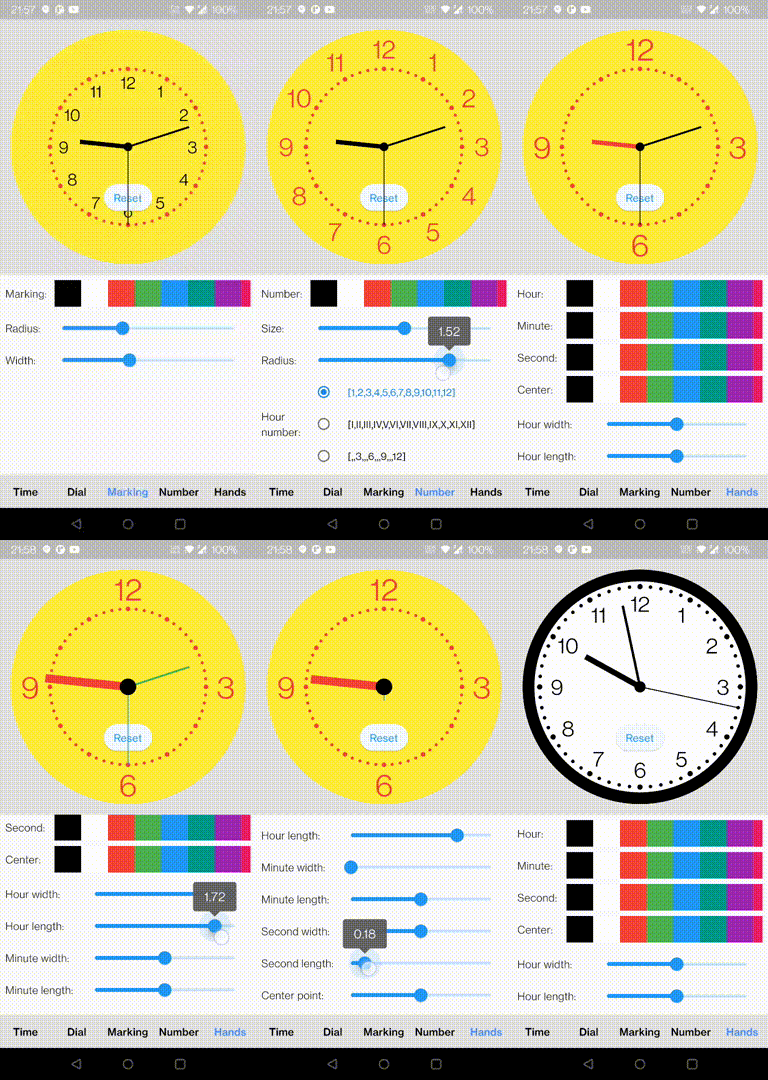
A simple, highly customizable analog clock widget. This widget enables you to customize the clock's background, dial, markings, and hands.

Install

In the pubspec.yaml of your flutter project, add the following dependency:

dependencies:
  flutter_analog_clock: ^1.0.3

In your library add the following import:

import 'package:flutter_analog_clock/flutter_analog_clock.dart';

Usage

1. Simple to use

  const AnalogClock()
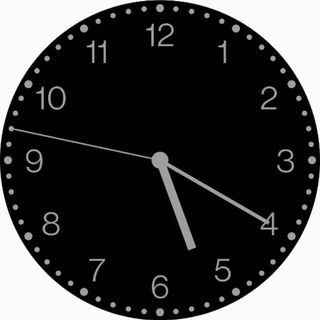
  const AnalogClock.dark()
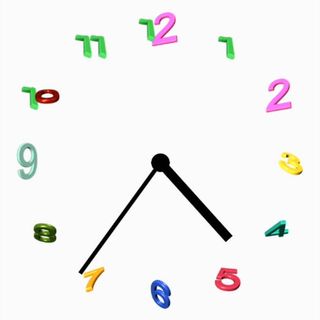
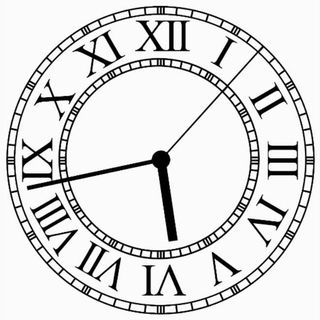
2. Use an image as a clock face

  Container(
    decoration: const BoxDecoration(
      image: DecorationImage(image: AssetImage('assets/dial01.webp')),
    ),
    child: const AnalogClock(
      dialColor: null,
      markingColor: null,
      hourNumberColor: null,
      secondHandColor: null,
    ),
  ),
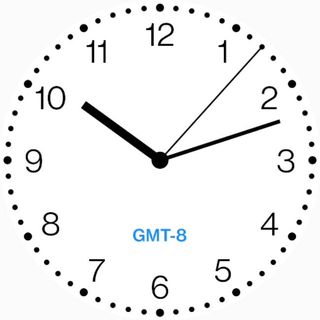
3. With a child

  AnalogClock(
    dateTime: DateTime(2022, 10, 24, 10, 12, 07),
    isKeepTime: false,
    child: const Align(
      alignment: FractionalOffset(0.5, 0.75),
      child: Text('GMT-8'),
    ),
  ),
4. Customize to use
  AnalogClock(
    dateTime: DateTime.now(),
    isKeepTime: true,
    dialColor: Colors.white,
    dialBorderColor: Colors.black,
    dialBorderWidthFactor: 0.02,
    markingColor: Colors.black,
    markingRadiusFactor: 1.0,
    markingWidthFactor: 1.0,
    hourNumberColor: Colors.black,
    hourNumbers: const ['', '', '3', '', '', '6', '', '', '9', '', '', '12'],
    hourNumberSizeFactor: 1.0,
    hourNumberRadiusFactor: 1.0,
    hourHandColor: Colors.black,
    hourHandWidthFactor: 1.0,
    hourHandLengthFactor: 1.0,
    minuteHandColor: Colors.black,
    minuteHandWidthFactor: 1.0,
    minuteHandLengthFactor: 1.0,
    secondHandColor: Colors.black,
    secondHandWidthFactor: 1.0,
    secondHandLengthFactor: 1.0,
    centerPointColor: Colors.black,
    centerPointWidthFactor: 1.0,
  )
5. Specify a time
class ExampleSpecifyTime extends StatefulWidget {
  const ExampleSpecifyTime({Key? key}) : super(key: key);

  @override
  State<ExampleSpecifyTime> createState() => _ExampleSpecifyTimeState();
}

class _ExampleSpecifyTimeState extends State<ExampleSpecifyTime> {
  final GlobalKey<AnalogClockState> _analogClockKey = GlobalKey();
  @override
  Widget build(BuildContext context) {
    return Scaffold(
      appBar: AppBar(
        title: const Text('Analog clock'),
      ),
      body: AnalogClock(
        key: _analogClockKey,
        dateTime: DateTime(2022, 10, 24, 1, 23, 45),
        isKeepTime: false,
      ),
      persistentFooterButtons: [
        ElevatedButton(
          onPressed: () {
            _analogClockKey.currentState!.dateTime = DateTime.now();
          },
          child: const Text('Now'),
        ),
        ElevatedButton(
          onPressed: () {
            _analogClockKey.currentState!.isKeepTime = true;
          },
          child: const Text('Keep time'),
        ),
      ],
    );
  }
}

You can find all custom options here:

https://github.com/conghaonet/flutter_analog_clock/blob/master/example/lib/example.dart

카테고리

소스 저장소

이 패키지를 사용하는 프로젝트

아직 데이터가 없습니다.