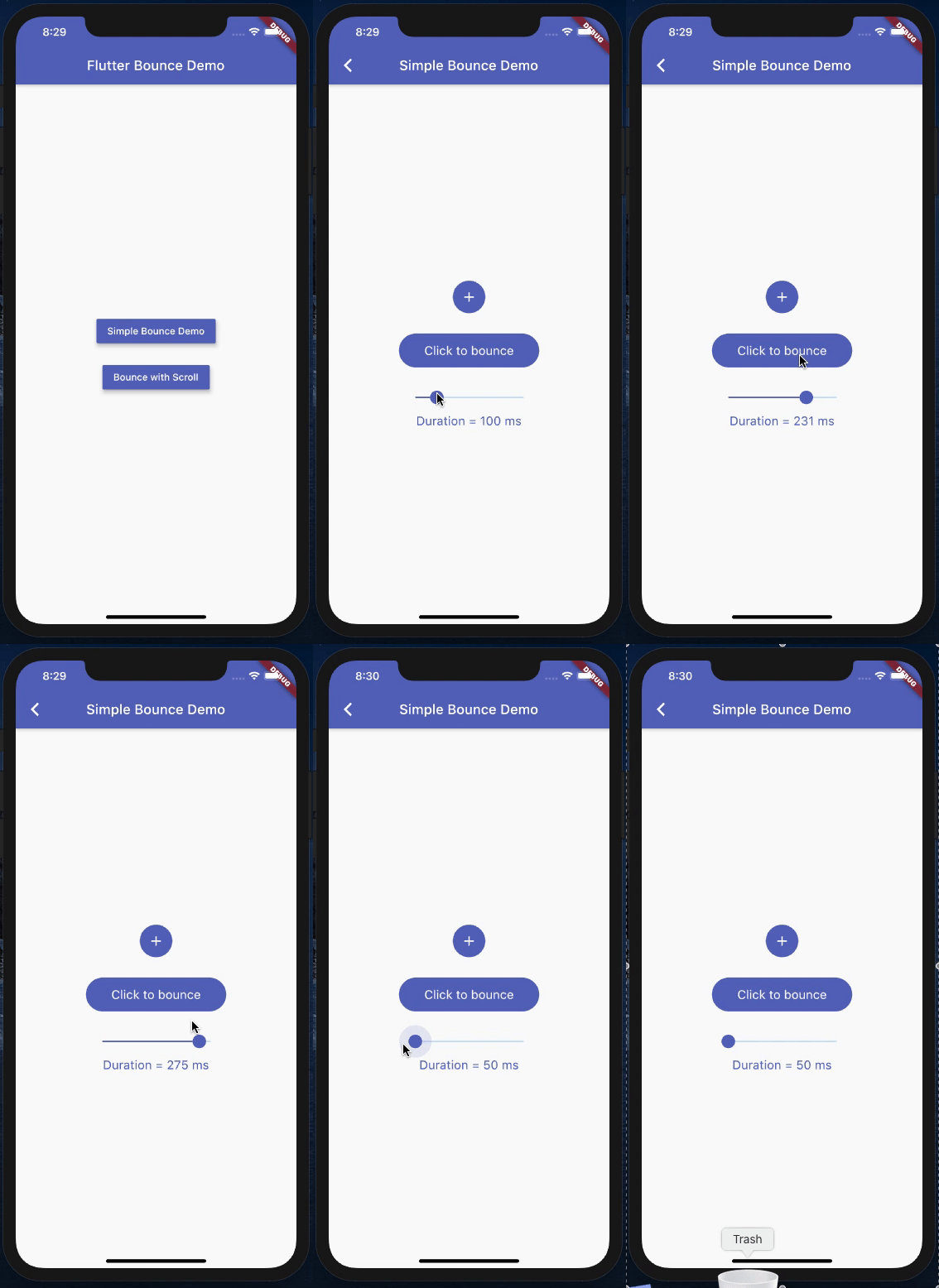
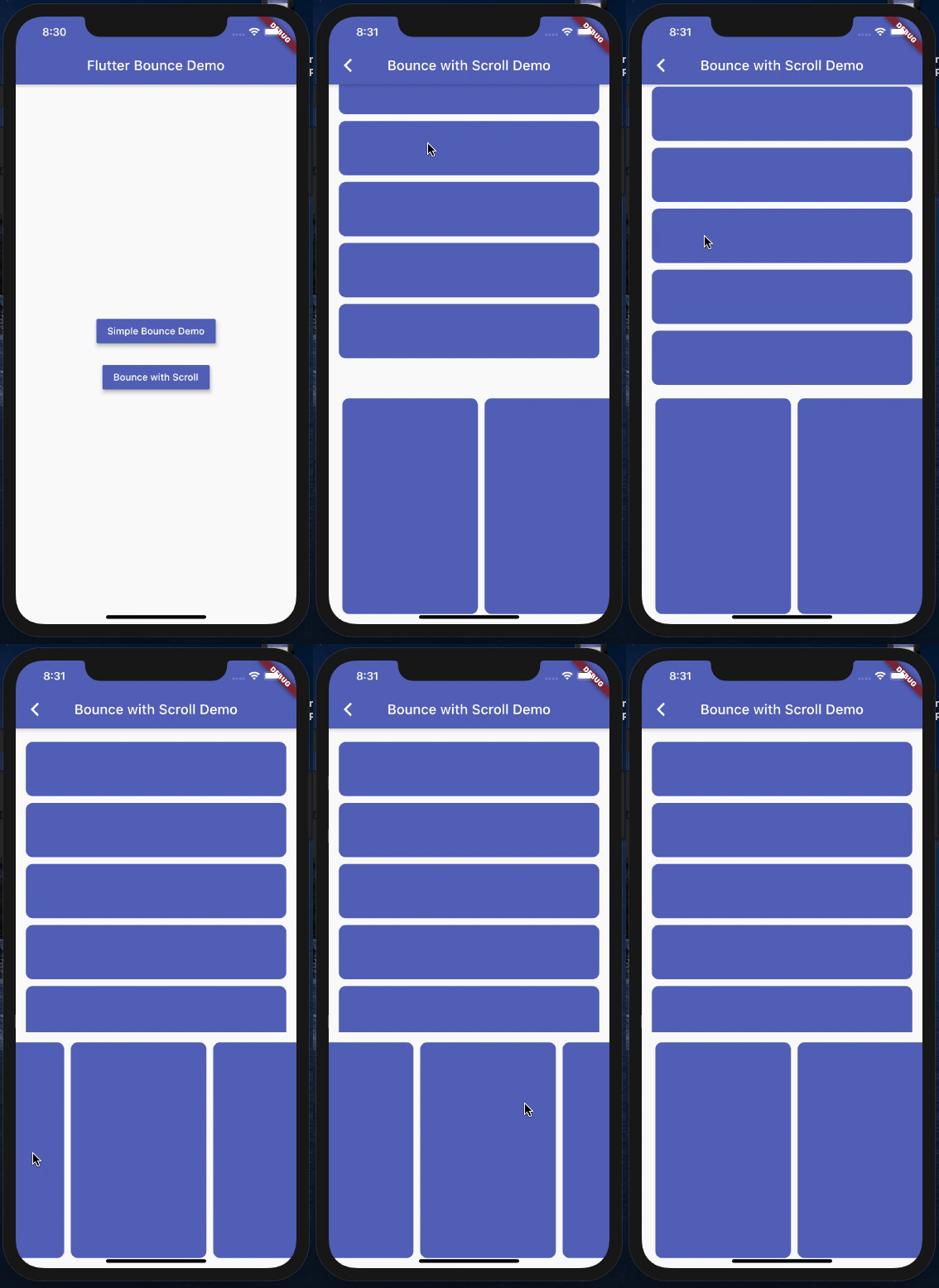
flutter_bounce는 어떤 래핑된 위젯에도 탭 시 부드러운 반응 애니메이션을 추가하는 가볍고 효율적인 Flutter 패키지입니다. iOS 및 Android용으로 설계되어 미세하고 반응성이 뛰어난 피드백을 통해 사용자 상호작용을 향상시킵니다. 기존 UI에 성능 오버헤드 없이 원활하게 통합되며, 버튼, 카드 및 기타 상호작용 요소에 이상적입니다. 웹, macOS, Windows, Linux 등 다양한 플랫폼을 지원하여 장치 간 일관된 동작을 보장합니다.
사용 사례
버튼에 촉각 피드백 추가하기
카드 탭 상호작용 향상
앱 반응성 향상
매력적인 UI 미세 상호작용 만들기
크로스 플랫폼 일관성 지원
주요 기능
터치 시 반동 애니메이션
경량이고 성능이 뛰어남
크로스 플랫폼 지원
간편한 통합
사용자 정의 가능한 애니메이션 강도
적합한 대상
모바일 앱 개발자
UI/UX 디자이너
인터랙티브 프로토타입 빌더
크로스플랫폼 앱 개발자
미세한 터치 피드백이 필요한 앱
고려 사항
터치 기반 애니메이션에 제한됨
고급 애니메이션 사용자 정의 없음
다른 제스처 감지기와 충돌할 수 있습니다
간단한 상호작용 요소에 가장 적합
복잡한 애니메이션 시퀀스용이 아님
원본 README
연결된 소스 저장소의 README 원문 스냅샷입니다. 최신 내용은 저장소에서 확인하세요.
flutter_bounce
An efficient flutter package for an on-tap bounce animation on any flutter widgets
Flutter bounce package will give you full freedom, to be used in on both the static and dynamic like scrolling pages.
Not sticky on scrolling, efficient bounce effect every where
With Duration, controll the bounce animation
It doesn't let the widget stay pressed when you scroll through, if we use the normal bounce effect with simply using the Flutter AnimationController and Tranform.scale() Widget.
Disclaimer
Widget flutter_widget is not the copy paste of bouncing_widget, it works differently. Without limitations, and the functionality works differently, based upon the duration, and not on the scaleFactor.
It doesn't have the scaleFactor at all, which is required in the widget
The code written in such a way that supports the flutter_bounce functionality. However, I have taken motivation from the limitations of the bouncing_widget
I would like to thank Levent Kantaroğlu for contributing in the recent null safety addition to the code, which will now help the community to use this package efficiently.
I would like to thank ThomasEcalle for the indirect motivation via his widget, to come up with an efficient work around, which will now be useful for our flutter community people