패키지, 저장소 및 앱 카테고리 검색

패키지 상세v0.1.4

flutter_candlesticks

Flutter용 우아한 OHLC 캔들 및 거래량 차트.

30일 다운로드
56
좋아요
30
Pub 점수
40

패키지 설치

flutter pub add flutter_candlesticks

패키지 개요

공개 정보를 바탕으로 생성한 선택 가이드입니다.

아름다운 OHLC(개장가, 고가, 저가, 종가) 캔들스틱 차트 및 거래량 시각화를 만들기 위한 플러터 패키지입니다. 금융 데이터 표시를 위해 설계되었으며 실시간 업데이트를 지원하는 부드럽고 사용자 정의 가능한 차트 렌더링을 제공합니다. 플러터 앱에 원활하게 통합되며, 가격 변동과 거래 활동을 그릴 수 있는 깔끔한 API를 제공합니다. 암호화폐, 주식 또는 외환 추적 애플리케이션에 이상적이며 전문 수준의 차트 기능이 필요한 경우에 적합합니다.

사용 사례

  • 금융 시장 데이터 시각화
  • 암호화폐 가격 추적
  • 주식 및 외환 차트
  • 실시간 거래 대시보드
  • 포트폴리오 성과 모니터링

주요 기능

  • OHLC 캔들스틱 렌더링
  • 거래량 시각화
  • 부드러운 애니메이션
  • 사용자 지정 가능한 색상 및 스타일
  • 반응형 디자인
  • 데이터 스트림과의 간편한 통합

적합한 대상

  • 거래 앱 개발자
  • 재무 데이터 분석가
  • 크립토 대시보드 제작자
  • 실시간 차트 애플리케이션
  • 사용자 중심의 금융 도구

고려 사항

  • 2차원 차트 유형에 제한됨
  • 내장된 데이터 가져오기 없음
  • 시계열 데이터의 수동 처리가 필요합니다
  • 매우 큰 데이터 세트에 최적화되지 않음
  • 실시간 업데이트를 위해 외부 데이터 소스에 의존합니다

원본 README

연결된 소스 저장소의 README 원문 스냅샷입니다. 최신 내용은 저장소에서 확인하세요.

pub package

flutter_candlesticks

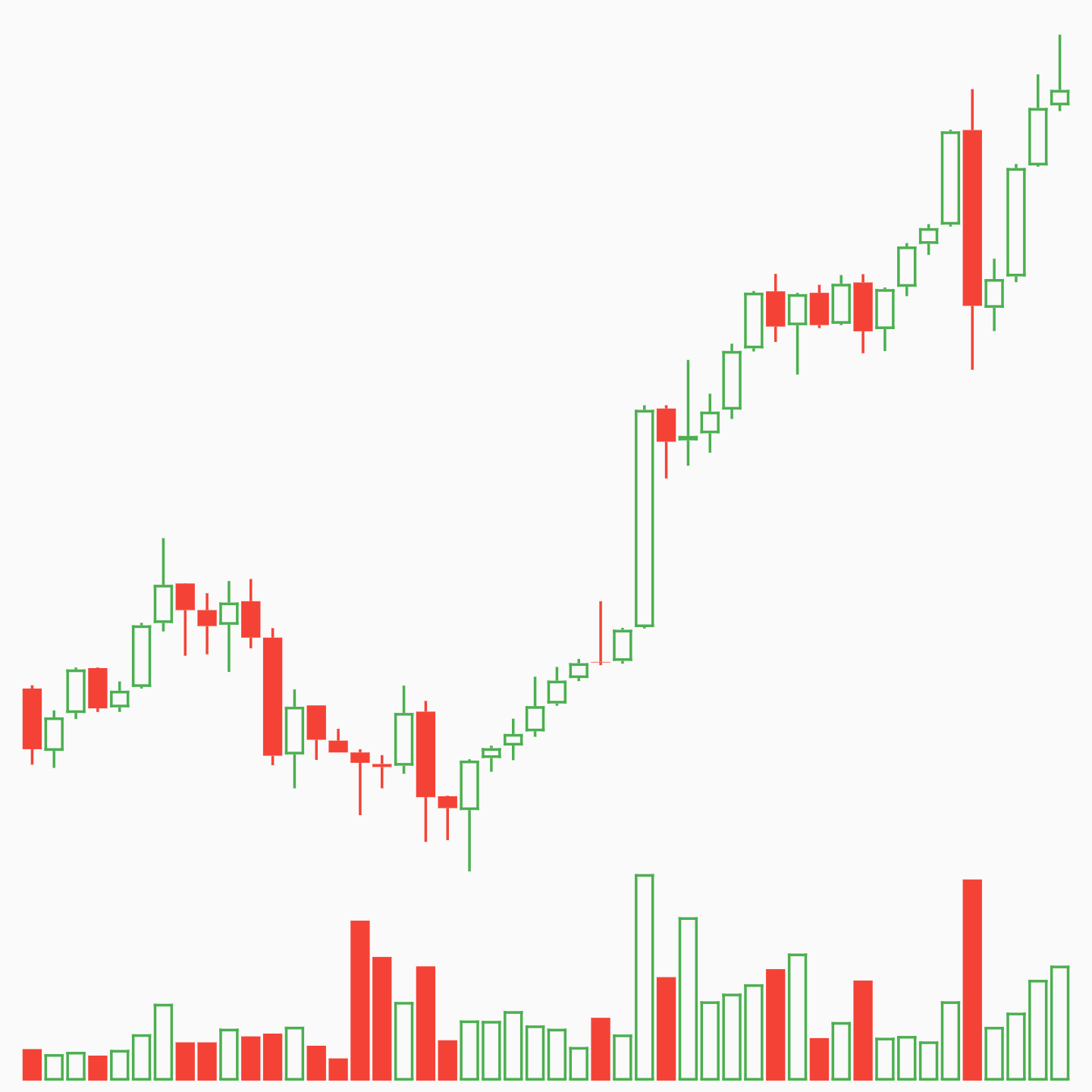
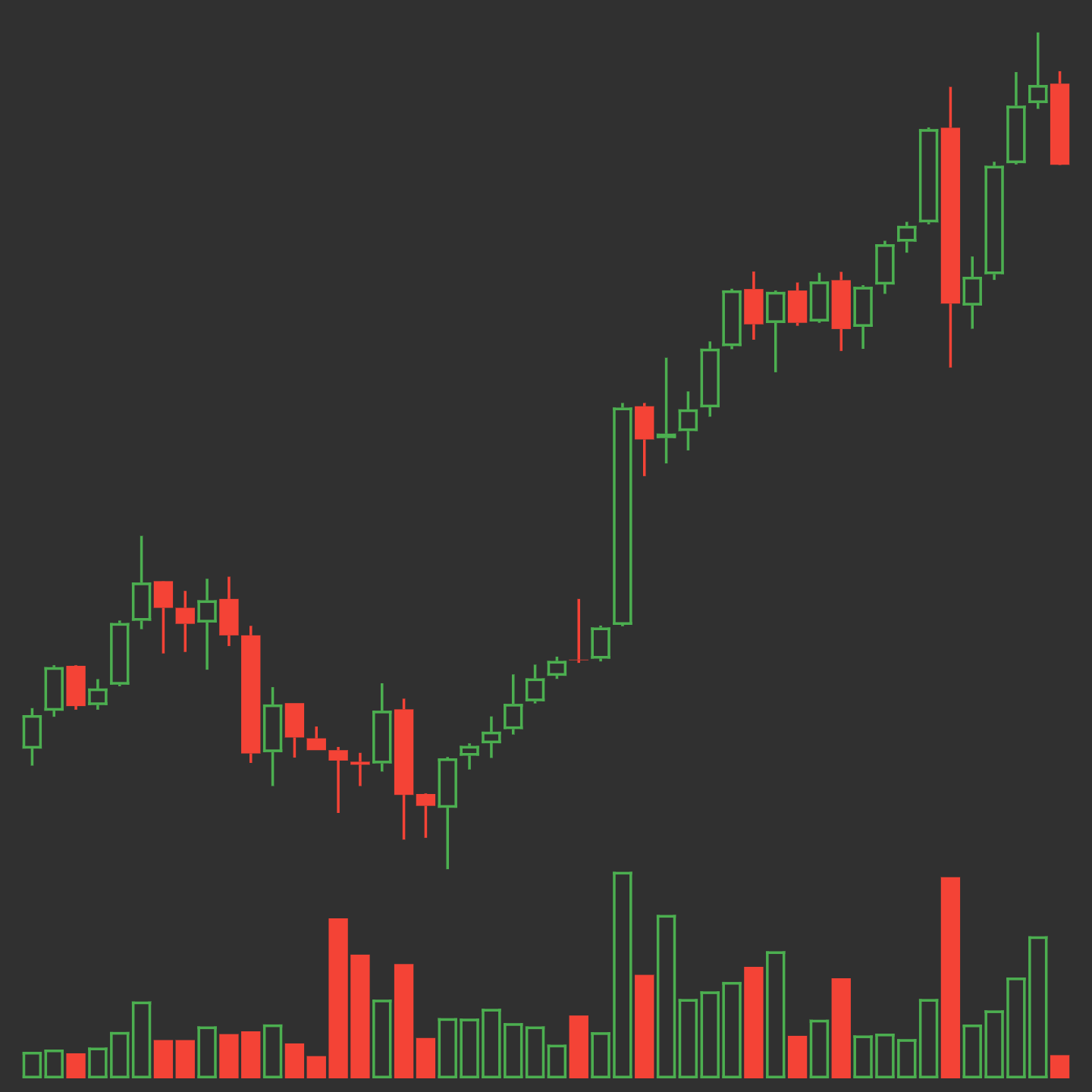
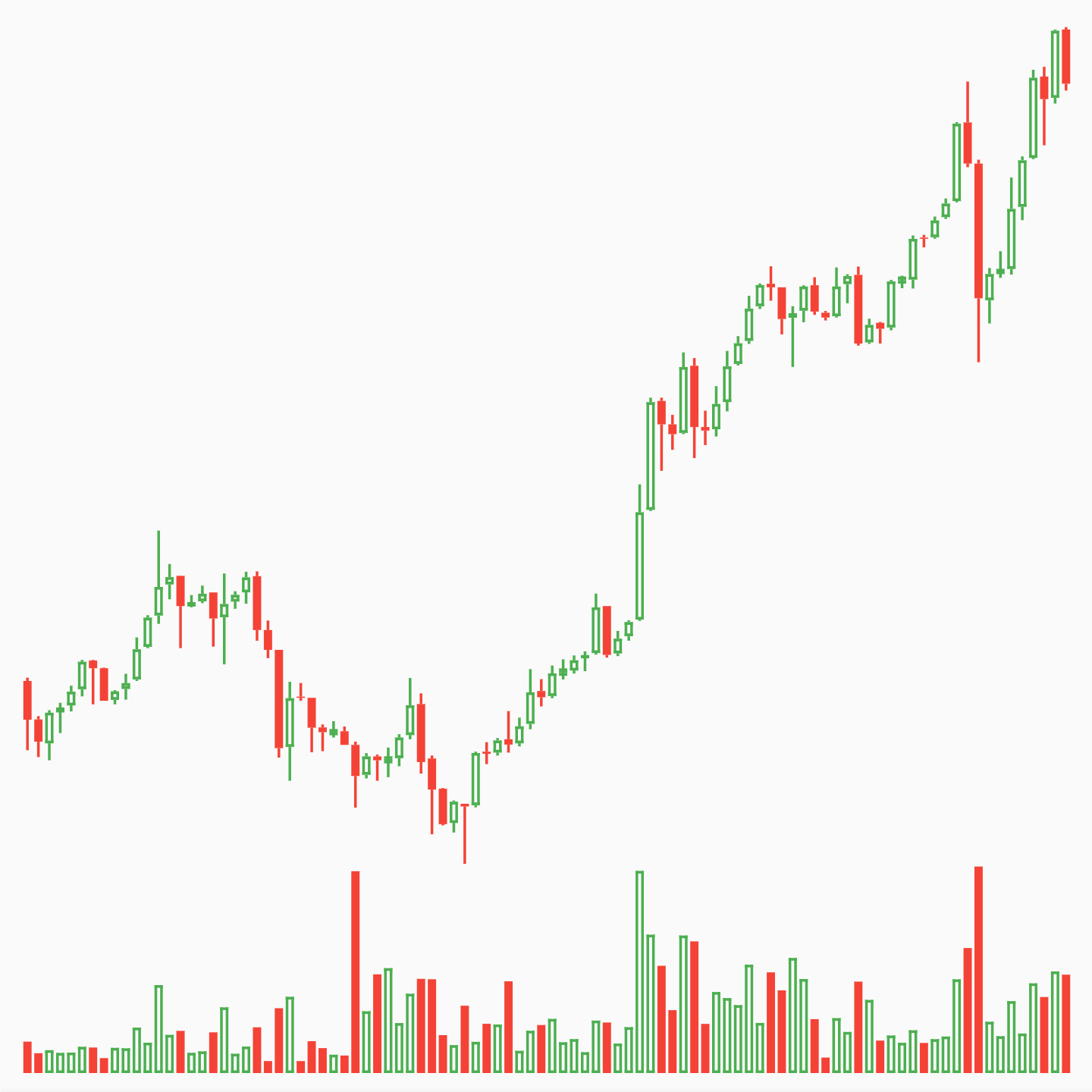
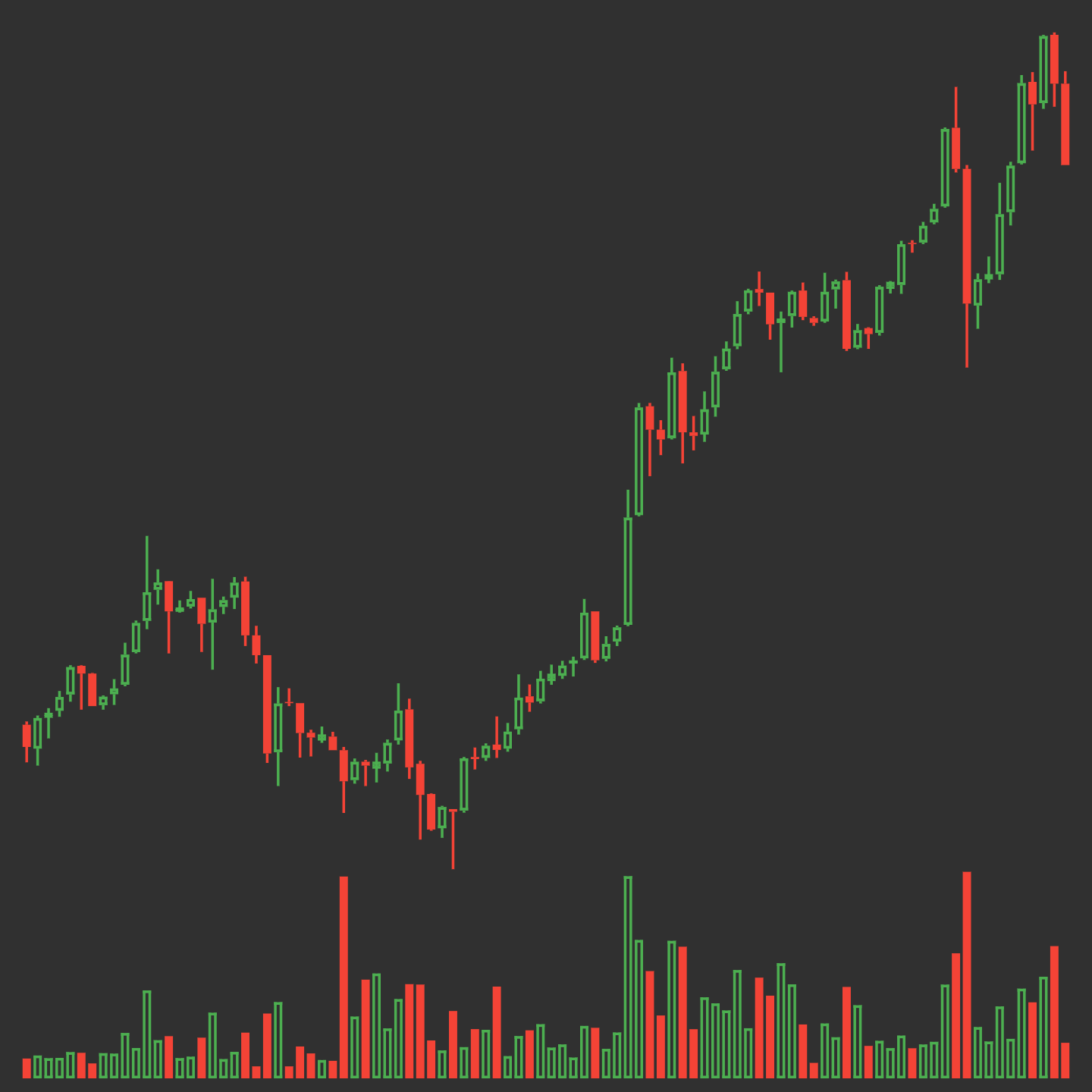
Elegant OHLC Candlestick and Trade Volume charts for Flutter

Usage

Install for Flutter with pub.

Property Description
data Required. List of maps containing open, high, low, close and volumeto
enableGridLines Required. Enable or disable grid lines
volumeProp Required. Proportion of container to be given to volume bars
lineWidth Default 1.0. Width of most lines
gridLineAmount Default 5. Number of grid lines to draw. Labels automatically assigned
gridLineWidth Default 0.5. Width of grid lines
gridLineColor Default Colors.grey. Color of grid lines
gridLineLabelColor Default Colors.grey. Color of grid line labels
labelPrefix Default "$". Prefix before grid line labels.
increaseColor Default Colors.green. Color of increasing candles.
decreaseColor Default Colors.red. Color of decreasing candles.

Examples

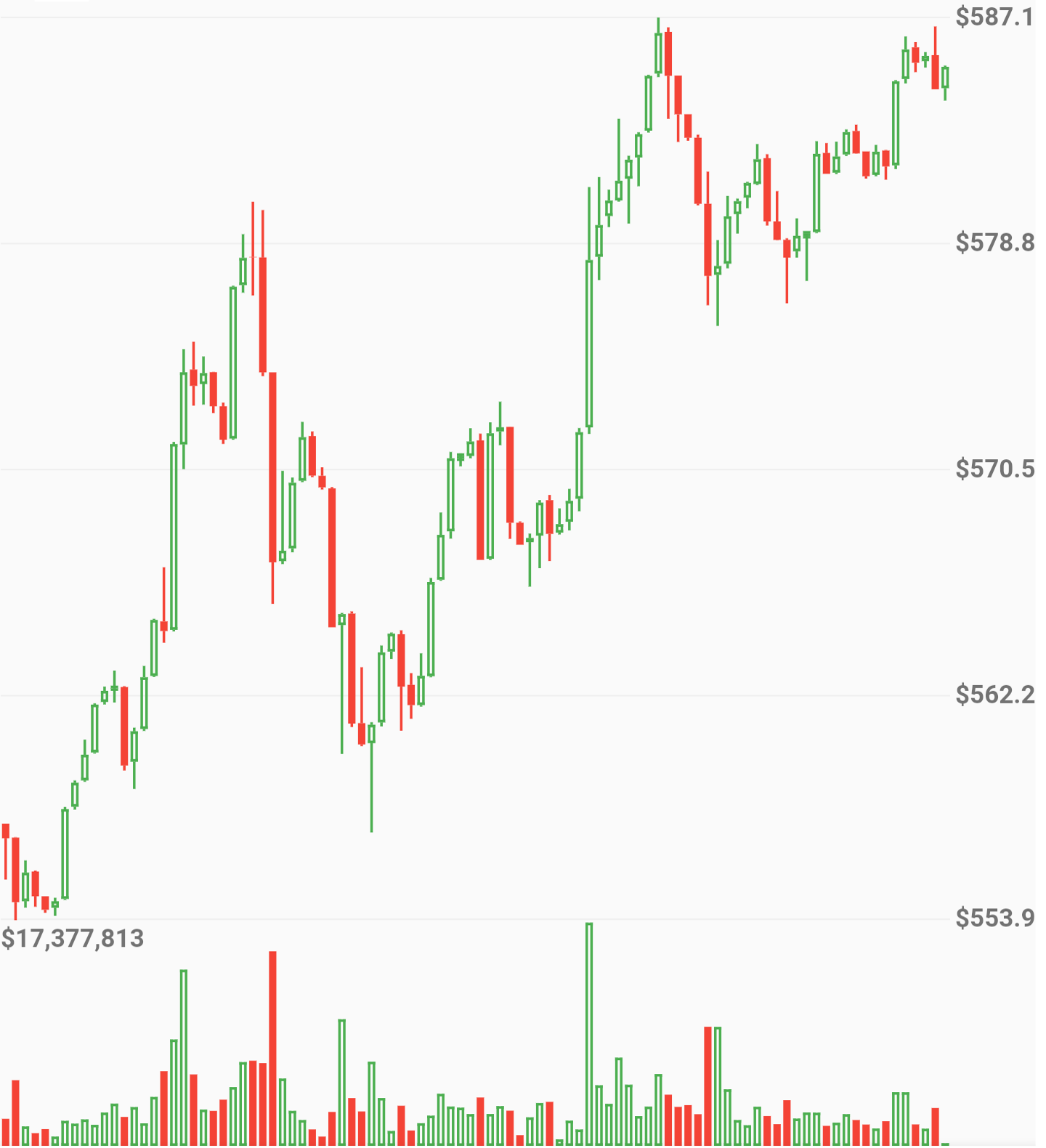
No Grid Lines
new OHLCVGraph(
    data: sampleData,
    enableGridLines: false,
    volumeProp: 0.2
    )
)

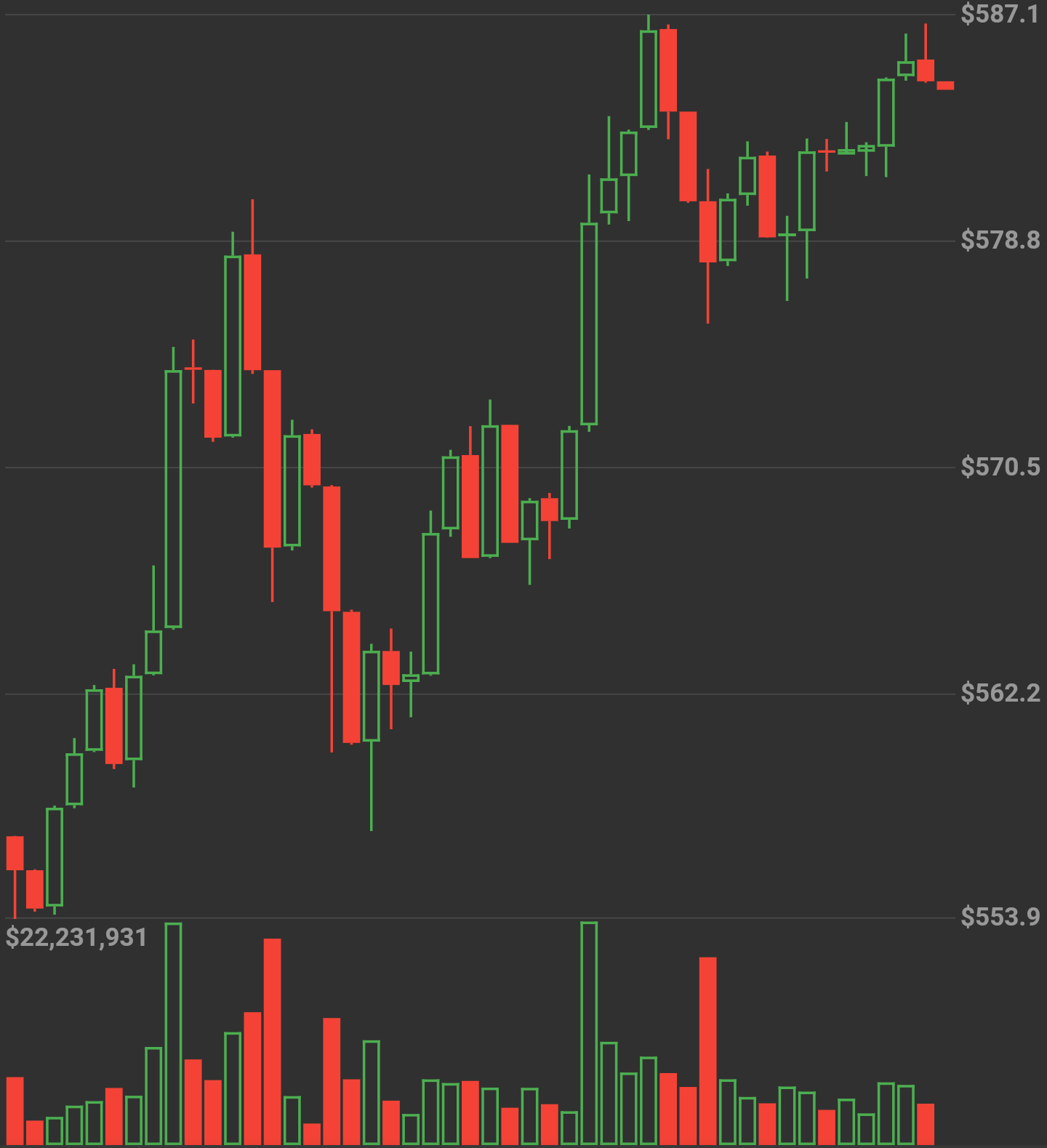
Candle size dynamically changes by amount of data

Grid Lines
new OHLCVGraph(
    data: sampleData,
    enableGridLines: true,
    volumeProp: 0.2,
    gridLineAmount: 5,
    gridLineColor: Colors.grey[300],
    gridLineLabelColor: Colors.grey
    )
)

Full App Example
import 'package:flutter/material.dart';
import 'package:flutter_candlesticks/flutter_candlesticks.dart';

void main() {
  List sampleData = [
    {"open":50.0, "high":100.0, "low":40.0, "close":80, "volumeto":5000.0},
    {"open":80.0, "high":90.0, "low":55.0, "close":65, "volumeto":4000.0},
    {"open":65.0, "high":120.0, "low":60.0, "close":90, "volumeto":7000.0},
    {"open":90.0, "high":95.0, "low":85.0, "close":80, "volumeto":2000.0},
    {"open":80.0, "high":85.0, "low":40.0, "close":50, "volumeto":3000.0},
  ];

  runApp(
    new MaterialApp(
      home: new Scaffold(
        body: new Center(
          child: new Container(
            height: 500.0,
            child: new OHLCVGraph(
                data: sampleData,
                enableGridLines: false,
                volumeProp: 0.2
            ),
          ),
        ),
      )
    )
  );
}

카테고리

소스 저장소

이 패키지를 사용하는 프로젝트