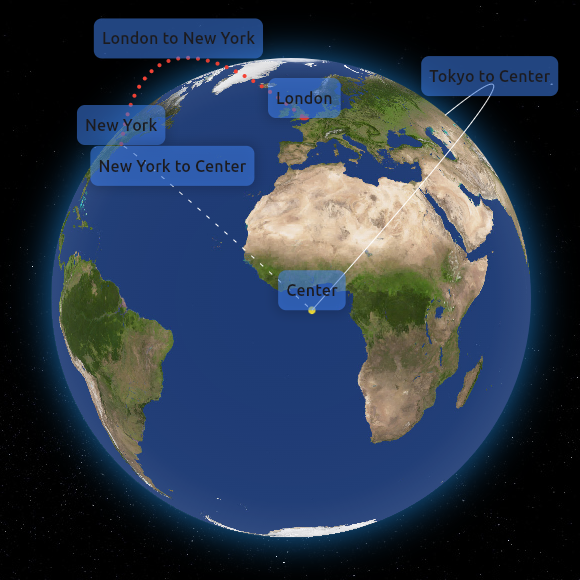
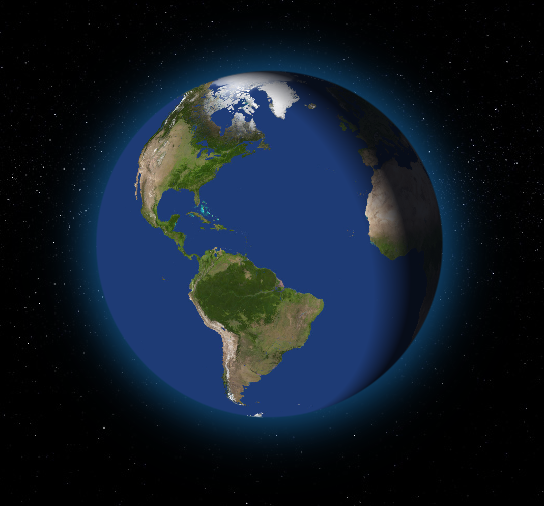
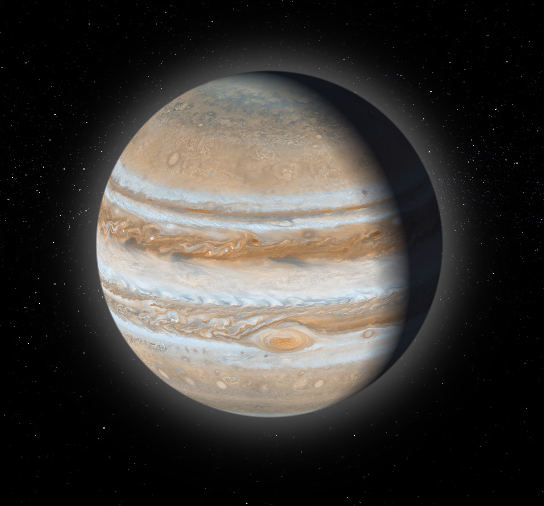
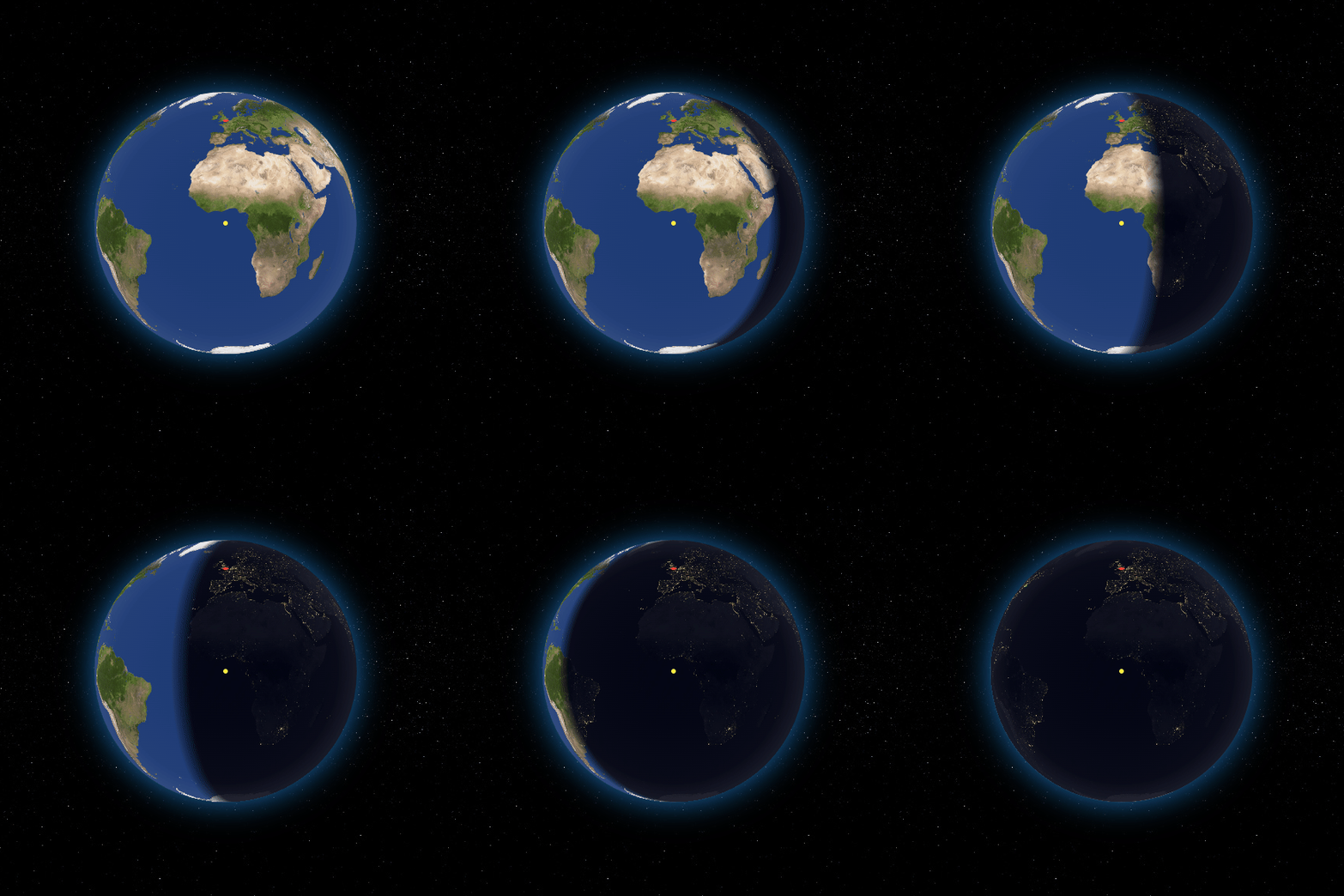
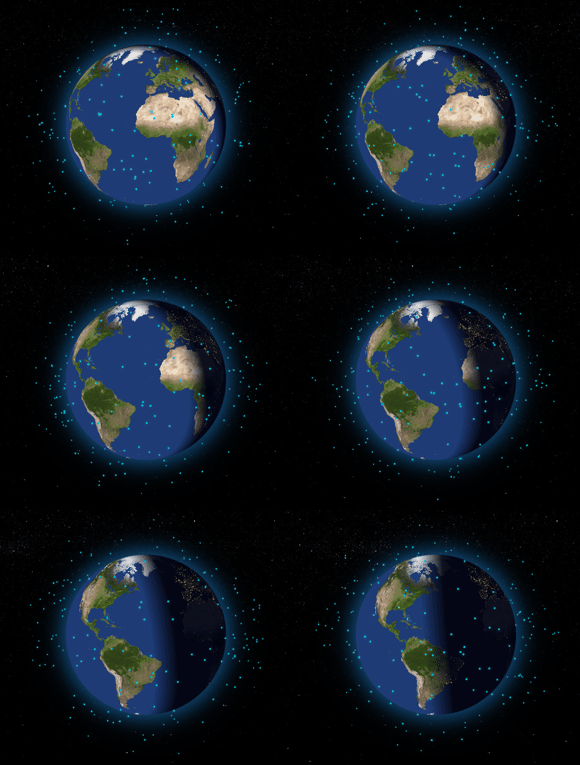
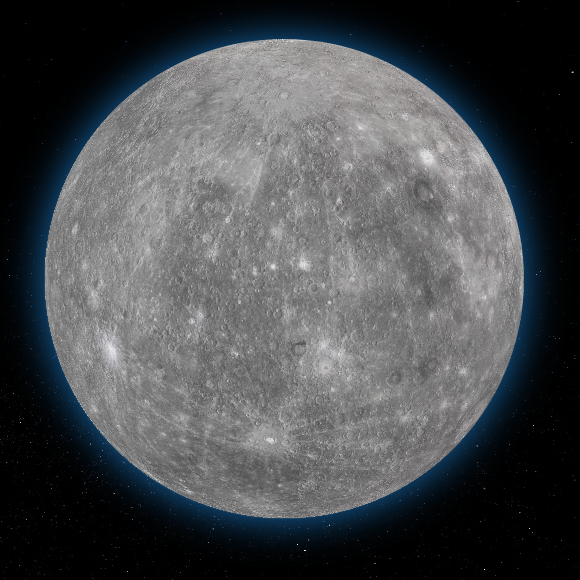
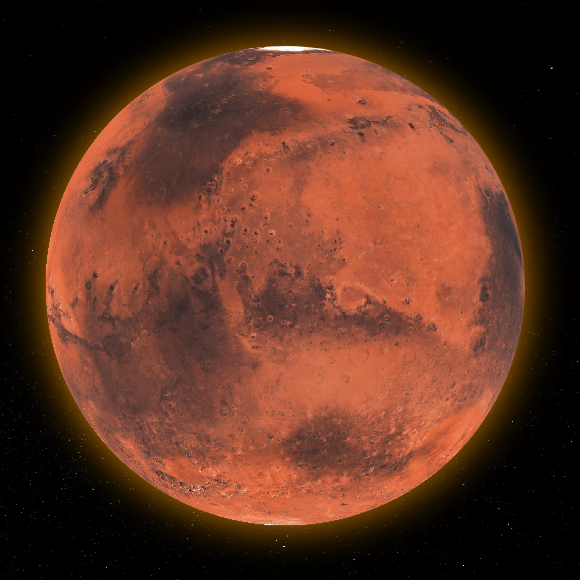
전체적으로 사용자 정의 가능한 3D 상호작용 글로브 위젯으로, Dart로 완전히 구현되어 다양한 플랫폼에서 현실적인 지구 모델을 표시하고 조작할 수 있도록 해줍니다. 이 패키지는 부드러운 회전, 줌, 터치 인터랙션을 지원하여 지리 시각화, 교육 앱 또는 데이터 대시보드에 적합합니다. 네이티브 종속성 없이 순수 Dart를 사용해 크로스플랫폼 호환성을 제공합니다. 글로브는 사용자 정의 텍스처, 조명 및 애니메이션으로 스타일링할 수 있어 창의적인 구현에 유연성을 제공합니다.
사용 사례
지리 데이터 시각화
교육 앱
인터랙티브 지도
여행 및 관광 앱
환경 모니터링 대시보드
주요 기능
순수한 다트 구현
크로스 플랫폼 지원
사용자 정의 텍스처 및 조명
부드러운 터치 기반 상호작용
현실적인 3D 지구 렌더링
사용자 정의 가능한 회전 및 줌
적합한 대상
인터랙티브 지리 정보 도구를 개발하는 개발자
교육자들이 시각적 학습 경험을 만들고 있습니다
몰입형 3D 지구 표시가 필요한 앱
단일 코드베이스로 여러 플랫폼을 대상으로 하는 팀
고려 사항
저사양 기기에서의 높은 성능 요구사항
지구 유사한 구형 모델에 제한됨
웹 배포를 위해 신중한 최적화가 필요합니다
텍스처 크기는 메모리 사용량에 영향을 미칩니다
초기 설정에는 3D 개념에 대한 이해가 필요할 수 있습니다
원본 README
연결된 소스 저장소의 README 원문 스냅샷입니다. 최신 내용은 저장소에서 확인하세요.
Flutter Earth Globe
Overview
Flutter Earth Globe is an interactive 3D sphere widget for Flutter applications. This widget is designed to be easy to use and highly customizable, making it ideal for any application that requires a visually appealing representation of a planet.
Why Flutter Earth Globe?
🎨 Fully Customizable - Every aspect of the globe can be styled: colors, textures, atmosphere, points, connections, satellites, and more
🚀 GPU-Accelerated - Leverages fragment shaders for smooth, high-performance rendering
⚠️ Important: When building or running for web, you must use the --wasm flag for the shaders to work correctly. Without this flag, you may experience rendering issues or strange visual behavior.
# Run for web with WASM
flutter run -d chrome --wasm

# Build for web with WASM
flutter build web --wasm
Quick Start
Here is a basic example of how to integrate the Flutter Earth Globe into your Flutter app:
// Add a point
_controller.addPoint(point);
// Update an existing point
_controller.updatePoint('point-id', label: 'New Label', style: newStyle);
// Remove a point
_controller.removePoint('point-id');
// Clear all points
_controller.clearPoints();
// Get a point by IDPoint? point = _controller.getPoint('point-id');
Connections
Connections are animated arcs between two coordinates on the globe.
_controller.addPointConnection(PointConnection(
id: 'connection-1',
start: constGlobeCoordinates(51.5072, 0.1276), // London
end: constGlobeCoordinates(40.7128, -74.0060), // New York
label: 'London - New York',
isLabelVisible: true,
style: PointConnectionStyle(
type: PointConnectionType.dashed,
color: Colors.cyan,
lineWidth: 2,
dashAnimateTime: 2000,
animateOnAdd: true,
),
));
📖 Connection API Reference
PointConnection Properties
Property
Type
Required
Description
id
String
✅
Unique identifier for the connection
start
GlobeCoordinates
✅
Starting coordinates
end
GlobeCoordinates
✅
Ending coordinates
label
String?
❌
Text label displayed at the midpoint
labelBuilder
Widget Function()?
❌
Custom widget builder for the label
isLabelVisible
bool
❌
Whether to show the label (default: false)
curveScale
double
❌
Height of the arc curve (default: 0.5)
style
PointConnectionStyle
❌
Visual style of the connection
onTap
VoidCallback?
❌
Callback when connection is tapped
onHover
VoidCallback?
❌
Callback when connection is hovered
PointConnectionStyle Properties
Property
Type
Default
Description
type
PointConnectionType
solid
Line type: solid, dashed, or dotted
color
Color
white
Color of the connection line
lineWidth
double
1.0
Width of solid lines
dashSize
double
4.0
Length of dashes
dotSize
double
1.0
Size of dots
spacing
double
8.0
Space between dashes/dots
dashAnimateTime
int
0
Time (ms) for dash to travel the arc (0 = disabled)
We would like to thank all the contributors who have helped make this project a success. Your contributions, big or small, make a significant impact on the development and improvement of this project.
If you would like to contribute, please feel free to fork the repository, make your changes, and submit a pull request.
How to Contribute
Fork the Repository: Click the 'Fork' button at the top right corner of this repository.
Clone Your Fork: Clone your fork to your local machine.
Create a Branch: Create a new branch for your modifications (git checkout -b feature/YourFeature).
Make Your Changes: Make the necessary changes to the project.
Commit Your Changes: Commit your changes (git commit -am 'Add some feature').
Push to the Branch: Push your changes to your branch (git push origin feature/YourFeature).
Open a Pull Request: Go to the repository on GitHub and open a pull request.
We are excited to see your contributions and are looking forward to growing this project with the community!
Support the Library
You can also support the library by liking it on pub, staring in on Github and reporting any bugs you encounter.
License
This project is licensed under the MIT License - see the LICENSE file for details.