연결된 소스 저장소의 README 원문 스냅샷입니다. 최신 내용은 저장소에서 확인하세요.
Flutter Live Activities
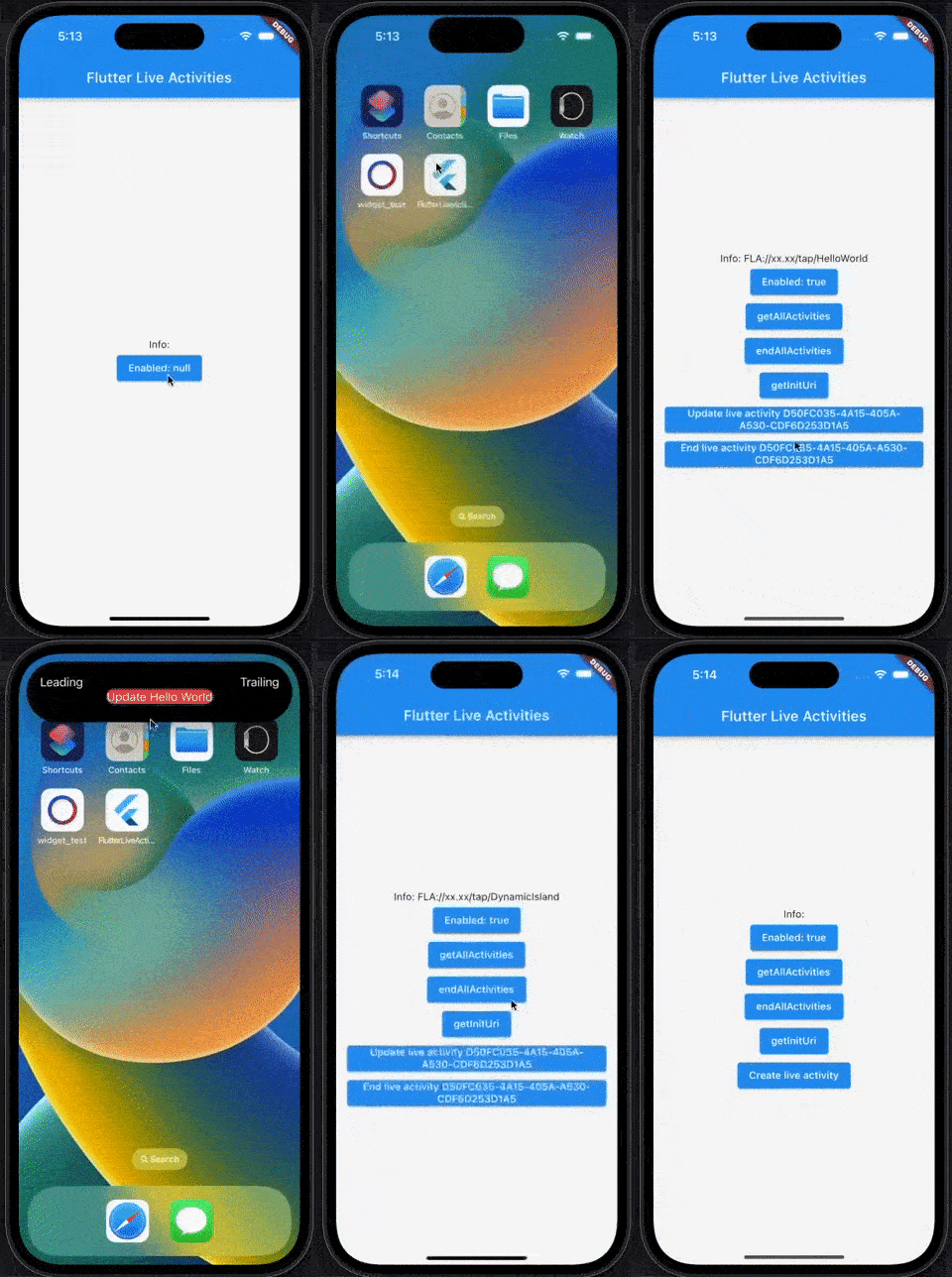
Flutter plugin for Live Activities. Use to create, update and handling action for [DynamicIsland UI] and [Lock screen/banner UI]
English | 中文说明
This plugin requires notification permission
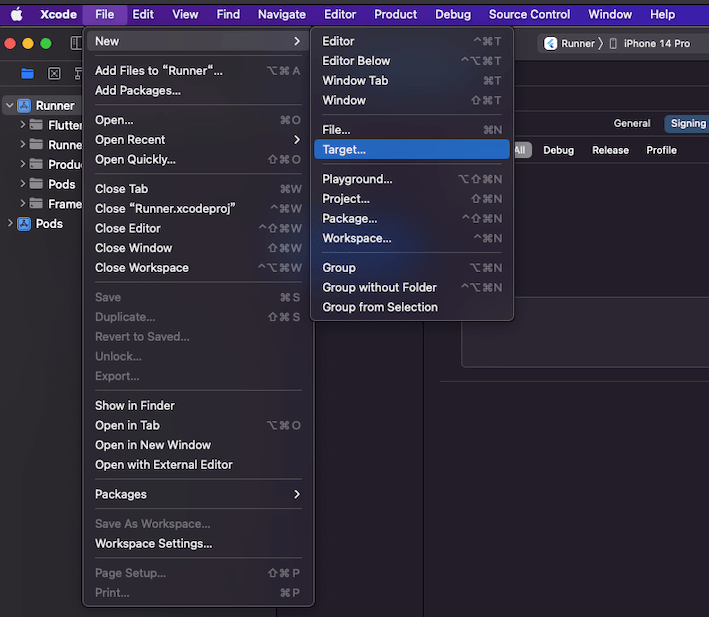
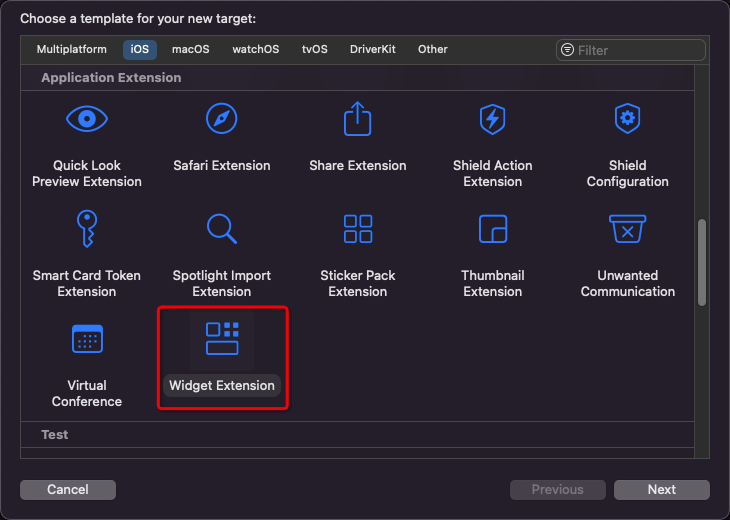
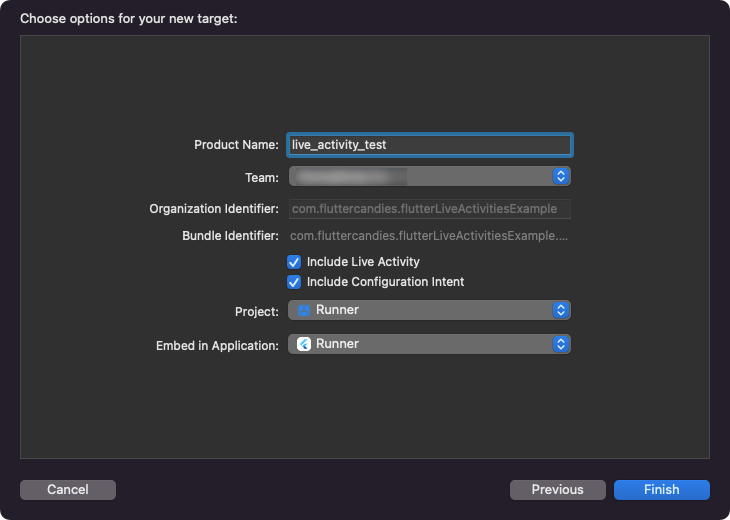
1. Add a Widget to the iOS project
2. Edit Runner/Info.plist and live_activity_test/Info.plist
both add:
<plist version ="1.0" >
<dict >
...
<key > NSSupportsLiveActivities</key >
<true />
...
</dict >
</plist >
3. Create a data channel in widget swift file
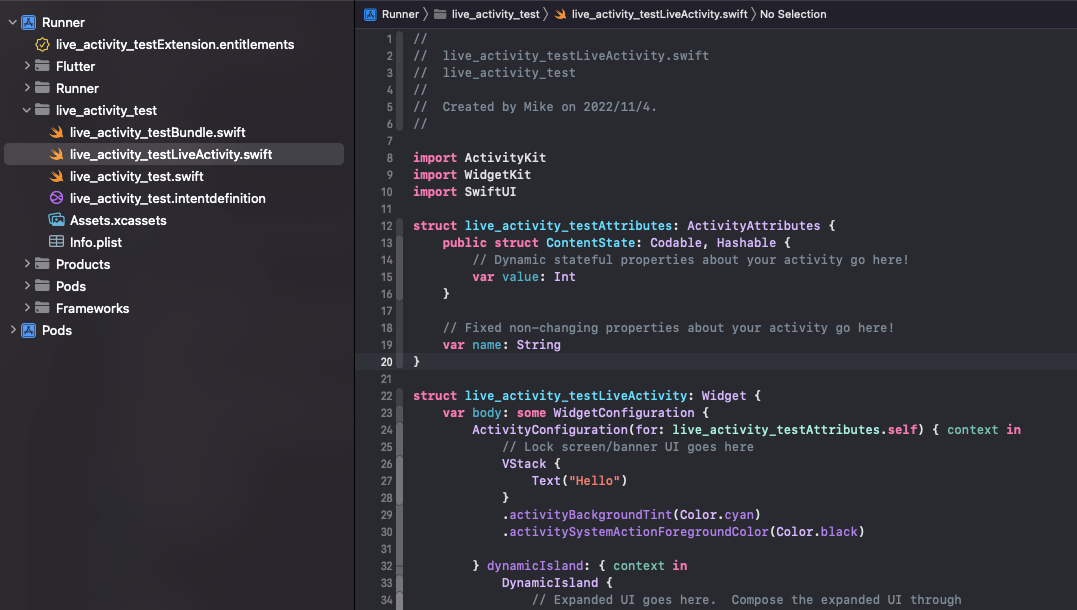
live_activity_test/live_activity_testLiveActivity.swift
import ActivityKit
import SwiftUI
import WidgetKit

// Custom data model
struct TestData {
    var text: String

    init?(JSONData data: [String: String]) {
        self.text = data["text"] ?? ""
    }

    init(text: String) {
        self.text = text
    }
}

// Data channel  <-  Must!
struct FlutterLiveActivities: ActivityAttributes, Identifiable {
    public typealias LiveData = ContentState

    public struct ContentState: Codable, Hashable {
        var data: [String: String]
    }

    var id = UUID()
}

@available(iOSApplicationExtension 16.1, *)
struct live_activity_testLiveActivity: Widget {
    var body: some WidgetConfiguration {
        // Binding
        ActivityConfiguration(for: FlutterLiveActivities.self) { context in

            // Lock screen/banner UI goes here

            // Json to model
            let data = TestData(JSONData: context.state.data)

            // UI
            VStack {
                Text(data?.text ?? "")
            }
            .activityBackgroundTint(Color.cyan)
            .activitySystemActionForegroundColor(Color.black)
        } dynamicIsland: { context in
            // Json to model
            let data = TestData(JSONData: context.state.data)

            // DynamicIsland
            return DynamicIsland {
                // Expanded UI goes here.  Compose the expanded UI through
                // various regions, like leading/trailing/center/bottom
                DynamicIslandExpandedRegion(.leading) {
                    Text("Leading")
                }
                DynamicIslandExpandedRegion(.trailing) {
                    Text("Trailing")
                }
                DynamicIslandExpandedRegion(.bottom) {
                    // Show data from flutter
                    Text(data?.text ?? "")
                }
            } compactLeading: {
                Text("L")
            } compactTrailing: {
                Text("T")
            } minimal: {
                Text("Min")
            }
            .keylineTint(Color.red)
        }
    }
}
For more layout information, please refer to: live activities
4. APIs
import 'package:flutter_live_activities/flutter_live_activities.dart' ;
...
final FlutterLiveActivities _liveActivities = FlutterLiveActivities ();
String ? _activityId;
Check if the Live Activities function is enabled
await _liveActivities.areActivitiesEnabled ();
await _liveActivities.getInitUri ()
_activityId = await _liveActivities.createActivity (<String , String >{'text' : 'Hello World' });
if (_activityId != null ) {
await _liveActivities.updateActivity (_activityId!, <String , String >{'text' : 'Update Hello World' });
}
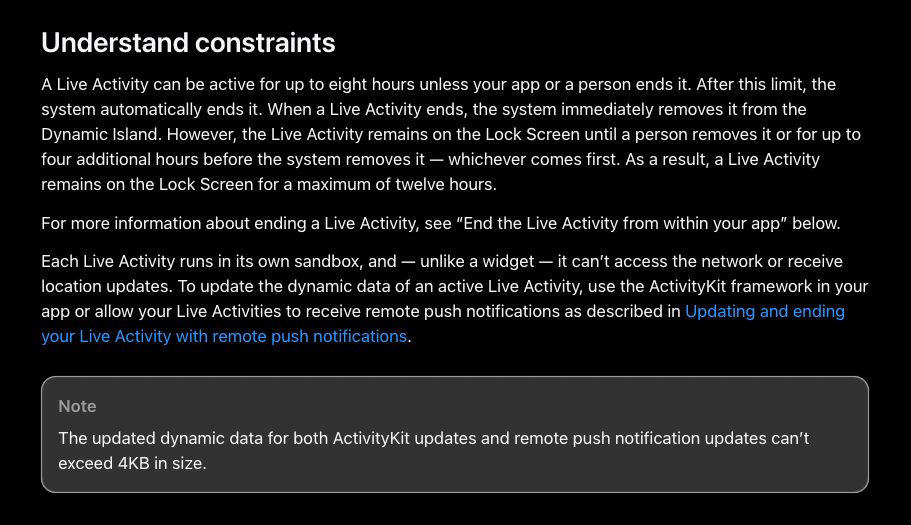
The updated dynamic data for both ActivityKit updates and remote push notification updates can’t exceed 4KB in size. doc
For more solutions, please refer to live_activities
if (_activityId != null ) {
await _liveActivities.endActivity (_activityId!);
}
await _liveActivities.endAllActivities ();
Get all Live Activities id
await _liveActivities.getAllActivities ()
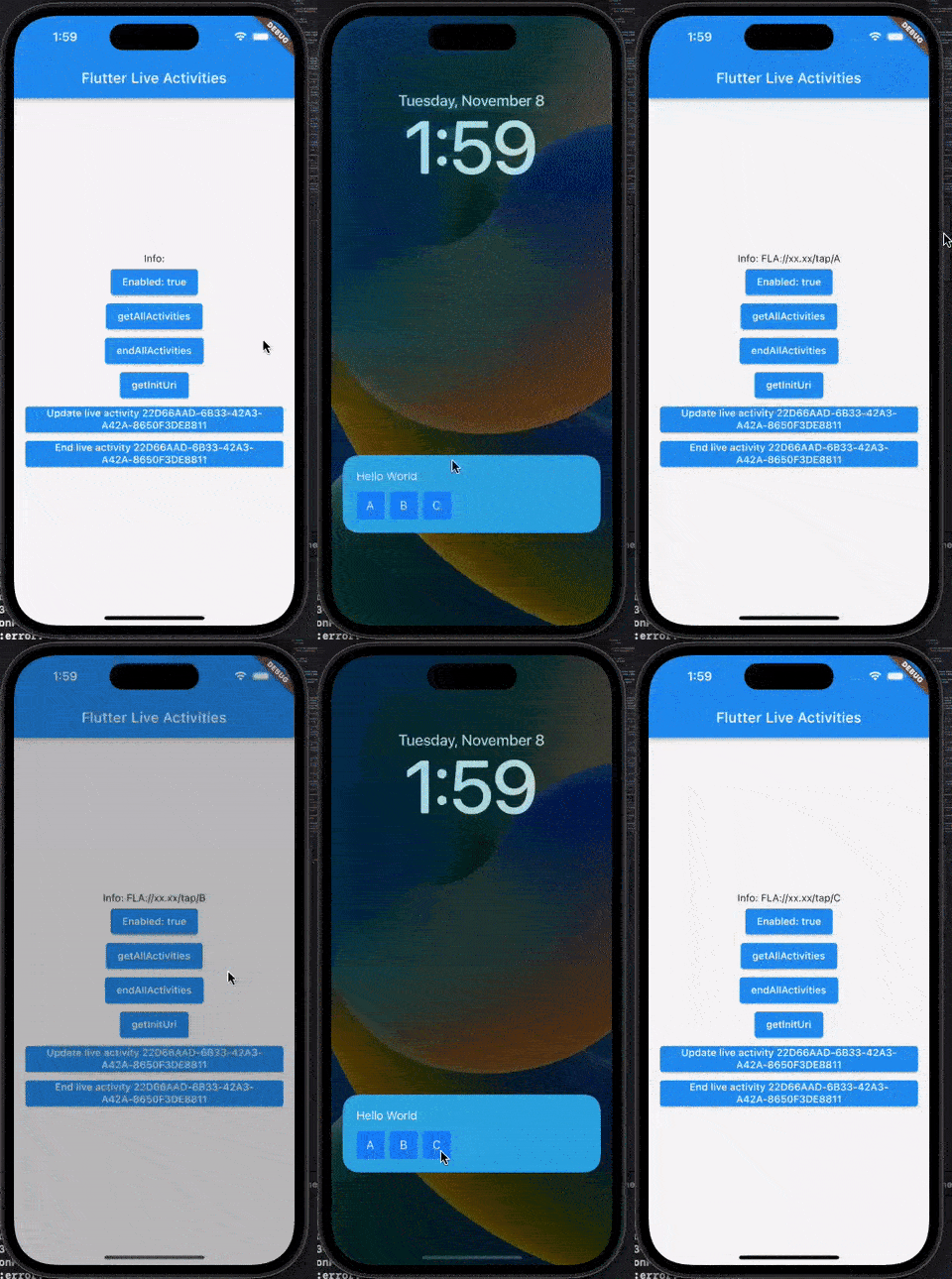
5. Deeplink
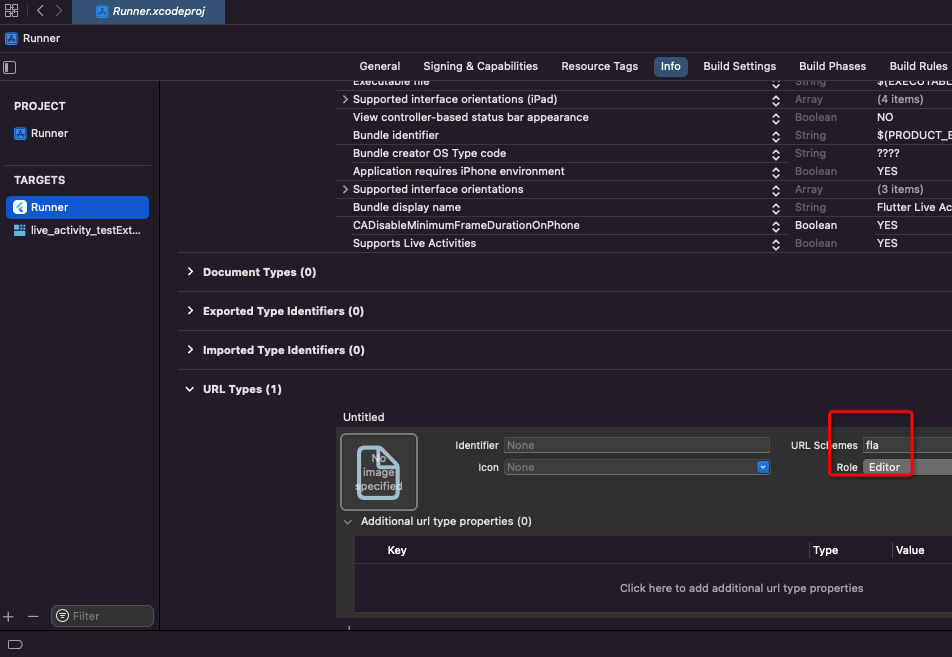
The default urlScheme is fla
FlutterLiveActivities({this.urlScheme = 'fla'})
Add urlScheme in your project
@available(iOSApplicationExtension 16.1, *)
struct live_activity_testLiveActivity: Widget {
    var body: some WidgetConfiguration {
        ActivityConfiguration(for: FlutterLiveActivities.self) { context in
            let data = TestData(JSONData: context.state.data)

            // Lock screen/banner UI goes here

            VStack(alignment: .leading) {
                Text(data?.text ?? "")
                HStack {
                    // Create an action via `Link`
                    Link(destination: URL(string: "fla://xx.xx/tap/A")!) {
                        Text("A")
                            .frame(width: 40, height: 40)
                            .background(.blue)
                    }
                    // Create an action via `Link`
                    Link(destination: URL(string: "fla://xx.xx/tap/B")!) {
                        Text("B")
                            .frame(width: 40, height: 40)
                            .background(.blue)
                    }
                    // Create an action via `Link`
                    Link(destination: URL(string: "fla://xx.xx/tap/C")!) {
                        Text("C")
                            .frame(width: 40, height: 40)
                            .background(.blue)
                    }
                }
                .frame(width: .infinity, height: .infinity)
            }
            .padding(20)
            .activityBackgroundTint(Color.cyan)
            .activitySystemActionForegroundColor(Color.black)

        } dynamicIsland: { context in

            let data = TestData(JSONData: context.state.data)

            return DynamicIsland {
                DynamicIslandExpandedRegion(.bottom) {
                    // Create an action via `Link`
                    Link(destination: URL(string: "fla://xxxxxxx.xxxxxx")!) {
                        Text(data?.text ?? "")
                            .background(.red)
                    }
                }
            } compactLeading: {
                Text("L")
            } compactTrailing: {
                Text("T")
            } minimal: {
                Text("Min")
            }
            .widgetURL(URL(string: "fla://www.apple.com")) // or use widgetURL
            .keylineTint(Color.red)
        }
    }
}
_subscription ??= _liveActivities.uriStream ().listen ((String ? uri) {
dev.log ('deeplink uri: $uri ' );
});
6. Display image
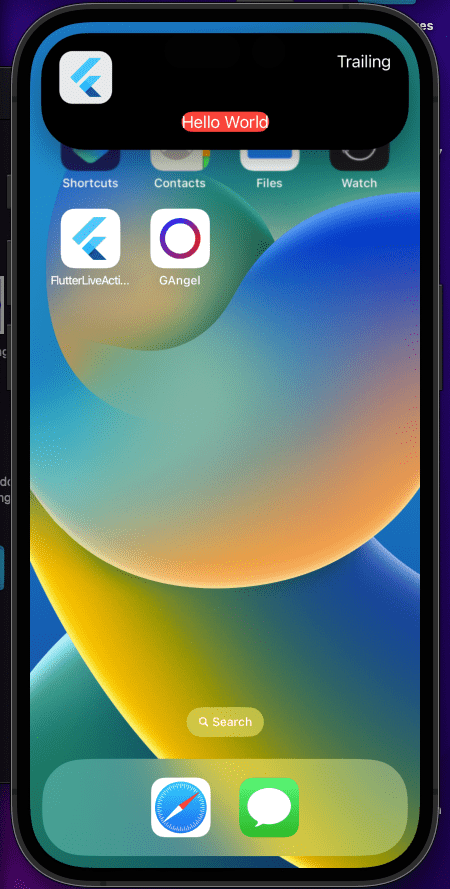
Due to block size limitations. We can't send metadata to LiveActivities
LiveActivities does not support async loading, so we can't use AsyncImage or read local file
Solution from Developer Forums: 716902
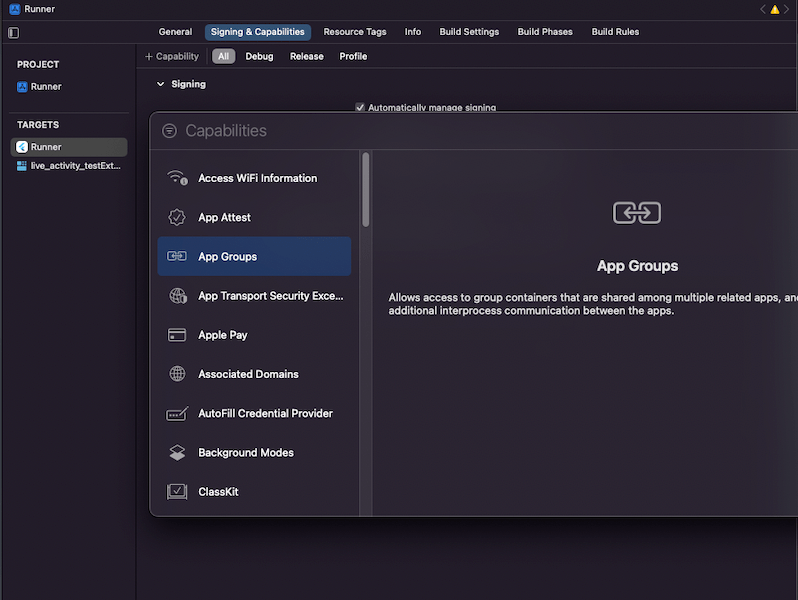
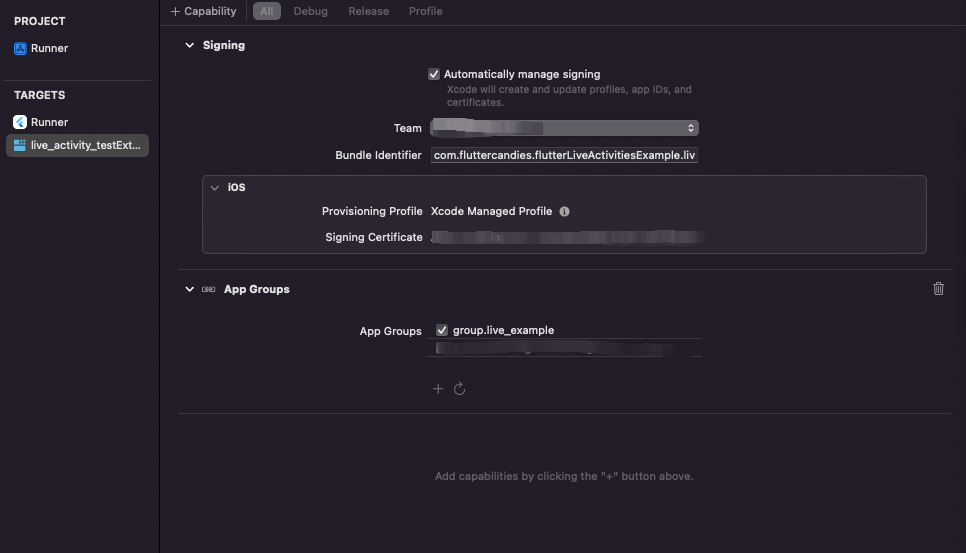
Add group config (Paid account required)
Add group id both Runner and Widget
Dart code:
Future <void > _sendImageToGroup () async {
const String url = 'https://cdn.iconscout.com/icon/free/png-256/flutter-2752187-2285004.png' ;
final String ? path = await ImageHelper .getFilePathFromUrl (url);
if (path != null ) {
_liveActivities.sendImageToGroup (
id: 'test-img' ,
filePath: path,
groupId: 'group.live_example' ,
);
}
}
Swift code:
DynamicIslandExpandedRegion(.leading) {
    if let imageContainer = FileManager.default.containerURL(forSecurityApplicationGroupIdentifier: "group.live_example")?.appendingPathComponent("test-img"), /// Use id here
        let uiImage = UIImage(contentsOfFile: imageContainer.path())
    {
        Image(uiImage: uiImage)
            .resizable()
            .frame(width: 53, height: 53)
            .cornerRadius(13)
    } else {
        Text("Leading")
    }
}