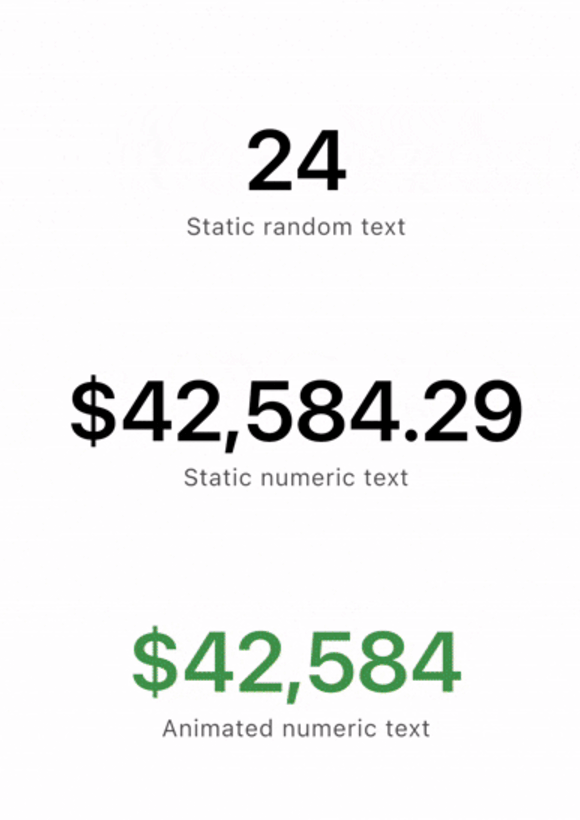
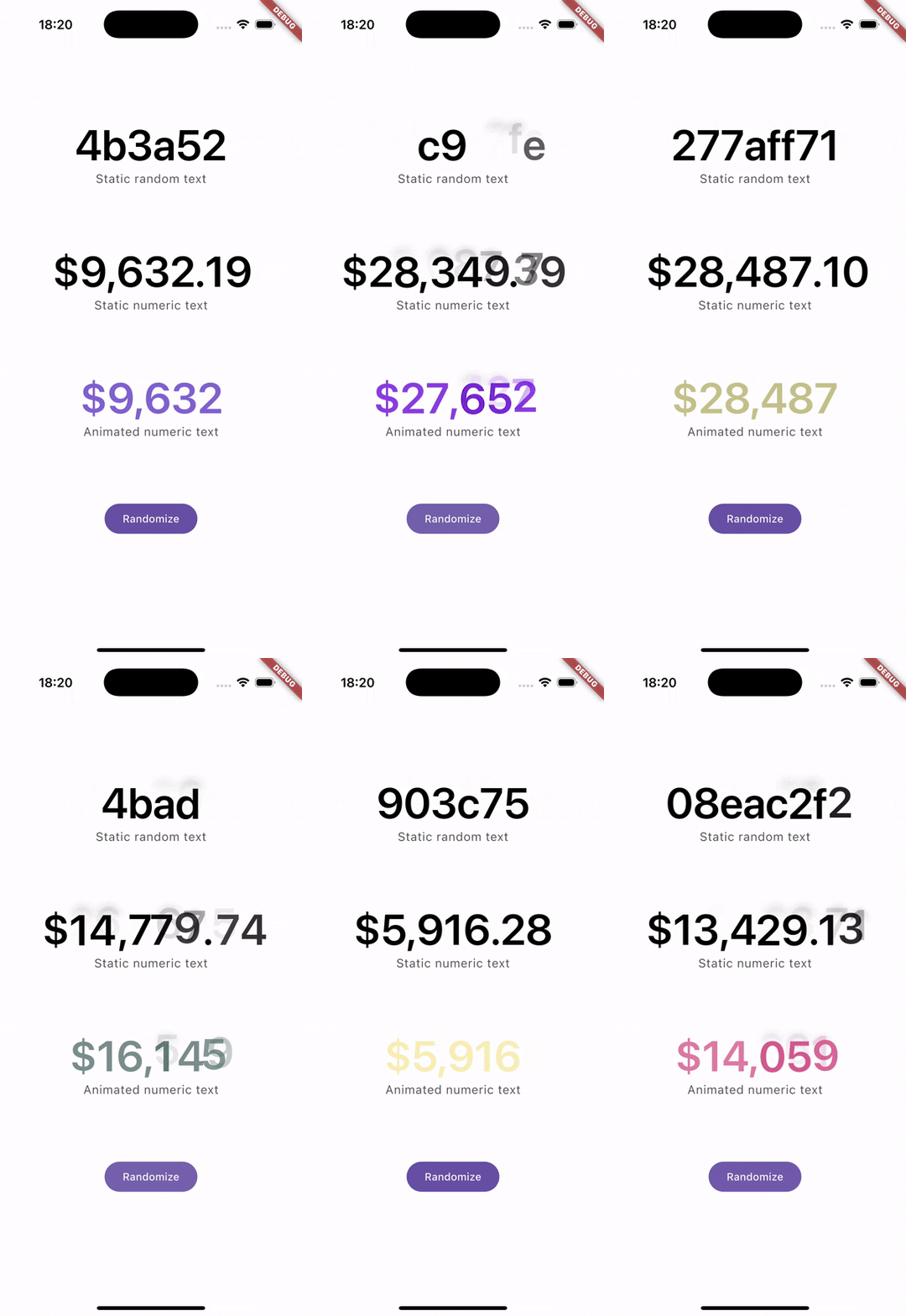
flutter_numeric_text는 텍스트 표시를 위한 부드러운 숫자 애니메이션을 가능하게 하는 Flutter 패키지입니다. 표준 Text 위젯을 애니메이션된 숫자 전환으로 대체하여 카운터, 스코어 또는 시간이 지남에 따라 변화하는 모든 값에 이상적입니다. 위젯은 간단히 Text(data)를 NumericText(data)로 교체하기만 하면 되며, Android, iOS, Web, macOS, Windows, Linux 등 주요 플랫폼을 모두 지원합니다. 최소한의 설정으로 원활한 시각적 경험을 제공하며, 유연한 숫자 업데이트가 필요한 동적 UI 요소에 완벽합니다.
사용 사례
애니메이션 카운터
스코어 표시
동적 데이터 시각화
실시간 숫자 업데이트
인터랙티브 대시보드
주요 기능
부드러운 숫자 애니메이션
간단한 API 대체
크로스 플랫폼 지원
최소 구성
사용자 정의 가능한 속도
자동 숫자 처리
적합한 대상
애니메이션 숫자가 필요한 개발자
UI 디자이너가 대시보드 개선 중
실시간 메트릭을 갖춘 앱
게임화 기능
간단하지만 세련된 애니메이션
고려 사항
숫자 값에만 적합
고주파 업데이트 시 성능에 영향을 미칠 수 있습니다
정수 및 소수로 제한됨
숫자가 아닌 텍스트용이 아님
매우 빠른 업데이트를 위해 신중한 튜닝이 필요합니다
원본 README
연결된 소스 저장소의 README 원문 스냅샷입니다. 최신 내용은 저장소에서 확인하세요.
Text(data) → NumericText(data)
This widget allows you to animate any text. The animation is reminiscent of the text animation in SwiftUI's .numericText(value:). The widget is easy to use and allows you to seamlessly replace Text(data) with NumericText(data).
Features
Automatic text animation
Minimal configuration required to get started
Supports almost all parameters of the Text() widget
No external dependencies required
Usage
import'package:flutter_numeric_text/flutter_numeric_text.dart';
classMyWidgetextendsStatelessWidget{
constMyWidget({super.key});
@overrideWidgetbuild(BuildContext context) {
// Simply add the widget, and when its value changes,// it will automatically trigger the animation.// To use the widget, you only need to provide// a data value, other fields are optional.NumericText(
"12345 or text",
duration: constDuration(milliseconds: 300),
style: constTextStyle(fontSize: 24, color: Colors.black),
textAlign: TextAlign.center,
textDirection: TextDirection.ltr,
locale: constLocale("en", "US"),
softWrap: true,
overflow: TextOverflow.ellipsis,
maxLines: 1,
semanticsLabel: "Numeric value",
);
}
}
With GoogleFonts
...
NumericText(
"12345 or text",
duration: constDuration(milliseconds: 300),
style: GoogleFonts.<your_font>(
fontSize: 24,
color: Colors.black,
// Just a friendly reminder to add the [textStyle] field.// It'll make sure everything calculates correctly.
textStyle: Theme.of(context).textTheme.bodyMedium,
),
);
...
Installation
To use this package, add it to your pubspec.yaml file:
dependencies:flutter_numeric_text:^1.0.0# Replace with the latest version
Contributing
Contributions are welcome! If you have suggestions for improvements or find bugs, please open an issue or submit a pull request.
License
This project is licensed under the MIT License. See the LICENSE file for details.