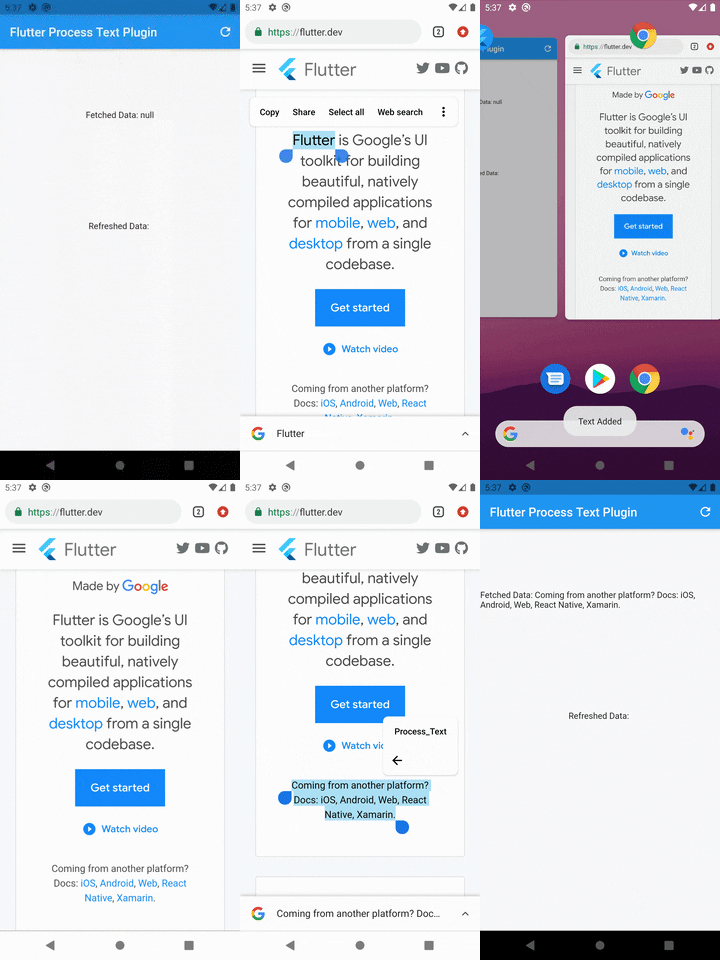
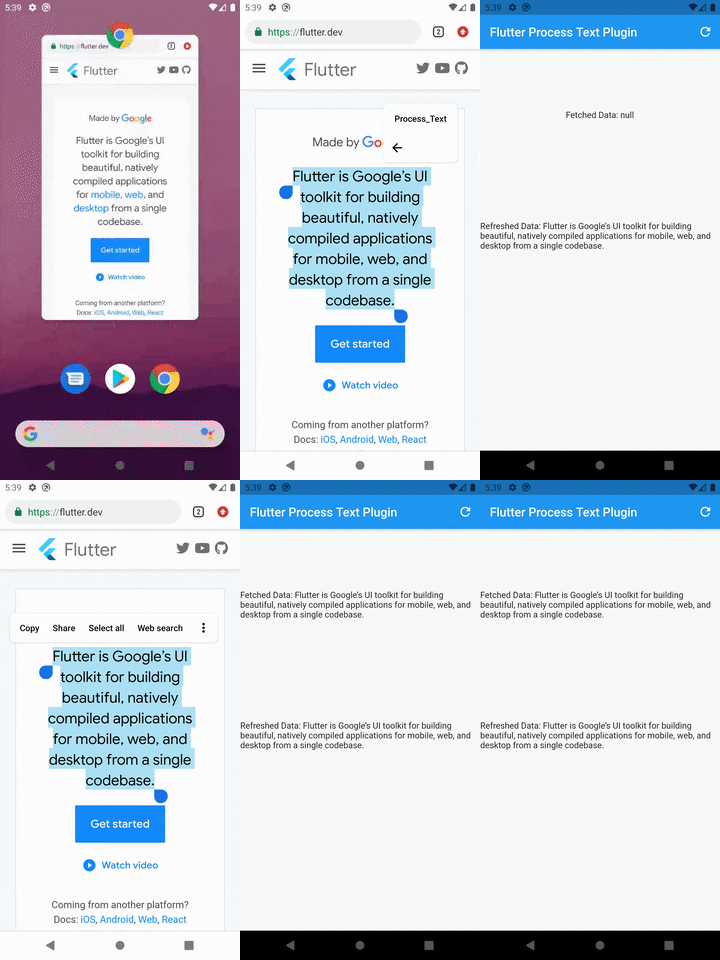
프로세스 텍스트 스트림을 수신할 수 있도록 해주는 플러터 플러그인으로, 외부 소스로부터 지속적인 인텐트 데이터를 앱이 받을 수 있게 합니다. 안드로이드와 iOS용으로 설계되어 시스템 레벨의 텍스트 처리 워크플로우와 원활하게 통합되도록 합니다. 실시간으로 텍스트 인텐트를 캡처하여 클립보드 모니터링, 텍스트 공유 또는 다른 앱의 텍스트 출력과의 통합과 같은 사용 사례에 적합합니다. 단순성과 크로스플랫폼 호환성을 고려해 개발되었으며, 개발자가 들어오는 텍스트 스트림에 접근할 수 있는 간단한 API를 제공합니다.
Note: You may change the android:name from ProcessTextActivity to anything you want. also change the android:label from Process_Text to the process action text that you want to display.
Step 3: Create new activity class
Create a new Java/Kotlin file with the same name as android:name in step 2.
Copy the below code and paste in the newly created file.
package com.divyanshushekhar.flutter_process_text_example;

import com.divyanshushekhar.flutter_process_text.FlutterProcessTextPlugin;
import io.flutter.embedding.android.FlutterActivity;
import android.os.Bundle;

public class ProcessTextActivity extends FlutterActivity {

    @Override
    public void onCreate(Bundle savedInstanceState) {
        super.onCreate(savedInstanceState);
        boolean issAppRunning = MainActivity.getIsAppRunning();
        FlutterProcessTextPlugin.listenProcessTextIntent(issAppRunning);
    }
}
Note: Don't forget to change the package name in the above code.
Step 4: Changes in MainActivity
Make the necessary changes in the MainActivity class.
package com.divyanshushekhar.flutter_process_text_example;

import io.flutter.embedding.android.FlutterActivity;

import android.app.ActivityManager;
import android.content.Context;
import android.os.Bundle;
import java.util.List;

public class MainActivity extends FlutterActivity {
   private static boolean isAppRunning;

   public static boolean getIsAppRunning() {
     return isAppRunning;
   }

   @Override
   public void onCreate(Bundle savedInstanceState) {
       super.onCreate(savedInstanceState);
        isAppRunning = isAppRunning(this);
   }

    public static boolean isAppRunning(Context context) {
        final String packageName = context.getPackageName();
        final ActivityManager activityManager = (ActivityManager) context.getSystemService(Context.ACTIVITY_SERVICE);
        final List<ActivityManager.RunningAppProcessInfo> processInfo = activityManager.getRunningAppProcesses();
        if (processInfo != null)
        {
            for (final ActivityManager.RunningAppProcessInfo info : processInfo) {
                if (info.processName.equals(packageName)) {
                    return true;
                }
            }
        }
        return false;
    }
}
Step 5: Connect to flutter
First thing you need to do is to call the initialize method from the FlutterProcessText class in the initState() {} of the page.
There are two ways to work with stream, either create a StreamSubscription to listen for the incoming data or store the Stream and use it in StreamBuilder.