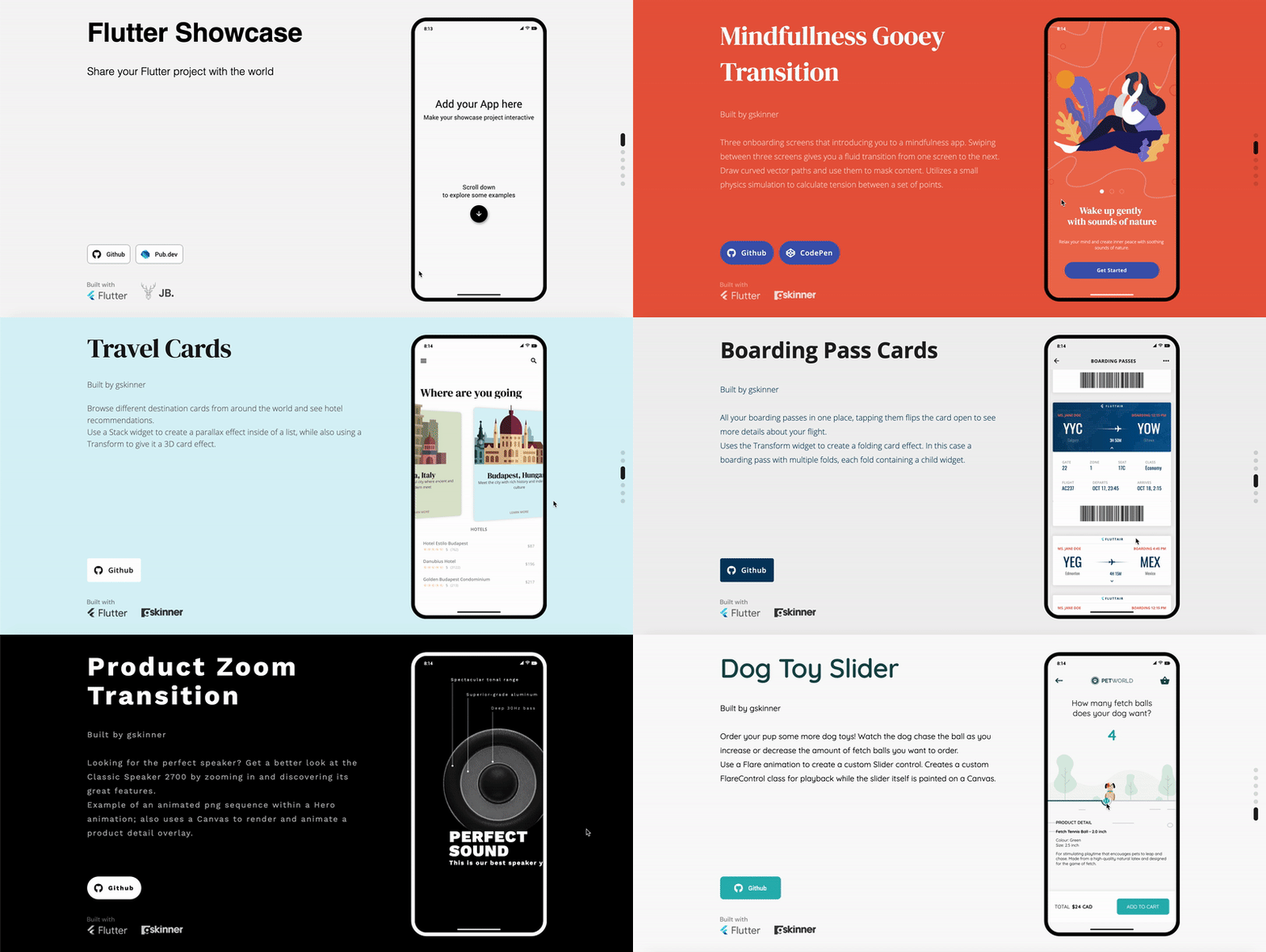
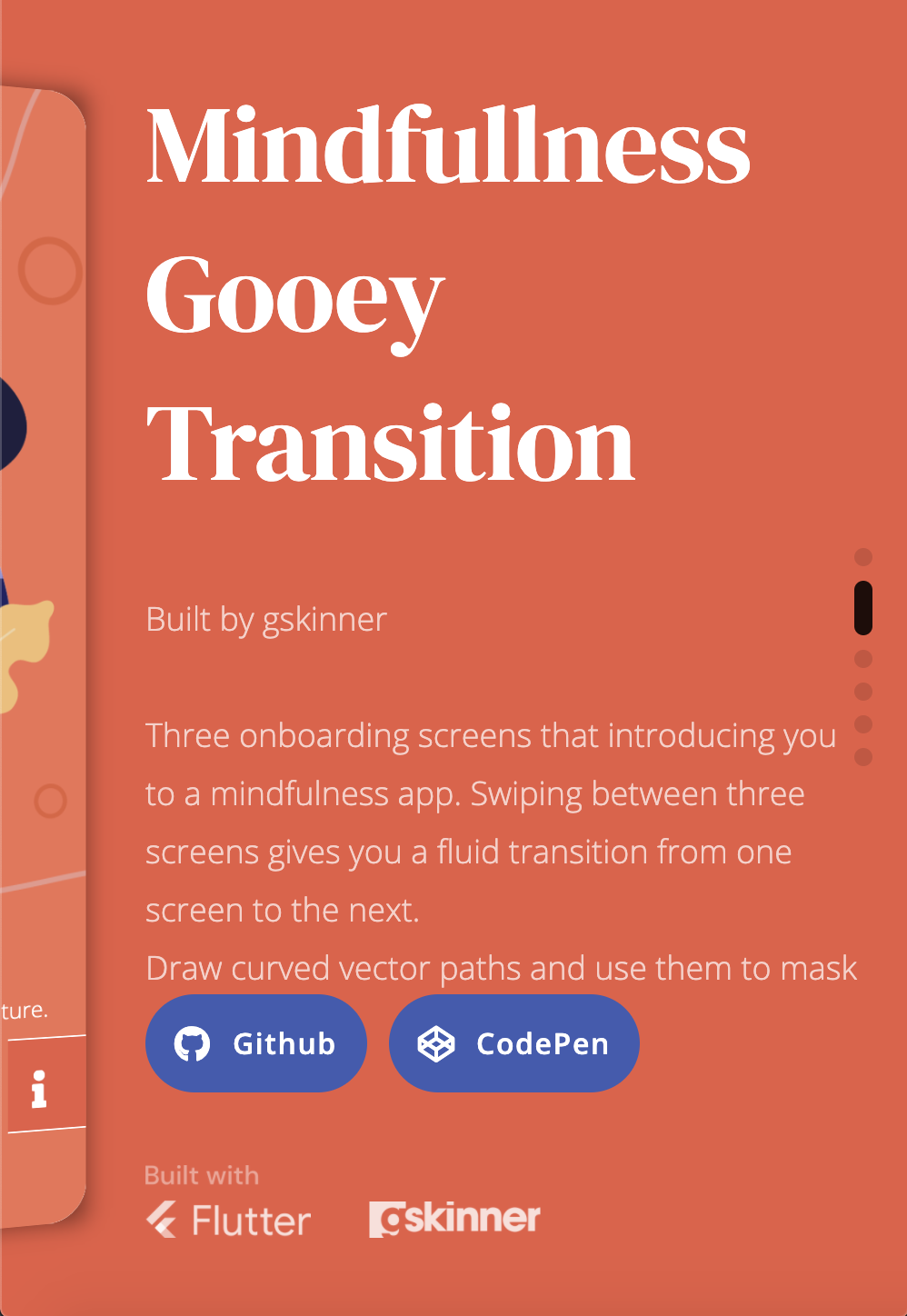
Flutter Showcase는 Flutter 프로젝트를 다른 사람들과 빠르고 쉽게 공유할 수 있도록 설계된 가벼운 패키지입니다. 개발자들이 앱의 상호작용 가능하고 임베드 가능한 미리보기를 생성할 수 있게 해주며, 사용자가 프로젝트를 복제하거나 빌드할 필요 없이 기능을 간단히 보여줄 수 있습니다. 웹사이트, 포트폴리오 또는 문서에서 소개하기에 적합하며 실시간 상호작용과 시각적 피드백을 지원합니다. 기존의 Flutter 워크플로우와 원활하게 통합되며 속도와 단순함을 중시합니다.
사용 사례
온라인에서 앱 데모 공유하기
포트폴리오에 있는 프로젝트를 전시
문서에서 UI/UX 보여주기
프레젠테이션 중 앱 소개하기
빠르게 상호작용 가능한 미리보기 생성
주요 기능
Flutter와의 간편한 통합
인터랙티브 앱 미리보기
빠른 설정 및 배포
삽입 가능한 웹 뷰
필수 구성 최소화
적합한 대상
개발자들이 프로젝트를 공유하고 있습니다
UI/UX 디자이너
오픈소스 기여자
교육자들이 앱을 시연하고 있습니다
포트폴리오 빌더
고려 사항
웹 기반 미리보기에 한정
오프라인 모드 없음
실시간 데모를 위해 인터넷 연결이 필요합니다
생산용 앱에는 적합하지 않음
사용자 정의 표시를 위해 추가 스타일링이 필요할 수 있습니다
원본 README
연결된 소스 저장소의 README 원문 스냅샷입니다. 최신 내용은 저장소에서 확인하세요.
Flutter Showcase
A simple, fast and easy way to share you flutter project or mockups with the world. Demo
Intro
Flutter Showcase is a project that helps you share flutter your project online.
While building your project as a website is enough, this package aims to empower your demo.
You can can have different appareances, actionable links and social metadata.
Flutter Showcase is only displayed when building the web project. When compiling to other platforms your project will still look as before.
Right now there is only SimpleTemplate
but the goal is to provide multiple options to share your project so you can choose the one that
fits for you.
Choose the template you perfer from the class Templates.
Add actianable links
Showcase(
  // Add LinkData.github, LinkData.pub or create your custom LinkData()
  links: [
    LinkData.github(
      'https://github.com/jamesblasco/flutter_showcase'),
    LinkData.pub(
    'https://github.com/jamesblasco/flutter_showcase')
  ],
  //Add your brand logo next to the Flutter logo
  logoLink: LinkData(
      icon: Image.asset('assets/jaime_logo.png',
          fit: BoxFit.fitHeight),
      url: 'https://github.com/jamesblasco')
)
Flutter web is still limited, some features are not available and performance can be a bit low sometimes
While most of the ui packages work on web, there are some packages that won't work or will not allow to compile the app
Creating a mobile frame inside a Flutter web app makes the global positions from gestures to be a reference for the whole screen and not the framed app, this might cause problems if you are using globalPosition in any GestureDetector or more advanced Widgets
Autogenerate social media tags - Experimental
CAUTION! This feature is still experimental; It generates a new index.html, if you add your own js scrips (as Firebase) it won't work for now.
This projects aims to generate social media tags title, description, url and image for your Flutter project so
you don't have to do it.
A WebDriver is needed for making a screenshot of the project
For the experimental version I am using ChromeDriver.
Github Actions have ChromeDriver installed by default 🎉
Local instalation:
Mac users with Homebrew installed: brew tap homebrew/cask && brew cask install chromedriver
Debian based Linux distros: sudo apt-get install chromium-chromedriver
Windows users with Chocolatey installed: choco install chromedriver