패키지, 저장소 및 앱 카테고리 검색

flutter_splash_screen 표지
패키지 상세v4.0.0

flutter_splash_screen

Flutter용 스플래시 화면 API로 프로그래밍적으로 스플래시 화면을 숨기고 표시할 수 있습니다. Android 및 iOS에서 작동합니다.

AndroidiOS
30일 다운로드
193
좋아요
70
Pub 점수
140

패키지 설치

flutter pub add flutter_splash_screen

패키지 개요

공개 정보를 바탕으로 생성한 선택 가이드입니다.

안드로이드 및 iOS에서 스플래시 화면을 제어하기 위한 프로그래밍 API를 제공하는 플러터 패키지입니다. 앱 시작 중에 스플래시 화면을 동적으로 표시하고 숨길 수 있어 부드러운 전환과 사용자 정의 스플래시 로직을 가능하게 합니다. 네이티브 플랫폼과 원활하게 통합되며, 추가 구성 없이 iOS와 안드로이드 모두를 지원합니다. 앱 상태에 따라 스플래시 화면을 조건부로 처리하거나 지연 표시가 필요한 앱에 적합합니다.

사용 사례

  • 다이나믹 스플래시 제어
  • 앱 초기화 지연
  • 조건부 스플래시 표시
  • 온보딩 통합
  • 사용자 지정 스플래시 전환
  • 로그인 후 스플래시 관리

주요 기능

  • 프로그래머틱 표시/숨기기
  • Android 및 iOS 지원
  • 최소 설정
  • 네이티브 플랫폼 통합
  • 추가 구성이 필요하지 않습니다
  • 스무딩 전환 처리

적합한 대상

  • 온보딩 흐름이 있는 앱
  • 지연된 스플래시가 필요한 앱
  • 개발자가 스플래시 시간을 관리하고 있습니다
  • 크로스 플랫폼 스플래시 필요
  • 복잡한 시작 로직을 가진 앱

고려 사항

  • 완전한 기능을 위해 네이티브 플랫폼 설정이 필요합니다
  • 시작 화면만 제한
  • 복잡한 UI 오버레이에 적합하지 않습니다
  • 맞춤형 디자인을 위해 추가 스타일링이 필요할 수 있습니다
  • 정확한 초기화 순서에 의존합니다

원본 README

연결된 소스 저장소의 README 원문 스냅샷입니다. 최신 내용은 저장소에서 확인하세요.

flutter_splash_screen

Download PRs Welcome flutter_splash_screen release License MIT RN

A splash screen API for flutter which can programatically hide and show the splash screen. Works on Android and iOS.

Content

Changes

Examples

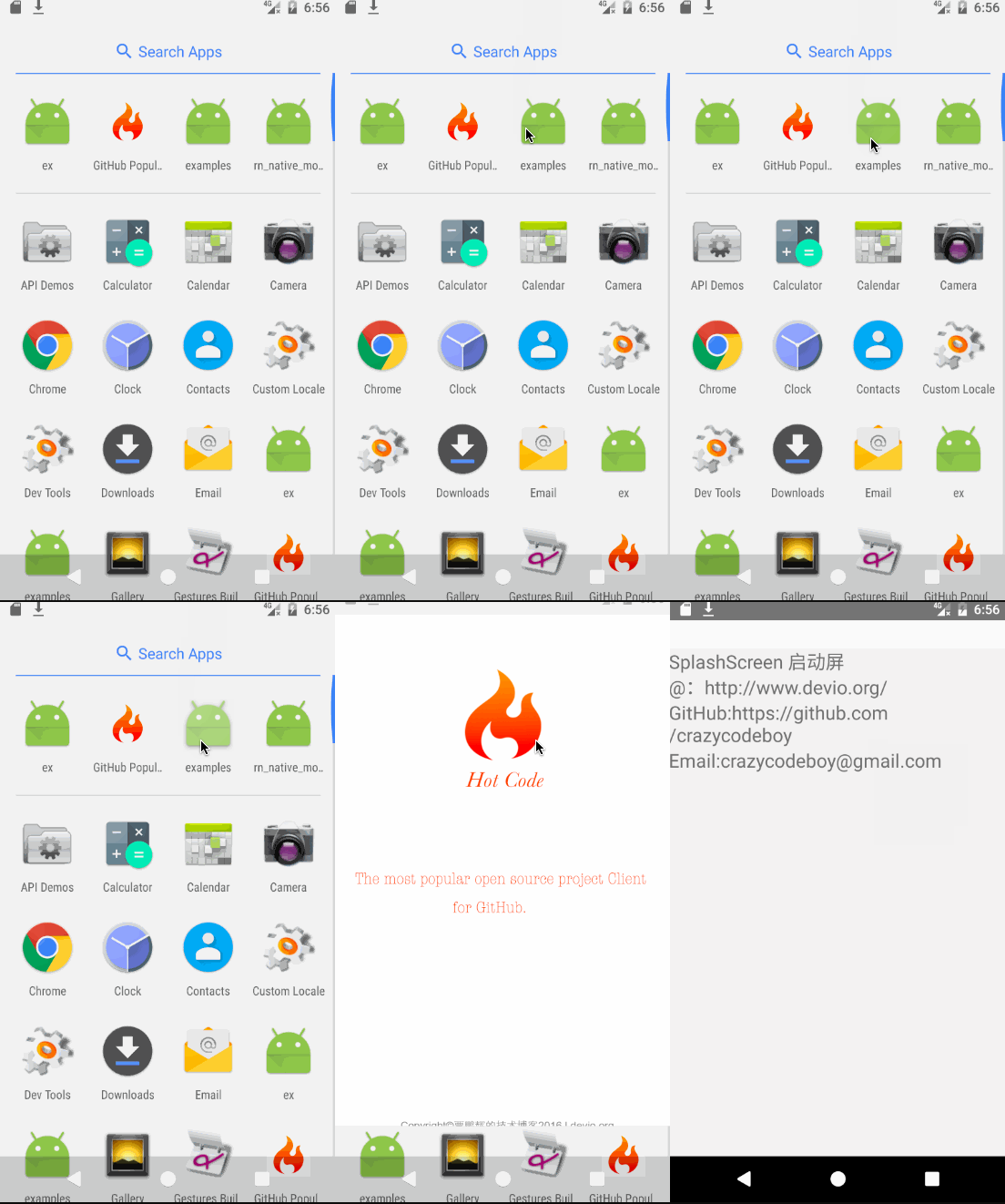
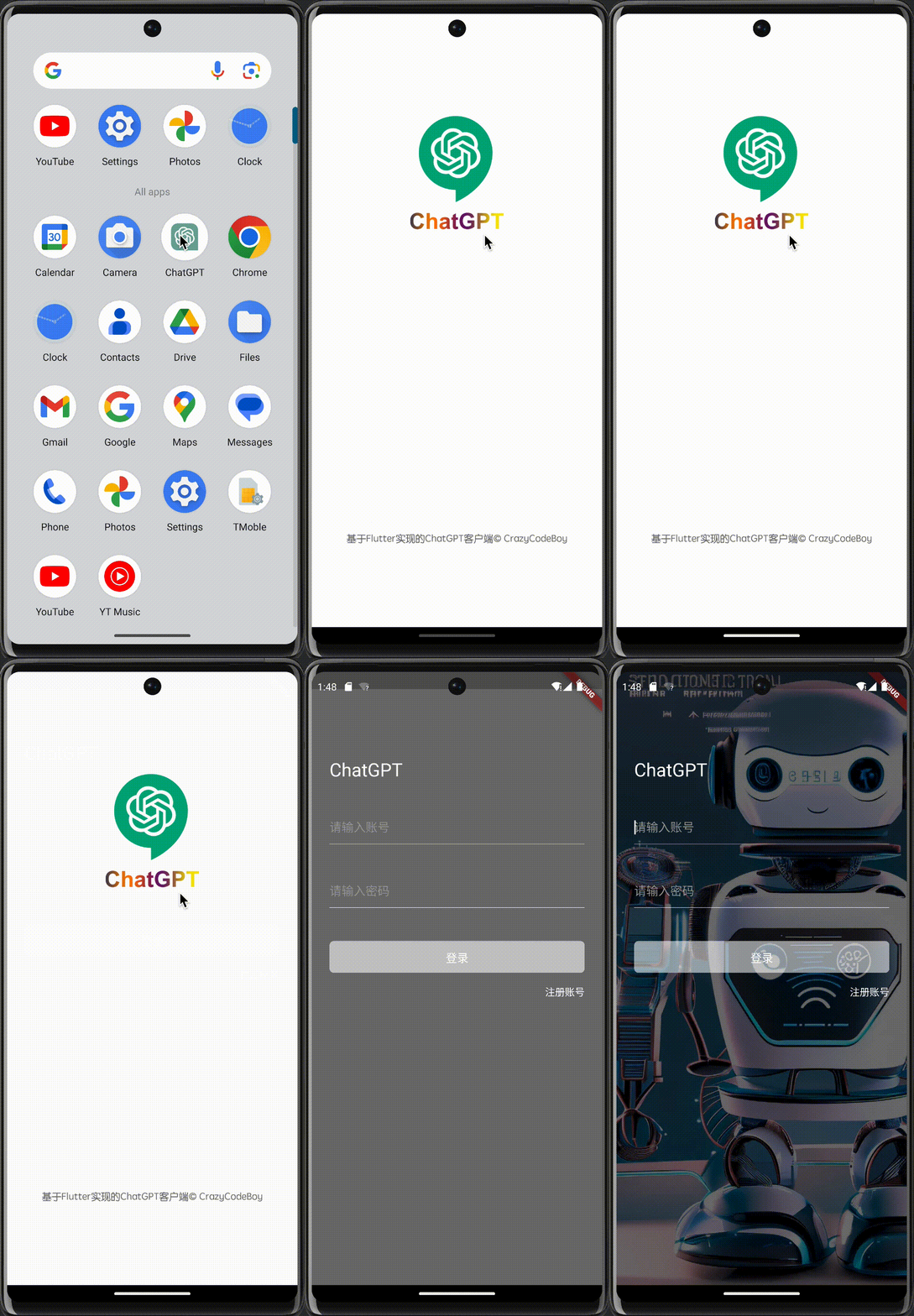
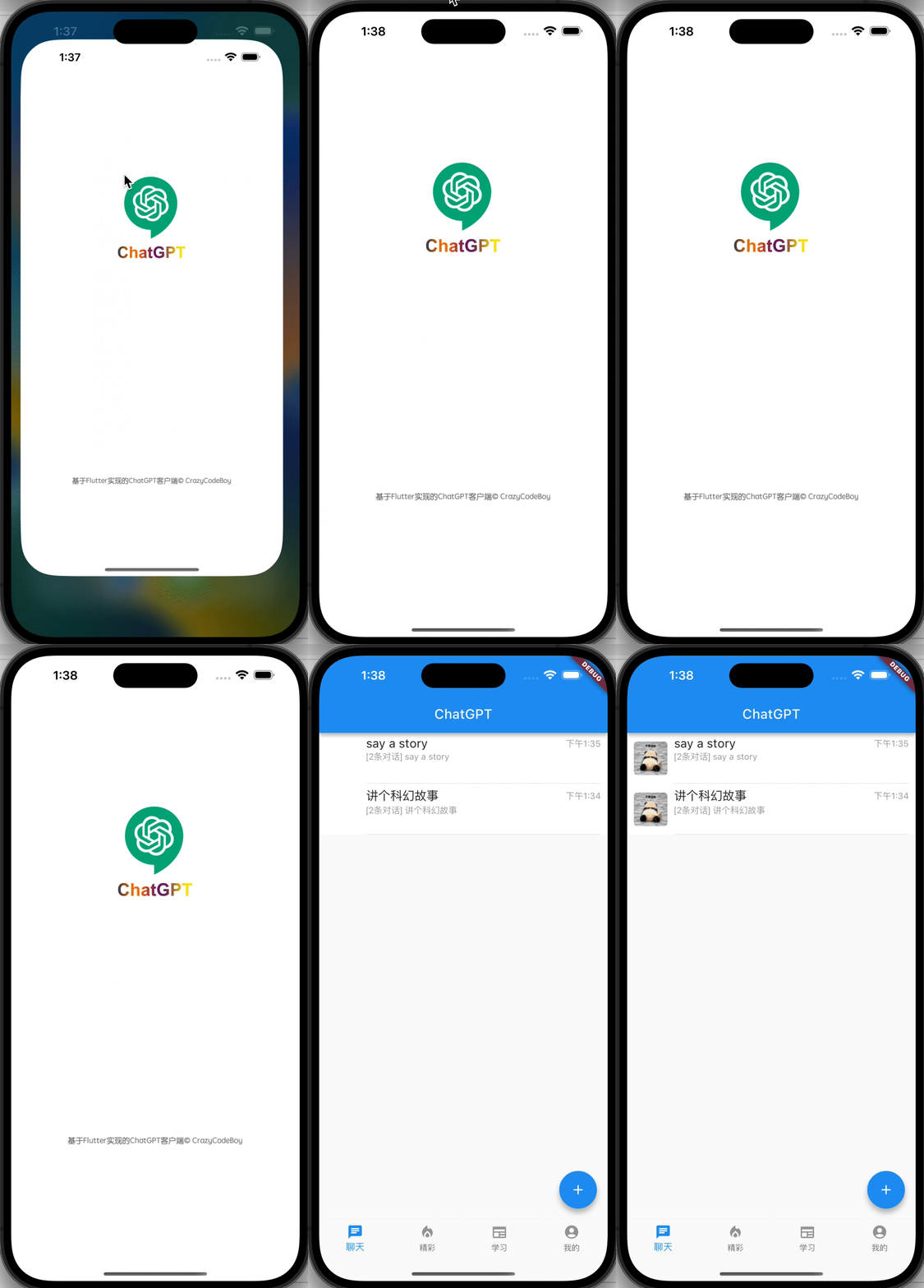
Screenshots Screenshots
flutter_splash_screen-Android flutter_splash_screen-iOS

1. Installation

Depend on it

Run this command:

flutter pub add flutter_splash_screen

2. Plugin Configuration

Android
Update the MainActivity.kt

Update the MainActivity.kt to use flutter_splash_screen via the following changes:

package org.devio.flutter.splashscreen.example

import android.os.Bundle
import io.flutter.embedding.android.FlutterActivity

import org.devio.flutter.splashscreen.SplashScreen // add

class MainActivity : FlutterActivity() {
    override fun onCreate(savedInstanceState: Bundle?) {
        // SplashScreen.show(this) 
        // or enable full screen
        SplashScreen.show(this, true)
        super.onCreate(savedInstanceState)
    }
}
Create launch_screen.xml file

Create a file called launch_screen.xml in app/src/main/res/layout (create the layout-folder if it doesn't exist). The contents of the file should be the following:

<?xml version="1.0" encoding="utf-8"?>
<FrameLayout xmlns:android="http://schemas.android.com/apk/res/android"
    android:layout_width="match_parent" android:layout_height="match_parent"
    android:background="@android:color/white">

    <ImageView android:layout_width="match_parent" android:layout_height="match_parent"
        android:layout_gravity="center|top" android:scaleType="centerCrop"
        android:src="@mipmap/launch_screen" />
</FrameLayout>

Customize your launch screen by creating a launch_screen.png-file and placing it in an appropriate mipmap-folder. Android automatically scales drawable, so you do not necessarily need to provide images for all phone densities. You can create splash screens in the following folders:

  • mipmap-ldpi
  • mipmap-mdpi
  • mipmap-hdpi
  • mipmap-xhdpi
  • mipmap-xxhdpi
  • mipmap-xxxhdpi

Add a color called primary_dark in app/src/main/res/values/colors.xml

<?xml version="1.0" encoding="utf-8"?>
<resources>
    <color name="primary_dark">#000000</color>
</resources>

Optional steps:

If you want the splash screen to be transparent, follow these steps.

Open android/app/src/main/res/values/styles.xml and add <item name="android:windowIsTranslucent">true</item> to the file. It should look like this:


<resources>
    <!-- Base application theme. -->
    <style name="AppTheme" parent="Theme.AppCompat.Light.NoActionBar">
        <!-- Customize your theme here. -->
        <!--设置透明背景-->
        <item name="android:windowIsTranslucent">true</item>
    </style>
</resources>

To learn more see examples

If you want to customize the color of the status bar when the splash screen is displayed:

Create android/app/src/main/res/values/colors.xml and add

<?xml version="1.0" encoding="utf-8"?>
<resources>
    <color name="status_bar_color"><!-- Colour of your status bar here --></color>
</resources>

Create a style definition for this in android/app/src/main/res/values/styles.xml:

<?xml version="1.0" encoding="utf-8"?>
<resources>
    <style name="SplashScreenTheme" parent="SplashScreen_SplashTheme">
        <item name="colorPrimaryDark">@color/status_bar_color</item>
    </style>
</resources>

Change your show method to include your custom style:

SplashScreen.show(this,R.style.SplashScreenTheme);
iOS

Customize your splash screen via LaunchScreen.storyboard,

Learn more to see examples

Usage

Use like so:

import 'dart:async';

import 'package:flutter/material.dart';
import 'package:flutter_splash_screen/flutter_splash_screen.dart';

void main() => runApp(MyApp());

class MyApp extends StatefulWidget {
  @override
  _MyAppState createState() => _MyAppState();
}

class _MyAppState extends State<MyApp> {
  @override
  void initState() {
    super.initState();
    hideScreen();
  }

  ///hide your splash screen
  Future<void> hideScreen() async {
    Future.delayed(Duration(milliseconds: 1800), () {
      FlutterSplashScreen.hide();
    });
  }

  ...

API

Method Type Optional Description
show() function false Open splash screen (Native Method )
hide() function false Close splash screen

Testing

Contribution

Issues are welcome. Please add a screenshot of you bug and a code snippet. Quickest way to solve issue is to reproduce it in one of the examples.

Pull requests are welcome. If you want to change the API or do something big it is best to create an issue and discuss it first.


MIT Licensed

카테고리

소스 저장소

이 패키지를 사용하는 프로젝트